



 Shopping Cart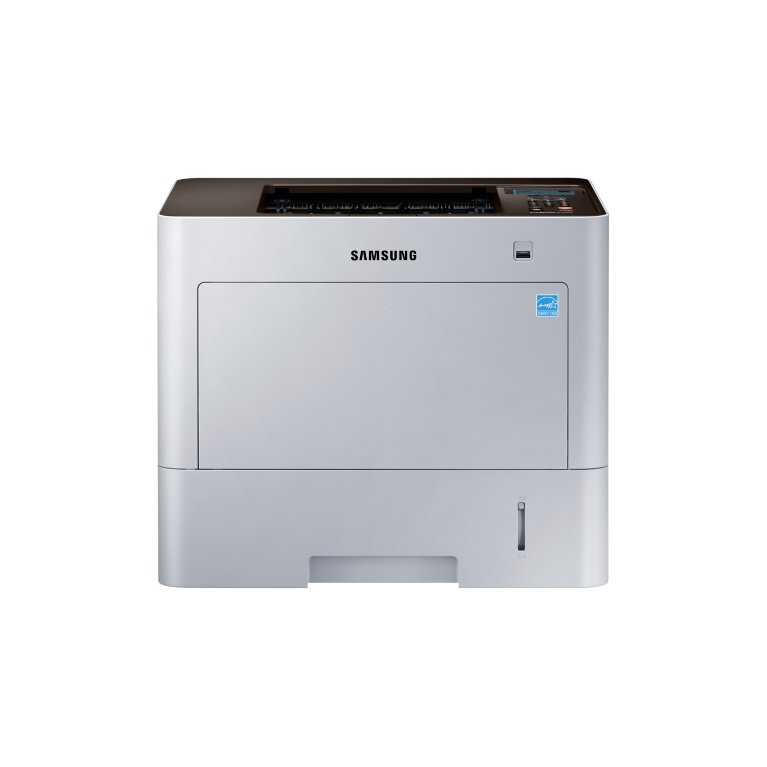




*** ALL TONERS AND SUPPLIES ARE IN STOCK AT DISCOUNTED PRICING , CALL +18882983095..
Printers do not include supplies - toners , drums (Imaging Units) (where applicable) , printer cables , manuals , consumables , trays (where applicable). Power cables are included. Drivers can be downloaded at www.hp.com. Please verify that drivers available are compatible with your software on HP’s site.
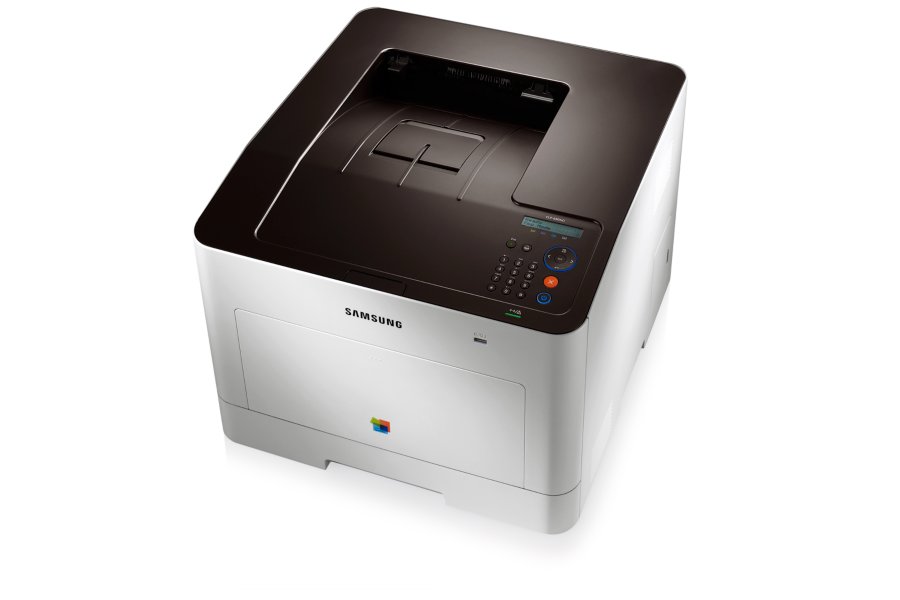
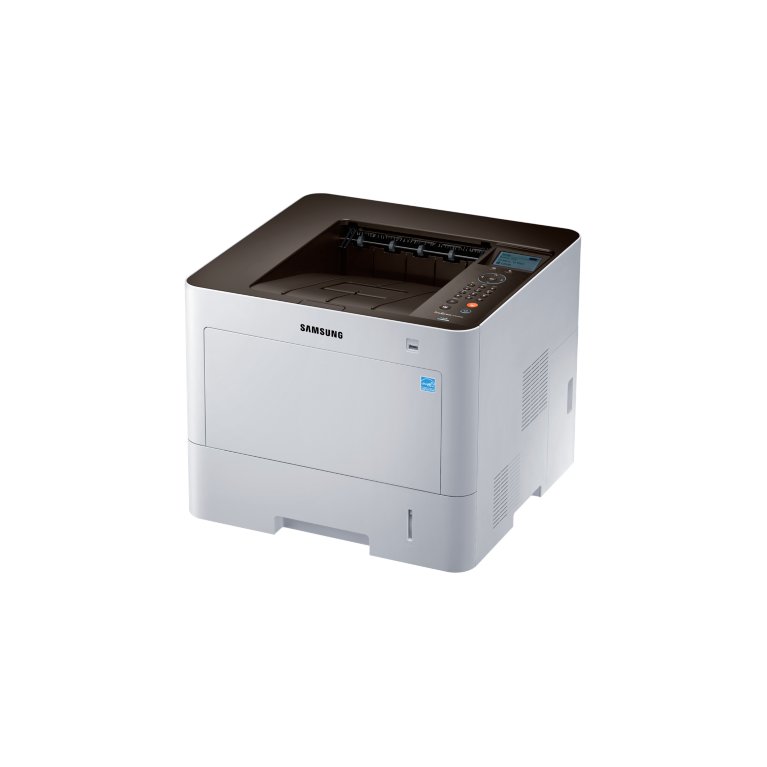
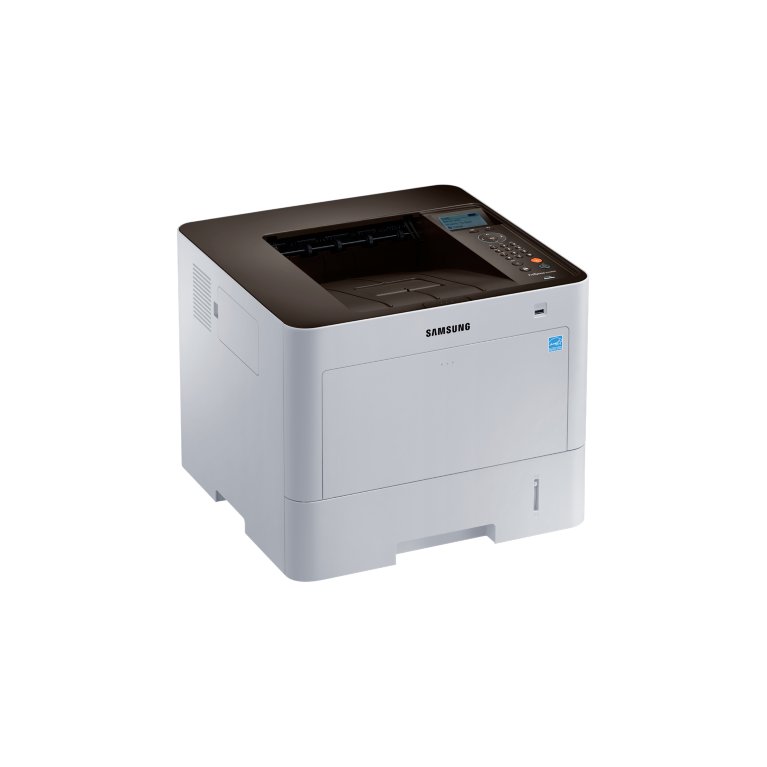
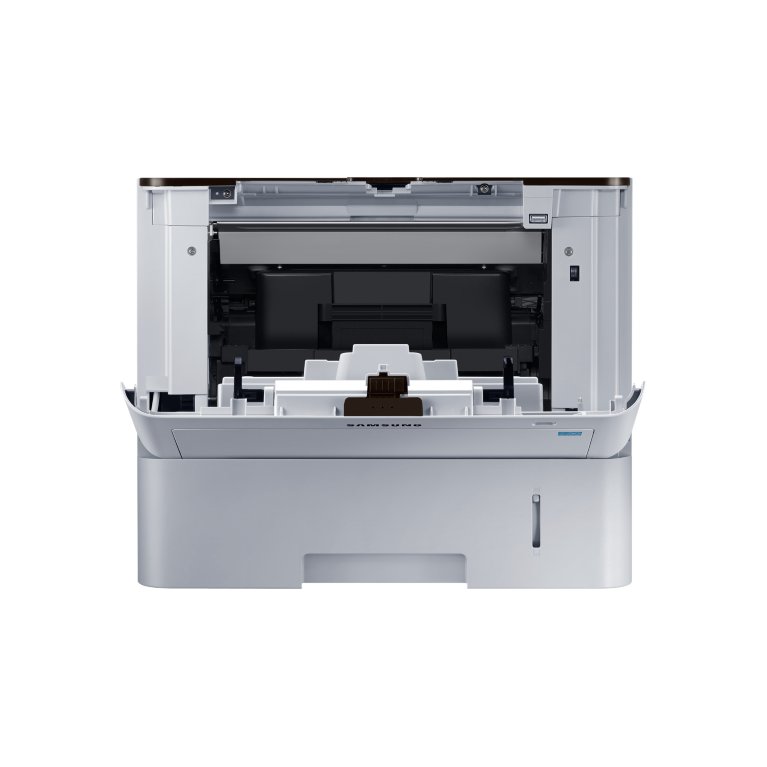
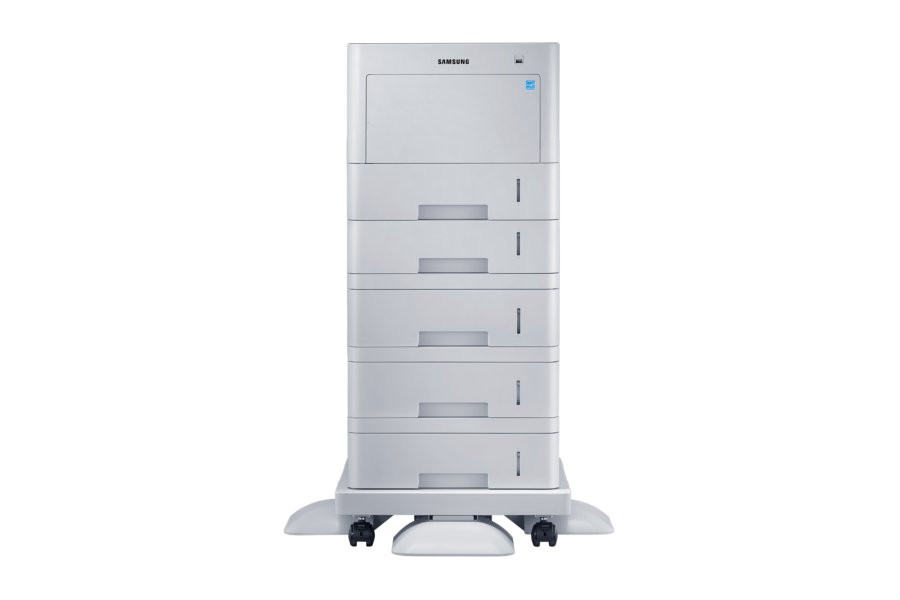
Images are for illustration purposes only and do not necessarily reflect the actual product.Product Details
Specifications
Accessories
Reviews
Product Details
Main Features
- Monochrome Single Function Printer
- Print Speed: 42 ppm
- 120,00 page Monthly Duty Cycle
- Fast Printing With a 1 GHz Dual-Core CPU
- Powerful Paper Handling
- Google Cloud Print
- Mobile Printing
- Secure Office Printing
Specifications
General Specifications
|
Functions |
|
|
Speed |
42 |
|
First Print Out Time (Mono/Color) |
6 seconds |
|
Print Resolution |
1,200 x 600 dpi optical / 1,200 x 1,200 enhanced |
|
Max. Monthly Duty Cycle |
120,000 Pages |
|
Duplex Printing |
Automatic |
|
Input Paper Capacity (Standard) |
550 Sheets Cassette Tray (@75gsm) 520 Sheets (@80gsm) |
|
Input Paper Capacity (Maximum) |
2,850 Sheet Cassette Tray (550 Std + 100 MP + 4 x 550 SCF) |
|
Output Paper Capacity |
250 Sheets |
|
Processor/Memory |
Dual Core 1GHz (C4N + A1000 ) / 256MB (2GB Max.) |
|
Display |
4-Line LCD |
|
Interface |
High-speed USB 2.0, Ethernet 10/100/1000 BaseTX, IEEE® 802.11 b/g/n (Option), RJ11 Connector, NFC (Option) |
|
Dimensions (W x D x H) |
16.5" x 15.9" x 13.8" |
|
Weight |
36.24 lbs |
 Download Manufacturer Specifications
Accessories

Reviews


Allow ink to dry completely to avoid smudging. The time will vary based on the ink and paper quality used as well as the temperature and humidity conditions.
What is RAM? RAM or Buffer Memory holds the graphic information on the printer while the file is on its way to be printed. The larger the RAM, the faster the printer can print complex graphics.
Printer not working? The printer memory could be full and not getting prints or the prints may be stuck in the print queue. Turn-off the printer, wait a few seconds and turn it back on.
MY ACCOUNT
INFO & POLICIES
SHOP EASY
PAYMENT OPTIONS



