



 Shopping Cart
 Ricoh MP CW2201SP Wide Format Printer
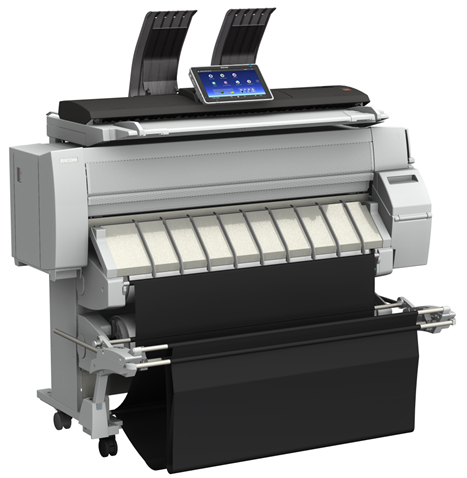


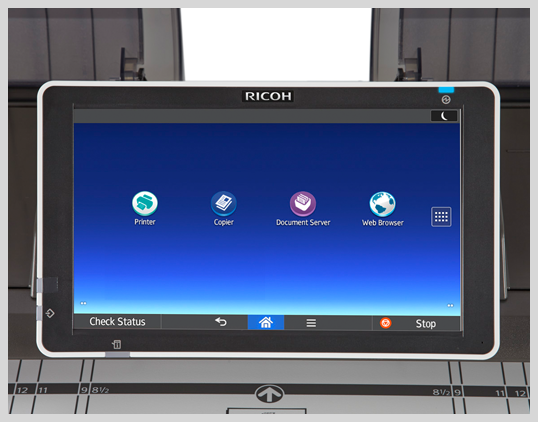
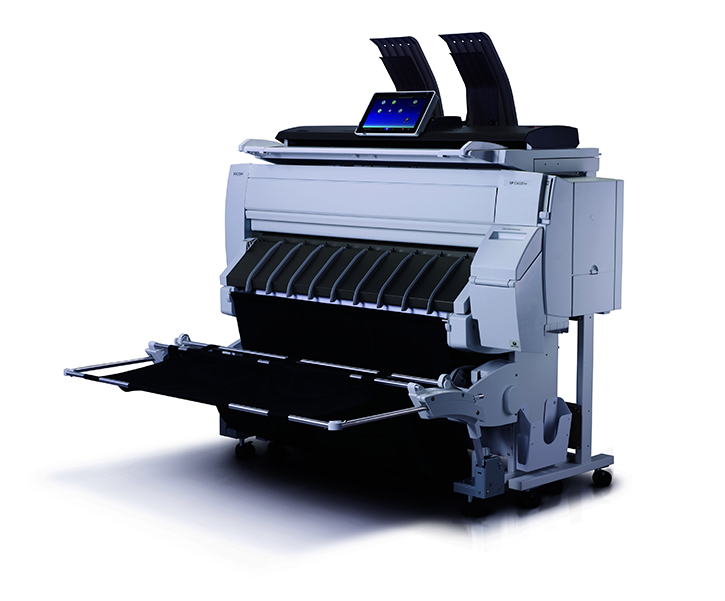

Images are for illustration purposes only and do not necessarily reflect the actual product.
Product Details
Specifications
Accessories
Reviews
Product Details
Main Features
- Wide Format Color Digital Imaging System
- Functions: Print, Copy, Scan
- Print Speeds: Monochrome- 3.8 ppm; Color- 2.1 ppm
- Print Resolution: 1200 x 1200 dpi
- Copy/Scan Resolution: 600 x 600 dpi
- access up to 3000 files stored on the Document Server
- 4GB RAM
- 320GB Hard Disk Drive
- Directly print from or scan-to a USB or SD Card
- 10.1" tablet-like Smart Operation Panel
- Bypass Tray
- Output Baskets
- User Replaceable Ink
Specifications
 Download Manufacturer Specifications
Accessories

Reviews


Make sure to select the correct paper type for your print job. In general, for more important documents, use thicker paper.
Your ink is not going onto the paper properly or you notice uneven coverage? Try aligning the print heads before you bring out the big guns.
Getting blank pages after you installed a new cartridge? Check that the sticker from the cartridge was properly removed. Alternatively, run the clean print head function to make sure all air bubbles are removed. Do not remove the cartridge once it has been installed.
MY ACCOUNT
INFO & POLICIES
SHOP EASY
PAYMENT OPTIONS



* Images are for illustration purposes only.