



 Shopping Cart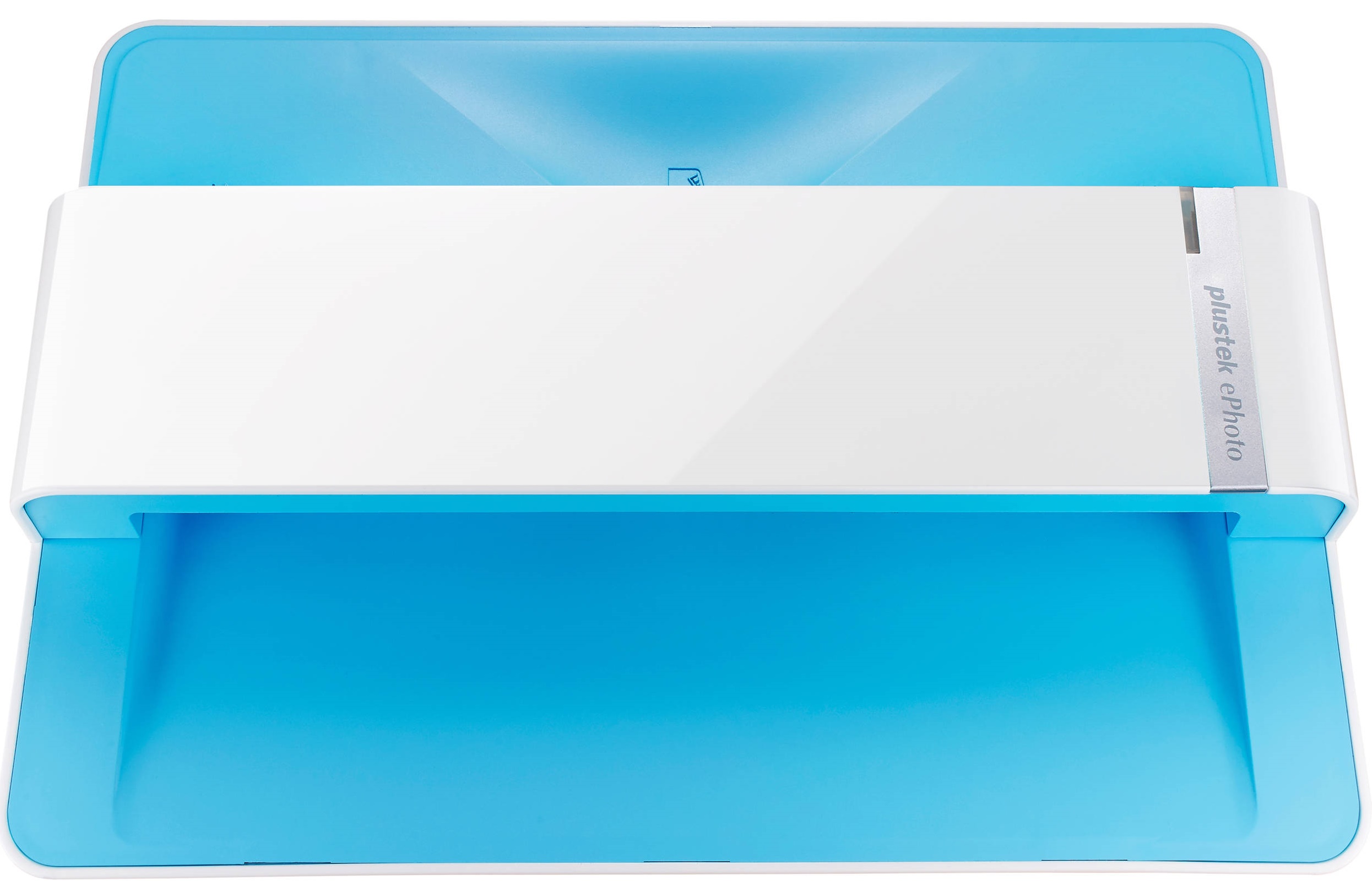



Product Details
Specifications
Accessories
Reviews
Product Details
Main Features
- Resolution: 300 dpi
- Max Scan Size: 8.5 x 11.7"
- Min Scan Size: 1 x 1"
- Image adjusting tools
- Share scanned images on social media
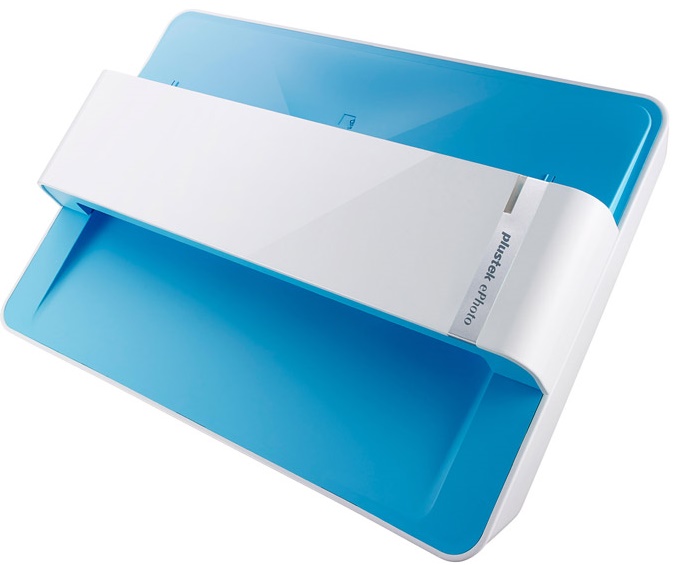
- Compact design
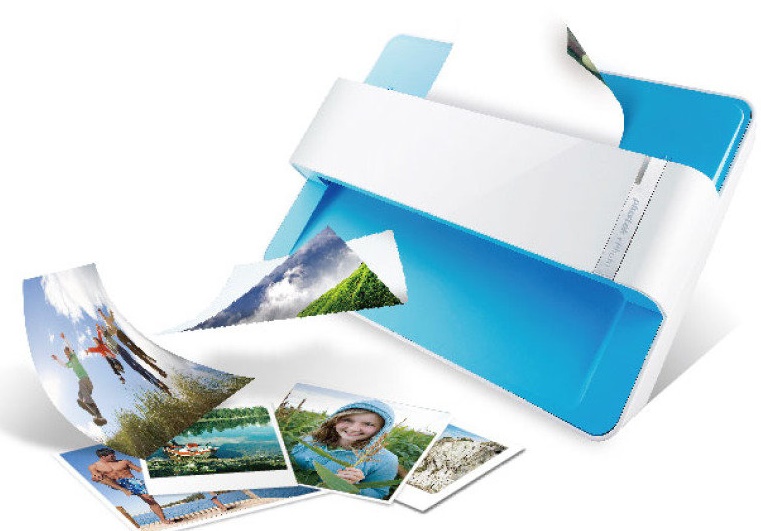
- Special roller system, gentle even on delicate potoes
Specifications
General Specifications
| Light Source | LED |
|---|---|
| Optical Resolution | 600 dpi x 600 dpi |
| Scan Modes | Color: Input 48-bit, Output 24-bit Grayscale: Input 16-bit, Output 8-bit |
| Scanning Speed(1) | 4" x 6" Photo: Approx. 2 sec. Document(A4): Approx. 5 sec. |
| Scanning Area (W x L) | Min.: 1" x 1" Max.: 8.5" x 11.7" |
| Acceptable Paper Weight (Thickness) | Non-embossed: 0.76 mm or less |
| Daily Duty Scan ( Sheets ) | 500 |
| Power Supply | 24 Vdc / 0.75 A |
| Interface | USB 2.0 |
| Net Weight | 1.48 Kg (3.26 Lbs) |
| Dimensions (W x D x H) | 289.9 mm x 160.6 mm x 158mm (11.4" x 6.3" x 6.2") |
| OS | Windows 7 / 8 / 10 Mac OS X 10.8.x/ 10.9.x/ 10.10.x/ 10.11.x |
| System Requirements |
Windows PC Mac |
| Bundled Software | Plustek ePhoto(2) NewSoft Presto! PageManager 9 Win/Mac(3) |
| Note |
|
Accessories
*** ALL TONERS AND SUPPLIES ARE IN STOCK AT DISCOUNTED PRICING , CALL +18882983095
Reviews


Most MFPs are designed for scanning documents and so are best to avoid if you're looking for photo scanning. The few exceptions can be recognized if they feature scanning options that are clearly meant for photos, such as a color restore feature.
Almost anything that speeds up scanning photos (other than buying a faster scanner) lowers the scan quality, so decide the level of quality you want, and then accept the amount of work that comes with it.
Backlight correction, featured on some scanners, can automatically improve photos that were taken with a bright light behind the person.
MY ACCOUNT
INFO & POLICIES
SHOP EASY
PAYMENT OPTIONS



