



 Shopping Cart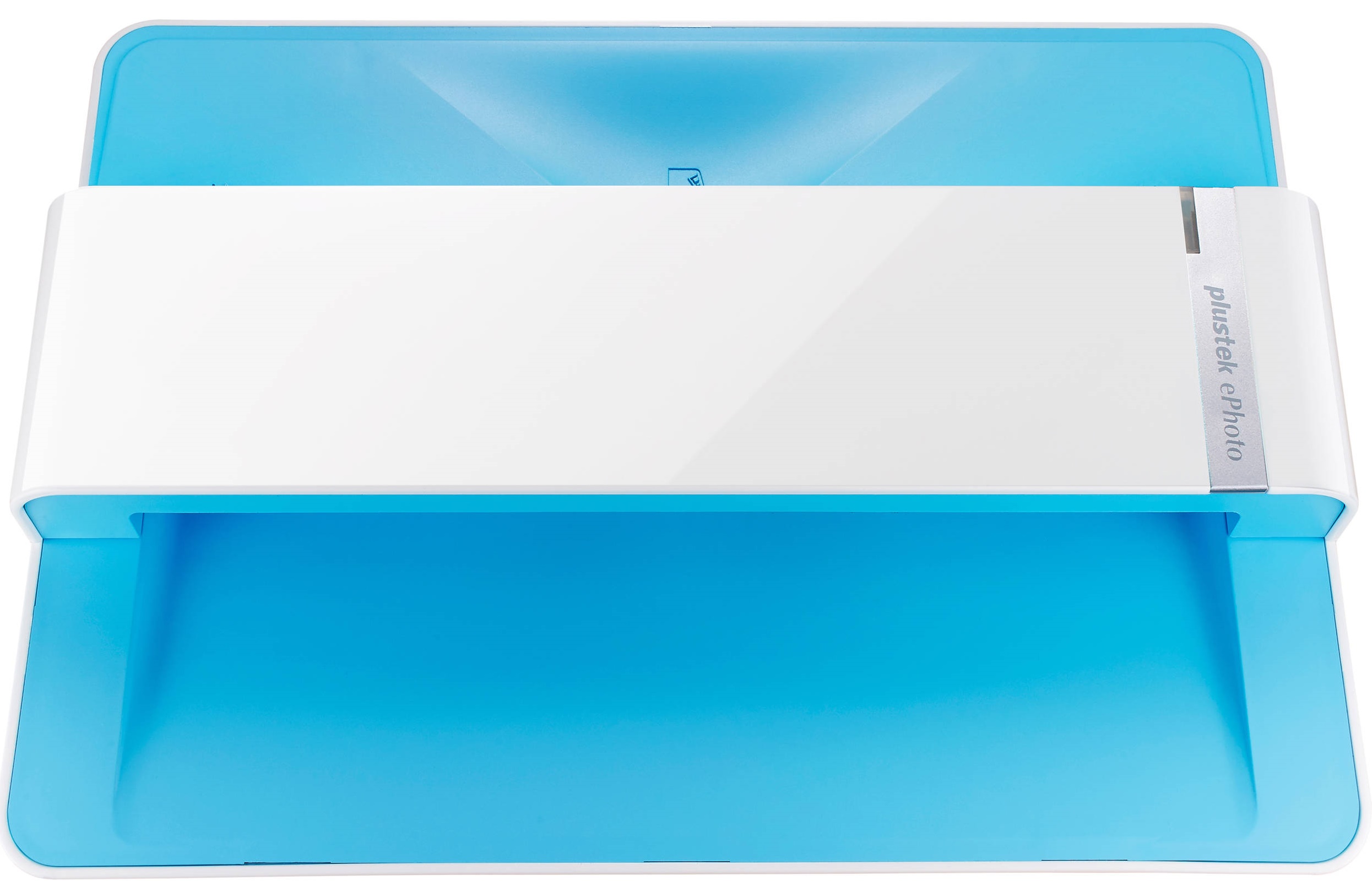



Product Details
Specifications
Accessories
Reviews
Product Details
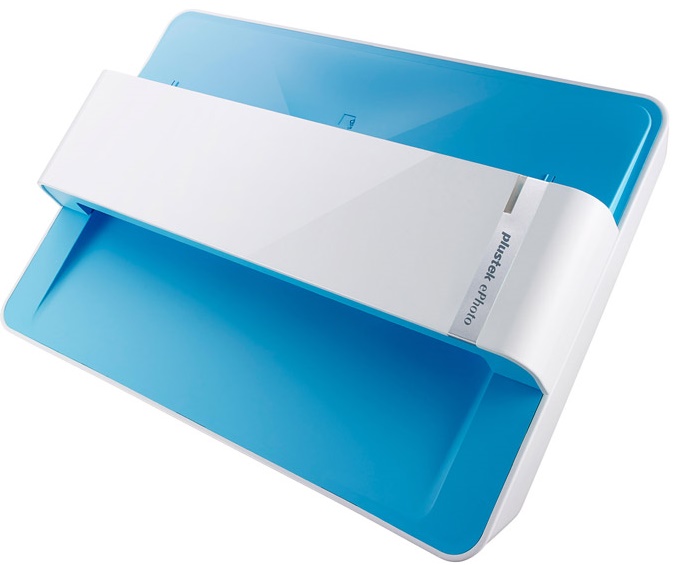
Main Features
- Resolution: 300 dpi
- Max Scan Size: 8.5 x 11.7"
- Min Scan Size: 1 x 1"
- Image adjusting tools
- Share scanned images on social media
- Compact design
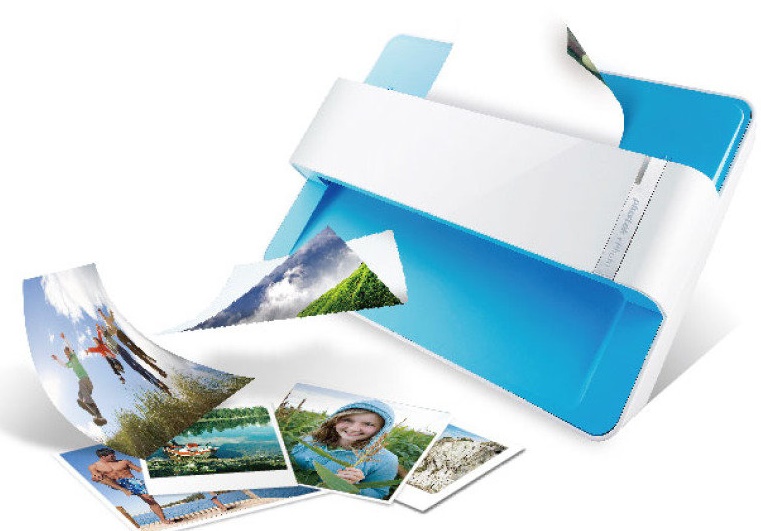
- Special roller system, gentle even on delicate potoes
Specifications
General Specifications
| Light Source | LED |
|---|---|
| Optical Resolution | 600 dpi x 600 dpi |
| Scan Modes | Color: Input 48-bit, Output 24-bit Grayscale: Input 16-bit, Output 8-bit |
| Scanning Speed(1) | 4" x 6" Photo: Approx. 2 sec. Document(A4): Approx. 5 sec. |
| Scanning Area (W x L) | Min.: 1" x 1" Max.: 8.5" x 11.7" |
| Acceptable Paper Weight (Thickness) | Non-embossed: 0.76 mm or less |
| Daily Duty Scan ( Sheets ) | 500 |
| Power Supply | 24 Vdc / 0.75 A |
| Interface | USB 2.0 |
| Net Weight | 1.48 Kg (3.26 Lbs) |
| Dimensions (W x D x H) | 289.9 mm x 160.6 mm x 158mm (11.4" x 6.3" x 6.2") |
| OS | Windows 7 / 8 / 10 Mac OS X 10.8.x/ 10.9.x/ 10.10.x/ 10.11.x |
| System Requirements |
Windows PC Mac |
| Bundled Software | Plustek ePhoto(2) NewSoft Presto! PageManager 9 Win/Mac(3) |
| Note |
|
Accessories
*** ALL TONERS AND SUPPLIES ARE IN STOCK AT DISCOUNTED PRICING , CALL +18882983095
Reviews


Drum scanners provide the highest level of image quality.
If your scanner doesn't provide a good quality dust removal feature, removing the dust from your photos with canned air before scanning will take less time than manually removing dust marks with a photo editing program afterwards.
If you're in a rush or don't know much about scanning, the auto mode should provide reasonably good quality and may be all you need.
MY ACCOUNT
INFO & POLICIES
SHOP EASY
PAYMENT OPTIONS



