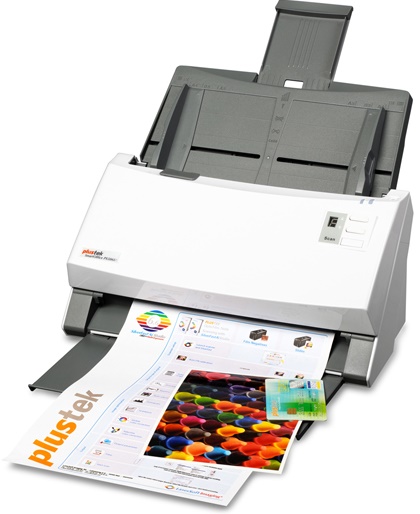
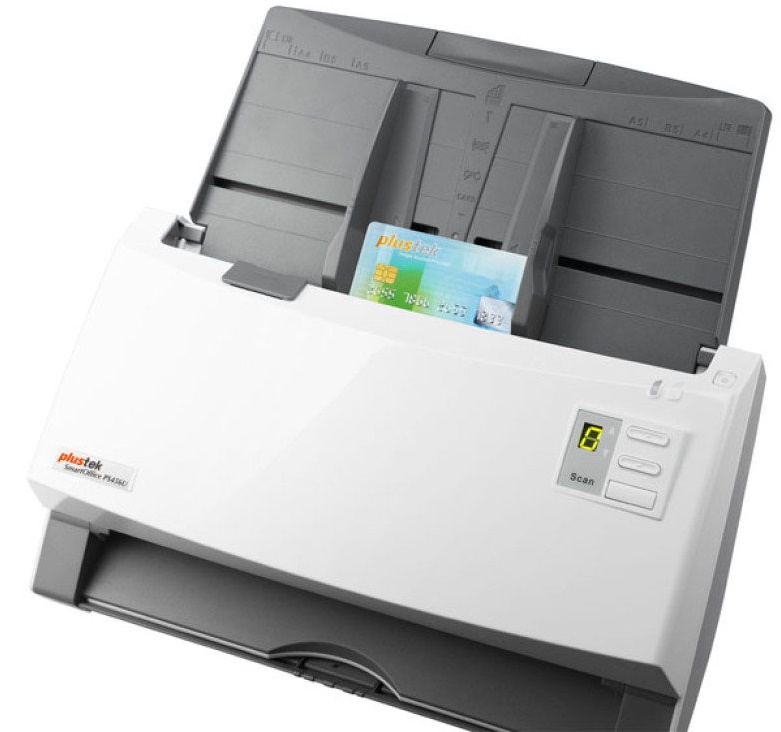
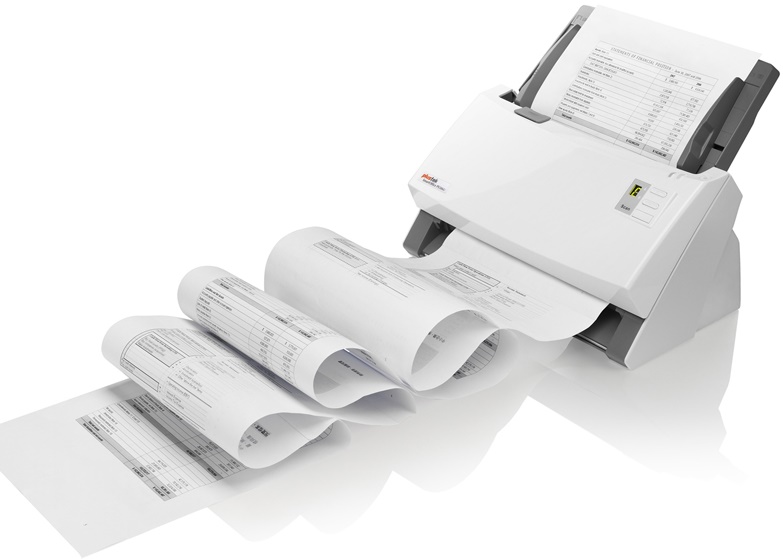
Plustek SmartOffice Departmental Scanner PS506U
Images are for illustration purposes only and do not necessarily reflect the actual product.
Product Details
Specifications
Accessories
Reviews
Product Details
Main Features
- 100 sheet automatic document feeder
- Compact design
- Ultrasonic double-feed detection
- Scan mixed documents together
- Duplex scanning
- 9 different scanning functions
- Daily duty cycle: 6000 pages
- Energy saving
Specifications
General Specifications
| Image Sensor |
CCD Sensor x 2 |
| Optical Resolution |
600 dpi |
| Hardware Resolution |
600 x 600 dpi |
| Scan Modes |
Color: Input 48-bit, Output 24-bit
Grayscale: Input 16-bit, Output 8-bit
Black & White: 1-bit |
| ADF Capacity |
1. 100 sheets (A4/ Letter, 70 g/㎡ or 18 Lbs)
2. 30 sheets (Business Cards)
3. Plastic Card, Max. thickness under 1.2 mm.
Note: Maximum ADF capacity varies, depending upon paper weight. |
| Scanning Speed ( ADF ) |
50 ppm/ 100 ipm (Grayscale mode, 300 dpi, A4 Portrait)
50 ppm/ 100 ipm (B&W mode, 300 dpi, A4 Portrait)
45 ppm/ 90 ipm (Color mode, 200 dpi, A4 Portrait)
Note: Results may vary depending upon your scanning application, computer processor and system memory. |
| Scanning Area (W x L) |
Max: 216 x 5080 mm (8.5” x 200”)
Min: 13.2 x 13.2 mm (0.52” x 0.52”) |
| Acceptable Paper Sizes (W x L) |
Max: 244 x 5080 mm (9.6” x 200”)
Min: 50.8 x 50.8 mm (2” x 2”) |
| Acceptable Paper Weight (Thickness) |
40 to 220 g/㎡ (10 to 58 Lbs) |
| Multi-feed Detection |
With ultrasonic technology |
| Daily Duty Scan ( Sheets ) |
6,000 |
| Roller Lifetime (Scans) |
300,000 |
| Pad Lifetime (Scans) |
50,000 |
| Action Button |
4 Buttons: Up, Down, Scan, Standby
9 function keys are all customizable. |
| Power Supply |
24 Vdc/ 1.25 A |
| Net Weight |
2.7 Kgs (5.95 Lbs) |
| Dimensions (W x D x H) |
318.7 x 230.7 x 228.3 mm (12.55" x 9.08" x 8.99") |
| Protocol |
ISIS & TWAIN Compliant |
| OS |
Windows XP / Vista / 7 / 8 / 10 |
| Hardware Requirements |
Pentium IV 2.0 GHz processor (Pentium IV 3.0 GHz processor recommended)
CD-ROM Driver
One available USB Port (USB 2.0 recommended)
1GB RAM or higher recommended
800 MB free HDD space (1 GB or larger recommended) |
Accessories
Reviews
Handheld scanners require the user to manually scan the image by dragging the unit over the original document.
Bear in mind that in order to get the best quality, you should scan the original negative rather than the printed photo, if it's available.
Handheld scanners are most appropriate for small originals that are no bigger than the scanner itself. In theory, hand scanners allow you to scan a large original in more than one pass and "stitch" the scans together into a final image, but this is not a preferable scanning method.
PAYMENT OPTIONS


* Images are for illustration purposes only.




 Shopping Cart