



 Shopping Cart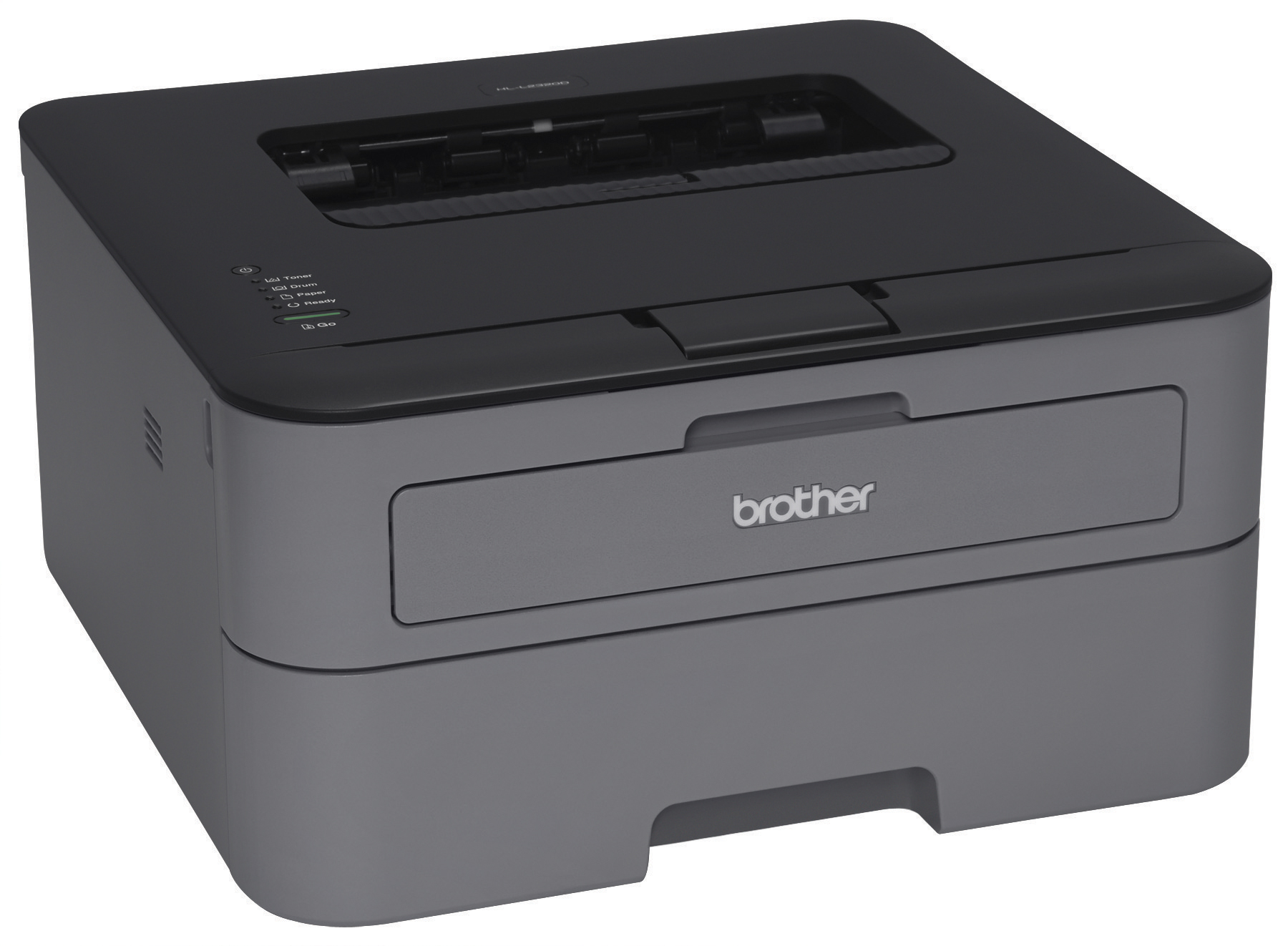



Product Details
Specifications
Accessories
Reviews
Product Details
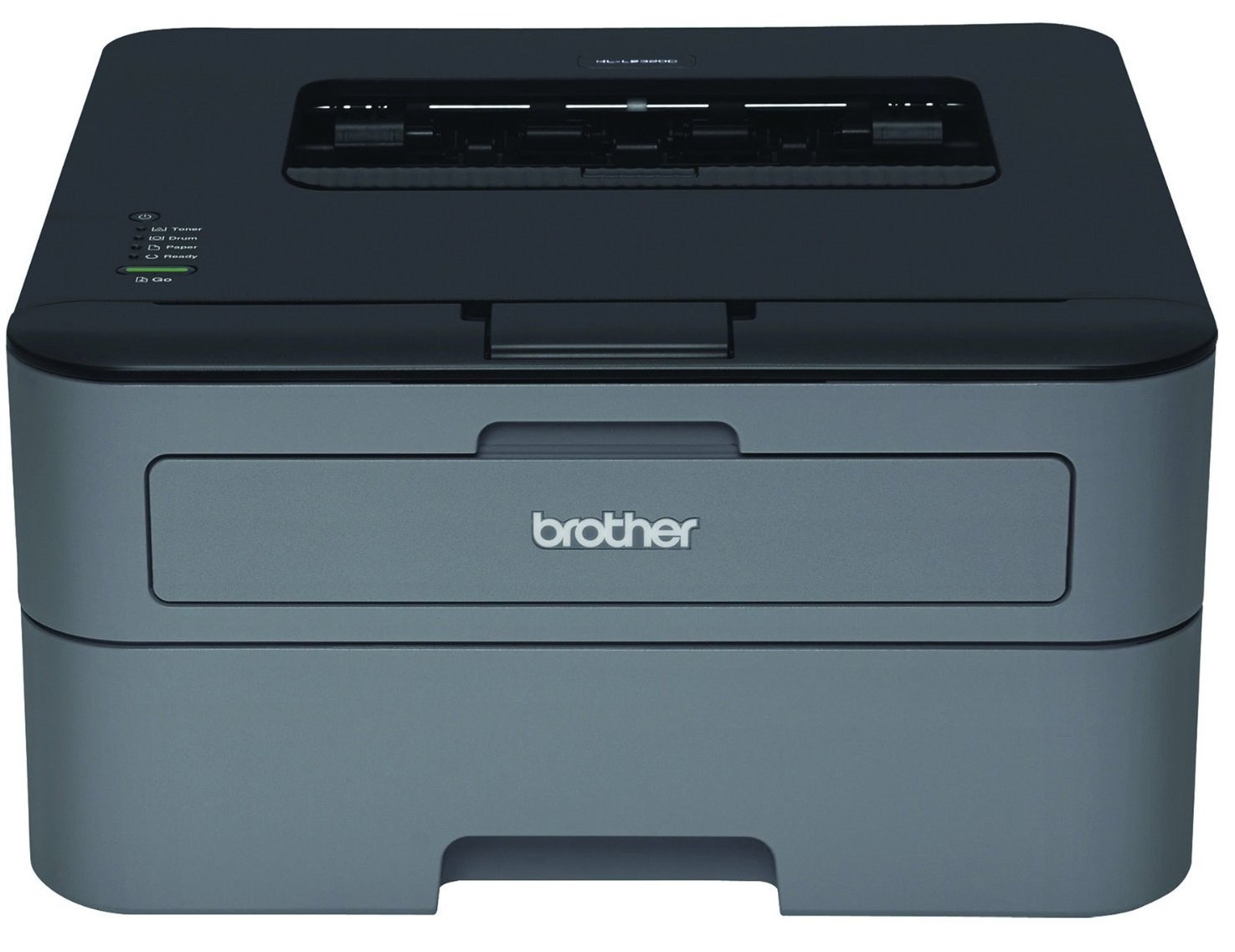
Main Features
- Print Speed: 30 pages per minute
- Black and white print outs
- Desktop size
- 250-sheet capacity tray
- Automatic duplex printing
- Resolution: 2400 x 600 dpi
Specifications
| Print Technology | B/W Laser Technology |
| Max. Black Print Speed (ppm) | 30ppm Black |
| Duplex Printing Standard | Yes |
| Print Resolution (maximum dpi) | Up to 2400 x 600 dpi |
| LCD Display | No |
| First Time to Print | Less than 8.5 sec. |
| Printer Driver Compatibility† | Windows® Mac OS® & Linux |
| CPU (Processor) Speed | 266 MHz |
| Emulation(s) | GDI |
| Standard Memory (MB) | 8MB Memory |
| Optional Memory (MB) | No |
| Toner Save Mode | Yes |
| Max. Monthly Duty Cycle‡ | 10,000 pages |
| Recommended Monthly Print Volume‡ | 250 to 2,000 pages |
Conditions Paper Handling
| Standard Paper Capacity (sheets)‡ | 250-Sheet Input Capacity |
| Optional Paper Capacity (sheets) | No |
| Multi-purpose Tray Capacity‡ | Single-sheet manual bypass |
| Output Paper Capacity (sheets) | 100 sheets |
| Output Paper Capacity with all Options | 100 sheets |
| Paper Handling Size - Paper Tray | Letter, Legal, Executive, A4, A5, A6, B5, B6 |
| Paper Handling Size - Manual Feed | Letter, Legal, Executive, A4, A5, A6, B5, B6, Envelopes, Custom Sizes (3.0-8.5" (w), 4.57-14" (l)) |
| Sheet Weight - Paper Tray | 16-28 lbs. (bond) |
| Sheet Weight - Manual Feed | 16-43 lbs. (bond) |
| Media Type | Plain, Bond, Envelopes, Labels |
Connectivity & Compatibility
| Standard Interface(s) | Hi-Speed USB 2.0 |
Power & Operating Requirements
| ENERGY STAR® Qualified | Yes |
| Power Consumption - Sleep/Ready/Printing | Dee Sleep 0.7W /Ready 58W /Printing 546W |
| Machine Noise (Ready/Printing) | 31dB/50dB |
| Power Source | AC 120V 50/60 Hz |
| Operating Env: Temperature | 50-90.5 degrees F |
| Operating Env: Humidity | 20-80% (w/out condensation) |
Dimensions & Weights
| Unit Dimensions (W"xD"xH") | 14.0" x 14.2" x 7.2" |
| Carton Dimensions (W"xD"xH") | 17.4"x11.3"x19.8" |
| Unit Weight (lbs) | 15.0 lbs. |
| Carton Weight (lbs) | 17.4lbs. |
Accessories

Reviews


Is your printer feeding in the whole paper stack rather than just one piece at a time? Fan the paper before putting it in the tray to help separate the sheets. Also, store your paper in a cool, dry place as humidity can contribute to this problem.
Getting blank pages after you installed a new cartridge? Check that the sticker from the cartridge was properly removed. Alternatively, run the clean print head function to make sure all air bubbles are removed. Do not remove the cartridge once it has been installed.
All other things being equal, whiter, brighter paper makes text and line graphics crisper and colors more vibrant.
MY ACCOUNT
INFO & POLICIES
SHOP EASY
PAYMENT OPTIONS



