



 Shopping Cart
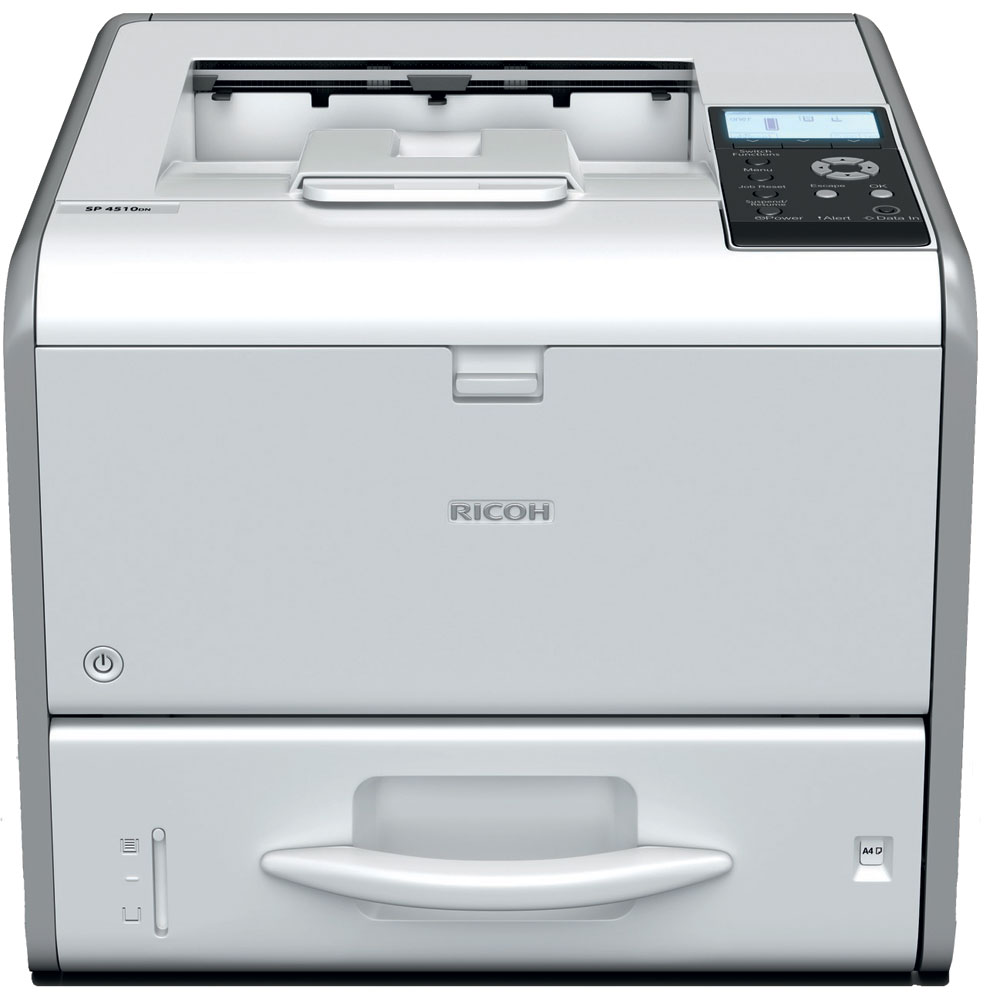
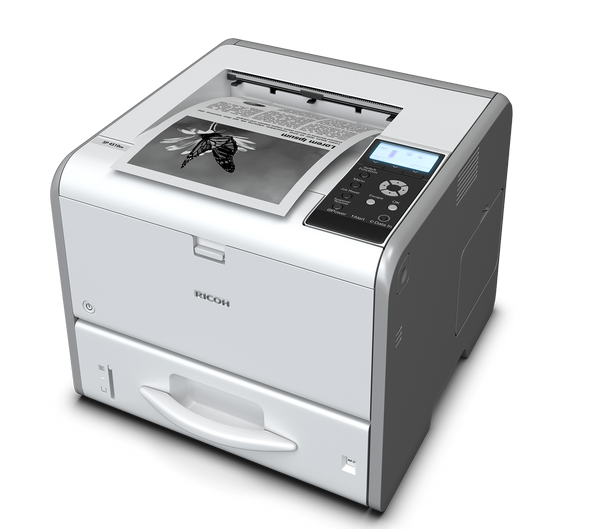
 Ricoh Aficio SP 4510DN B&W Printer



Product Details
Specifications
Accessories
Reviews
Product Details
Main Features
- Print Speed: 42 pages per minute
- Monthly Duty Cycle: 150,000 pages
- Process multiple jobs and large files quickly
- Four-line LCD panel
- Paper capacity: up to 1,600 sheets
- RICOH Smart Device Print&Scan app to print and share images, documents and photographs without print drivers
- USB stick plug & print
- Locked Print software for added security
- DataOverwriteSecurity System (DOSS)
- 128-bit data encryption
- EPEAT® Silver (EPEAT is a global environmental rating system for electronic products)
- ENERGY STAR®
- Automatic double-sided printing
- Eco-night sensor shuts down the printer when you turn off the lights
- Easily recycle toner cartridges and containers
Specifications
 Download Manufacturer Specifications
Accessories

Reviews


Store your laser printer in a properly ventilated area where temperature and humidity do not change frequently. Avoid areas with heavy dust buildup.
Allow ink to dry completely to avoid smudging. The time will vary based on the ink and paper quality used as well as the temperature and humidity conditions.
Are you getting diminished color and print quality? If all your images start to look a bit purple, blue or orange, one of your ink wells may be running low. Replace the whole printer ink cartridge, unless you can refill the individual ink wells.
MY ACCOUNT
INFO & POLICIES
SHOP EASY
PAYMENT OPTIONS



* Images are for illustration purposes only.