



 Shopping Cart
 Ricoh Aficio SP 4510DN B&W Printer
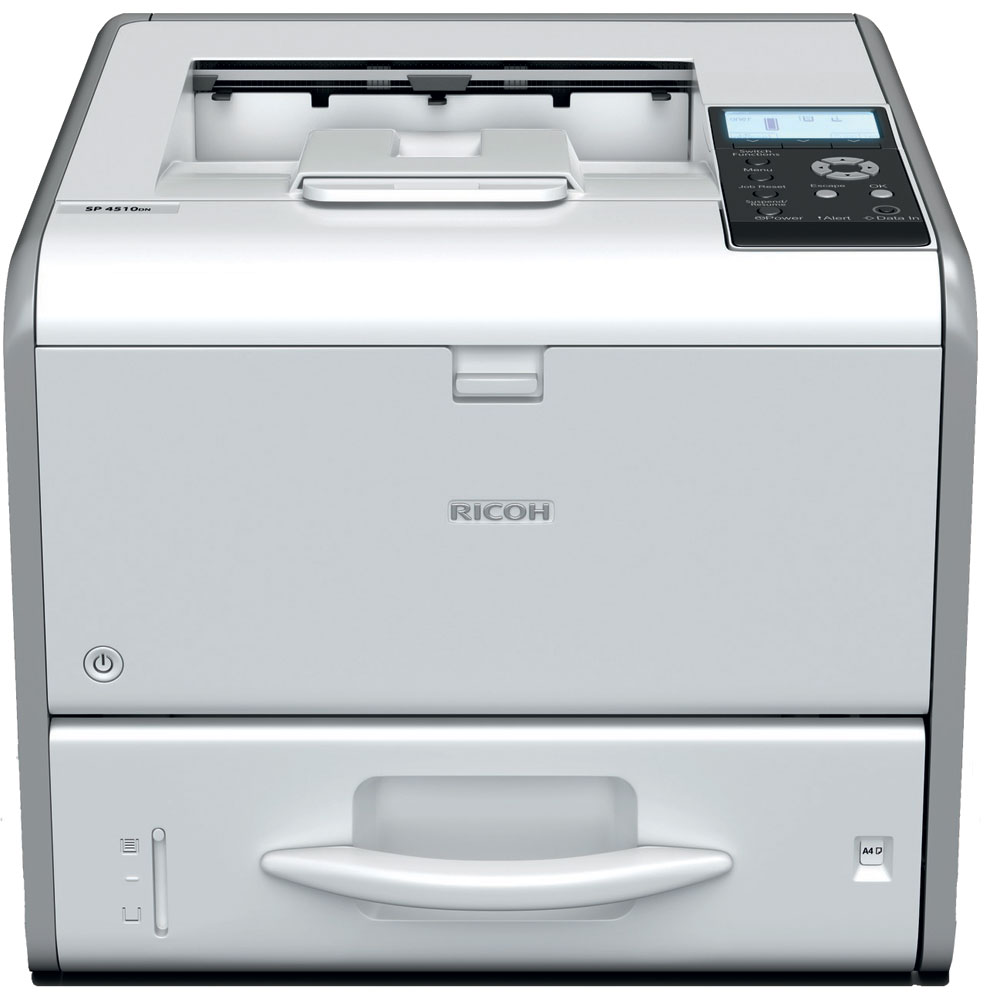


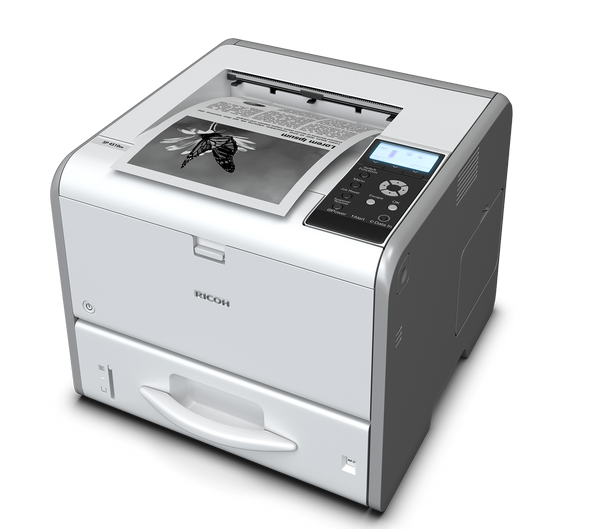
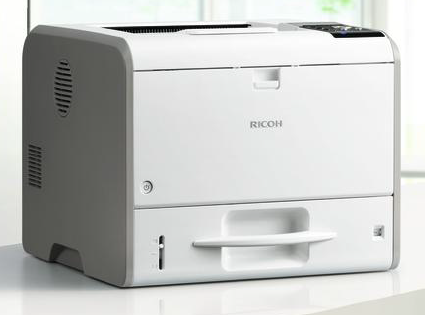

Images are for illustration purposes only and do not necessarily reflect the actual product.
Product Details
Specifications
Accessories
Reviews
Product Details
Main Features
- Print Speed: 42 pages per minute
- Monthly Duty Cycle: 150,000 pages
- Process multiple jobs and large files quickly
- Four-line LCD panel
- Paper capacity: up to 1,600 sheets
- RICOH Smart Device Print&Scan app to print and share images, documents and photographs without print drivers
- USB stick plug & print
- Locked Print software for added security
- DataOverwriteSecurity System (DOSS)
- 128-bit data encryption
- EPEAT® Silver (EPEAT is a global environmental rating system for electronic products)
- ENERGY STAR®
- Automatic double-sided printing
- Eco-night sensor shuts down the printer when you turn off the lights
- Easily recycle toner cartridges and containers
Specifications
 Download Manufacturer Specifications
Accessories

Reviews


Most printers have a built-in diagnostics program which can be very useful for troubleshooting problems and test-printing without a computer. They are usually initiated by pressing a button or two while turning on the printer.
Media settings on your printer determine how much ink will be used. Thinly coated glossy films require less ink, while plain paper soaks in more.
Paper jam? The best way to remove jammed paper is to gently pull the paper in the direction of the paper path - with power off, of course. Do not pull the paper backwards - you could damage your printer forever by doing so.
MY ACCOUNT
INFO & POLICIES
SHOP EASY
PAYMENT OPTIONS



* Images are for illustration purposes only.