



 Shopping Cart
 Ricoh Aficio SP 3600DN B&W Printer
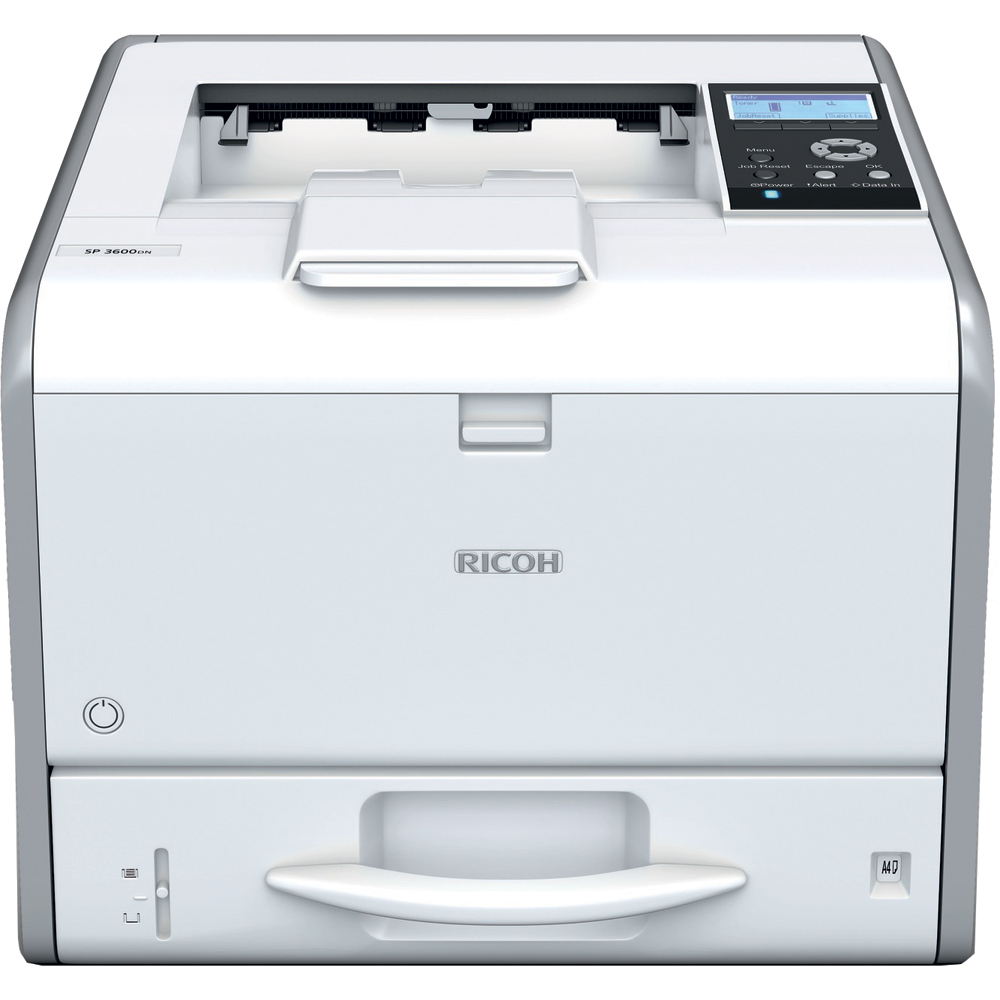


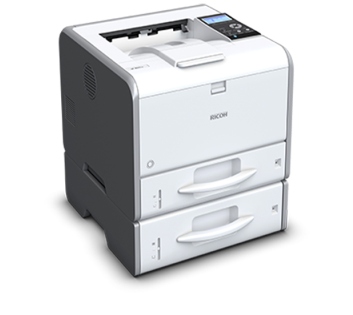
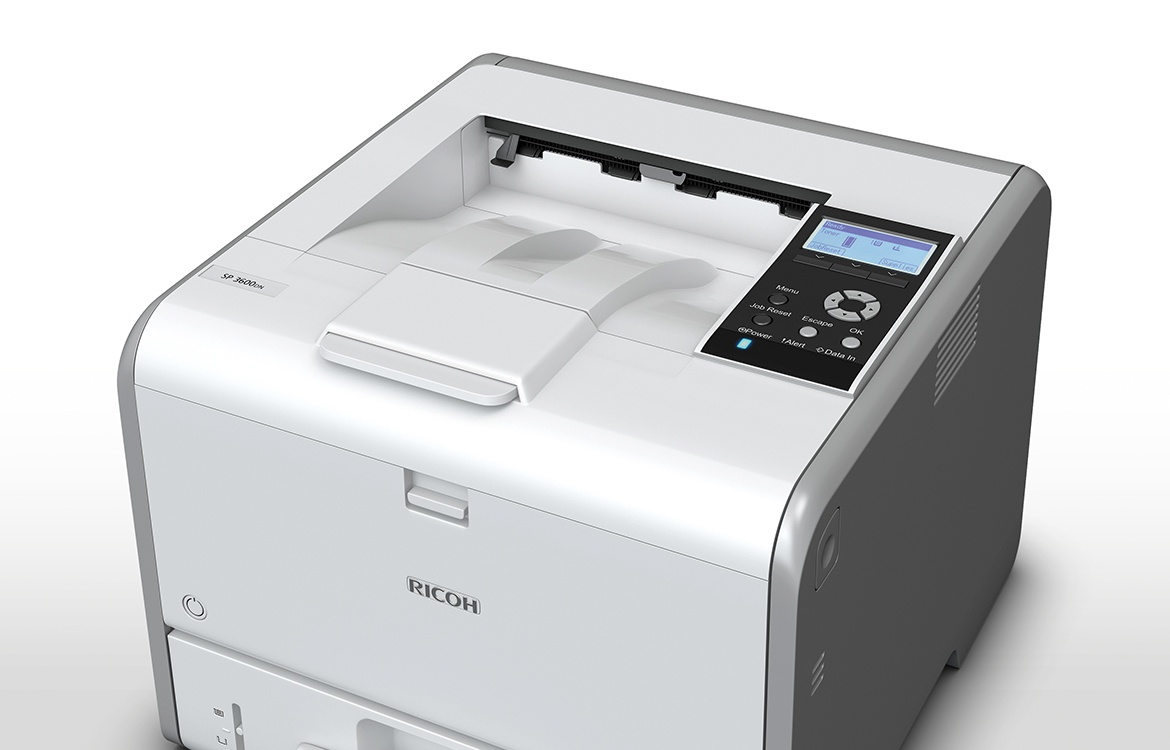
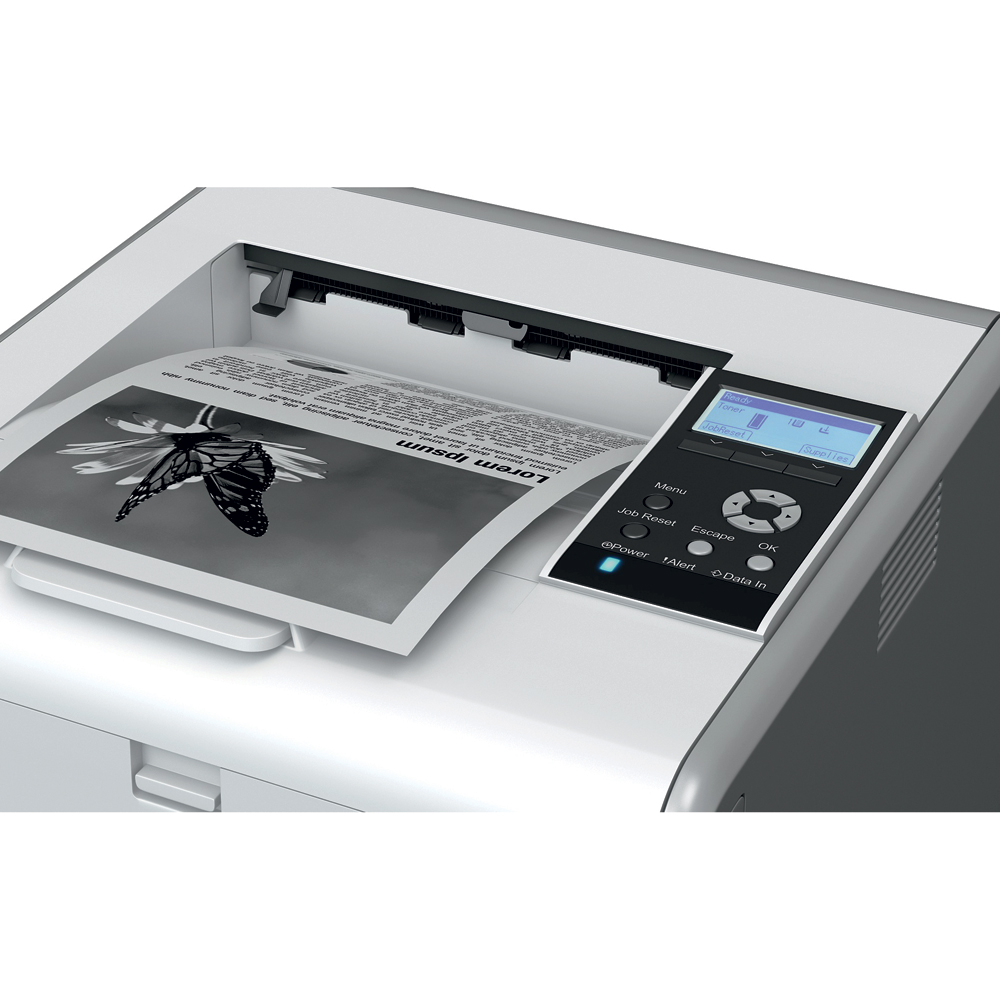
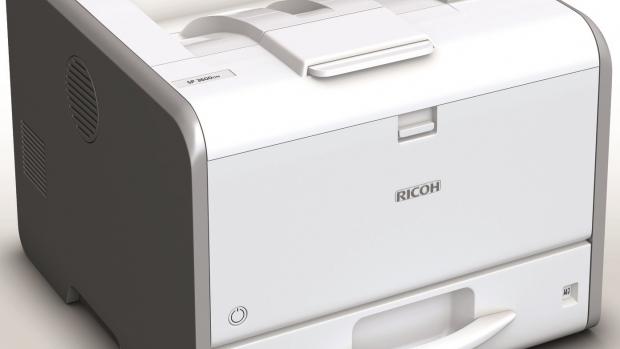


Images are for illustration purposes only and do not necessarily reflect the actual product.
Product Details
Specifications
Accessories
Reviews
Product Details
Main Features
- Monochrome
- Laser printing
- Mobile printing
- 31 pages-per-minute
- Four-line LCD panel
- 1,200 dpi resolution
- LED print technology, to keep your cost per page very low
- Standard duplex printing
Specifications
| Technology | LED |
| Warm-up time | 14 seconds |
| First output speed | 6.5 seconds |
| Print speed - B/W | 30 pages per minute |
| CPU | 500 MHz |
| Memory - Standard | 256 MB |
| Memory - Maximum | 256 MB |
| Duty cycle | 50000 prints per month |
| Duplex | Yes |
| Dimensions (W x D x H) | 370 x 392 x 268 mm |
| Weight | 14.5 kg |
| Power source | 220 - 240 V, 50/60 Hz |
| Power consumption - Maximum | 989 W |
| Power consumption - Energy Saver mode | 1 W |
| Recommended paper size | A4, A5, A6, B5, B6 |
| Paper input capacity - Standard | 350 sheets |
| Paper input capacity - Maximum | 850 sheets |
| Paper output capacity - Maximum | 125 sheets |
| Paper weight - Paper tray(s) | 52 - 162 g/m² |
| Paper weight - Optional paper tray(s) | 52 - 162 g/m² |
| Paper weight - Bypass tray | 52 - 162 g/m² |
| Paper weight - Duplex | 52 - 162 g/m² |
| Media capability | Plain paper, Middle thick paper, Thick paper, Recycled paper, Colour paper, Letterhead, Pre-printed paper, Thin paper, Label paper, Envelopes, Transparencies |
| Printer language - Standard | PCL5e, PCL6, Adobe® PostScript® 3™ |
| Print resolution | 300 x 300 dpi, 600 x 600 dpi, 1,200 x 1,200 dpi |
| Fonts - PCL | 45 fonts, International fonts: 13 Intellifonts |
| Fonts - PS3 (Emulation) | 136 fonts |
| Interface - Standard | USB 2.0, Ethernet 10 base-T/100 base-TX |
| Network protocol | TCP/IP |
| Windows® environments | Windows® Vista, Windows® 7, Windows® 8, Windows® 8.1, Windows® Server 2008, Windows® Server 2008R2, Windows® Server 2012, Windows® Server 2012R2 |
| Mac OS environments | Macintosh OS X Native v10.6 or later |
 Download Manufacturer Specifications
Accessories

Reviews


Printer not working? The printer memory could be full and not getting prints or the prints may be stuck in the print queue. Turn-off the printer, wait a few seconds and turn it back on.
If you are printing on photo paper, make sure you have set the printer to this setting and have not left it on the regular printer setting.
What is Tray Capacity? Tray Capacity or Paper Capacity is the maximum number of pages that can be stored in the printer before you have to refill it.
MY ACCOUNT
INFO & POLICIES
SHOP EASY
PAYMENT OPTIONS



* Images are for illustration purposes only.