



 Shopping Cart
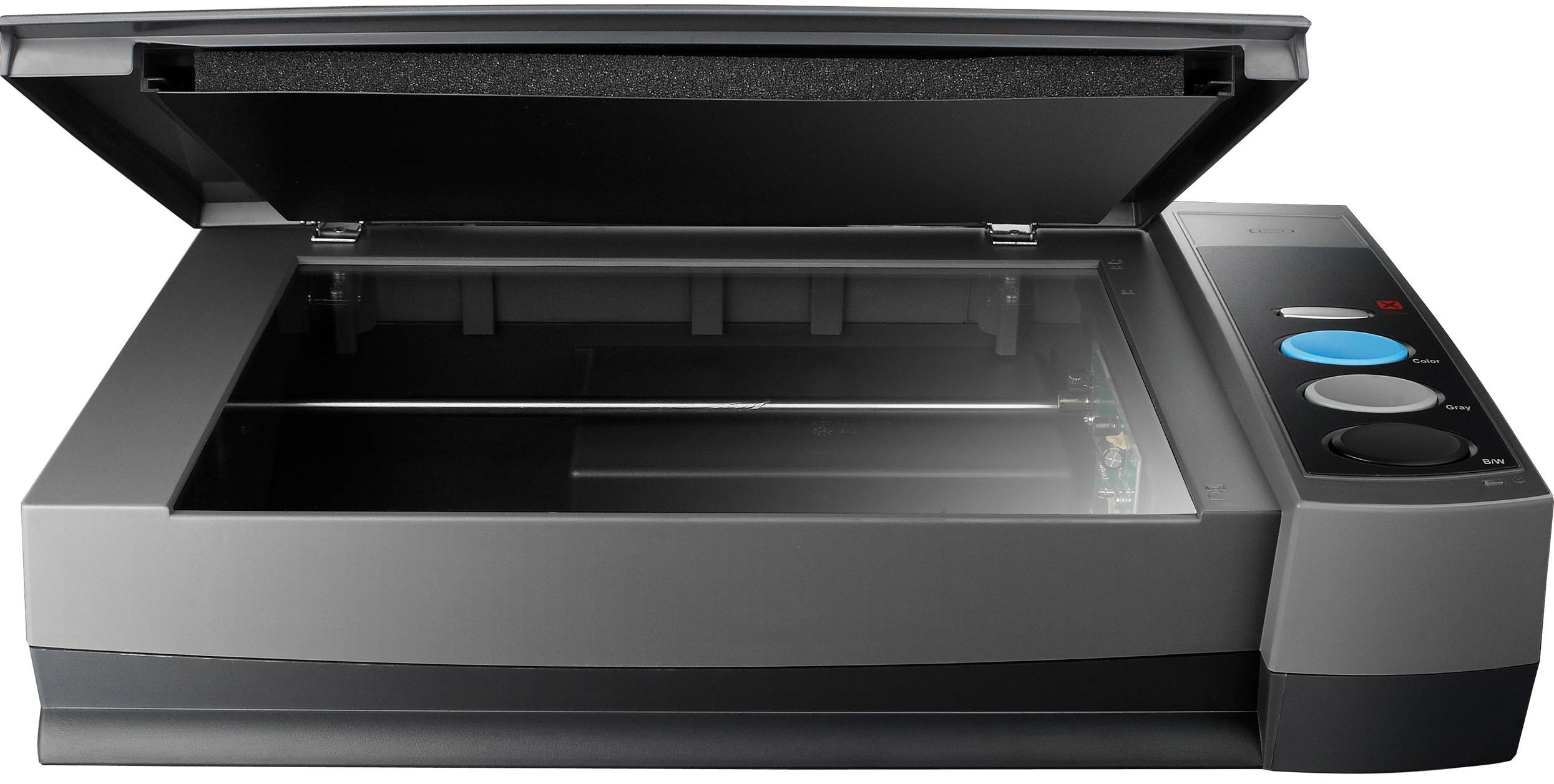
 Plustek OpticBook 3900 Scanner



Product Details
Specifications
Accessories
Reviews
Product Details
Main Features
- Scanning speed: 7 seconds
- Resolution: 300 dpi
- One button functionality - preset upto 4 tasks
- Simple to use
- Searchable PDFs
- Built in Macintosh & Windows Compatible driver
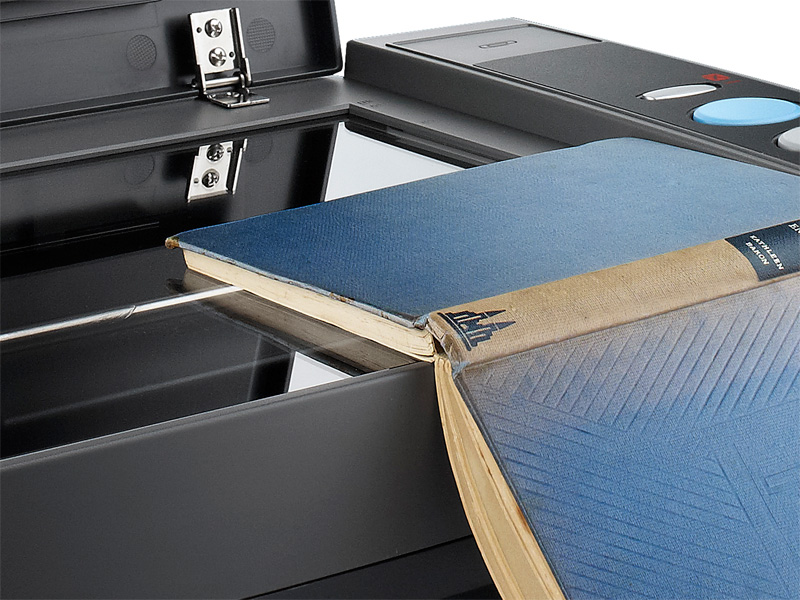
- Convert books to word, excel or PDF files
- Energy saving design
Specifications
General Specifications
| Light Sensor | CCD |
| Light Source | Cold Cathode Fluorescent Lamp |
| Optical Resolution | 1200 dpi |
| Scan Modes | Color: 48-bit input, 24-bit output Grayscale: 16-bit input, 8-bit output B/W: 1-bit |
| Book Edge | 6mm |
| Scanning Speed | 7 sec (Color/ Grayscale/ B&W mode, 300dpi, A4) |
| Scanning Area (W x L) | 216 x 297 mm (8.5" x 11.69", A4/ Letter Size) |
| Daily Duty Scan ( Sheets ) | 2500 |
| Action Button | Delete, Color, Gray, B/W |
| Power Supply | 24 Vdc / 0.75 A |
| Power Consumption | < 18 W (operation), < 4.3 W (idle) |
| Interface | USB 2.0 |
| Net Weight | 3.4 Kgs / 7.6 Lbs |
| Dimensions (W x D x H) | 453 x 285 x 105 mm (17.8" x 11.2" x 4.1") |
| Protocol | TWAIN Compliant |
| OS |
Windows XP / Vista / 7 / 8 Intel-based Mac with OS X (v10.8 - v10.10) |
| Hardware Requirements | PentiumR IV 2.4 GHz processor CD-ROM Driver One available USB 2.0 Port 512 MB RAM (1GB or higher recommended) 800 MB free HDD space (1 GB or larger recommended) |
 Download Manufacturer Specifications
Accessories
*** ALL TONERS AND SUPPLIES ARE IN STOCK AT DISCOUNTED PRICING , CALL +18882983095
Reviews


If your scanner gives a ‘Scanner Access failed’ or a ‘Scanner not found’ message it may be that the interface card is not installed properly.
Photo scanners are designed to scan photographs up to approximately 4x6 inches.
Evaluating the resolution of a scanner is easy - higher is always better.
MY ACCOUNT
INFO & POLICIES
SHOP EASY
PAYMENT OPTIONS



* Images are for illustration purposes only.