



 Shopping Cart
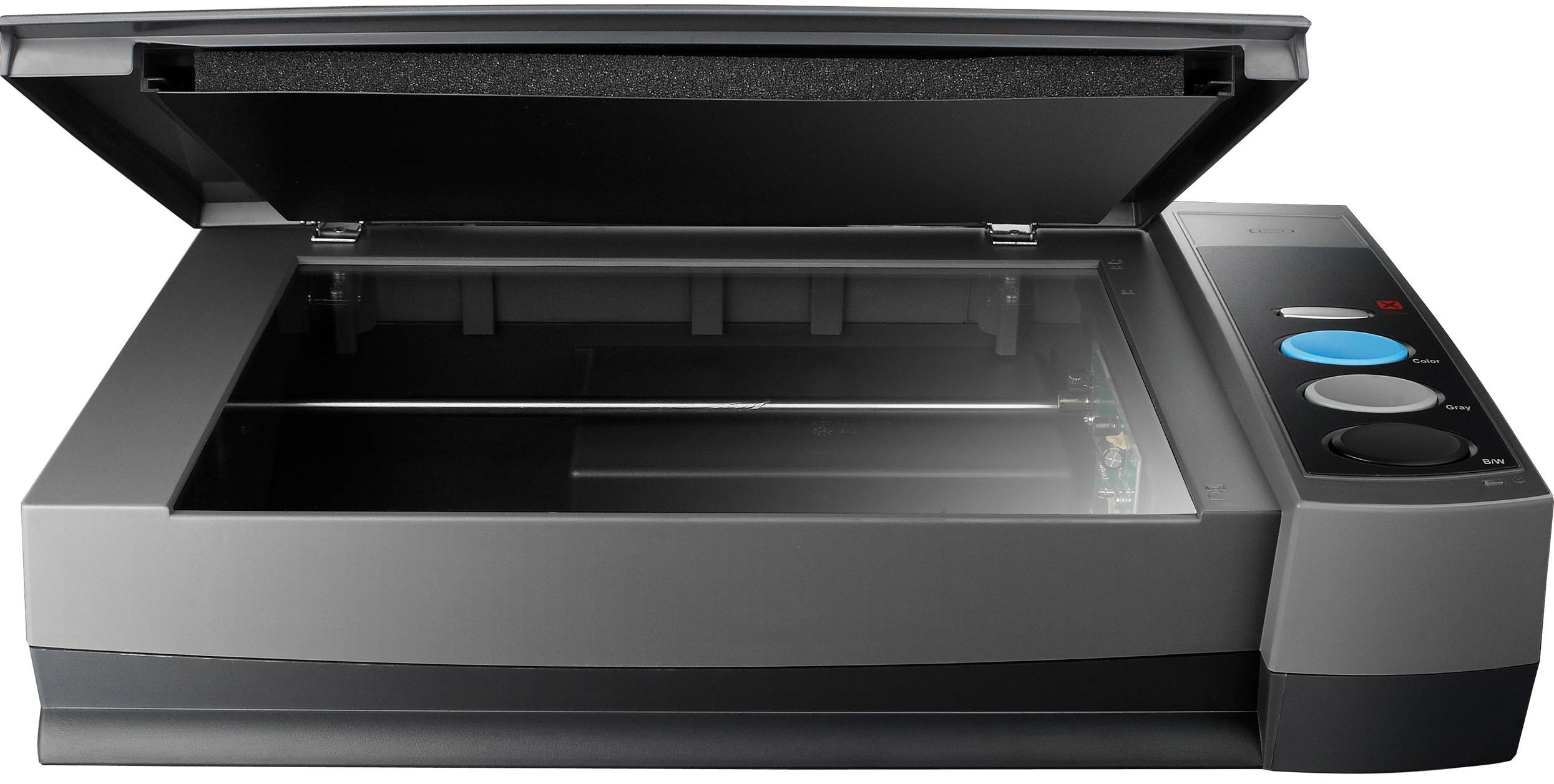
 Plustek OpticBook 3900 Scanner



Product Details
Specifications
Accessories
Reviews
Product Details
Main Features
- Scanning speed: 7 seconds
- Resolution: 300 dpi
- One button functionality - preset upto 4 tasks
- Simple to use
- Searchable PDFs
- Built in Macintosh & Windows Compatible driver
- Convert books to word, excel or PDF files
- Energy saving design
Specifications
General Specifications
| Light Sensor | CCD |
| Light Source | Cold Cathode Fluorescent Lamp |
| Optical Resolution | 1200 dpi |
| Scan Modes | Color: 48-bit input, 24-bit output Grayscale: 16-bit input, 8-bit output B/W: 1-bit |
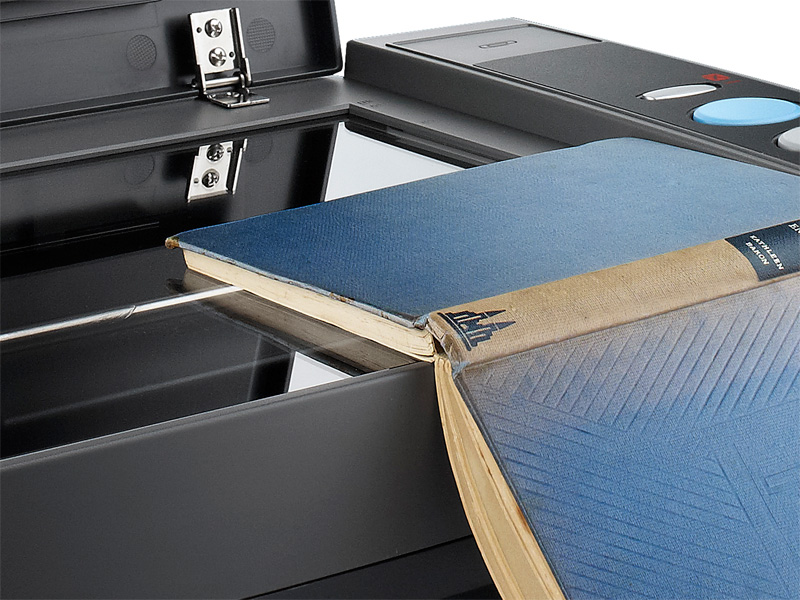
| Book Edge | 6mm |
| Scanning Speed | 7 sec (Color/ Grayscale/ B&W mode, 300dpi, A4) |
| Scanning Area (W x L) | 216 x 297 mm (8.5" x 11.69", A4/ Letter Size) |
| Daily Duty Scan ( Sheets ) | 2500 |
| Action Button | Delete, Color, Gray, B/W |
| Power Supply | 24 Vdc / 0.75 A |
| Power Consumption | < 18 W (operation), < 4.3 W (idle) |
| Interface | USB 2.0 |
| Net Weight | 3.4 Kgs / 7.6 Lbs |
| Dimensions (W x D x H) | 453 x 285 x 105 mm (17.8" x 11.2" x 4.1") |
| Protocol | TWAIN Compliant |
| OS |
Windows XP / Vista / 7 / 8 Intel-based Mac with OS X (v10.8 - v10.10) |
| Hardware Requirements | PentiumR IV 2.4 GHz processor CD-ROM Driver One available USB 2.0 Port 512 MB RAM (1GB or higher recommended) 800 MB free HDD space (1 GB or larger recommended) |
 Download Manufacturer Specifications
Accessories
*** ALL TONERS AND SUPPLIES ARE IN STOCK AT DISCOUNTED PRICING , CALL +18882983095
Reviews


Handheld scanners require the user to manually scan the image by dragging the unit over the original document.
When looking at a scanners specifications, bear in mind that you can use a scanner at a lower resolution, but you cannot go higher.
If you're looking for a scanner, your main concern should be the balance of scan quality and ease of use - the scanners that are simplest to use tend to have the lowest quality, unfortunately.
MY ACCOUNT
INFO & POLICIES
SHOP EASY
PAYMENT OPTIONS



* Images are for illustration purposes only.