



 Shopping Cart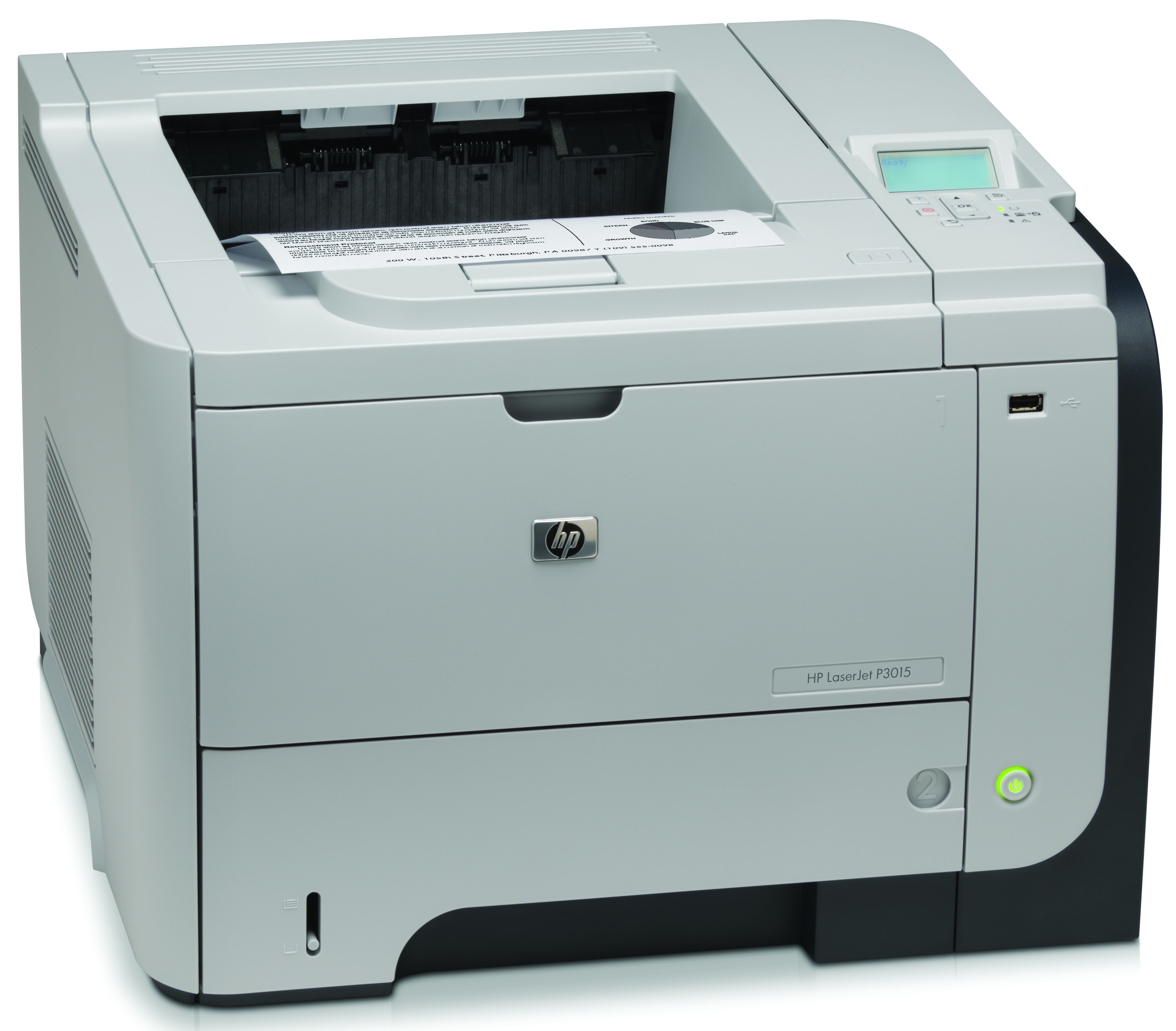



*** ALL TONERS AND SUPPLIES ARE IN STOCK AT DISCOUNTED PRICING , CALL +18882983095.
All reconditioned printers do not include supplies - toners , drums (Imaging Units) (where applicable) , printer cables , manuals , consumables, trays (where applicable). Power cables are included. Drivers can be downloaded from the manufacturers website. Please verify that drivers available are compatible with your software on the manufacturers site.
Product Details
Specifications
Accessories
Reviews
Product Details
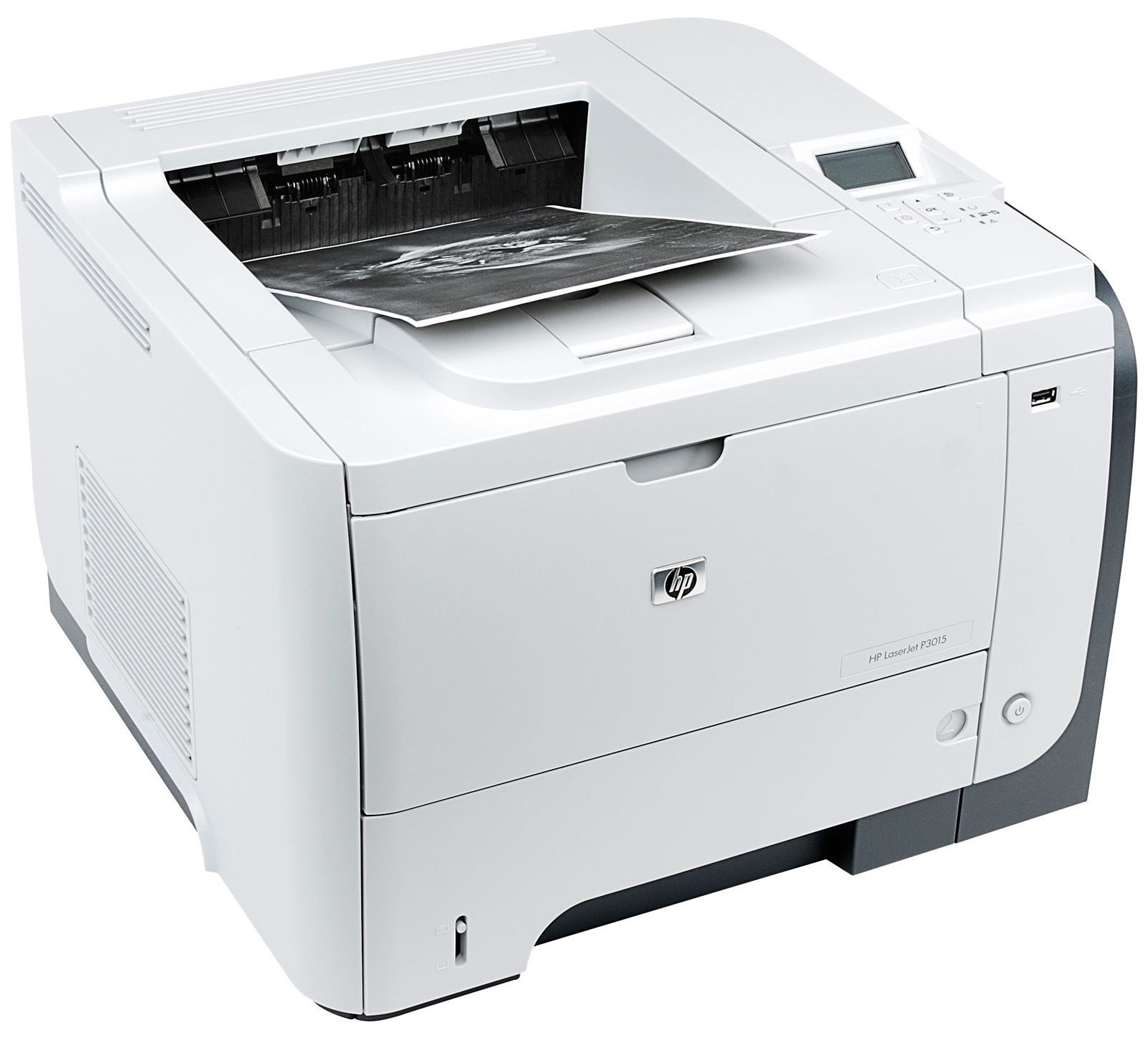
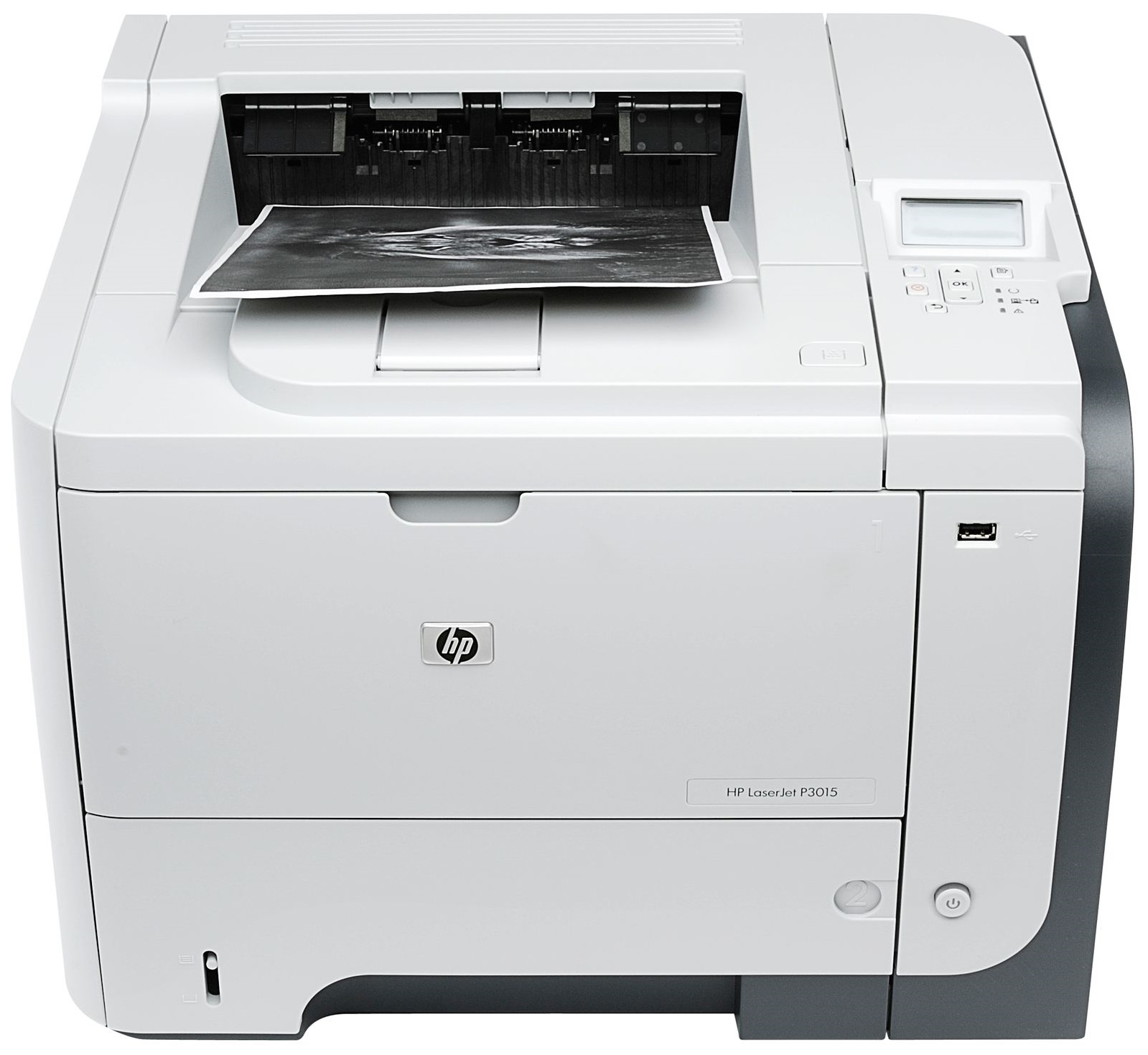
Main Features
- Black and white prints
- Speed: 42 ppm
- Resolution: 1200 dpi
- Media Capacity: 600 sheets
Specifications
General Specifications
| General | |
| Printer Type | Workgroup printer - laser - monochrome |
| Manufacturer | HP |
|
Printer |
|
| Built in Devices | USB hub |
| Connectivity Technology | Wired |
| Interface | USB |
| Max Resolution ( B&W ) | 1200 dpi |
| PostScript Support | Standard |
| Language Simulation | PCL 6 |
|
Processor |
|
| Processor | 540 MHz |
|
Ram |
|
| Ram Installed (Max) | 96 MB / 608 MB (max) |
| Technology / Form Factor | DDR2 SDRAM - SO DIMM 144-pin |
| Slots Qty | 1 |
| Empty Slots | 1 |
|
Media Handling |
|
| Media Type | Labels |
| Max Media Size (Custom) | 8.5 in x 14 in |
| Media Sizes | Statement (5.5 in x 8.5 in) |
| Media Weight | 60 g/m2 - 199 g/m2 |
| Total Media Capacity | 600 sheets |
| Max Media Capacity | 1600 sheets |
| Output Trays Capacity | 250 sheets |
|
Duty Cycle |
|
| Monthly Duty Cycle (max) | 100000 pages |
| Recommended Monthly Volume | 1500 - 5000 pages |
|
Telecom |
|
| Modem | None |
|
Copier |
|
| Copier Type | None |
|
Power |
|
| Power Consumption Operational | 780 Watt |
|
Software/System Requirements |
|
| OS Required | Microsoft Windows XP Professional |
|
Environmental Parameters |
|
| Min Operating Temperature | 59 °F |
| Max Operating Temperature | 90.5 °F |
| Humidity Range Operating | 10 - 80% |
|
Dimensions & Weight |
|
| Width | 17.6 in |
| Depth | 16.2 in |
| Height | 12.4 in |
| Weight | 35.1 lbs |
 Download Manufacturer Specifications
Accessories

Reviews


Most printers will beep once or twice during or after initialization. If it beeps more than that or beeps constantly, it is telling you that something is wrong. Most printers beep when out of paper or out of ink.
Position your laser printer on a sturdy and level surface, allowing enough space around the printer for air flow.
Your printer is not a dumping ground. Don't pile documents or other things on top of it, as they could cause damage. Your printer could overheat and this could result in malfunctioning and even a reduction in the printer's life.
MY ACCOUNT
INFO & POLICIES
SHOP EASY
PAYMENT OPTIONS



