



 Shopping Cart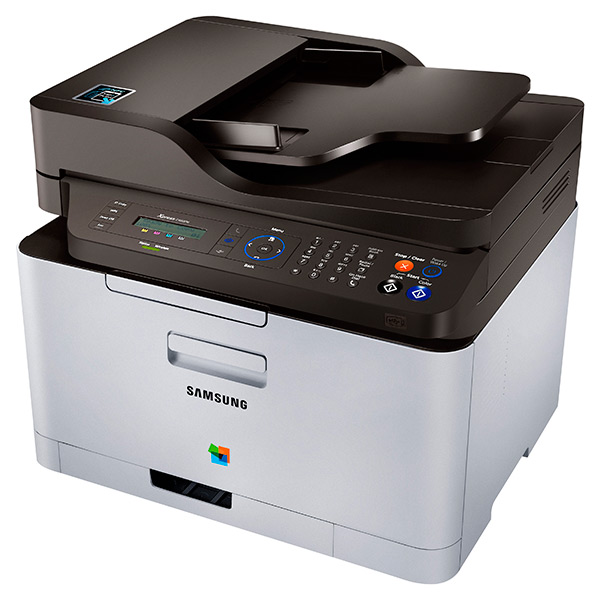


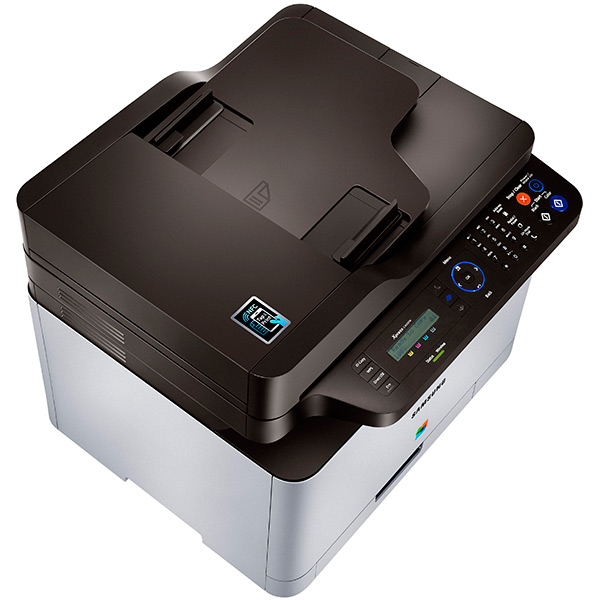
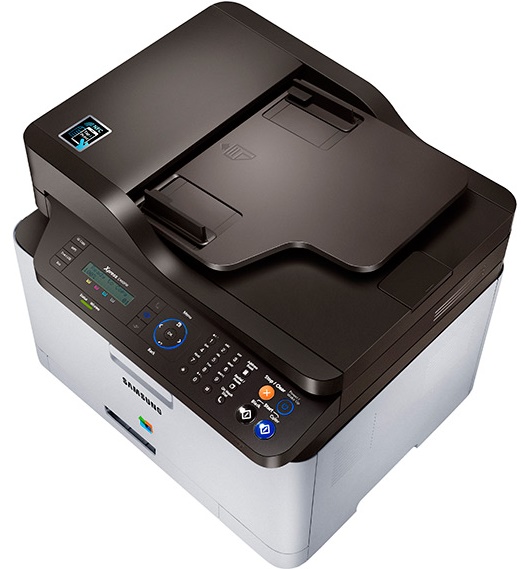
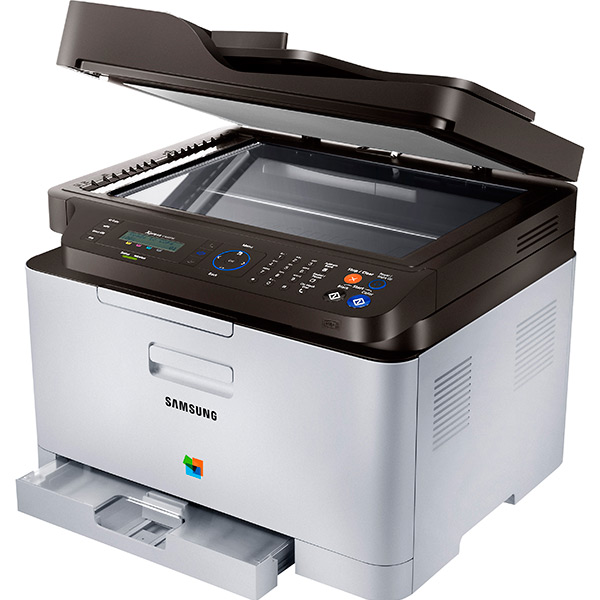
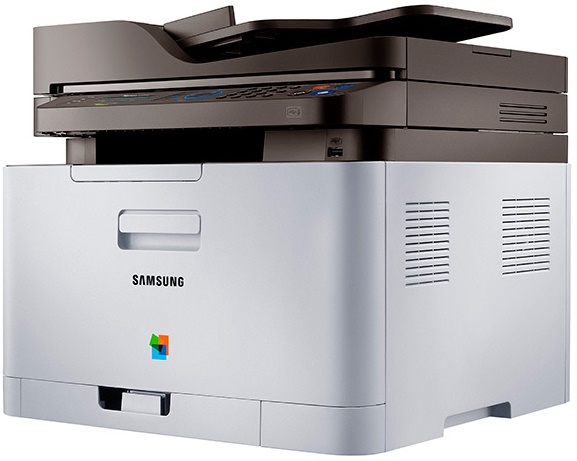


*** ALL TONERS AND SUPPLIES ARE IN STOCK AT DISCOUNTED PRICING , CALL +18882983095..
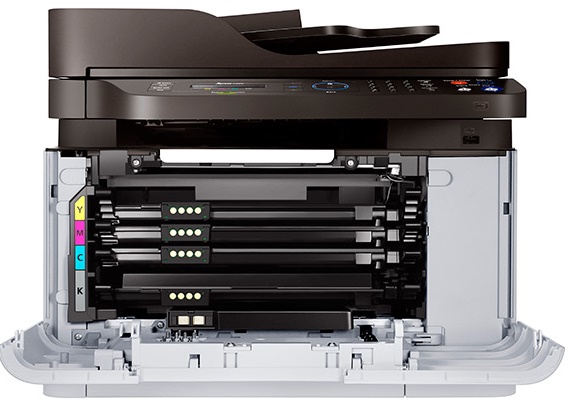
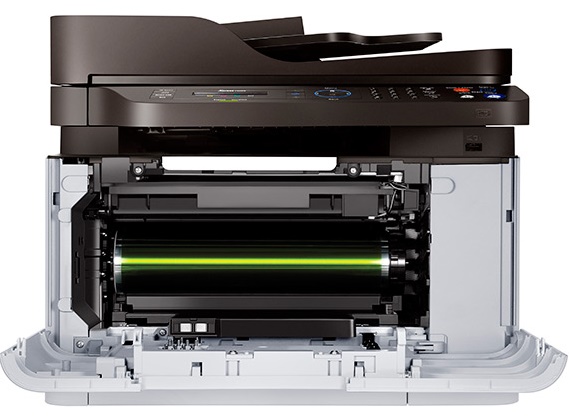
Printers do not include supplies - toners , drums (Imaging Units) (where applicable) , printer cables , manuals , consumables , trays (where applicable). Power cables are included. Drivers can be downloaded at www.hp.com. Please verify that drivers available are compatible with your software on HP’s site.
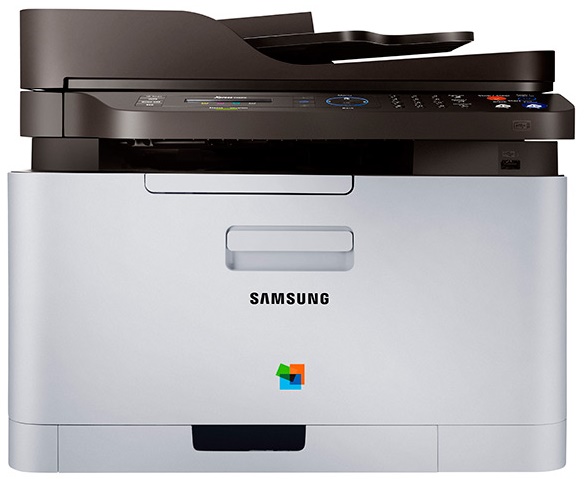
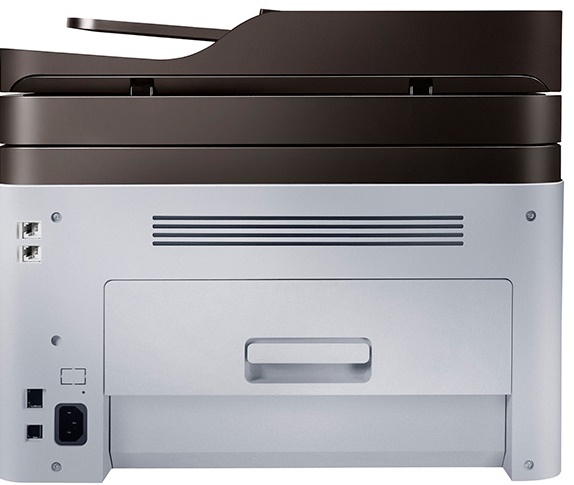
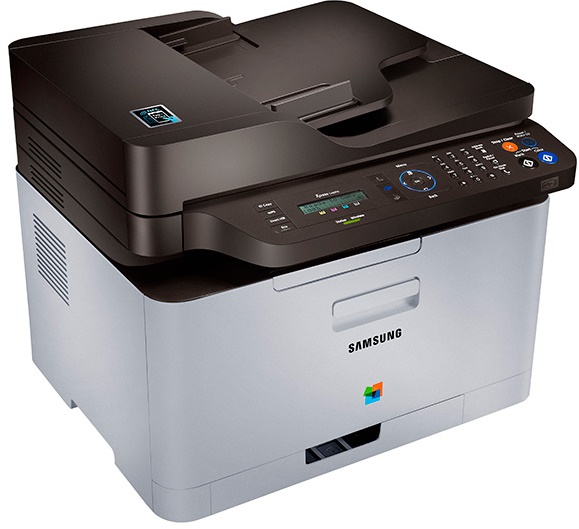
Images are for illustration purposes only and do not necessarily reflect the actual product.Product Details
Specifications
Accessories
Reviews
Product Details
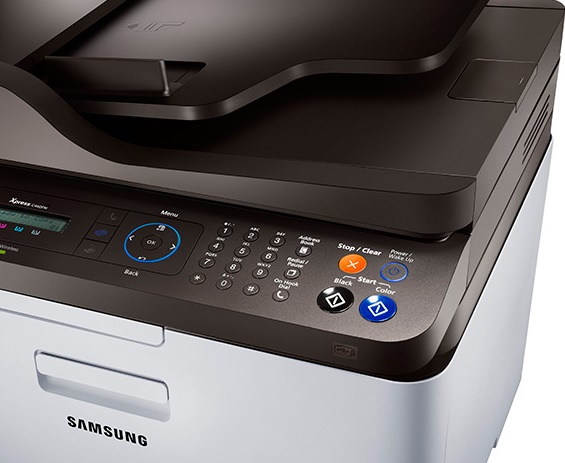
Main Features
- Functions: Copy, print, scan, fax
- Print in color
- Print Speed Black: 19 ppm
- Print Speed Color: 4 ppm
- Resolution: 2400 x 600 dpi
- 2-line LCD display
- Paper Capacity: 150 sheets
- Memory: 128MB
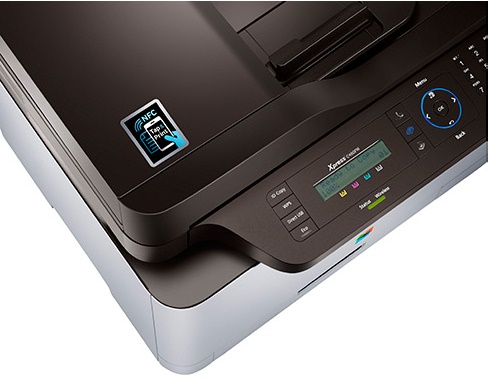
- Samsung Mobile Print App, available for Android, iOS, and Windows phone device
- Embedded Google Cloud Printing works with Smartphones, Tablets and PCs to allow you to print directly from the Cloud
- Manual duplex printing
- Dimensions: 13.1" H. x 16" W. x 14.3" D.
- Product Weight: 30.82 lb.
Specifications
General Specifications
| Auto Document Feeder (ADF) | No |
| Connectivity | USB 2.0 10/100 base Tx/wireless802.11 b/g/n |
| Control Panel/Display | 2 line LCD display |
| Copy Resolution | 600 x 600 |
| Copy Speed | 19ppm Black / 4ppm color |
| Dimensions | 13.1" H. x 16" W. x 14.3" D. |
| Energy Star Qualified | No |
| Fax Capability | Yes |
| Fax Memory | 5MB |
| Fax Speed | 33.6Kbps |
| First Page Out | Black: 14 seconds / Color: 26 seconds |
| Input Paper Capacity | 6 |
| Max. Paper Size | 8.5" x 14" |
| Memory | 128MB |
| Monthly Duty Cycle | Up to 20,000 pages/month |
| Network Ready | Yes |
| Output Paper Capacity | 50 sheets |
| Print Resolution - Black | 2400 x 600 |
| Print Resolution - Color | 2400 x 600 |
| Weight | 30.82 lb. |
| Print Technology | Laser |
| Type of Printer | All-in-One/Multifunction |
| Output Type | Color |
| Printer Connectivity | Wireless & USB |
 Download Manufacturer Specifications
Accessories

Reviews


Most printers have a paper-out detector. On most dot matrix printers it is a photo diode. If form-fed paper is not aligned correctly (usually on the left side) the diode won't see it.
Set your printer to maximum dpi setting to obtain the best image quality.
After installing a printer, go to the Windows dialog box and check the settings, so you won't be surprised by what happens the first time you print.
MY ACCOUNT
INFO & POLICIES
SHOP EASY
PAYMENT OPTIONS



