



 Shopping Cart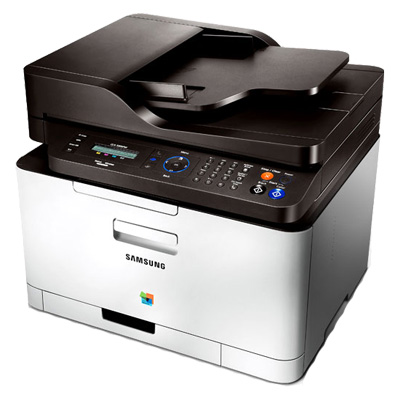



*** ALL TONERS AND SUPPLIES ARE IN STOCK AT DISCOUNTED PRICING , CALL +18882983095..
Printers do not include supplies - toners , drums (Imaging Units) (where applicable) , printer cables , manuals , consumables , trays (where applicable). Power cables are included. Drivers can be downloaded at www.hp.com. Please verify that drivers available are compatible with your software on HP’s site.
Images are for illustration purposes only and do not necessarily reflect the actual product.Product Details
Specifications
Accessories
Reviews
Product Details
Main Features
Release the full productivity of your mobile devices with the Samsung Mobile Print App, available for iPhone, iPad, Android, and Windows Phone devices. Don't waste time switching devices or transferring files when you can print directly from the source. This application allows you to easily print directly from your mobile device to the printer over your wireless network. Unlock your full potential with the only printer manufacturer's mobile solution that allows you to print not only JPEGs and PDFs, but also the full suite of Microsoft® Office documents, including Word, PowerPoint, and Excel. You can work smarter and faster by harnessing the power of advanced Samsung connectivity.
With Wi-Fi Direct, you can print from your mobile devices directly to the printer, even in a non-network environment.
Samsung’s unique ReCP (Rendering Engine for Clean Page) Technology improves the overall quality and vibrancy of your color printing, ensuring every printout looks perfect. It automatically sharpens the focus of both graphics and text, while solid objects are overlapped to eliminate white gaps.
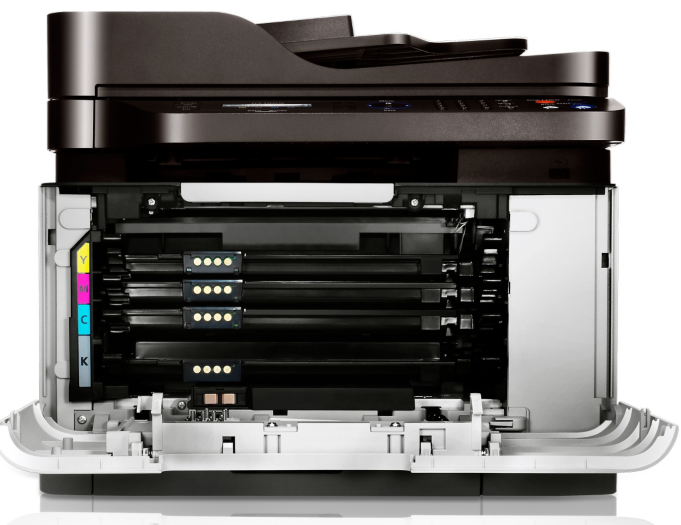
Our newly refined polymerized toner has smaller and more uniform particles than conventional toner, giving lines extra definition, tones more graduation and color more impact. Its higher wax content improves the image gloss and enhances the durability preventing unwanted fading and page curl. And as the polymer toner can be applied in a thinner layer with lower fusing temperatures it reduces the paper curl and energy consumption as well.
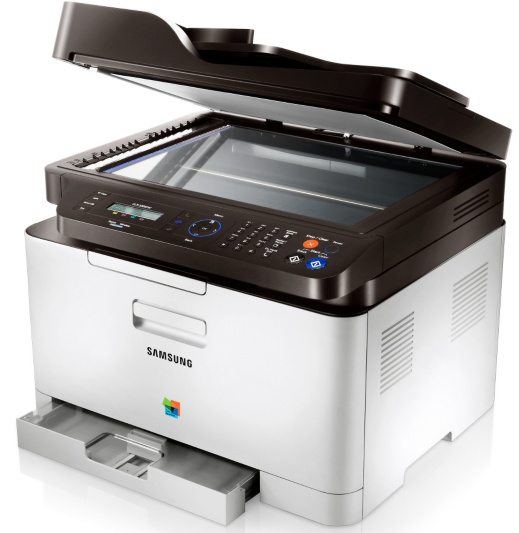
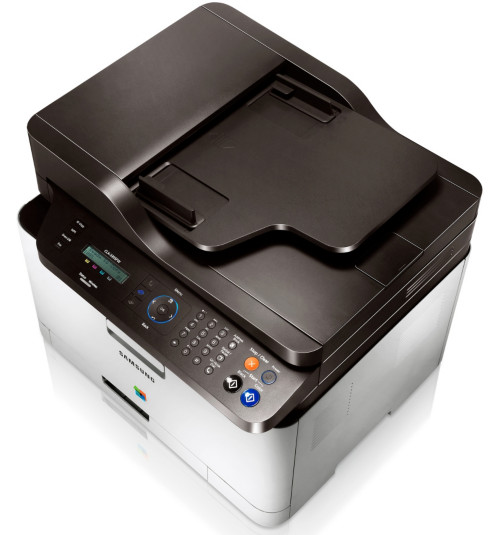
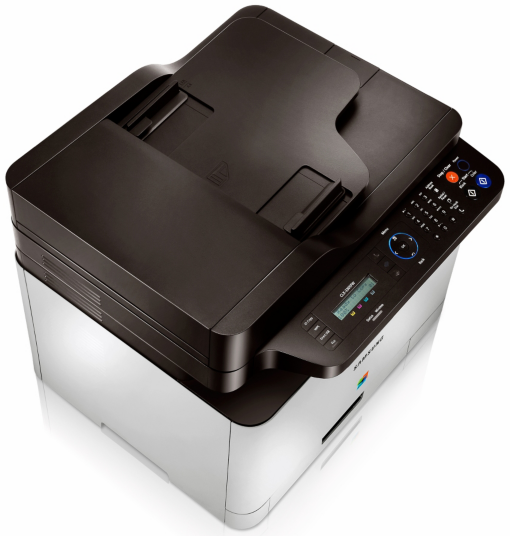
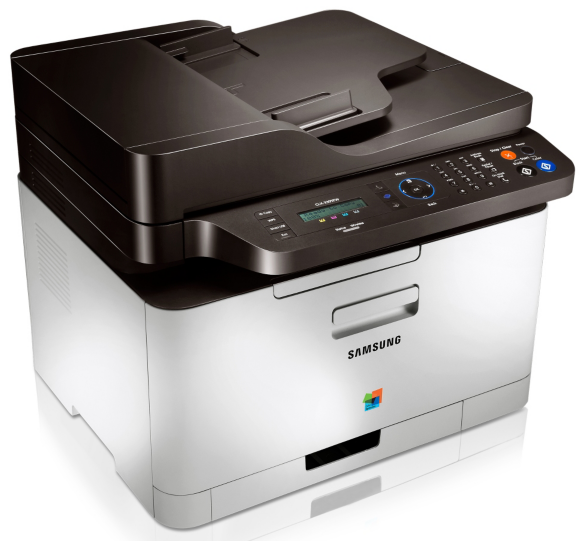
Don't worry about this printer crowding your space. Its beautiful and compact design makes it a pleasure to share a desk with. With a footprint of just 16" x 14.3", it’s smaller than all its competitive models. And the ergonomic design and color scheme allows it to blend into any modern work environment .
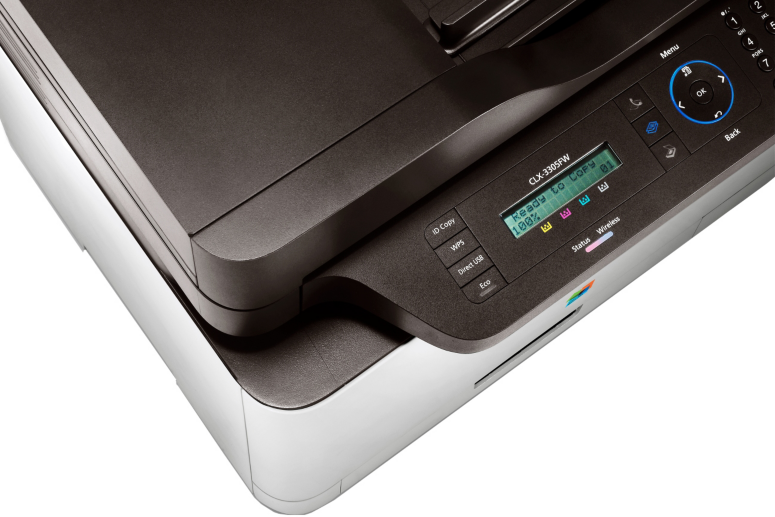
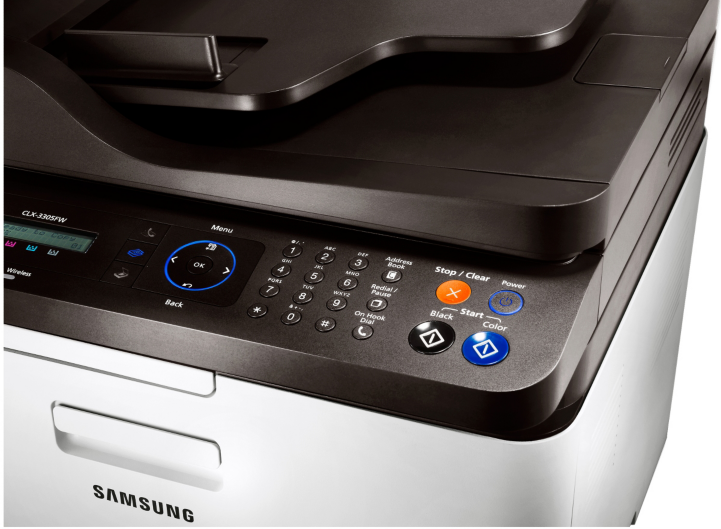
Just One push of the ECO button and you can save on toner, paper, and energy. Print multiple pages on one sheet, change color to grayscale or skip blank pages.
* One Touch WPS Button
Connect quickly and securely to your wireless network with the touch of a button, via the one-touch WPS (Wi-Fi Protected Setup).
Easily print images and documents directly from a USB memory stick or scan directly to USB to take your documents on the go, without the need of a computer.
Create and use your own color profiles with Samsung's Easy Color Manager. Match the exact colors of a company logo or simply give your print outs the individual look you want.
Easy Document Creator helps you create digital documents in multiple formats and makes it easy to share them with others - via e-mail, fax or social networks. Upload your scans directly to Facebook, Twitter, flickr, or Picasa. You can even scan text documents into .epub format for access on the latest e-reader devices.
The Easy Eco Driver allows you to edit and preview your documents before printing; to ensure you only print what you need, which helps save on toner costs. You can remove images, or text, change some or all colors, and even change bold text to standard. With this easy and powerful tool, you’ll really notice the savings add up.
Specifications
General Specifications
| Interfaces/Ports | |
|---|---|
| USB | Yes |
|
Display & Graphics | |
| Display Screen Type | LCD |
|
General Information | |
| Manufacturer | Samsung |
| UPC Code | CLX3305FW |
| Manufacturer Part Number | CLX-3305FW |
| Brand Name | Samsung |
| Product Name | CLX-3305FW Multifunction Printer |
| Marketing Information |
Bring photos on mobile devices to life with this all-in-one color laser copier, printer, scanner. Lets you print wirelessly in just three steps. Get amazing color thanks to Rendering Engine for Clean Page and new polymerized toner. One push of the ECO button and you'll save paper and energy. Print more onto every page with 2-up, 4-up and duplex features. Easy Document Creator App helps you compile and share large documents or other scanned or faxed information digitally. Print exactly what's on your screen with just one time saving click. Connect quickly and securely to your wireless network with the touch of a button. Print from your mobile devices in color easily, quickly and conveniently without the need for installing any print drivers. Unit prints 18 ppm b&w, 4 ppm color. Provides 2400 x 600 dpi print resolution. Has 150 sheet paper tray capacity, 40 page auto document feed capacity, 128MB fax page memory, direct USB flash connection, 25 to 400 percent reduction/enlargement. |
| Product Model | CLX-3305FW |
| Product Type | Laser Multifunction Printer |
| Product Series | CLX |
|
Memory | |
| Standard Memory | 128 MB |
|
Network & Communication | |
| Wireless LAN | Yes |
| Wireless LAN Standard | IEEE 802.11b/g/n |
| Ethernet Technology | Fast Ethernet |
| Ethernet | Yes |
|
Physical Characteristics | |
| Height | 13.1" |
| Width | 16" |
| Depth | 14.3" |
| Weight (Approximate) | 504.48 oz |
| Form Factor | Desktop |
|
Faxing | |
| Maximum Fax Resolution | 300 x 300 dpi |
| Fax Color | Color |
|
Media Handling | |
| Media Size | A4 - 8.27" x 11.69", Legal - 8.50" x 14.02" |
| Standard Input Media Capacity | 150 sheets |
| Number of Input Trays Supported | 1 |
| Number of Input/Multipurpose Trays Installed | 1 |
| Media Handling | 1 x Cassette 150 Sheet, 1 x Output Bin 50 Sheet, 1 x Automatic Document Feeder 40 Sheet |
| Media Type | Plain Paper, Thin Paper, Bond Paper, Preprinted Paper, Recycled Paper, Label, Card Stock, Thick Paper, Cotton Paper, Color Paper, Glossy Paper |
| Maximum Input Media Capacity | 150 sheets |
| Maximum Print Size | Legal - 8.50" x 14.02" |
|
Scanning | |
| Interpolated Resolution | 4800 x 4800 dpi |
| Scan Color | Color |
| Scanner Type | Flatbed |
| Optical Resolution | 600 dpi |
| Hardware Resolution | 600 x 600 dpi |
|
Processor & Chipset | |
| Processor Speed | 533 MHz |
|
Technical Information | |
| Platform Supported | PC, Mac |
| Maximum Color Print Speed (ppm) | 4 |
| Maximum Print Resolution | 2400 x 600 dpi |
| Number of Colors | 4 |
| Maximum Mono Print Speed (ppm) | 18 |
| Color Cartridge Type | Individual Color Cartridge |
| Print Color | Color |
| Duplex Printing | Manual |
| Multifunction Devices | Copier/Fax/Printer/Scanner |
|
Fonts & Emulation | |
| Language Emulation | SPL-C, PCL 5c, PCL 6c, PostScript 3 |
|
Copier | |
| Copier Type | Flatbed |
| Maximum Color Copy Speed (cpm) | 4 |
| Copy Color | Color |
| Maximum Mono Copy Speed (cpm) | 18 |
| Number of Copies | 99 |
| Maximum Document Reduction | 25% |
| Maximum Document Enlargement | 400% |
Accessories

Reviews


Looking to save paper and ink? Make sure to only print the pages you need of your document.
Paper jam? The best way to remove jammed paper is to gently pull the paper in the direction of the paper path - with power off, of course. Do not pull the paper backwards - you could damage your printer forever by doing so.
Printer not working? The printer memory could be full and not getting prints or the prints may be stuck in the print queue. Turn-off the printer, wait a few seconds and turn it back on.
MY ACCOUNT
INFO & POLICIES
SHOP EASY
PAYMENT OPTIONS



