



 Shopping Cart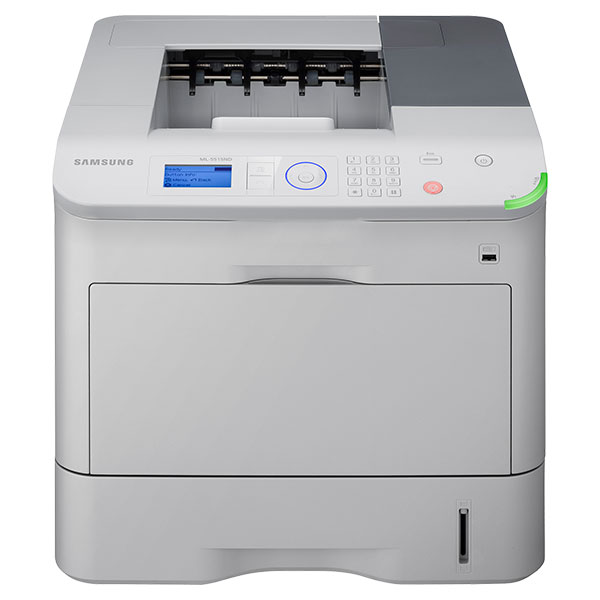


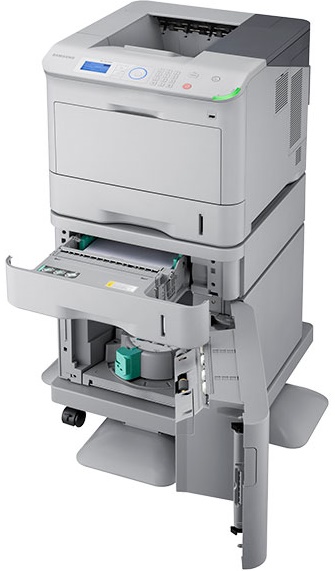
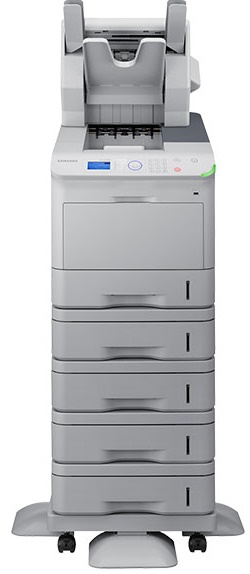
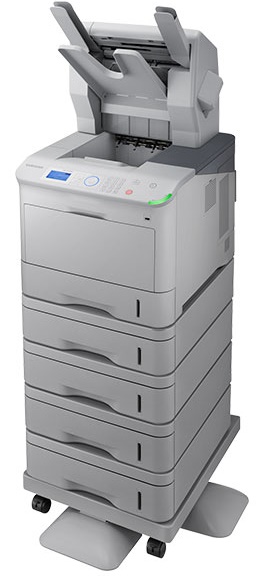


*** ALL TONERS AND SUPPLIES ARE IN STOCK AT DISCOUNTED PRICING , CALL +18882983095..
Printers do not include supplies - toners , drums (Imaging Units) (where applicable) , printer cables , manuals , consumables , trays (where applicable). Power cables are included. Drivers can be downloaded at www.hp.com. Please verify that drivers available are compatible with your software on HP’s site.
Product Details
Specifications
Accessories
Reviews
Product Details
Main Features
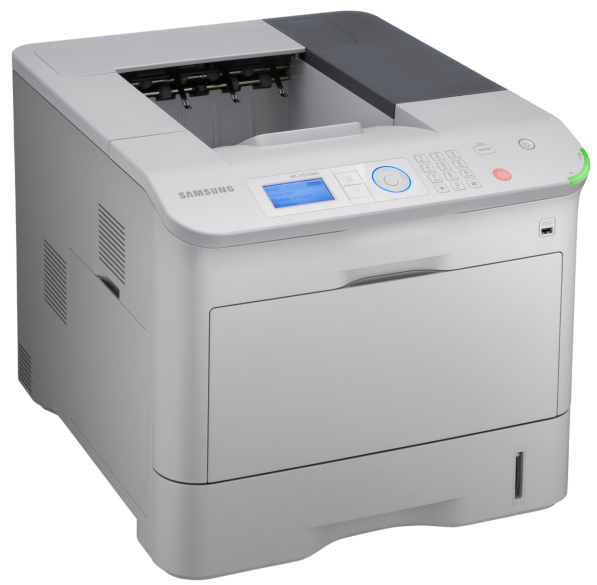
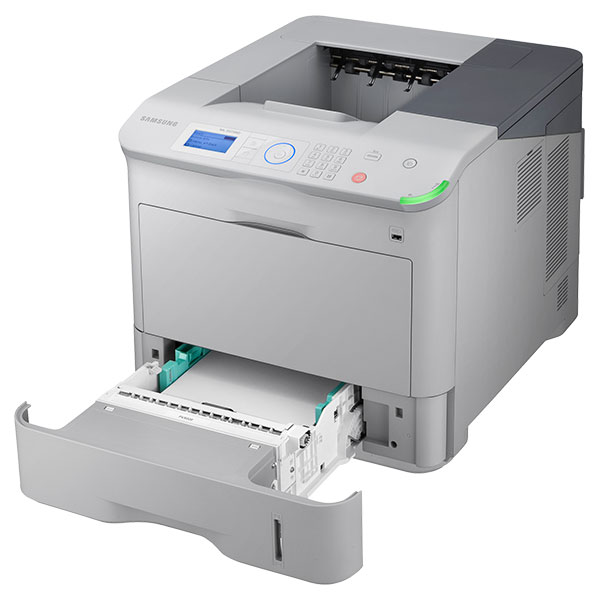
- Laser printer
- Print color: Black and white
- Speed: 55 ppm
- Automatic duplex prints
- Paper Size: A4/Legal
- Resolution: 1200 x 1200 dpi
- Standard Paper capacity: 620 sheets
- USB 2.0
- Gigabit LAN
- USB host
Specifications
General Specifications
| Product Type | Laser Printer |
| Ethernet | Yes |
| Display Screen Type | LCD |
| Standard Input Media Capacity | 620 sheets |
| USB | Yes |
| Maximum Mono Print Speed (ppm) | 55 |
| Product Family | ML |
| Maximum Print Resolution | 1200 x 1200 dpi |
| Form Factor | Desktop |
| Print Color | Monochrome |
| Duplex Printing | Automatic |
| Duty Cycle | 275000 pages per month |
| Recommended Use | Plain Paper Print |
| Number of Input/Multipurpose Trays Installed | 2 |
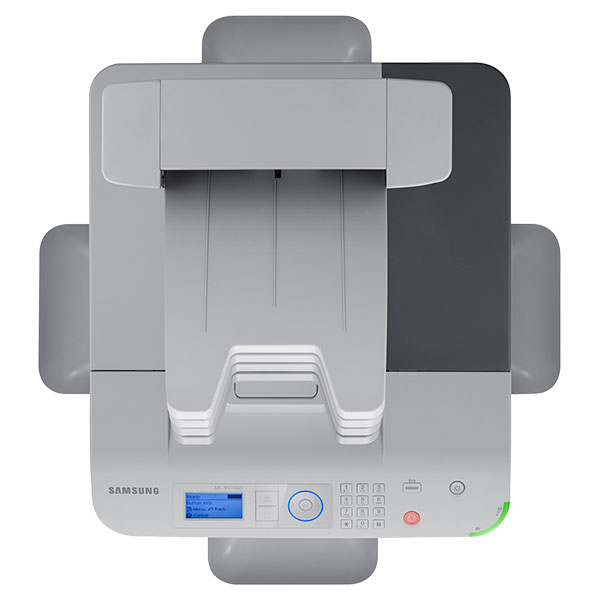
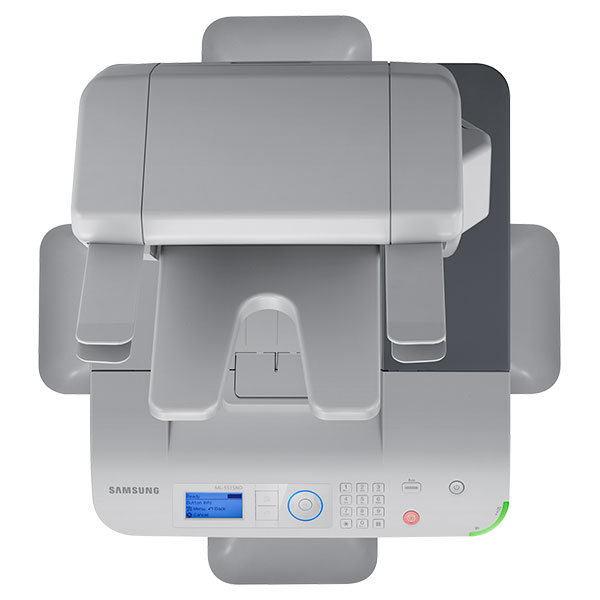
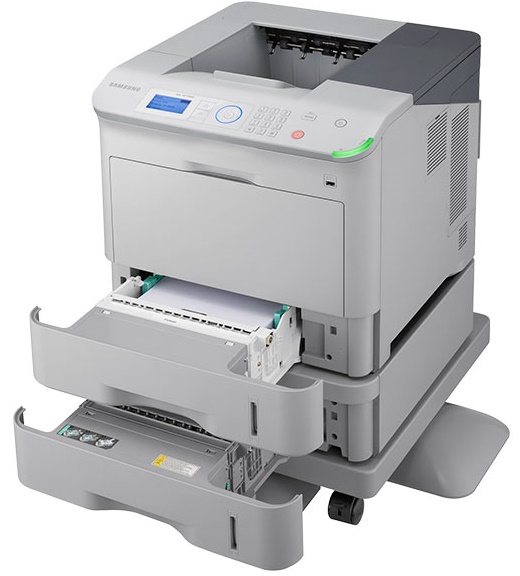
| Number of Input Trays Supported | 5 |
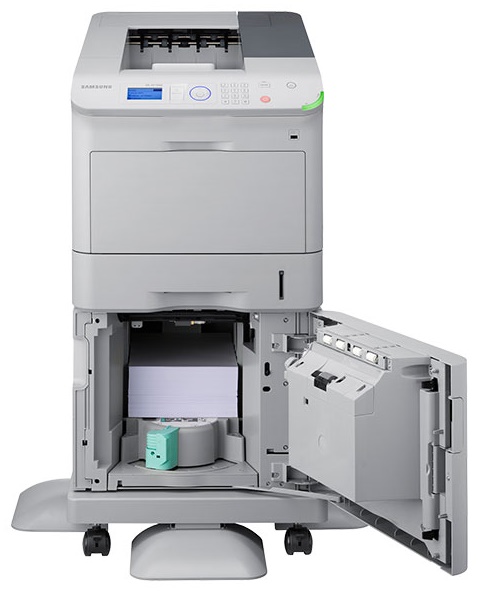
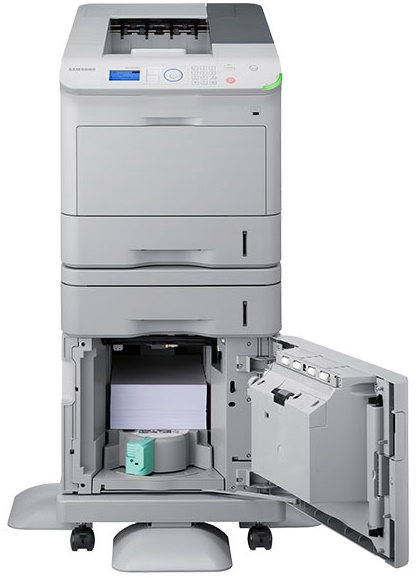
| Maximum Input Media Capacity | 3660 sheets |
| Ethernet Technology | Gigabit Ethernet |
| USB Direct Printing | Yes |
| Wireless Print Technology | Samsung Mobile Print |
| Height | 16.5" |
| Width | 18.3" |
| Depth | 21.3" |
| Media Type | Plain Paper
Thick Paper Transparency Preprinted Paper Letterhead Card Stock Recycled Paper Archive Paper Bond Paper Label Thin Paper Envelope Cotton Color Paper Extra Thick Paper Pre-punched Paper |
| Product Series | ML |
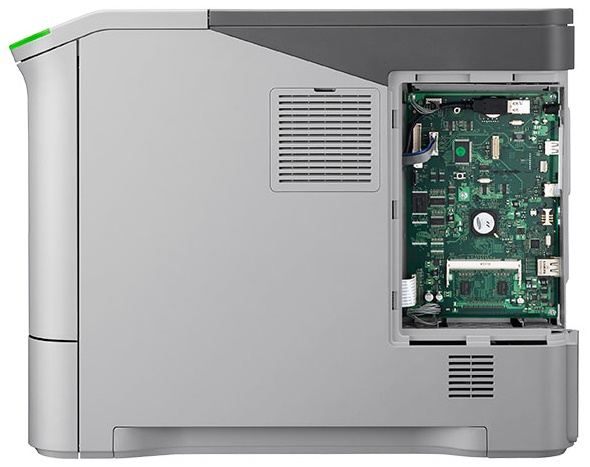
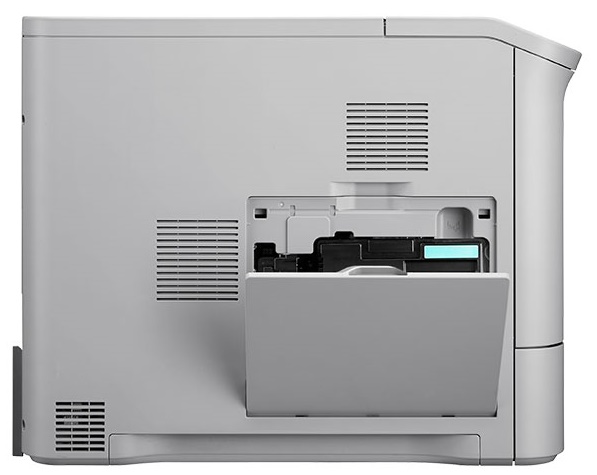
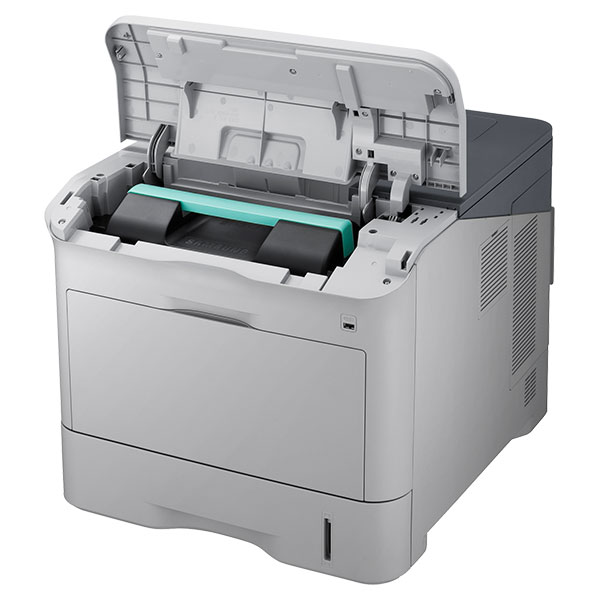
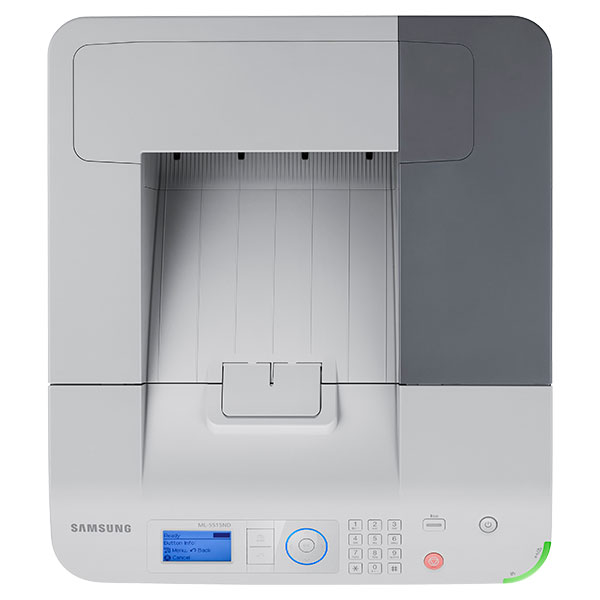
| Product Model | ML-5515ND |
| Processor Speed | 700 MHz |
| Media Size | A4 - 8.30
Letter - 8.50 Legal - 8.50 Oficio Folio - 8.27 B7 (JIS) - 7.17 ISO B5 Executive - 10.50 A5 - 5.80 Statement - 8.50 A6 - 4.10 Postcard - 5.82 Monarch Envelope DL Envelope - 4.30 Envelope No. 10 C5 Envelope - 9 C6 Envelope - 4.50 Envelope No. 9 Custom Size 3.88 2.99 |
| Platform Supported | Mac
PC |
| Standard Memory | 256 MB |
| Maximum Print Size | Legal - 8.50 |
| Operating Power Consumption | 820 W |
| Sleep-Mode Power Consumption | 3.90 W |
| Number of Colors | 1 |
| Operating System Supported |
|
| Language Emulation | PCL 5e
PCL 6 IBM ProPrinter PostScript 3 XPS PDF v1.7 |
| Media Handling | 1 x Cassette 520 Sheet
1 x Multipurpose Tray 100 Sheet 1 x Output Bin 500 Sheet |
| First Print Speed | 7.8 Second Monochrome |
| Maximum Memory | 768 MB |
| Power Source | AC Supply |
Accessories

Reviews


Paper jam? The best way to remove jammed paper is to gently pull the paper in the direction of the paper path - with power off, of course. Do not pull the paper backwards - you could damage your printer forever by doing so.
It is always better to use original branded ink cartridges to reduce chances of clogging, leaking and bleeding.
Using heavy or stiff paper? Feed the paper one sheet at a time or try placing a sheet of plain copier or bond paper behind a heavy sheet.
MY ACCOUNT
INFO & POLICIES
SHOP EASY
PAYMENT OPTIONS



