



 Shopping Cart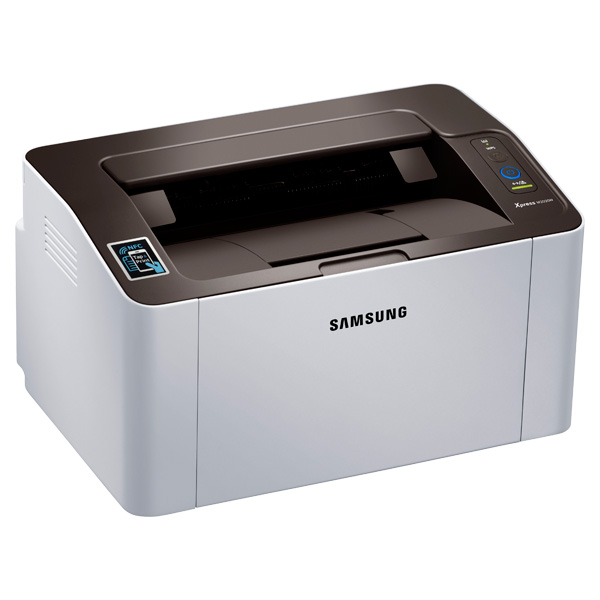




*** ALL TONERS AND SUPPLIES ARE IN STOCK AT DISCOUNTED PRICING , CALL +18882983095..
Printers do not include supplies - toners , drums (Imaging Units) (where applicable) , printer cables , manuals , consumables , trays (where applicable). Power cables are included. Drivers can be downloaded at www.hp.com. Please verify that drivers available are compatible with your software on HP’s site.
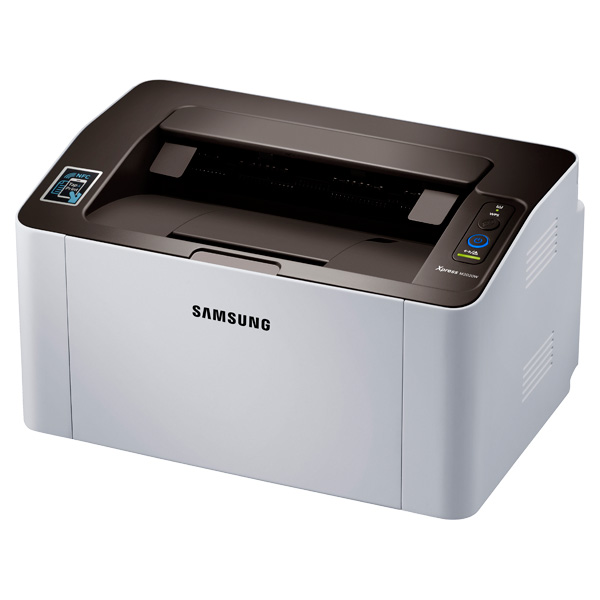
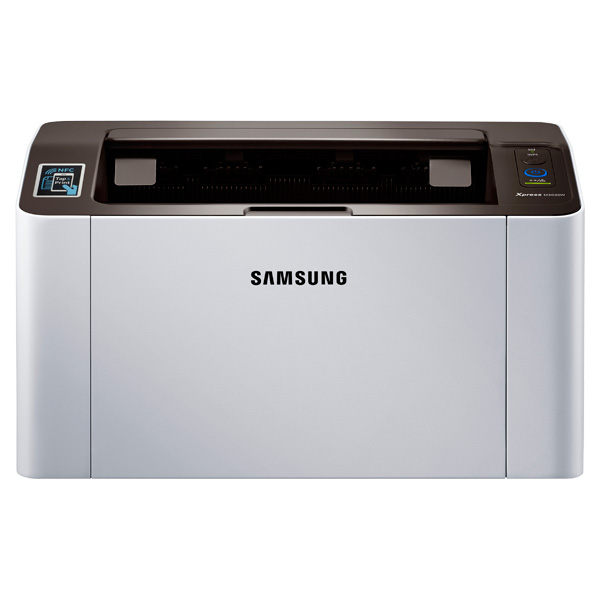
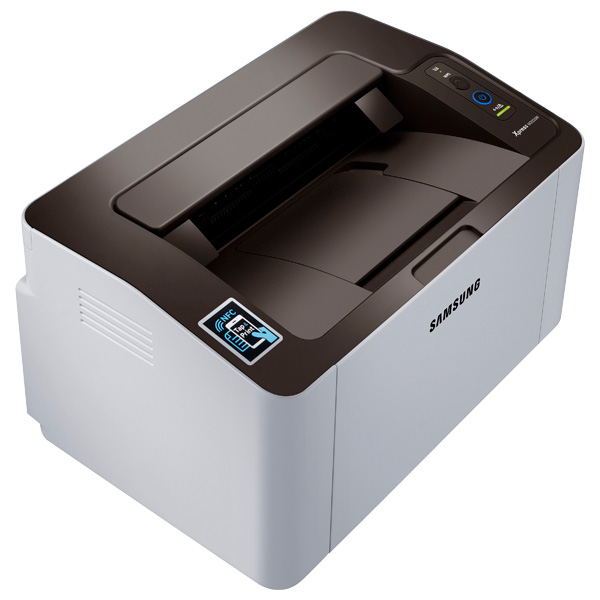
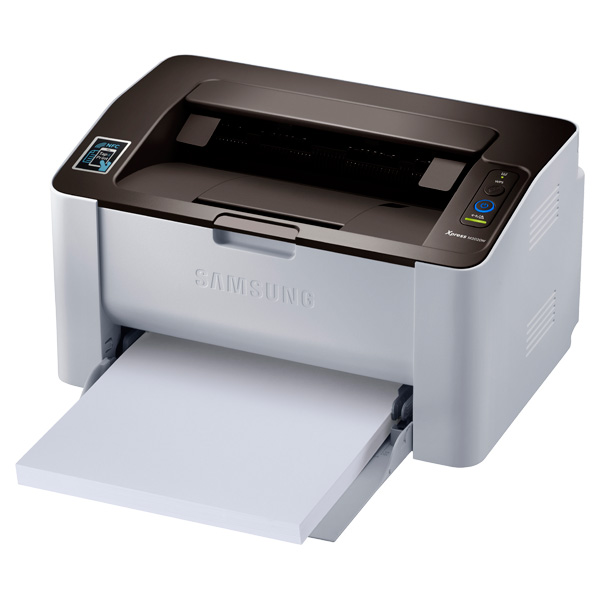
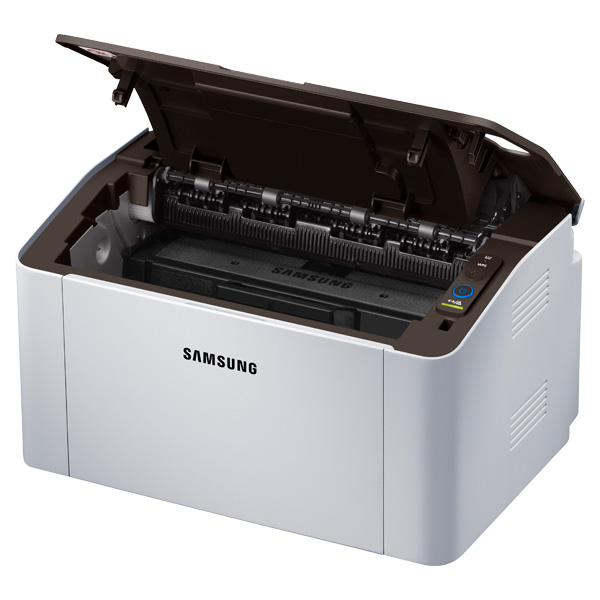
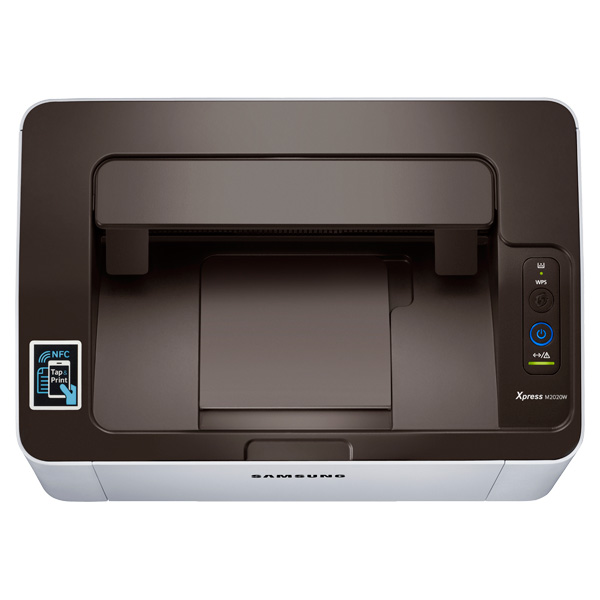
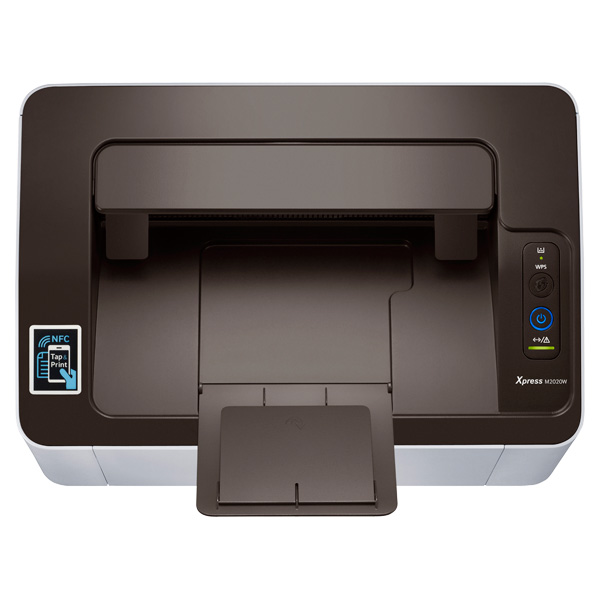
Images are for illustration purposes only and do not necessarily reflect the actual product.Product Details
Specifications
Accessories
Reviews
Product Details
Main Features
- Easy to Use - designed for simple and intuitive operation
- Fast Printing Speed - Delivers prints as fast as 21ppm
- One Touch WPS Button - connect quickly and securely to your wireless network
- Brilliant Text and Image Quality - advanced rendering technology improves image quality for more detailed and sharper prints.
- Easy Eco Driver - Enables saving up to 20 percent on toner and reducing paper and energy consumption by giving users the option to remove unnecessary text and images.
- Easy Printer Support - intuitive software puts you in control.
- Easy Printer Manager - remotely control printer settings and easily monitor toner and alert statuses.
- Print Wirelessly with Mobile Print App - print directly from your mobile device to the printer over your wireless network.
- Google Cloud Print from Anywhere
- Ergonomic and Compact Design
Specifications
Printing
| Print Speed (Black) | Up to 21 ppm |
| Print Resolution (DPI) | Up to 1200 x 1200 |
| First Print Out Time | <8.5 seconds |
| Emulation | SPL (Samsung Printer Language |
| Duplex Printing | Manual |
Paper Handling
| Paper Input Capacity (Standard) | 150 sheets |
| Maximum Input Capacity | 150 sheets |
| Output Capacity | 100 sheets |
| Media Sizes | 3" - 5" ~ 8.5" - 14" |
| Media Type |
Plain, Envelope, Labels, CardStock, Thick, Thin, Cotton, Color, Preprinted, Recycled, Bond, Archive |
General
| Processor | 400 MHz |
| Memory | 64 MB |
| Wireless | Yes |
| Interface | Hi-Speed USB 2.0, 802.11b/g/n Wireless, Wi-Fi Direct |
| Noise Level | <50 dBA while printing |
| Monthly Duty Cycle | 10,000 images per month |
| OS Compatibility | Windows (32/64 bit) XP/2003/Vista/2008/7/8/2008 R2/Server 2012, Mac OS X 10.5~10.9, Various Linux |
| Energy Star® Certified | Yes |
| Power Consumption (W) | 310 W (Printing), 30 W (Standby), 1.5 W (Sleep), 1.9 W (Sleep with Wi-Fi Direct), .85 kWH TEC, .95 kWh TEC (with Wi-Fi Direct) |
| Samsung Mobile Print | Yes |
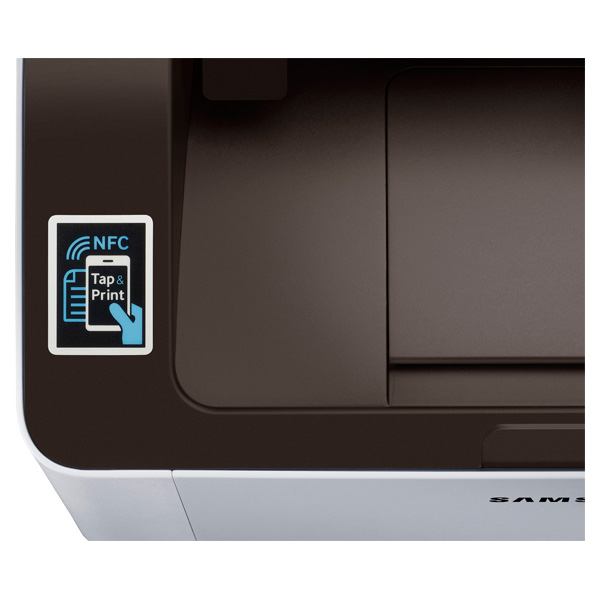
| NFC Tap & Print | Yes |
| Google Cloud Print | Yes |
| Airprint | Yes |
Dimensions
| Product Dimensions (W x D x H, in | 13.0" x .5 " x 7.0" |
| Shipping Dimensions (W x D x H, in) | 15.2" x 10.7" x 11.7" |
Weight
| Product Weight | 8.8 lb. |
| Shipping Weight | 11.9 lb. |
Consumables
| Cartridge Type | All-in-one Toner Cartridge |
| Standard Toner Yield | 500 pages |
| Toner Cartridge Model and Yield | Black: 1,000 page toner yield (MLT-D111S) |
| Toner Metrics | Declared Yields in Accordance with ISO/IEC 19752 |
Accessories
*** ALL TONERS AND SUPPLIES ARE IN STOCK AT DISCOUNTED PRICING , CALL +18882983095
Reviews


Printer not working? The printer memory could be full and not getting prints or the prints may be stuck in the print queue. Turn-off the printer, wait a few seconds and turn it back on.
When power is applied, you should hear the print mechanism initialize and most printers have at least one light which will be illuminated when it is on.
Are you getting diminished color and print quality? If all your images start to look a bit purple, blue or orange, one of your ink wells may be running low. Replace the whole printer ink cartridge, unless you can refill the individual ink wells.
MY ACCOUNT
INFO & POLICIES
SHOP EASY
PAYMENT OPTIONS



