



 Shopping Cart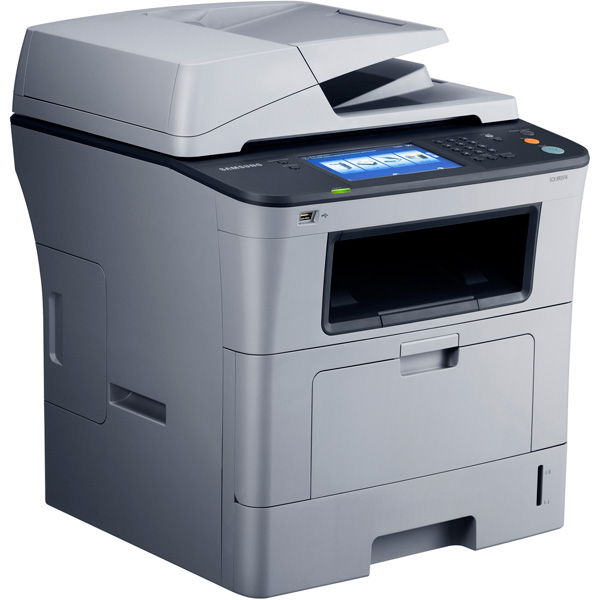



*** ALL TONERS AND SUPPLIES ARE IN STOCK AT DISCOUNTED PRICING , CALL +18882983095..
Printers do not include supplies - toners , drums (Imaging Units) (where applicable) , printer cables , manuals , consumables , trays (where applicable). Power cables are included. Drivers can be downloaded at www.hp.com. Please verify that drivers available are compatible with your software on HP’s site.
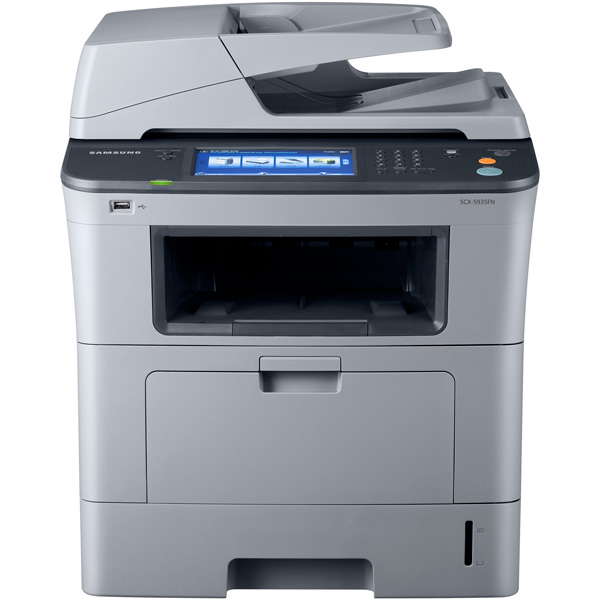
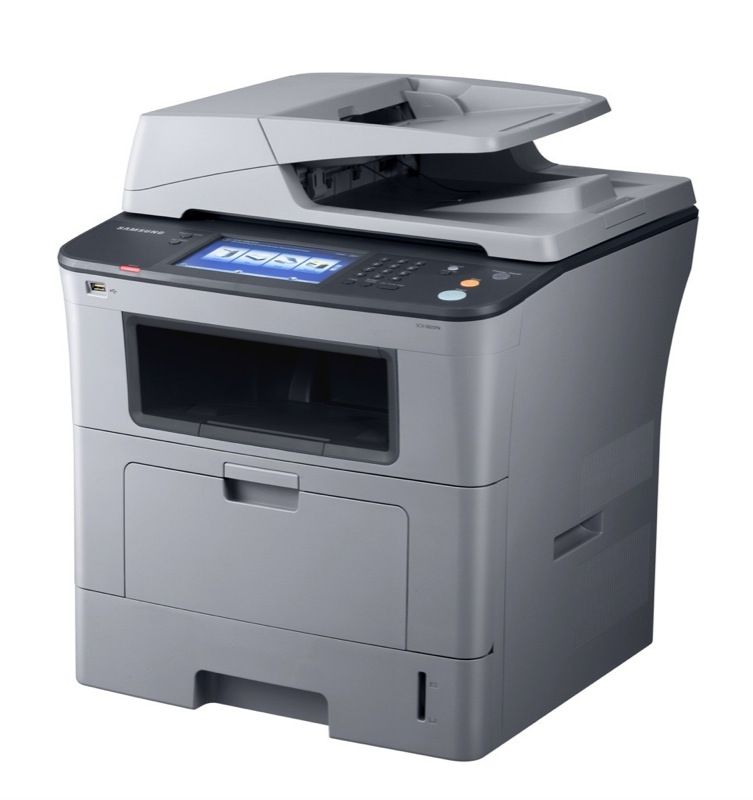
Images are for illustration purposes only and do not necessarily reflect the actual product.Product Details
Specifications
Accessories
Reviews
Product Details
Main Features
- Print, copy, scan and fax
- Print and Copy Speed: 35 pages per minute
- Double sided copies
- Direct USB printing and scanning
- Maximum Monthly Volume: 80,000 sheets
- Low cost per print
- Max Paper Capacity: 1,050 sheets
- Memory: 512 MB
- 7 inch touchscreen
Specifications
General Specifications
| Overview | |
| Function | Print, scan, copy, fax |
| Speed (Mono) | 35 |
| First Print Out Time | 8.5 |
| Emulation | PCL5e, PCL6, PS3, PDF 1.4, TIFF |
| Copy | |
| Copy Speed | 35 |
| First Copy Out Time | 9.5 |
| Copy Resolution | 1200 x 1200 |
| Duplex Copy | Yes |
| Copy Special Features | Auto Fit Copy, Book Copy, Clone Copy, Collation Copy, 2 Up Copy, Zoom from 25% to 400%, Transparency Copy, Poster Copy, Time & Date Stamp Copy, Page Numbering Copy, Multi Copy up to 999 pages, Margin Shift Copy, ID Stamp Copy, ID Copy, 4 Up Copy, Booklet Copy, Erase Background Copy, Erase Edge Copy |
| Scan | |
| Compatibility | ITU-T G3 |
| Method | Color CCD |
| Resolution (Optical) | 600 |
| Resolution (Enhanced) | 4800 |
| Scan To | PC, email, USB memory, FTP, SMB |
| Fax | |
| Compatibility | ITU-T G3 |
| Modem Speed | 33.6 |
| Memory | 80GB HDD |
| Special Features | Speed Dial up to 200 Locations |
| Display | |
| LCD | 7" WVGA (800 x 480) color touch screen |
| Touchscreen | Yes |
| General | |
| OS Compatibility | Windows 2000/2003/2008 Server/XP/Vista, Various Linux OS, Mac OS X 10.3-10.5, Windows Terminal Services, Citrix Presentation Server, SAP, Windows Terminal Services |
| Interface | Hi-Speed USB 2.0, Ethernet 10 / 100 BaseTX |
| Noise Level | 52 |
| Duty Cycle, Monthly | 80000 |
| ENERGY STAR® Certified | None |
| Consumables | |
| Cartrige Type | Single |
Accessories

Reviews


It is always better to use original branded ink cartridges to reduce chances of clogging, leaking and bleeding.
Don't move a print head unless the instructions direct it. You can damage the belt or other parts.
What is Tray Capacity? Tray Capacity or Paper Capacity is the maximum number of pages that can be stored in the printer before you have to refill it.
MY ACCOUNT
INFO & POLICIES
SHOP EASY
PAYMENT OPTIONS



