



 Shopping Cart
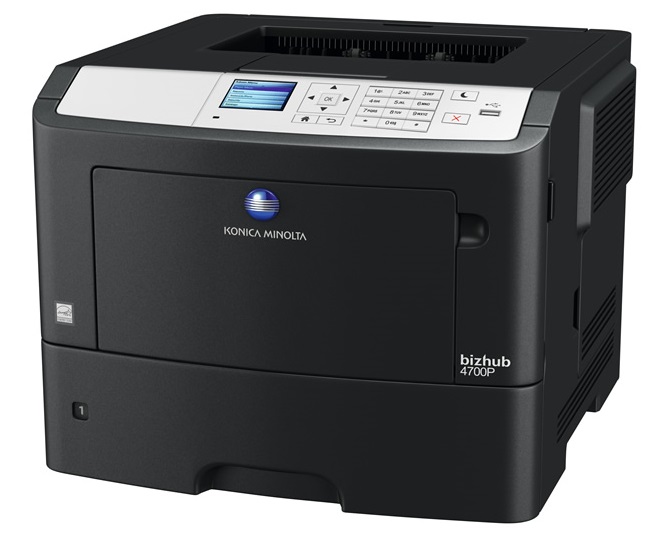
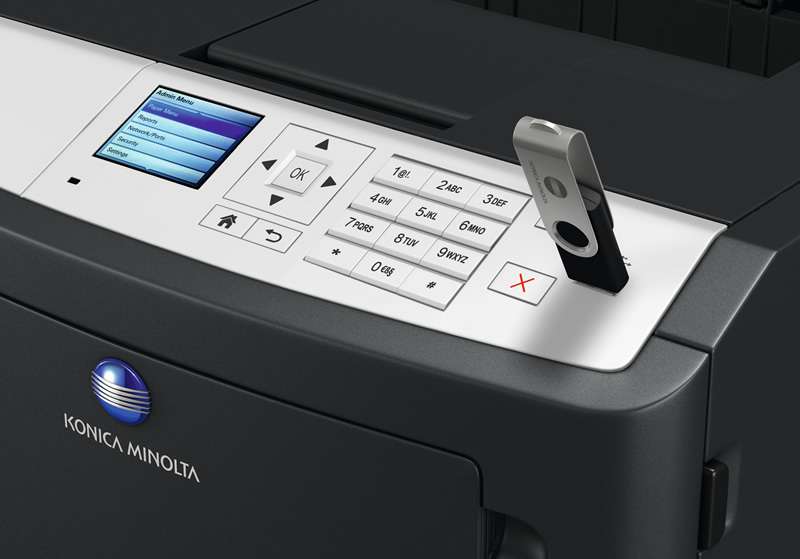
 Konica Minolta Bizhub 4000P Laser Printer




Product Details
Specifications
Accessories
Reviews
Product Details
Main Features
- Speed: 42 ppm
- Resolution: 1200 x 1200 dpi
- Max paper capacity: 2000 sheets
- Paper size: A6-A4
- Automatic duplex prints
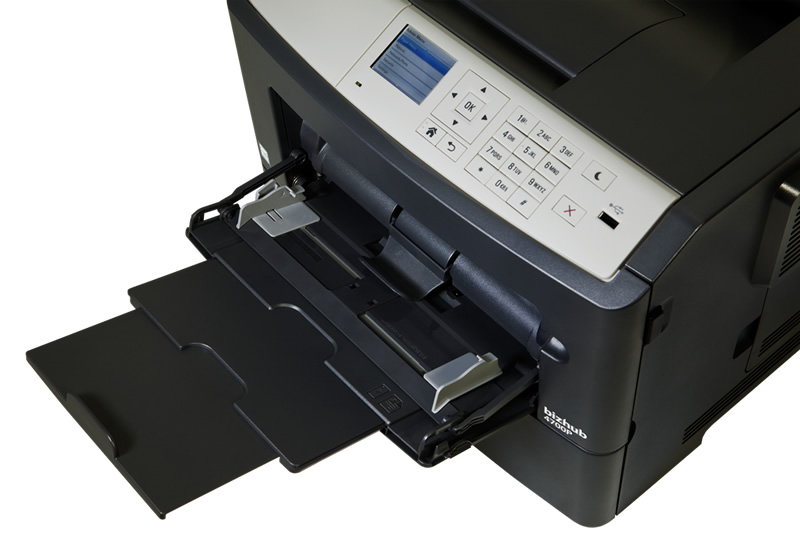
- Easy to read LCD display
- Easy access to change the toner and paper
- First page out: 6.5 seconds
- Eco friendly
- Security: Password has to be entered before printing
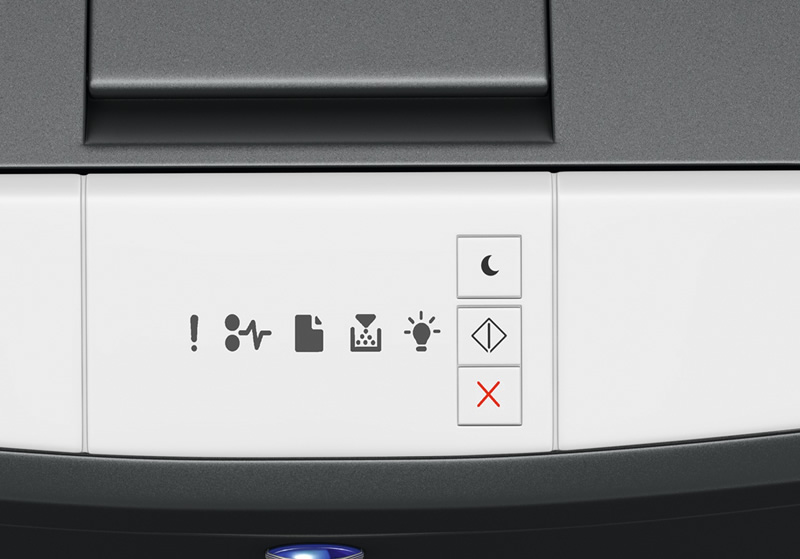
- Quiet mode to avoid disturbances
- Dimensions: 399mm x 382mm x 263mm
- Weight: 15 kg
Specifications
General Specifications
Printer Specifications
| System | Electrostatic laser |
|---|---|
| Print Speed | A4: Up to 40 ppm A4 Autoduplex: Up to 36 ppm |
| First print time | 6.5 sec. |
| Print resolution | 1,200 x 1,200 dpi |
| Controller CPU | 6170 Dual Core, 800 MHz |
| Page description language | PCL 5/6 PostScript 3 XPS |
| Operating systems | Windows VISTA (32/64) Windows 7 (32/64) Windows 8 (32/64) Windows Server 2003 (32/64) Windows Server 2008 (32/64) Windows Server 2008 R2 (64) Windows Server 2012 (64) Windows Server 2012 R2 Macintosh OS X 10.x Linux Citrix |
| Printer fonts | 89 PCL Latin 91 PostScript 3 Emulation Latin |
| Print functions | Duplex, n-up, watermark, electronic sorting |
System Specifications
| System memory | 256 MB (standard) 1.28 GB (optional) |
|---|---|
| Interface | 10-Base-T/100-Base-TX Ethernet USB 2.0, IEEE 1284 Bidirectional Parallel |
| Network protocols | TCP/IP (IPv4 / IPv6); AppleTalk (EtherTalk); TCP; UDP |
| Paper size | A6 - A4, customised paper sizes |
| Paper weight | 60 -163 gsm |
| Paper input capacity | Standard: 350 sheets max.: 2000 sheets Tray 1: 250 sheets, A6 - A4, 60 - 120 gsm Tray 2: 250 or 550 sheets, A5 - A4, 60 - 120 gsm Tray 3: 250 or 550 sheets, A5 - A4, 60 - 120 gsm Tray 4: 250 or 550 sheets, A5 - A4, 60 - 120 gsm |
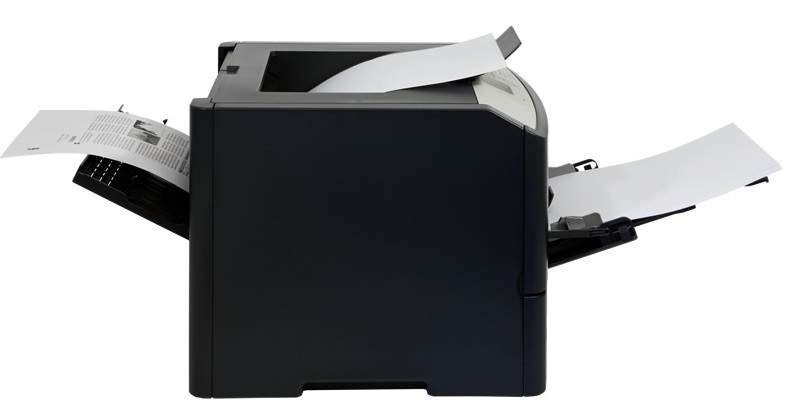
| Paper output capacity | max.: 150 sheets |
| Manual bypass | 100 sheets, A6 - A4, custom sizes, 60 - 163 gsm |
| Automatic duplexing | A4; 60 - 90 gsm |
| Copy/print volume (monthly) | Recommended: 6,500 pages max.: 80,000 pages |
| Life expectancy | Toner lifetime: Up to 20,000 pages Imaging unit lifetime: Up to 60,000 pages |
| Power Consumption | Power Requirements: 120-127 V , 50/60 Hz max.: Less than 600 W |
| System dimensions (WxDxH, mm) | 399 x 382 x 263 mm |
| System weight | Approx. 15 kg |
System Features
| Security | TCP/UDP port disabling; certificate management; SNMPv3; HTTPS server; SSL protocol; IEEE 802.1x support; SMTP authentication; Secure print (print hold/PIN) |
|---|---|
| Software | PageScope Net Care Device Manager |
 Download Manufacturer Specifications
Accessories

Reviews


Printer not working? The printer memory could be full and not getting prints or the prints may be stuck in the print queue. Turn-off the printer, wait a few seconds and turn it back on.
If debris is the primary cause of failures, toner is the primary cause of debris. All toner cartridges release a small amount of toner powder into the machine. This is why it's important to clean the machine when you change the cartridge.
Media settings on your printer determine how much ink will be used. Thinly coated glossy films require less ink, while plain paper soaks in more.
MY ACCOUNT
INFO & POLICIES
SHOP EASY
PAYMENT OPTIONS



* Images are for illustration purposes only.