



 Shopping Cart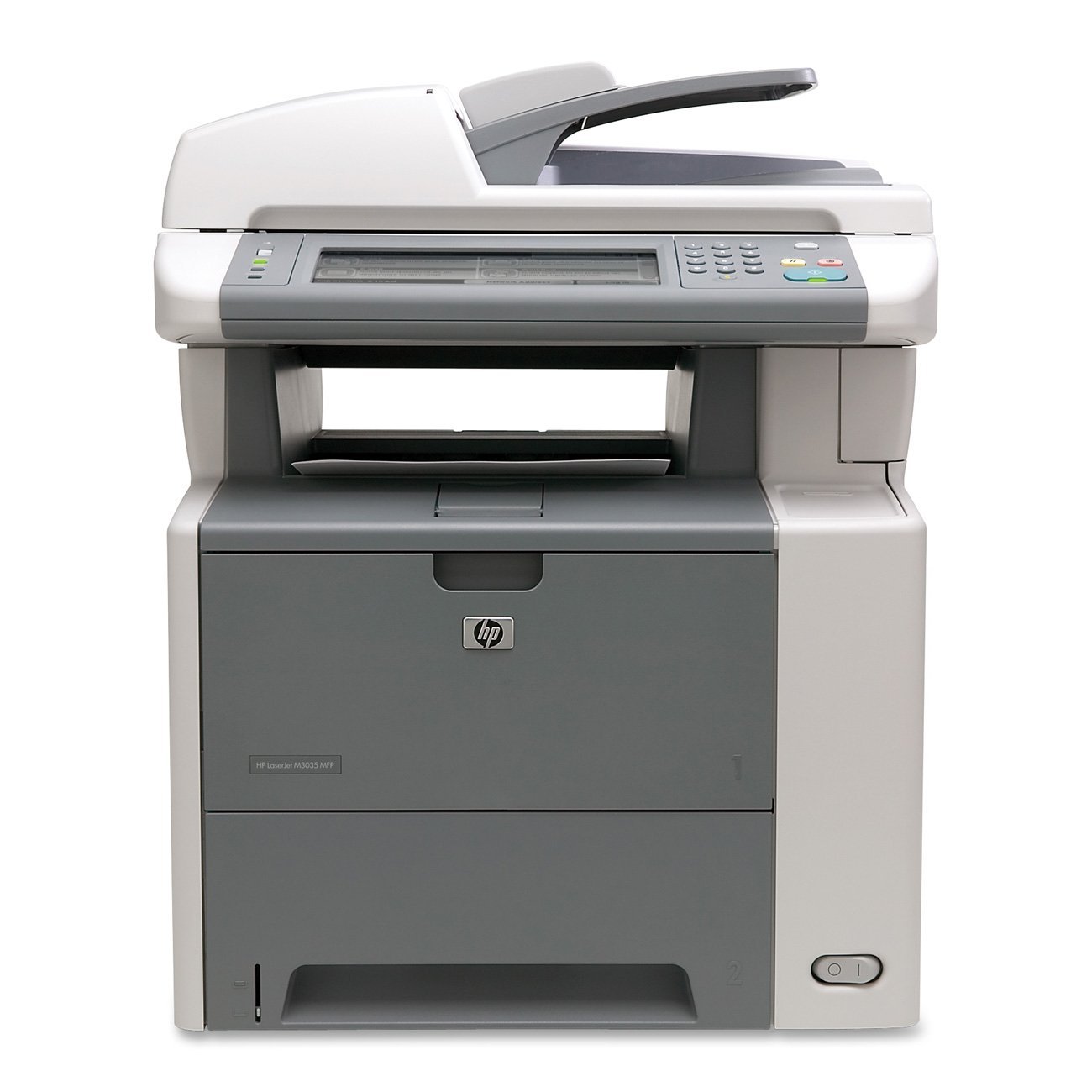



Product Details
Specifications
Accessories
Reviews
Product Details
Main Features
• HP Jetdirect Fast Ethernet embedded print server
• Hi-Speed USB 2.0 port
• 256 MB total memory and a 400 MHz processor
• Legal-size, color, flatbed scanner
• 100-sheet multipurpose input
• Open EIO slot
• Built-in HP high-performance EIO hard disk
• 50-sheet ADF automatically scans two-sided documents up to legal size
Specifications
General Specifications
| USB | Yes |
| FIH (Foreign Interface Harness) | Yes |
| Copy Color | Monochrome |
| Maximum Mono Copy Speed (cpm) | 35 |
| Product Type | Laser Multifunction Printer |
| Manufacturer Part Number | CC476A#BCC |
| Manufacturer Website Address | www.hp.com |
| Manufacturer | Hewlett-Packard |
| Product Model | M3035 |
| Product Name | LaserJet M3035 Multifunction Printer |
| Product Line | LaserJet |
| Media Size | Letter, Legal, Executive JIS, Custom Size |
| Media Type | Plain Paper, Preprinted Paper, Letterhead, Pre-punched Paper, Bond Paper, Recycled Paper, Color Paper, Rough Paper, Transparency, Label, Envelope |
| Number of Input Trays Installed | 2 |
| Media Type | Card Stock |
| Brand Name | HP |
| Standard Input Media Capacity | 600 sheets |
| Standard Memory | 256 MB |
| Memory Technology | DDR |
| Platform Supported | PC, Mac |
| Ethernet | Yes |
| Ethernet Technology | Fast Ethernet |
| Weight (Approximate) | 60.60 lb |
| Form Factor | Desktop |
| Height | 21.7" |
| Width | 20.5" |
| Depth | 20.0" |
| Hard Drive Capacity | 40 GB |
| Duty Cycle | 75000 pages per month |
| Scanner Type | Flatbed |
| Optical Resolution | 600 dpi |
| Scan Color | Color |
| Interpolated Resolution | 1200 dpi |
| Multifunction Devices | Copier, scanner, printer |
|
Duplex Printing |
Automatic |
|
Print Color |
Monochrome |
| Maximum Print Resolution | 1200 x 1200 dpi |
| Maximum Mono Print Speed (ppm) | 35 |
 Download Manufacturer Specifications
Accessories

Reviews


Flashing light on your printer? Each printer has a different reason for a blinking or orange light but in general it is due to a paper jam, an empty paper tray, a printer cartridge problem or a problem with the printer hardware.
Misplaced your printer manual? You can usually find a replacement manual online at the manufacturer's website.
Printer not working? Be sure the paper is installed correctly and there is enough of it.
MY ACCOUNT
INFO & POLICIES
SHOP EASY
PAYMENT OPTIONS



