



 Shopping Cart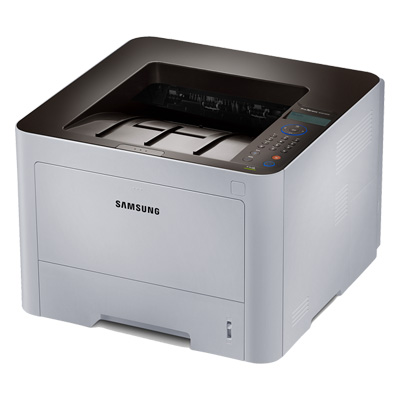




*** ALL TONERS AND SUPPLIES ARE IN STOCK AT DISCOUNTED PRICING , CALL +18882983095..
Printers do not include supplies - toners , drums (Imaging Units) (where applicable) , printer cables , manuals , consumables , trays (where applicable). Power cables are included. Drivers can be downloaded at www.hp.com. Please verify that drivers available are compatible with your software on HP’s site.
Product Details
Specifications
Accessories
Reviews
Product Details
Overview
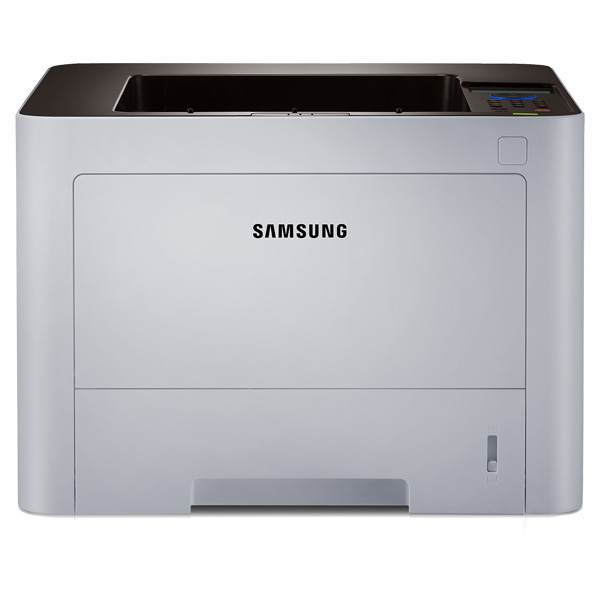
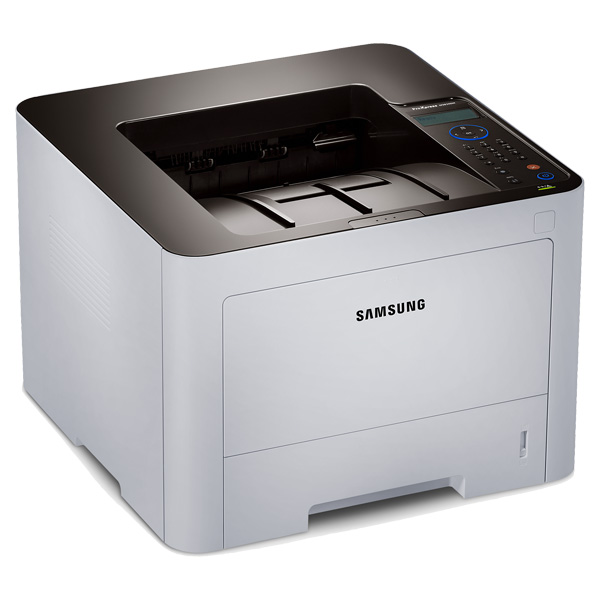
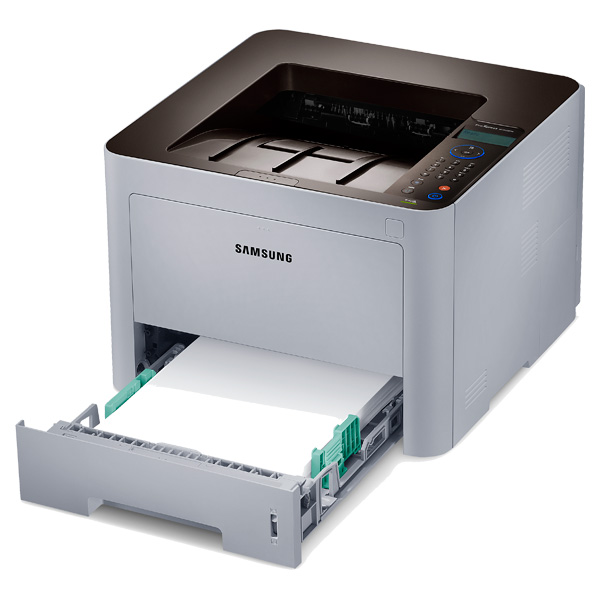
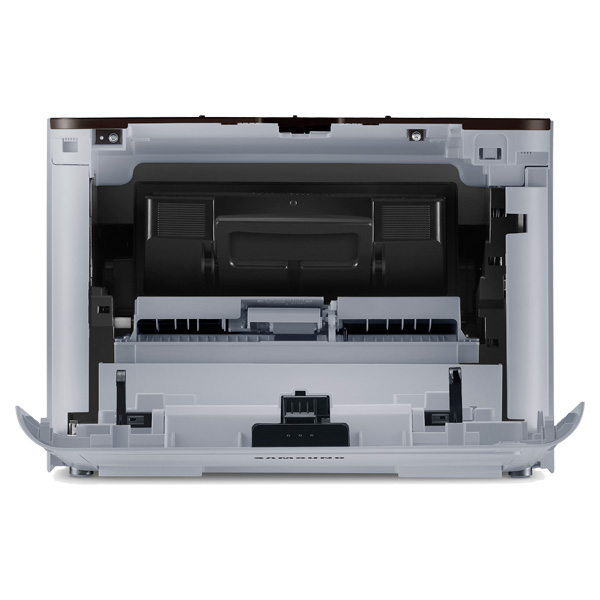
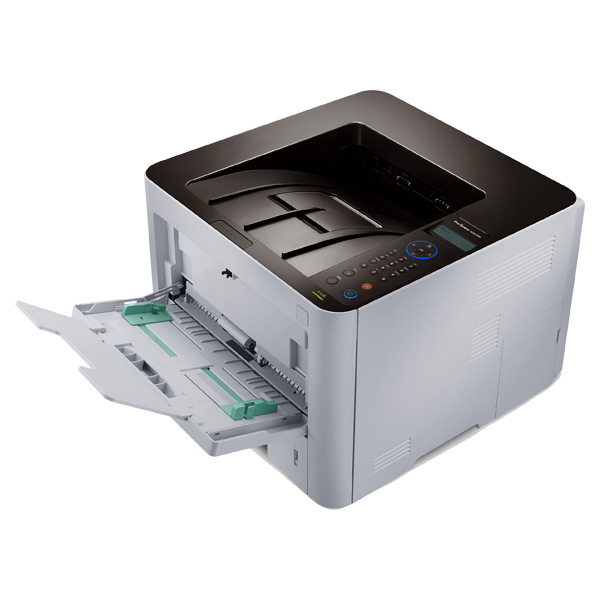
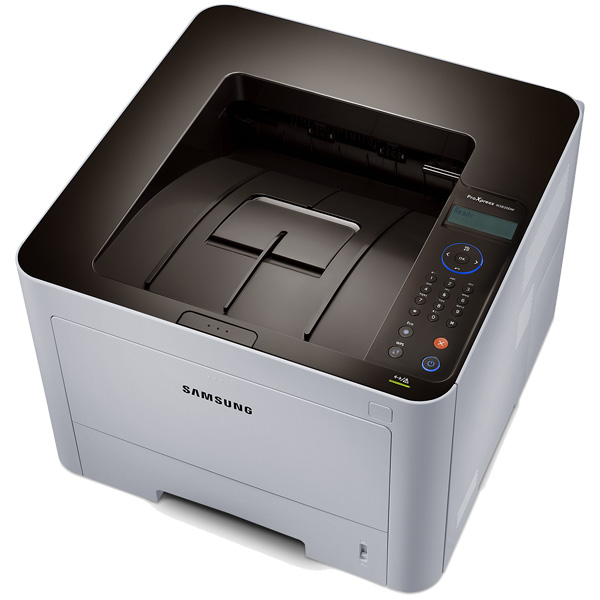
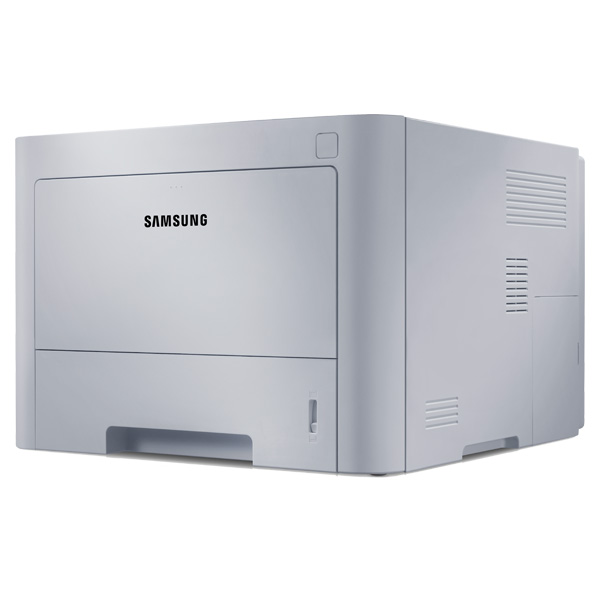
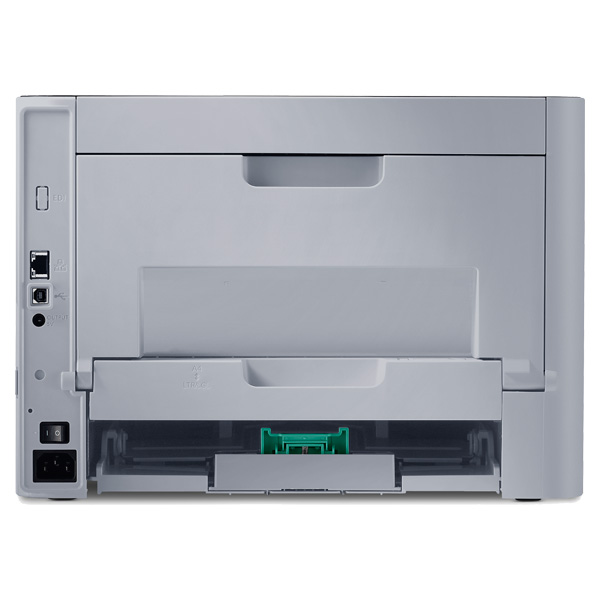
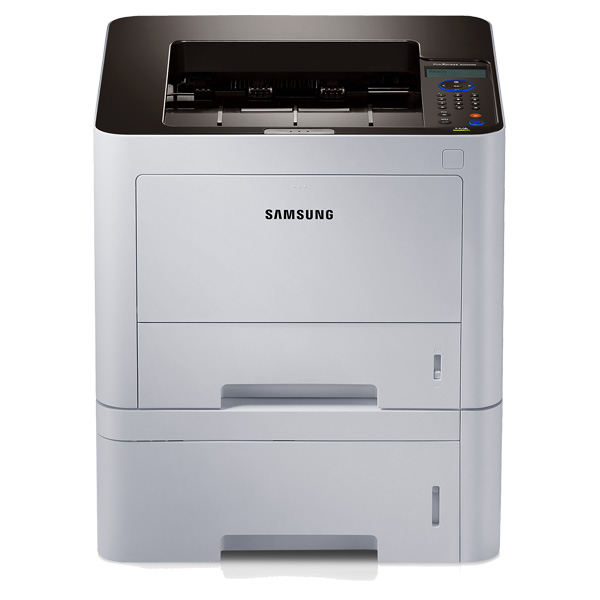
The Samsung ProXpress M3820DW Gives you high speed printing with a higher quality print output. This laser printer from Samsung features robust paper handling and wireless with Wi-Fi direct.
Main Features
- High speed printing - 40 PPM
- High quality print output - 1200x1200 dpi
- Robust paper handling - up to 58lbs weight including labels, cards, covers and envelopes
- Built-in duplex printing
- One-touch eco button to lower toner and paper usage
- Easy eco driver software
- Central print usage control
- Convenient mobile printing
- Google cloud print ready
- Enterprise-level document security
- Easy secure printing with built-in numeric pad
Specifications
General Specifications
| Print Speed (ppm) | 40 ppm |
| Printer Connectivity | Hi-Speed USB 2.0, Ethernet 10/100 Base TX, 802.11b/g/n Wireless, Wi-Fi Direct |
| Print Resolution (dpi) | 1200 x 1200 dpi |
| Printer Monthly Duty Cycle | 80,000 pages |
| Printer Memory | 128 MB, exapandable up to 512 MB |
| Printer Output Capacity | 150 sheets |
| First Page Out (seconds) | As fast as 6.5 seconds |
| Printer Display (type/size) | 2-line LCD Screen |
| Printer Dimensions | 10.3"H x 14.4"W x 14.4"D |
| Printer Weight | 22.4 lb. |
| Wireless Ready (Yes or No) | Yes |
| Network Ready (Yes or No) | Yes |
| Printer Processor | 600 MHz Cortex A5 |
| Print Technology | Laser |
| Type of Printer | Single-Function |
| Shop by Use | Home Office or Small Business (1-5 users) |
| Output Type | Black & White |
| Type of Printer Connectivity | USB, Wireless & Network Ready |
| Type of Duplexing (2-sided printing) | Automatic |
| Maximum Paper Size | 8.5" x 14" |
Accessories

Reviews


When power is applied, you should hear the print mechanism initialize and most printers have at least one light which will be illuminated when it is on.
Most printers have a built-in diagnostics program which can be very useful for troubleshooting problems and test-printing without a computer. They are usually initiated by pressing a button or two while turning on the printer.
Using heavy or stiff paper? Feed the paper one sheet at a time or try placing a sheet of plain copier or bond paper behind a heavy sheet.
MY ACCOUNT
INFO & POLICIES
SHOP EASY
PAYMENT OPTIONS



