



 Shopping Cart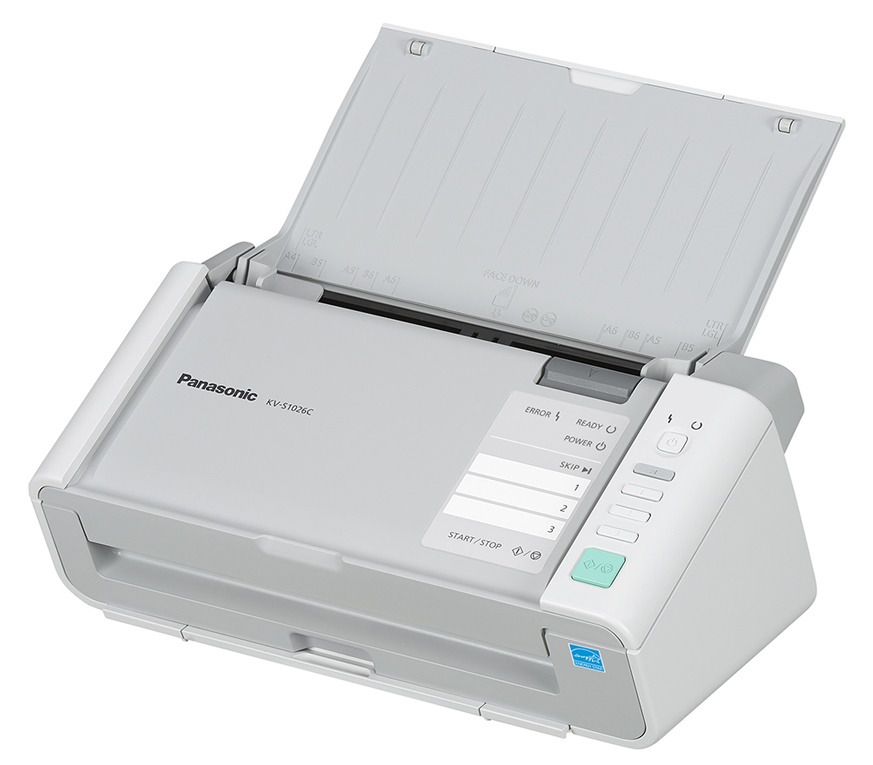




*** ALL TONERS AND SUPPLIES ARE IN STOCK AT DISCOUNTED PRICING , CALL +18882983095..
Printers do not include supplies - toners , drums (Imaging Units) (where applicable) , printer cables , manuals , consumables , trays (where applicable). Power cables are included. Drivers can be downloaded at www.hp.com. Please verify that drivers available are compatible with your software on HP’s site.
Images are for illustration purposes only and do not necessarily reflect the actual product.Product Details
Specifications
Accessories
Reviews
Product Details
Overview
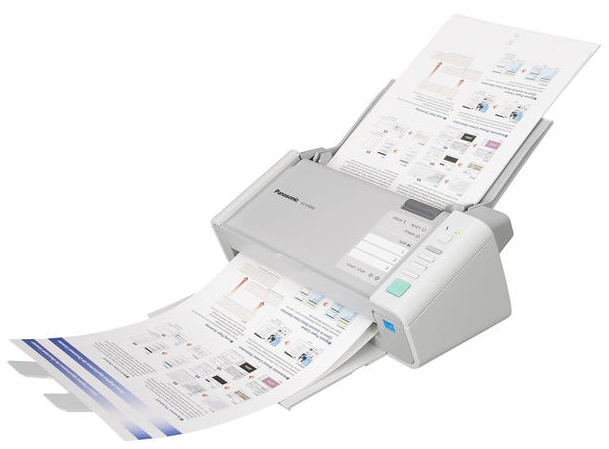
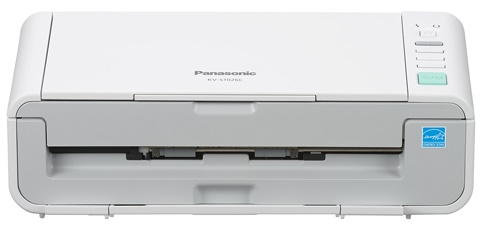
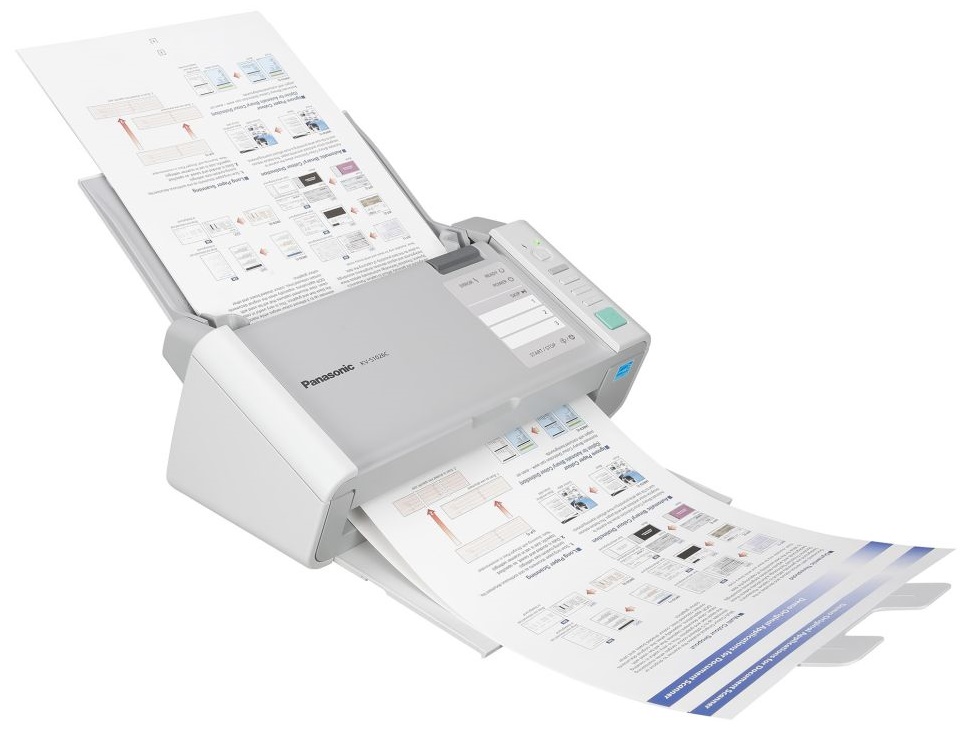
Compact design and intuitive operation make the KV-S1026C an excellent fit for small to medium size businesses, offering users straightforward set-up, innovative functionality and a host of advanced features. Like a cutting-edge paper feed mechanism equipped with Ultrasonic Double-Feed Detection and an Active Double-Feed Prevention Roller System that allows reliable document feeding at an impressive scan speed of up to 30 pages per minute.
The bundled Panasonic Image Capture Plus software suite helps users streamline their document management. This advanced software lets you easily scan and preview your scanned images before exporting them to searchable PDF, TIFF or JPEG documents. Image Capture Plus also provides progressive features such as blank page removal, Zone OCR, automatic cropping and more!
Main Features
- 30 ppm / 60 ipm (Binary, 200 dpi, LTR, Portrait)
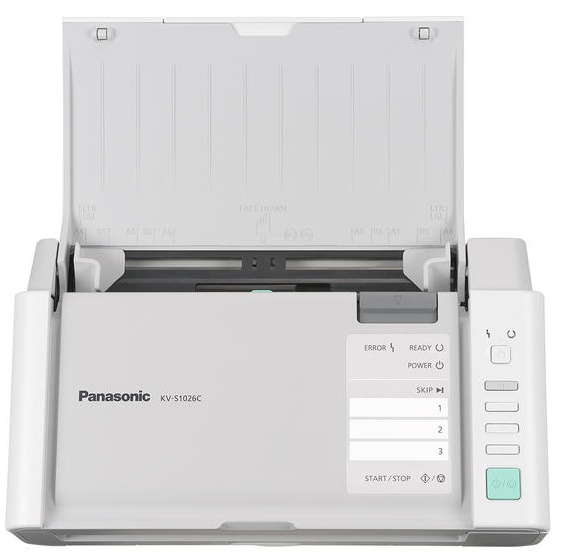
- 50 Page / 3 Hard Card ADF Capacity
- 3 Single-Touch Scan Keys
Specifications
General Specifications
| Automatic Duplexing: | Yes | |
| Compliant Standards: | ISIS , TWAIN | |
| Document Feeder Type: | Autoload | |
| Feeder Capacity: | 50 sheets | |
| Form Factor: | Desktop | |
| Input Type: | Color | |
| Interface Type: | Hi-Speed USB , USB 2.0 | |
| Max Document Scan Speed B/W: | 30 ppm | |
| Max Document Scan Speed Color: | 20 ppm | |
| Max H-Document Size: | 8.5 in | |
| Max H-Optical Resolution: | 600 dpi | |
| Max Supported Media Size: | 8.5 in x 100 in | |
| Max V-Document Size: | 100 in | |
| Scan Element Type: | CIS | |
| Scanner Features: | Automatic Binary / Color Distinction , Automatic Separation , Blank Page Removal , De-skewing , Dither , Double Exposure , Dynamic Threshold , Error Diffusion , Gamma Correction , Image Emphasis , Mirror Image , Multi Color Dropout , Noise Reduction , Shadow Removal , Smooth Background , Ultrasonic Double Feed Detection , White Level from Paper | |
| Supported Document Type: | Plain paper | |
| Type: | Document scanner | |
|
Scanner Speed Details |
||
| Document Size: | Letter | |
| Image Resolution: | 200 dpi | |
| Mode: | Portrait B&W | |
| Speed: | 30 ppm | |
| Duplex: | Duplex | |
| Speed: | 60 ipm | |
| Mode: | Portrait color | |
| Speed: | 20 ppm | |
| Speed: | 40 ipm | |
|
Software |
||
| Software Included (Scanner): | Drivers & utilities , Image Capture Plus | |
|
Service |
||
| Support Details Service Included: | Express exchange | |
|
Cable |
||
| Connectivity Details Type: | USB cable | |
|
Environmental Parameters |
||
| Humidity Range Operating: | 20 - 80% | |
| Max Operating Temperature: | 95 °F | |
| Min Operating Temperature: | 50 °F | |
|
Header |
||
| Brand: | Panasonic | |
| Compatibility: | PC | |
| Manufacturer: | Panasonic | |
| Model: | S1026C | |
| Packaged Quantity: | 1 | |
| Product Line: | Panasonic KV | |
|
Power Device |
||
| Frequency Required: | 50/60 Hz | |
| Nominal Voltage: | AC 120/230 V | |
| Power Consumption Operational: | 17 Watt | |
| Power Consumption Stand by Sleep: | 4.5 Watt | |
| Type: | External power adapter | |
|
Slot Provided |
||
| Type: | None | |
|
System Requirements |
||
| Min Operating System: | Microsoft Windows 7 , Microsoft Windows Vista (32/64 bits) SP2 or later , Microsoft Windows XP SP3 or later , Windows 8 (32/64 bits) | |
|
Dimensions & Weight |
||
| Depth: | 7 in | |
| Height: | 5.4 in | |
| Weight: | 6 lbs | |
| Width: | 11.9 in | |
| ENERGY STAR Qualified: | Yes | |
|
Interfaces |
||
| Connector Type: | Type B | |
| Interface: | USB 2.0 | |
 Download Manufacturer Specifications
Accessories

Reviews


To get the best scan possible, make sure your scanner settings are set correctly for that particular image type e.g. colour or b/w.
Clean your scanner glass every so often with a glass cleaner.
Almost anything that speeds up scanning photos (other than buying a faster scanner) lowers the scan quality, so decide the level of quality you want, and then accept the amount of work that comes with it.
MY ACCOUNT
INFO & POLICIES
SHOP EASY
PAYMENT OPTIONS



