



 Shopping Cart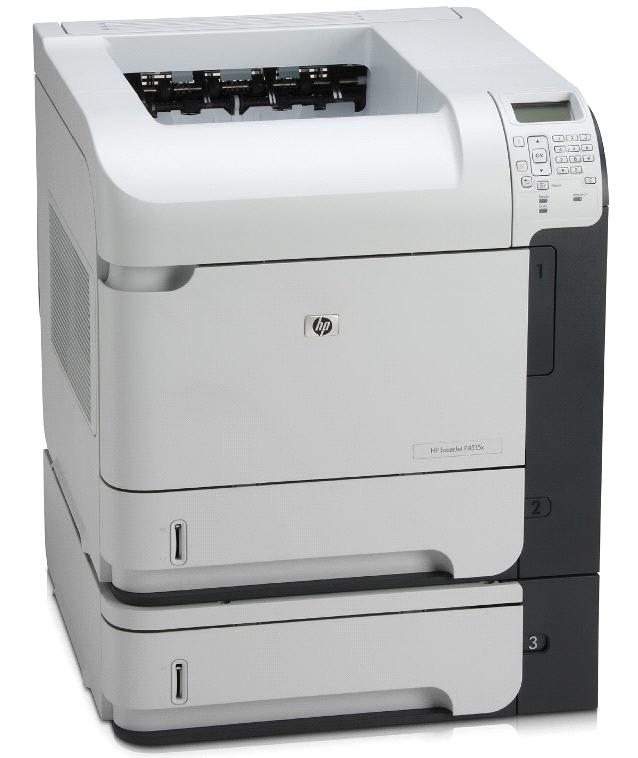


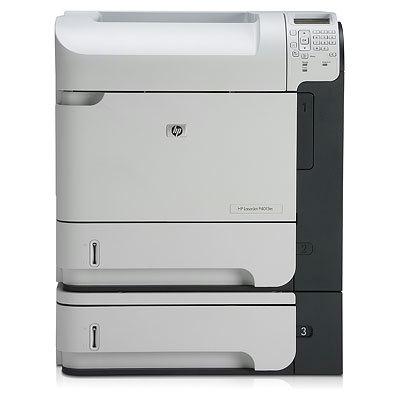
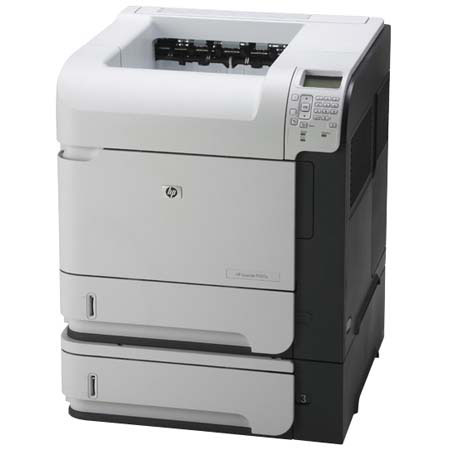

*** ALL TONERS AND SUPPLIES ARE IN STOCK AT DISCOUNTED PRICING , CALL +18882983095.
All reconditioned printers do not include supplies - toners , drums (Imaging Units) (where applicable) , printer cables , manuals , consumables, trays (where applicable). Power cables are included. Drivers can be downloaded from the manufacturers website. Please verify that drivers available are compatible with your software on the manufacturers site.
Product Details
Specifications
Accessories
Reviews
Product Details
Main Features
- Monochrome prints
- Speed: 62 ppm
- Monthly Duty Cycle: Up to 275,000 pages
- Media Sizes: Letter, legal, executive, statement, 8.5 x 13 in, custom 3.0 x 5.0 to 8.5 x 14 in, envelope
All our reconditioned printers are clean, tested and working.
Specifications
General Specifications
| Print speed, black (best quality mode) | Up to 62 ppm |
| Print speed, black (normal quality mode) | Up to 62 ppm |
| First page out (black) | As fast as 8.5 sec |
| Monthly duty cycle | Up to 275,000 pages |
| *Footnote for duty cycle | Duty cycle is defined as the maximum number of pages per month of imaged output. This value provides a comparison of product robustness in relation to other HP LaserJet or HP Color LaserJet devices, and enables appropriate deployment of printers and MFPs to satisfy the demands of connected individuals or groups. |
| Recommended monthly print volume | 5,000 to 20,000 pages |
| *Footnote for recommended monthly print volume | HP recommends that the number of printed pages per month be within the stated range for optimum device performance, based on factors including supplies replacement intervals and device life over an extended warranty period. |
| Printer page yield | View additional yield information |
|
Print quality/technology | |
|---|---|
| Print quality, black | Up to 1200 x 1200 dpi |
| Resolution technology | HP REt, HP FastRes 1200, HP ProRes 1200, HP 600 dpi, HP 300 dpi |
|
Paper handling/media | |
|---|---|
| Paper tray(s), standard | 3 |
| Paper tray(s), maximum | 6 |
| Input capacity, standard | Up to 1,100 sheets (Multipurpose Tray: up to 100 sheets; Tray 2: up to 500 sheets; Tray 3: up to 500 sheets) |
| Duplex printing (printing on both sides of paper) | Automatic (standard) |
| Media sizes, standard | Letter, legal, executive, statement, 8.5 x 13 in, custom 3.0 x 5.0 to 8.5 x 14 in, envelope (Com10, Monarch #7-3/4) |
| Media sizes, custom | Multipurpose Tray: 3 x 5 to 8.5 x 14 in; Tray 2 and Optional 500 Feeder: 5.8 x 8.3 to 8.5 x 14 in |
| Media types | Paper (bond, color, letterhead, plain, preprinted, prepunched, recycled, rough, light), envelopes, labels, cardstock, transparencies, user-defined |
| Document finishing | Sheetfed |
 Download Manufacturer Specifications
Accessories

Reviews


Is your printer feeding in the whole paper stack rather than just one piece at a time? Fan the paper before putting it in the tray to help separate the sheets. Also, store your paper in a cool, dry place as humidity can contribute to this problem.
Printer not working? The printer memory could be full and not getting prints or the prints may be stuck in the print queue. Turn-off the printer, wait a few seconds and turn it back on.
Your printer is not a dumping ground. Don't pile documents or other things on top of it, as they could cause damage. Your printer could overheat and this could result in malfunctioning and even a reduction in the printer's life.
MY ACCOUNT
INFO & POLICIES
SHOP EASY
PAYMENT OPTIONS



