



 Shopping Cart
 Plustek OpticBook A300 Flatbed Scanner
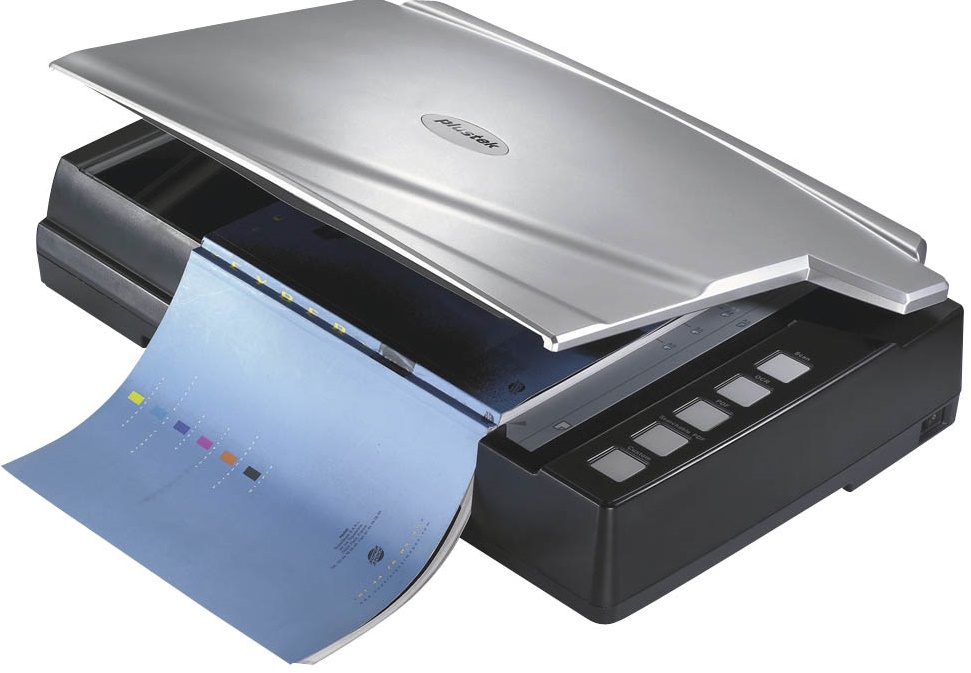


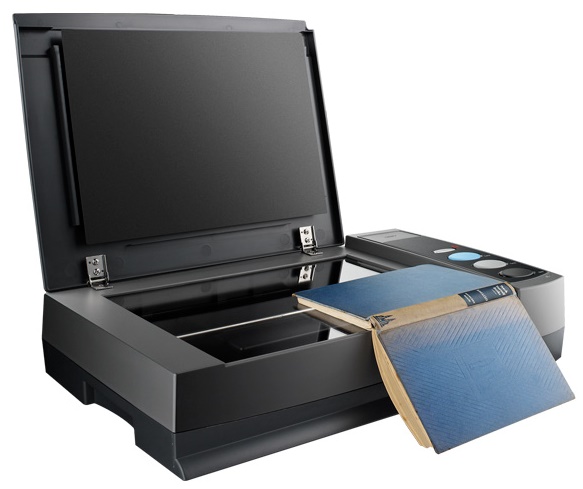
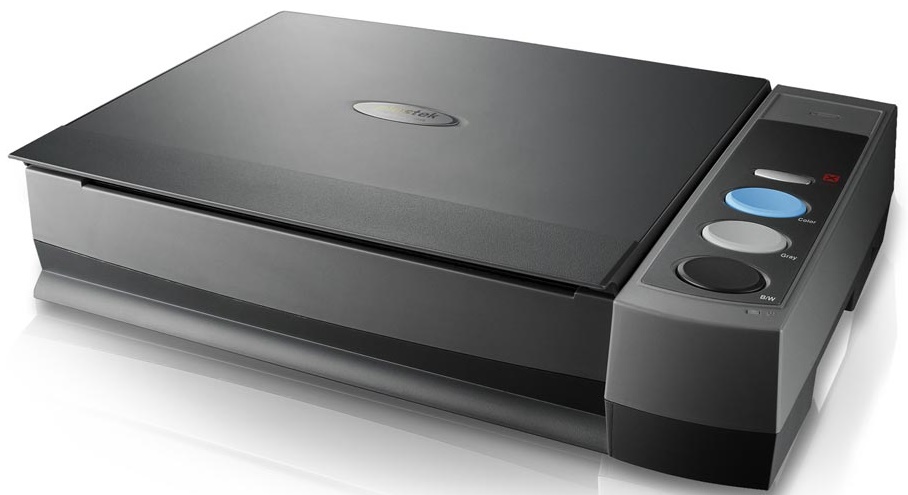
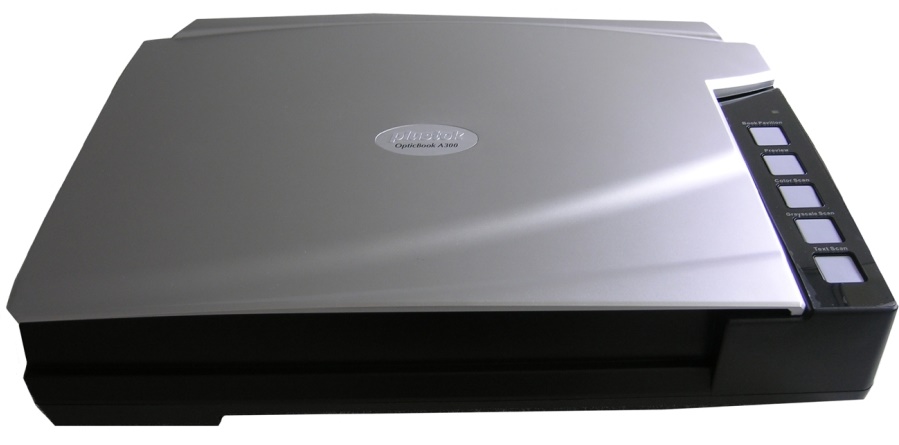


Images are for illustration purposes only and do not necessarily reflect the actual product.
Product Details
Specifications
Accessories
Reviews
Product Details
Main Features
• USB 2.0 high speed connection
• SEE Technology for distortion free scans
• Scans bound materials up to A3 size
• 5 single touch buttons to simplify scanning tasks
• Fast scan speed 2.5 sec. for an A3-size color, grayscale, B/W scan at 300 dpi
• Ergonomic design to ease physical strain
Specifications
General Specifications
| Scan Quality | |
|---|---|
| Scan Sensor | 4-line Color CCD Image Sensor (R, G, B and Gray) |
| Optical Resolution | 600dpi |
| Hardware Resolution | 600 x 1200dpi |
| Output Resolution | 50dpi up to 1200dpi |
| Interpolated Resolution | Not Specified by Manufacturer |
| Color Depth | Color: Input 48-bit; Output 24-bit Grayscale: Input 16-bit; Output 8-bit Black & White: 1-bit |
| Dynamic Range | Not Specified by Manufacturer |
| Scan Area | |
|---|---|
| Reflective Scan Area | Minimum: 0.5 x 0.5" (12.7 x 12.7mm) Maximum: A3, 12 x 17" (304.8 x 431.8mm) |
| Transparency Scan Area | N/A |
| Film Formats | N/A |
| Performance | |
|---|---|
| Preview Speed | Less than 2 seconds with Book Pavilion Software |
| Scan Speed | 2.48sec @ 300dpi, A3, Color Mode 2.10sec @ 300dpi, A3, Grayscale/ B/W mode |
| Batch Scanning | N/A |
| Automation | N/A |
| Connectivity | |
|---|---|
| Interface | USB 2.0 |
| System & Software Requirements | Windows 8, Windows 7, Vista, XP, 2000 PC with Intel Pentium IV 2.0 GHz processor or compatible 512MB RAM Available USB 2.0 port CD-ROM Drive or DVD-ROM Drive 800MB Free Hard Disk Space Video Card that Supports 16-bit Color or Greater 1 |
| Protocols | TWAIN Compliant |
| Physical | |
|---|---|
| Light Source | Cold Cathode Fluorescent Lamp |
| Front Panel Controls | yes |
| Power Requirements | 100 - 120VAC ±10% |
| Power Consumption | Operation: < 36W Idle: 8W |
| Dimensions (WxDxH) | 24.53 x 15.75 x 5.24" (623 x 400 x 133 mm) |
| Weight | 16.96 lb (7.7 kg) |
Accessories

Reviews


Bear in mind that in order to get the best quality, you should scan the original negative rather than the printed photo, if it's available.
A Twain driver will usually give you a lot more control over the scan settings than a WIA driver and better results even with the default settings.
If you get a ‘Scanner Access failed’ or a ‘Scanner not found’ message on your scanner, check that the SCSI cable is well connected from the card to the scanner.
MY ACCOUNT
INFO & POLICIES
SHOP EASY
PAYMENT OPTIONS



* Images are for illustration purposes only.