



 Shopping Cart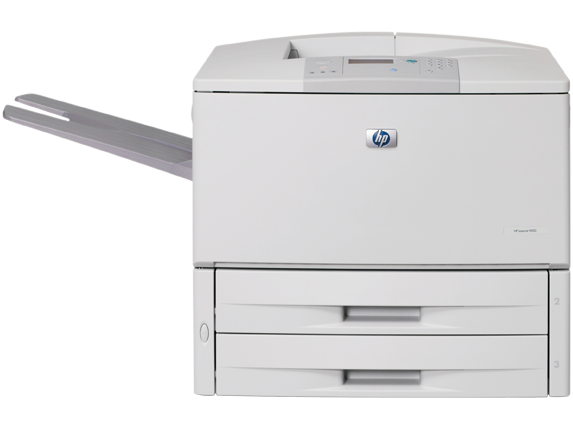



*** ALL TONERS AND SUPPLIES ARE IN STOCK AT DISCOUNTED PRICING , CALL +18882983095..
Printers do not include supplies - toners , drums (Imaging Units) (where applicable) , printer cables , manuals , consumables , trays (where applicable). Power cables are included. Drivers can be downloaded at www.hp.com. Please verify that drivers available are compatible with your software on HP’s site.
Images are for illustration purposes only and do not necessarily reflect the actual product.Product Details
Specifications
Accessories
Reviews
Product Details
Product Overview:
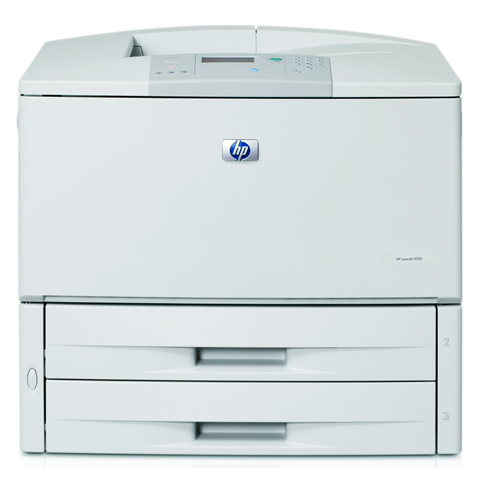
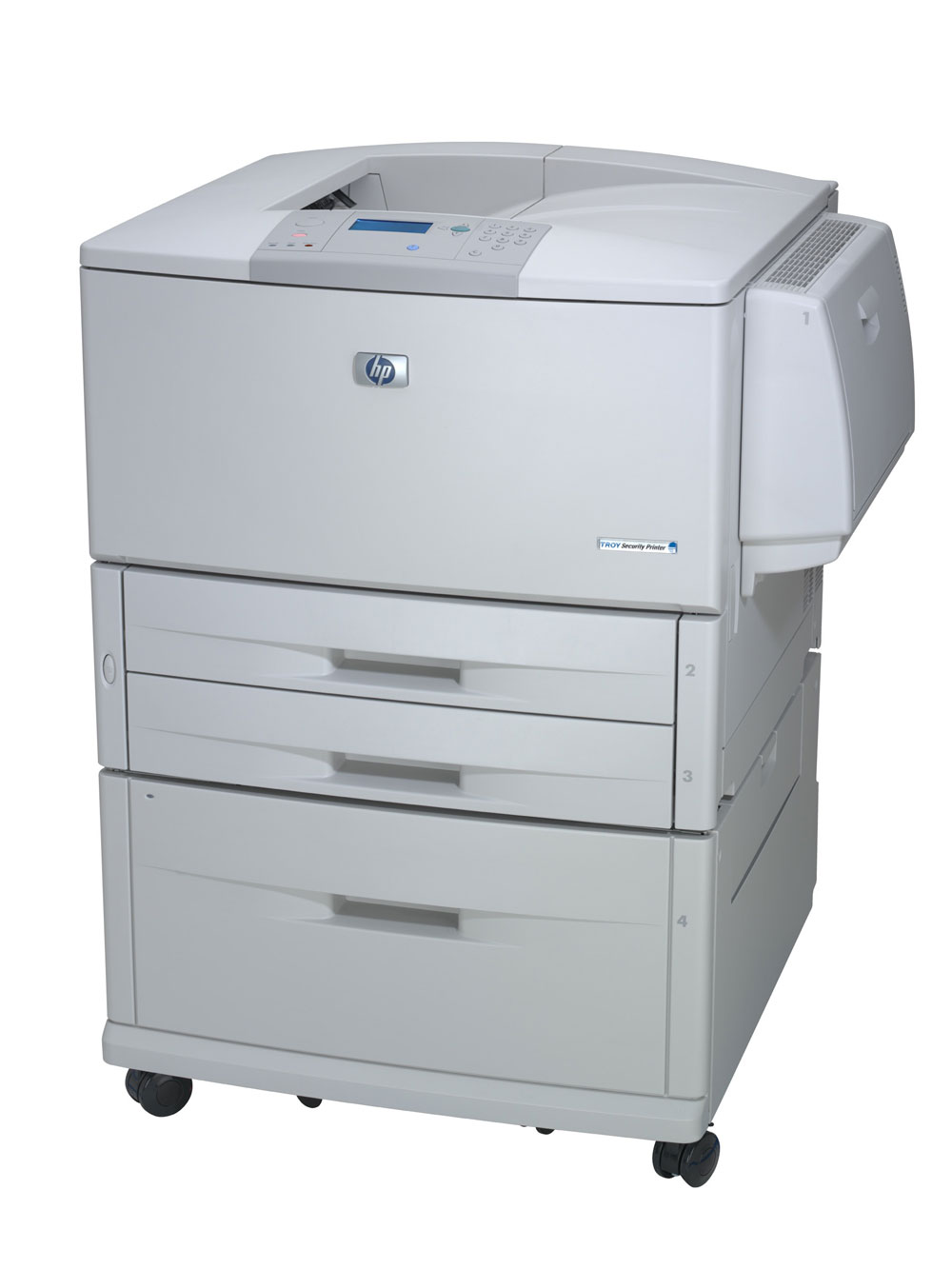
HP LaserJet 9050DN Laser Printer - Monochrome - Plain Paper Print - Desktop Q3723A
Main Features:
- Catalog Publishing Type - Printers-Laser/Solid Ink
- Connector/Port/Interface - EIO, Ethernet, Parallel
- Depth - 24.90 in
- Duplex Printing - Automatic
- First Page Out - 8.0 sec
All our reconditioned printers are clean, tested and working.
Specifications
General Specifications
| General | |
| Printer Type | Workgroup printer - laser - monochrome |
|
Printer |
|
| Printer Speed | Up to 50 ppm - Letter A Size (8.5 in x 11 in) |
| Built in Devices | Status LCD |
| Connectivity Technology | Wired |
| Interface | Parallel, LAN |
| Max Resolution ( B&W ) | 1200 dpi |
| Image Enhancement Technology | HP FastRes 1200 |
| Automatic Duplexing | Yes |
| Postscript Support | Standard |
| Language Simulation | PCL 5E |
| Fonts Included | 80 x TrueType |
|
Processor |
|
| Processor | 533 MHz |
|
Ram |
|
| Ram Installed (max) | 128 MB / 512 MB (max) |
| Technology / Form Factor | DDR SDRAM - DIMM 100-pin |
| Slots Qty | 2 |
| Empty Slots | 2 |
|
Media Handling |
|
| Media Type | Color laser paper |
| Max Media Size (custom) | 12.3 in x 18.5 in |
| Media Sizes | Legal (8.5 in x 14 in) |
| Envelope Sizes | International C5 (6.38 in x 9 in) |
| Media Weight | 64 g/m2 - 216 g/m2 |
| Total Media Capacity | 1100 sheets |
| Media Feeder(s) | 2 x autoload - 500 sheets - 11.7 in x 17 in weight: 64 g/m2 - 200 g/m2 1 x autoload - 100 sheets - 12.3 in x 18.3 in weight: 64 g/m2 - 216 g/m2 |
| Max Media Capacity | 3100 sheets |
|
Duty Cycle |
|
| Monthly Duty Cycle (max) | 300000 pages |
|
Networking |
|
| Networking | Print server - plug-in module |
| Data Link Protocol | Fast Ethernet |
|
Miscellaneous |
|
| Microsoft Certifications | Works with Windows Vista |
| Compliant Standards | FCC Class B certified |
| Works with Windows Vista | Software and devices that carry the Works with Windows Vista logo have been tested for baseline compatibility with PC's running. |
|
Power |
|
| Frequency Required | 50/60 Hz |
| Power Consumption Operational | 1000 Watt |
| Power Consumption Stand by / Sleep | 205 Watt |
|
Software/System Requirements |
|
| OS Required | Microsoft Windows XP |
|
Environmental Standards |
|
| ENERGY STAR | Yes |
|
Environmental Parameters |
|
| Min Operating Temperature | 50 °F |
| Max Operating Temperature | 90.5 °F |
| Humidity Range Operating | 10-80% |
|
Dimensions & Weight |
|
| Width | 55 in |
| Depth | 24.9 in |
| Height | 23.6 in |
| Weight | 168 lbs |
 Download Manufacturer Specifications
Accessories

Reviews


Media settings on your printer determine how much ink will be used. Thinly coated glossy films require less ink, while plain paper soaks in more.
Don't move a print head unless the instructions direct it. You can damage the belt or other parts.
Paper jam? The best way to remove jammed paper is to gently pull the paper in the direction of the paper path - with power off, of course. Do not pull the paper backwards - you could damage your printer forever by doing so.
MY ACCOUNT
INFO & POLICIES
SHOP EASY
PAYMENT OPTIONS



