



 Shopping Cart
 Fujitsu ScanSnap S1500M Instant PDF Sheet Fed Scanner (for Mac)
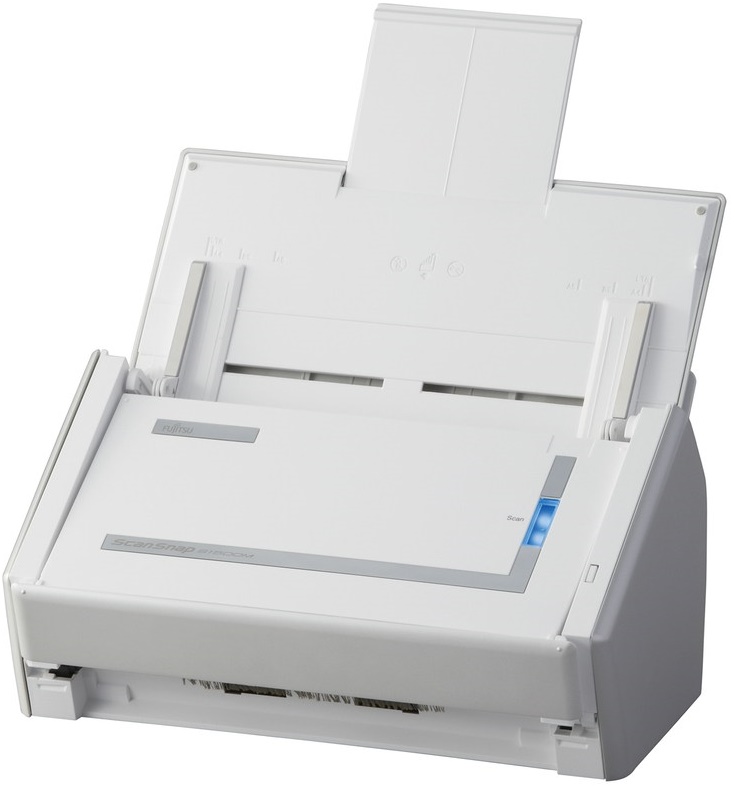


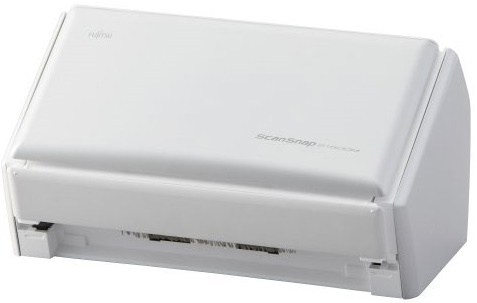

Product Details
Specifications
Accessories
Reviews
Product Details
Main Features
- One button searchable PDF creation
- Intelligent paper feed detection
- Blazing 20ppm color scanning
- 50-page Automatic Document Feeder (ADF)
- Comes with Adobe® Acrobat® 8 Professional
- The S1500M replaces the fi-5110EOXM, S500M and S510M
Specifications
General Specifications
| Functional Specifications | |||
|---|---|---|---|
| Scanning Technology | CCD image sensor | ||
| Scanning Mode | Black and White / Grey Scale / Color | ||
| Document Feeding Mode | ADF | Flatbed | |
| Yes | No | ||
| ADF Capacity | 50 sheets (A4, 80 g/m 2 or 20lb) | ||
| Document Size | ADF minimum: | A8 42.3 to 209.3 g/m² |
|
| ADF maximum: | A4 42.3 to 209.3 g/m² Up to A3 via carrier sheet |
||
| Flatbed: | - | ||
| Daily Throughput | 250 pages | ||
|
Scanning Speeds (200 or 300 dpi, Color, Greyscale and Monochrome) | |||
| Output | Simplex | Duplex | |
| A4 Portrait | 20ppm | 40 ipm | |
| Bundled Software | ScanSnap Manager Adobe Acrobat 9.0 Professional CardIris ABBYY FineReader for ScanSnap™ Mac Edition |
||
| Functions | Automatic deskew Automatic rotation Automatic color detection Page size detection | ||
| Interface(s) | USB 2.0 | ||
| System compatibility | Mac OS X v10.8, v10.7, v10.6, v10.5 | ||
|
Physical Specifications | |||
| Dimensions (Height x Width x Depth) | 158mm x 292mm x 159mm | ||
| Weight | 3.0kg | ||
| Power Requirement | 100-240 ± 10%, 50/60Hz VAC | ||
| Power Consumption | <35 VAC (operating), <4.5 W in sleep mode | ||
| Operating Temperature | 5-35° C | ||
| Humidity (operating) | 20-80% RH (non-condensing) | ||
Accessories

Reviews


When selecting a scanner it is worth considering how the scanner interfaces with your computer. The interface does not affect the image quality, but it does affect the scanning speed.
If your scanner doesn't provide a good quality dust removal feature, removing the dust from your photos with canned air before scanning will take less time than manually removing dust marks with a photo editing program afterwards.
If you are scanning an image for your website, scan at 75-100 dpi. This will give you good quality, but small file size.
MY ACCOUNT
INFO & POLICIES
SHOP EASY
PAYMENT OPTIONS



* Images are for illustration purposes only.