



 Shopping Cart
 Fujitsu FI-6110 Sheet Fed Desktop Scanner
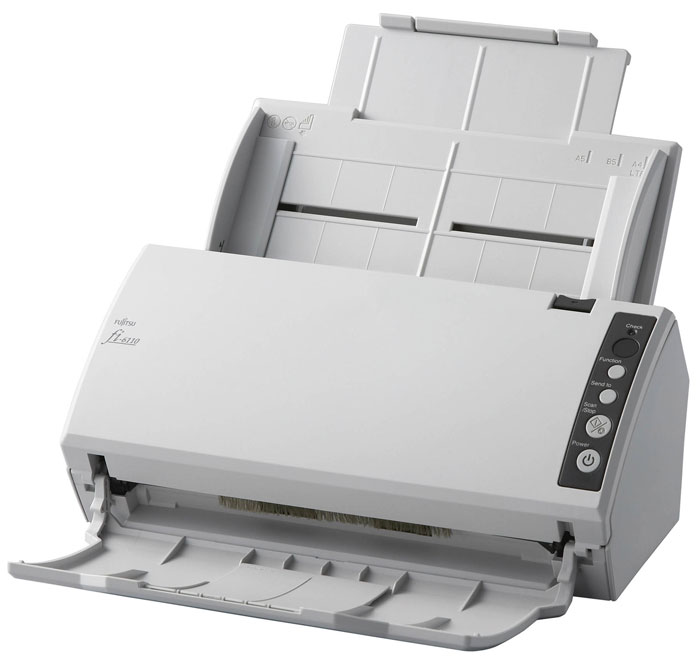


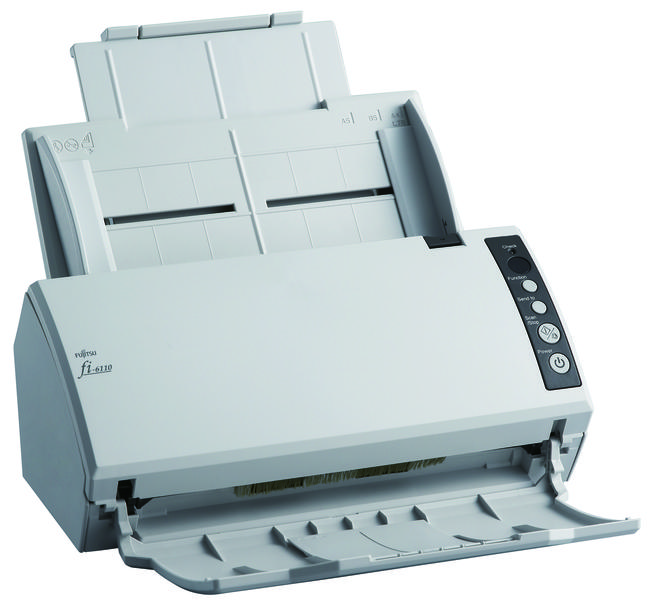

Images are for illustration purposes only and do not necessarily reflect the actual product.
Product Details
Specifications
Accessories
Reviews
Product Details
Main Features
- True, 600-dpi optical resolution with dual-CCDs capture minute details
- 50-page automatic document feeder with double-feed detection
- Fast, 20 ppm (simplex) / 40 ipm (duplex) scanning in monochrome and color
- Includes high-speed USB 2.0 connectivity and Adobe® Acrobat® Standard and ScandAll Pro
Specifications
Main Specifications
| Functional Specifications | |||
|---|---|---|---|
| Scanning Technology | CCD sensors x 2 | ||
| Scanning Mode | Simplex / Duplex, Color / Grayscale / Monochrome | ||
| Document Feeding Mode | ADF | Flatbed | |
| Yes | No | ||
| ADF Capacity | 50 pages | ||
| Document Size | ADF minimum: | 52 x 75mm | |
| ADF maximum: | 216 x 355mm Long Page Scanning: 216 x 863 mm or 210 x 2,048 mm |
||
| Daily Throughput | Up to 2,000 pages | ||
|
Scanning Speeds | |||
| Output | Simplex | Duplex | |
| A4 Portrait | 20ppm @ 200 dpi color | 40ipm @ 200 dpi color | |
| Bundled software | PaperStream IP (TWAIN/ ISIS) Driver, Software Operation Panel, Error Recovery Guide, PaperStream Capture, ScanSnap Manager for fi Series, Scan to Microsoft SharePoint (web download only), Scanner Central Admin tools | ||
| Functions | Image Emphasis, Simplified DTC, Error Diffusion, Dither, Moire removal, RGB Dropout, Automatic blank page deletion, page rotation, paper size detection, JPEG compression | ||
| Interfaces | USB 2.0 | ||
|
Physical Specifications | |||
| Dimensions (Height x Width x Depth) | 130mm x 292mm x 143mm | ||
| Weight | 3kg | ||
| Humidity (operating) | 20-80% RH (non-condensing) | ||
| Power Consumption | Operating: 28W or less (5.36W or less in sleep mode) | ||
| Power Requirement | 100-240VAC | ||
| Operating Temperature | 5-35° C | ||
Accessories

Reviews


A scanner may cost more due to a lower noise CCD array that delivers cleaner dark colors.
Use the gray scale or line art option when you scan black and white images.
Almost anything that speeds up scanning photos (other than buying a faster scanner) lowers the scan quality, so decide the level of quality you want, and then accept the amount of work that comes with it.
MY ACCOUNT
INFO & POLICIES
SHOP EASY
PAYMENT OPTIONS



* Images are for illustration purposes only.