



 Shopping Cart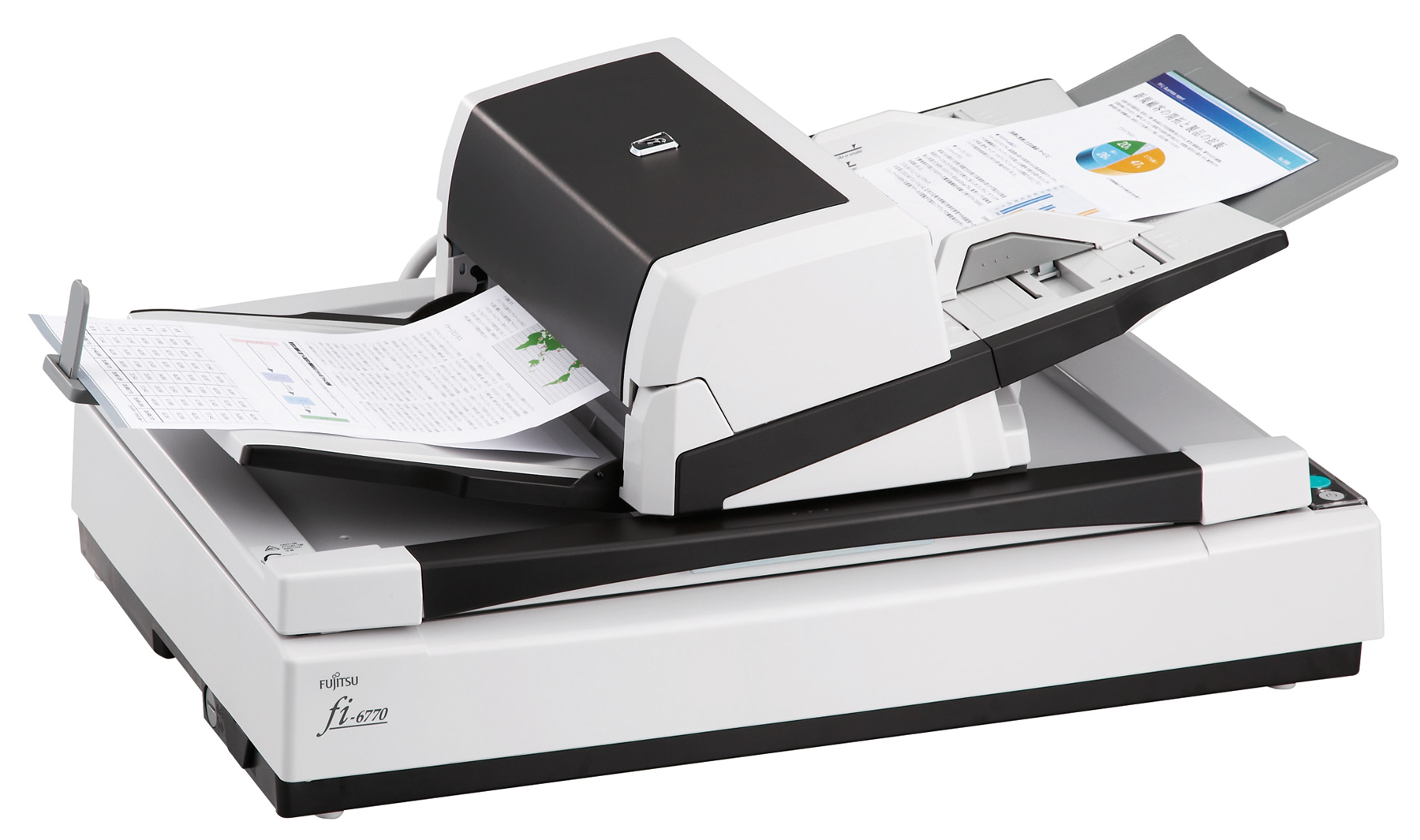



Product Details
Specifications
Accessories
Reviews
Product Details
Overview
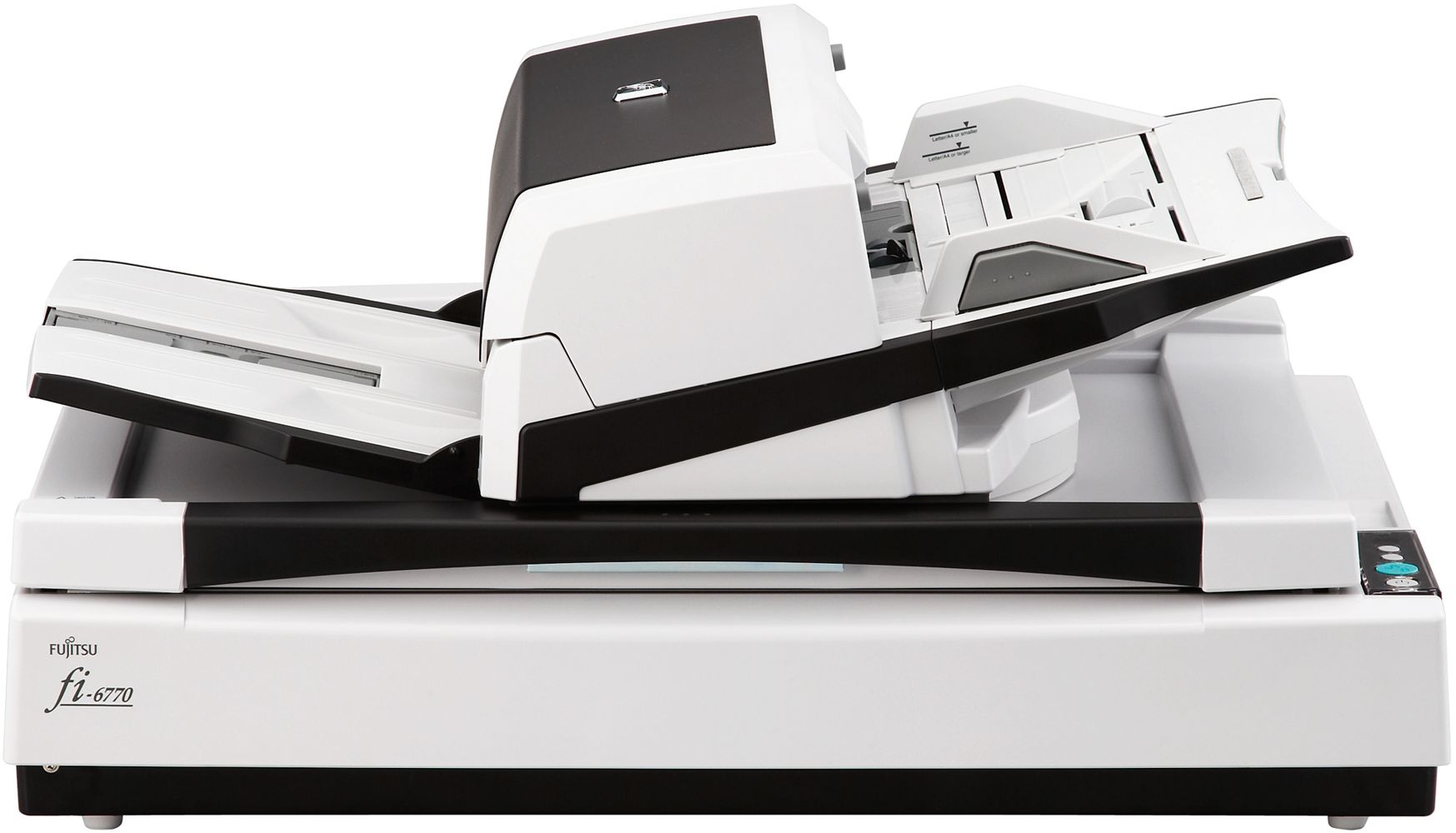
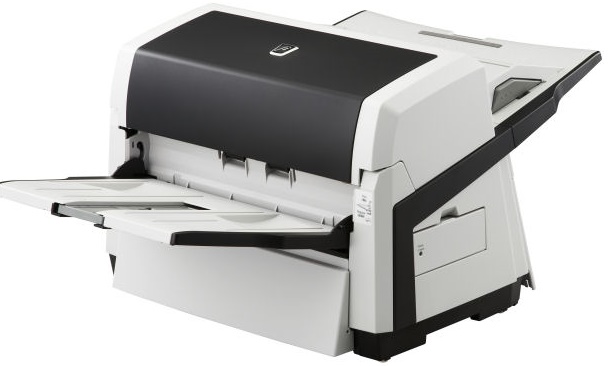
Transform your paper documents into useful electronic data in a flash with the intelligent scanning features of the Fujitsu fi-6770 production scanner. Designed with outstanding paper handling, high scan speeds of up to 90ppm / 180ipm and intelligent productivity enhancement features, the Fujitsu fi-6770 scanner delivers the automation and dependability needed for production scanning applications. The Fujitsu fi-6770's innovative intelligent multi-feed function drastically improves the batch scanning process by allowing the ultrasonic double-feed detection sensor to be trained to ignore intentional overlapping documents such as photos, label stickers, or taped-on receipts. In keeping with Fujitsu's long-standing commitment to safeguarding the environment, the fi-6770 is the business scanner to adhere to strictest ecological regulations throughout the entire manufacturing process. The design and manufacture of the fi-6770 meet Energy Star's energy consumption requirements and the European Union's Reduction of Hazardous Substances and Volatile Organic Compounds regulations.
Specifications
General Specifications
| Functional Specifications | |||
|---|---|---|---|
| Scanning Technology | Color CCD (charge-coupled device) image sensor x 3 | ||
| Scanning Mode | Simplex / duplex, color, grayscale, monochrome | ||
| Document Feeding Mode | ADF and flatbed | ||
| ADF Capacity | 200 pages | ||
| Document size | ADF minimum: | A8 (portrait): 53 x 74 mm | |
| ADF maximum: | 304.8 x 457.2 mm | ||
| Daily Throughput | up to 45,000 pages | ||
|
Scanning Speeds (200 or 300 dpi, Color, Greyscale and Monochrome) | |||
| Output | Simplex | Duplex | |
| A4 portrait | 80ppm | 160ipm | |
| A4 landscape | 90ppm | 180ipm | |
| Bundled software | PaperStream IP (TWAIN/ ISIS) Driver, Software Operation Panel, Error Recovery Guide, PaperStream Capture, ScanSnap Manager for fi Series, Scan to Microsoft SharePoint (web download only), Scanner Central Admin tools | ||
| Functions | Auto Deskew Auto Page Size detection Error Diffusion Dither | ||
| Interface(s) | Ultra SCSI, USB2.0 Half Pitch 50-pin D-socket (Ultra) |
||
|
Physical Specifications | |||
| Dimensions (Height x Width x Depth) | 342 x 690 x 500mm | ||
| Weight | 35kg | ||
| Humidity (operating) | 20-80% RH (non-condensing) | ||
| Power Consumption | Operating: 130W or less (3W or less in sleep mode) | ||
| Power Requirement | AC 100 - 240 V, +10% / -10% | ||
| Operating Temperature | 5°C - 35°C | ||
Accessories

Reviews


Most MFPs are designed for scanning documents and so are best to avoid if you're looking for photo scanning. The few exceptions can be recognized if they feature scanning options that are clearly meant for photos, such as a color restore feature.
Only scan the part of the image you want - crop any unnecessary parts using the scanner’s built in software features. This saves you time and disk space.
Almost anything that speeds up scanning photos (other than buying a faster scanner) lowers the scan quality, so decide the level of quality you want, and then accept the amount of work that comes with it.
MY ACCOUNT
INFO & POLICIES
SHOP EASY
PAYMENT OPTIONS



