



 Shopping Cart
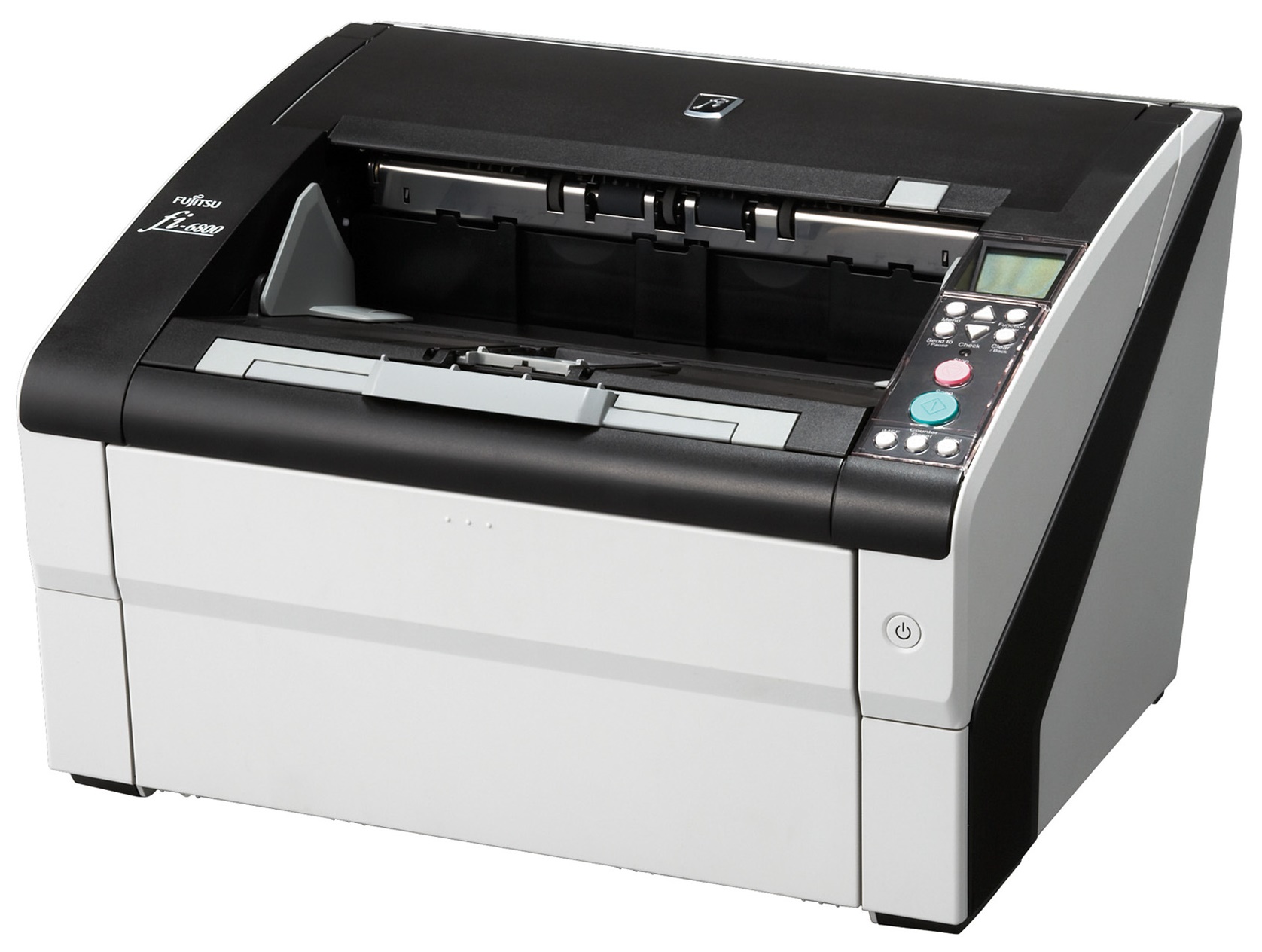
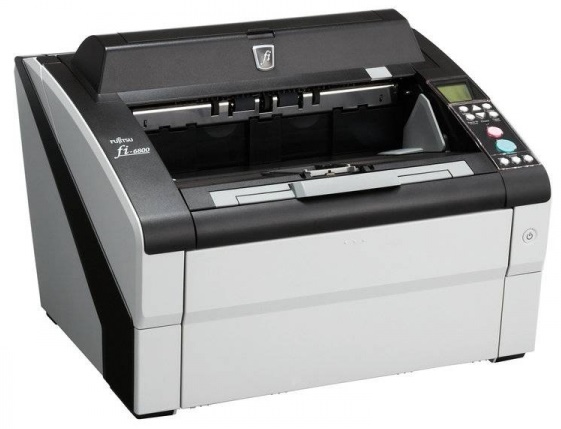
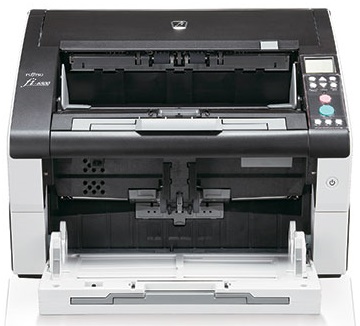
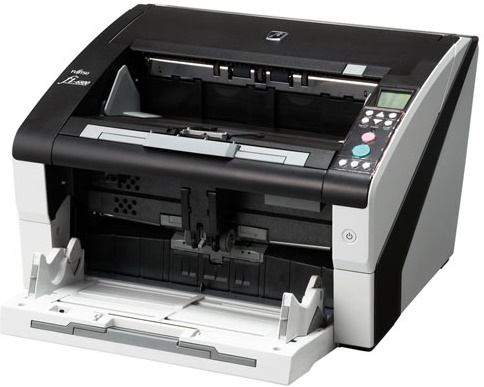
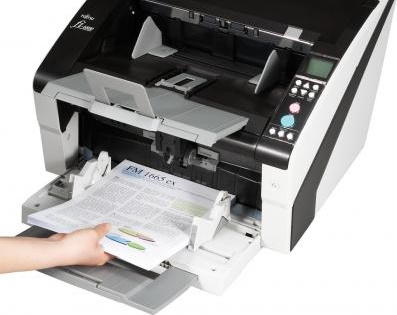
 Fujitsu FI-6800 Document Scanner




Product Details
Specifications
Accessories
Reviews
Product Details
Main Features
- Speed: 130 ppm and 260 ipm
- Media Size: A8 to A3
- Energy efficient
- Compact design
- Quiet operation
- 500 page automatic document feeder
- Duplex scanning
Specifications
General Specifications
| Functional Specifications | |||
|---|---|---|---|
| Scanning Technology | Color CCD (Charge-coupled device) x 2 (front x 1, back x 1) | ||
| Scanning Mode | Simplex / duplex, color, grayscale, monochrome | ||
| Document Feeding Mode | ADF | ||
| ADF Capacity | 500 pages | ||
| Document size | ADF minimum: | A8 (portrait): 53 x 74 mm | |
| ADF maximum: | A3: 297 x 420 mm | ||
| Daily Throughput | up to 60,000 pages | ||
|
Scanning Speeds (200 or 300 dpi, Color, Greyscale and Monochrome) | |||
| Output | Simplex | Duplex | |
| A4 portrait | 100ppm | 200ipm | |
| A4 landscape | 130ppm | 260ipm | |
| Bundled software | PaperStream IP (TWAIN/ ISIS) Driver, Software Operation Panel, Error Recovery Guide, PaperStream Capture, ScanSnap Manager for fi Series, Scan to Microsoft SharePoint (web download only), Scanner Central Admin tools | ||
| Functions | Multi Streaming, Auto color/mono detection, Blank page skip, Deskew, Auto crop | ||
| Interface(s) | Ultra SCSI, USB2.0, With CGA board: Ultra Wide SCSI, USB2.0 |
||
|
Physical Specifications | |||
| Dimensions (Height x Width x Depth) | 460 x 430 x 310mm / Installation space: 860 x 1630 x 350mm | ||
| Weight | 32kg | ||
| Humidity (operating) | 20-80% RH (non-condensing) | ||
| Power Consumption | Operating: 200W or less (3.2W or less in sleep mode) | ||
| Power Requirement | AC 100 - 240 V, +10% / -10% | ||
| Operating Temperature | 5°C - 35°C | ||
Accessories

Reviews


Most MFPs are designed for scanning documents and so are best to avoid if you're looking for photo scanning. The few exceptions can be recognized if they feature scanning options that are clearly meant for photos, such as a color restore feature.
Evaluating the resolution of a scanner is easy - higher is always better.
When looking at a scanners specifications, bear in mind that you can use a scanner at a lower resolution, but you cannot go higher.
MY ACCOUNT
INFO & POLICIES
SHOP EASY
PAYMENT OPTIONS



* Images are for illustration purposes only.