



 Shopping Cart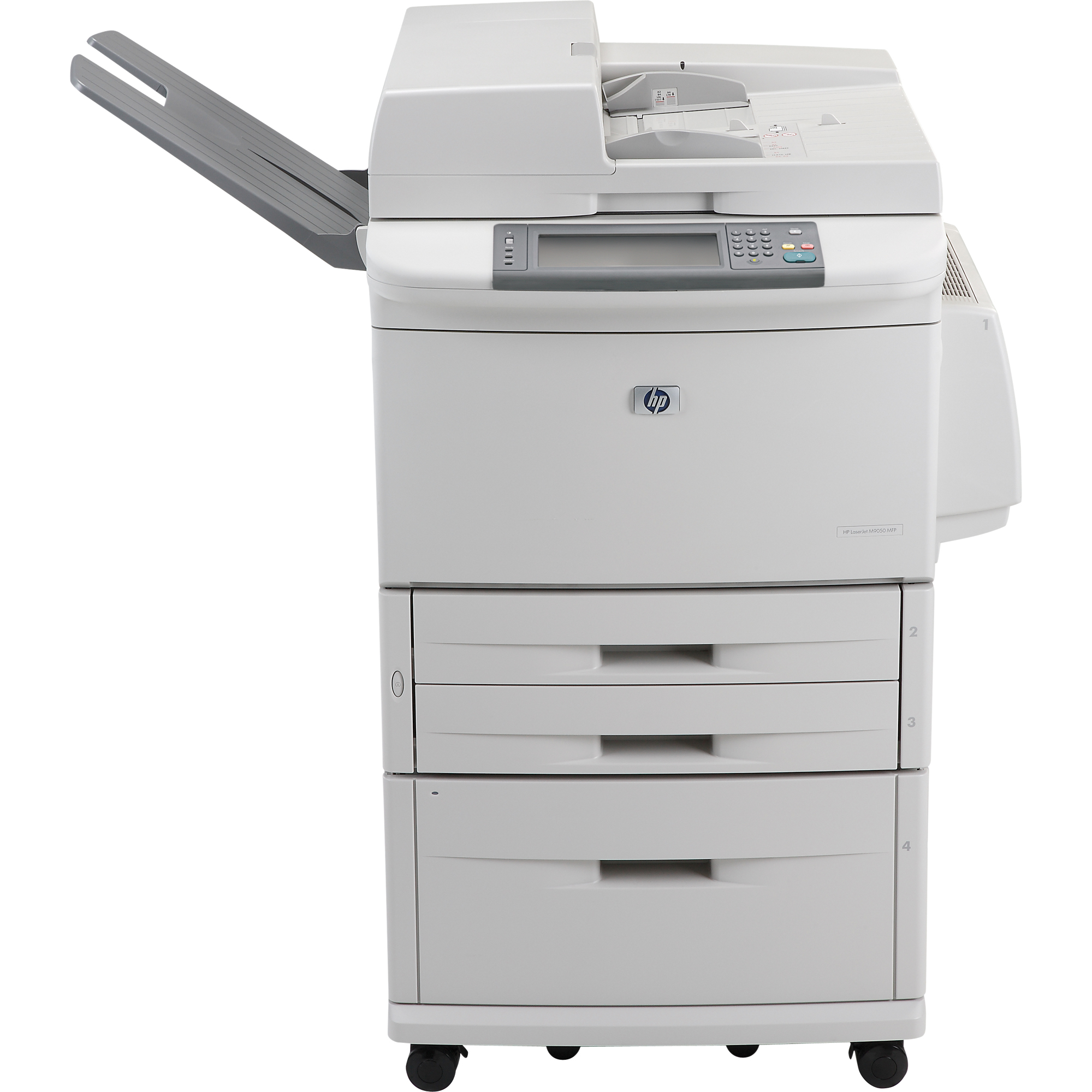



Product Details
Specifications
Accessories
Reviews
Product Details
Overview
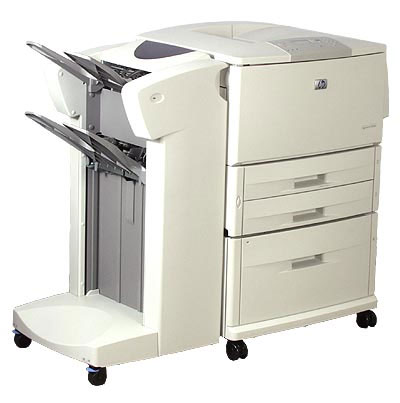
This high performance printer provides robust printing, coping, document finishing and digital sending services, improving business communications for large workgroups. The HP LaserJet 9000MPF is a fast, flexible and reliable printer that will save space and cut costs for your business. Reaching up to 50ppm print and copy speeds pulse paper handling and finishing capabilities means your documents come out looking crisp and professional every time. The HP LaserJet 9000MFP combines speed, quality, ease of use, and flexibility to provide the best possible experience for workgroups, no matter how diverse the printing needs are.
Main Features
- Print Speed: Up to 50 ppm
- Resolution: 1200 x 1200 dpi
- Paper Handling: 3,100 Sheet Input Capacity Consists of: 1 x 100 Sheet Multipurpose Tray,2 x 500 Sheet Input Tray,1 x 2000 Sheet Input Tray
- Printing Features: Automatic Two Sided Printing, Wide Format (Up to 11" x 17")
- Memory: 128 MB RAM (Expandable to 384 MB)
- Hard Drive: 5 GB
- Connectivity: Parallel and 10/100 Base-TX Ethernet
- Environments: PC and Mac Compatible
All our reconditioned printers are clean, tested and working.
Specifications
General Specifications
| Print / Copy Technology | Monochrome Laser |
| Print Management | Resolution Enhancement technology (REt) |
| Print Speed | 50 PPM |
| First Page Out | 8 seconds |
| Resolution | FastRes 1200 (1200 dpi quality), 600 x 600 dpi with FastRes 1200, REt, Ultraprecise toner |
| Connectivity Ports | IEEE 1284-compliant parallel port Fast Ethernet 10/100Base-TX port 2 open EIO slots |
| Languages and Fonts | HP PCL 5e, PCL 6, PostScript® Level 3 emulation, HP PJL (Printer Job Language), PML (Printer Management Language) |
| Typefaces | 80 scalable TrueT |
| Monthly Duty Cycle | 300,000 Sheets.The duty cycle is the maximum recommended number of printed pages per month to ensure long printer life. |
| Dimensions (H X W X D) | Unit 48" x 32" x 29.8" |
| Weight | Unit 305 lb |
 Download Manufacturer Specifications
Accessories

Reviews


When power is applied, you should hear the print mechanism initialize and most printers have at least one light which will be illuminated when it is on.
Fed up of re-sorting your printouts? For those inkjets that don't have a reverse print feature in the driver, some programs offer printing in reverse order.
If you are not getting the results you expect, don't give up on your printer until you manually set the driver for the paper that you are using.
MY ACCOUNT
INFO & POLICIES
SHOP EASY
PAYMENT OPTIONS



