



 Shopping Cart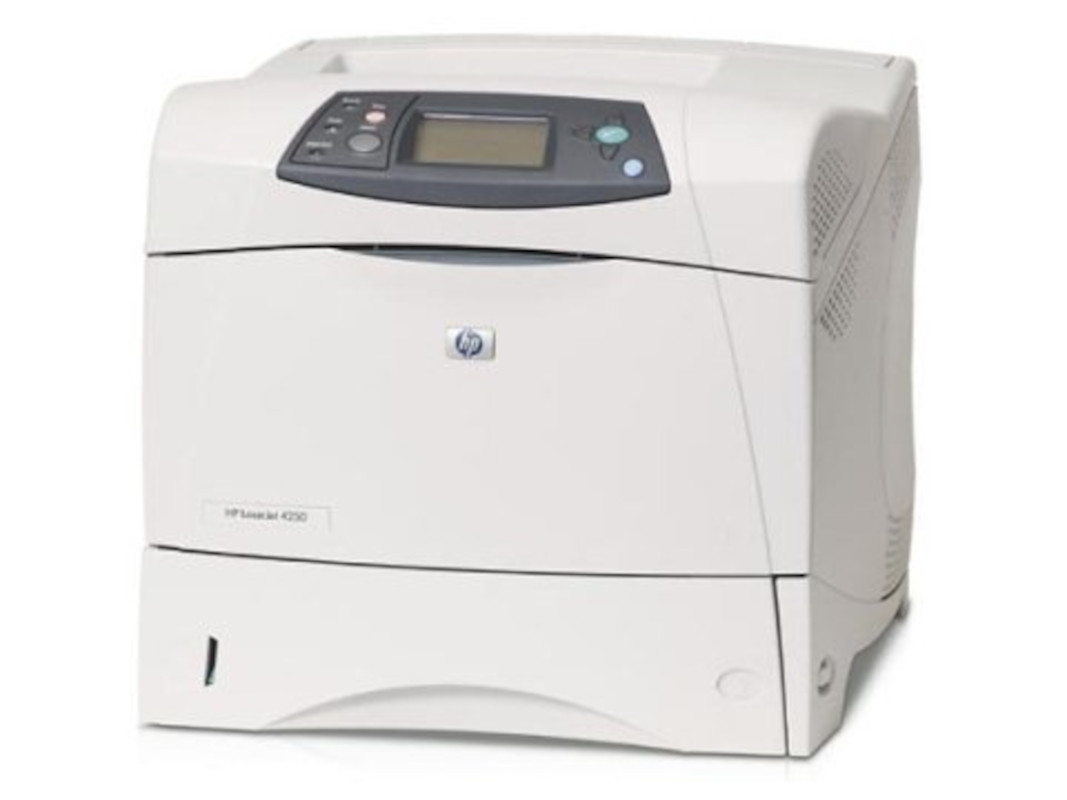



*** ALL TONERS AND SUPPLIES ARE IN STOCK AT DISCOUNTED PRICING , CALL +18882983095.
All reconditioned printers do not include supplies - toners , drums (Imaging Units) (where applicable) , printer cables , manuals , consumables, trays (where applicable). Power cables are included. Drivers can be downloaded from the manufacturers website. Please verify that drivers available are compatible with your software on the manufacturers site.
Images are for illustration purposes only and do not necessarily reflect the actual product.Product Details
Specifications
Accessories
Reviews
Product Details
Overview
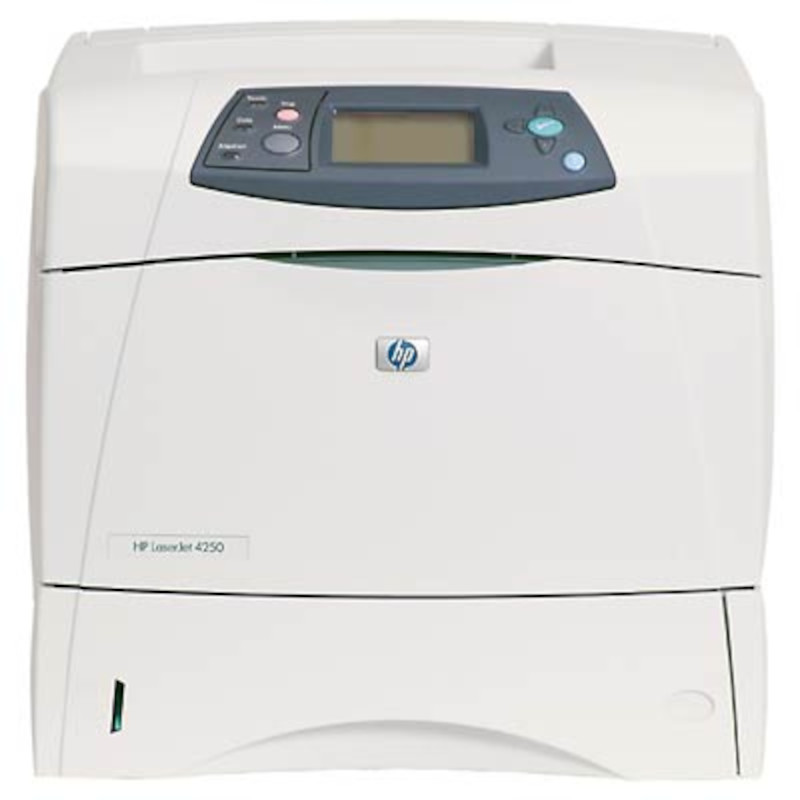
The HP Laserjet 4250 Printer is a versatile, ultra-dependable black and white printer delivering workgroup performance.
Main Features
- Customize your printer with an assortment of expandable input and paper-handling options, such as high-capacity paper trays and stapling and stacking accessories, expandable memory and third-party solutions with Compact Flash support.
- Enjoy effortless printing with an intuitive four-line graphical control panel, remote web management tools and HP Smart printing technology (using genuine HP supplies ensures availability of all HP printing features) giving you the reliability and peace of mind you've come to expect from HP.
- HP's reliable printer series for workgroup use. You get print speeds up to 45 ppm and a fast first page out, a 200,000-page monthly duty cycle, 460 MHz processor, industry-leading internal networking (optional on 4250) and consistently professional output.
Specifications
General Specifications
| Speed | Up to 45 ppm |
| First Page Out | 8 sec |
| Envelope Feeder | Optional, 75 envelopes |
| Typefaces | 80 HP Font set |
| Print Quality | Up to 1200 dpi |
| Resolution Technology | HP REt, HP ProRes 1200, HP FastRes 1200 |
| Print Languages, Std | HP PCL 6, HP PCL 5e, HP PostScript Level 3 emulation, direct PDF printing v1.3 (with at least 128 MB printer memory) |
| Duty Cycle, Monthly | 200,000 pages |
| Media Types | Paper (plain, preprinted, letterhead, prepunched, bond, recycled, color, rough), transparencies, labels, envelopes, cardstock, user-defined |
| Media Sizes | Std:Letter, legal, executive, statement, 8.5 x 13 in, envelopes (No. 10, Monarch) Custom:3 x 5 in to 8.5 x 14 in, tray 1; 5.8 x 8.3 in to 8.5 x 14 in, trays 2 and 3 |
| Connectivity, Std | IEEE 1284-compliant bidirectional parallel, Hi-Speed USB 2.0, 2 open EIO slots |
| Dimensions (W x D x H) | 16.5 x 17.8 x 14.8 in |
| Weight | 45 lb |
| Model | q5400a |
 Download Manufacturer Specifications
Accessories

Reviews


Position your laser printer on a sturdy and level surface, allowing enough space around the printer for air flow.
It is always better to use original branded ink cartridges to reduce chances of clogging, leaking and bleeding.
Fed up of re-sorting your printouts? For those inkjets that don't have a reverse print feature in the driver, some programs offer printing in reverse order.
MY ACCOUNT
INFO & POLICIES
SHOP EASY
PAYMENT OPTIONS



