



 Shopping Cart
 Canon imageFORCE 4135 MultiFunction Copier
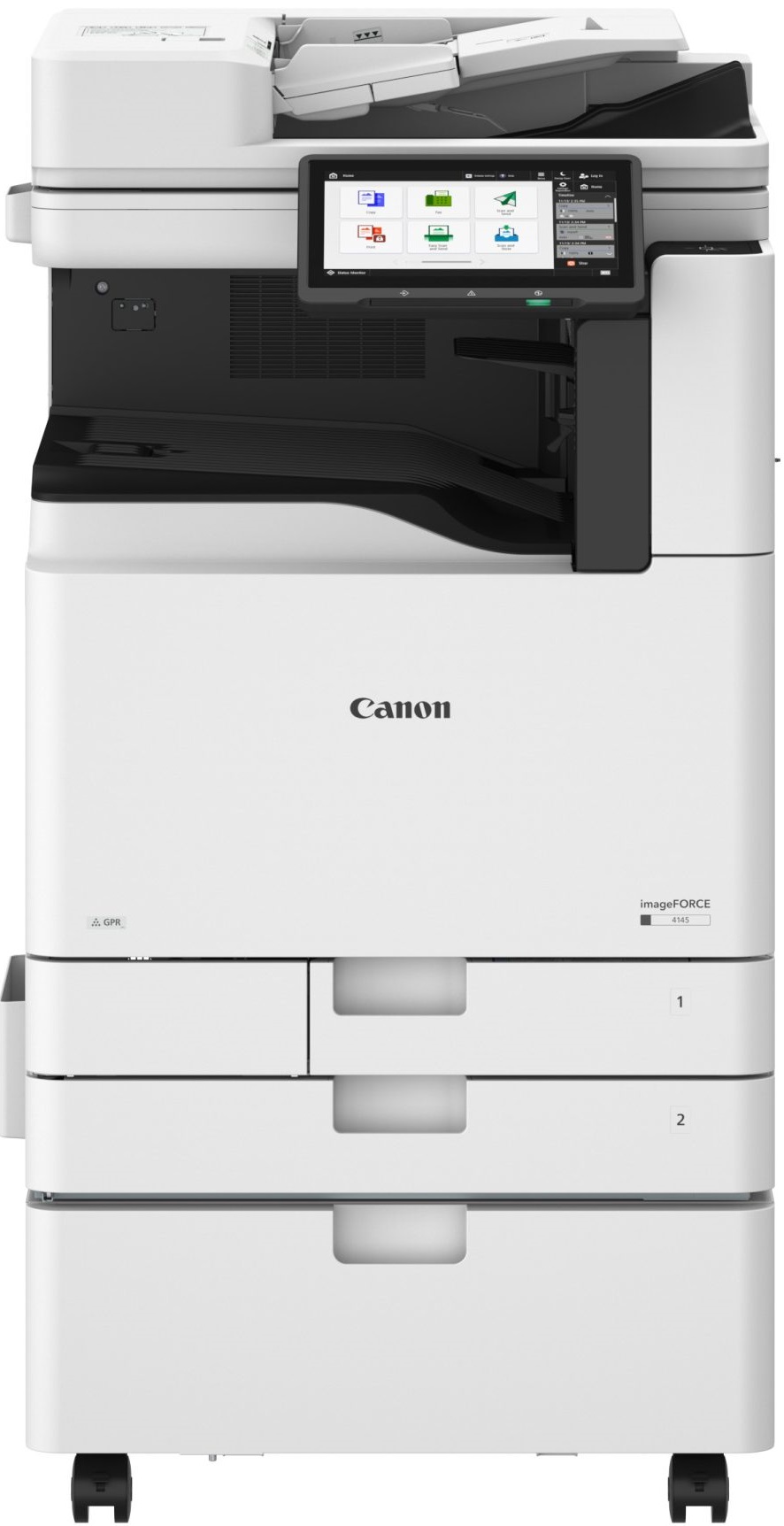


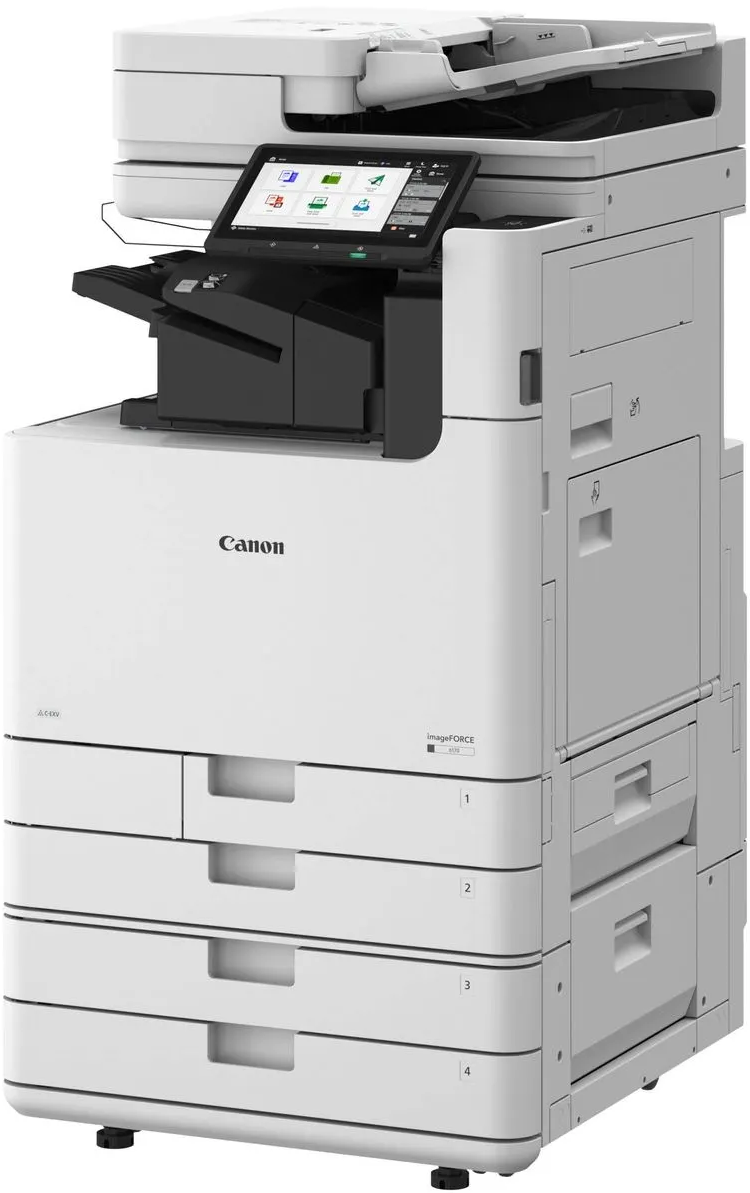
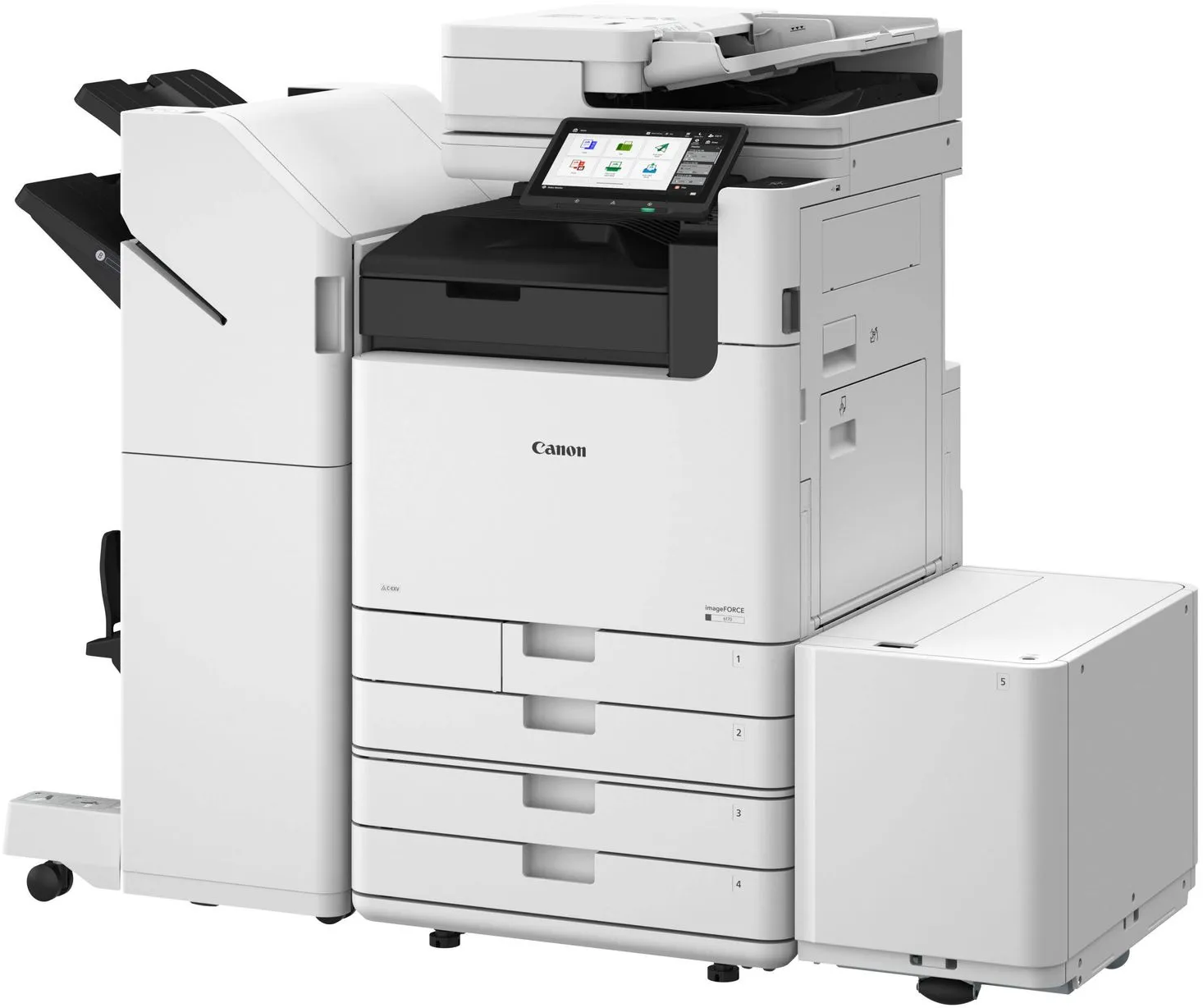

*** ALL TONERS AND SUPPLIES ARE IN STOCK AT DISCOUNTED PRICING , CALL +18882983095.
Images are for illustration purposes only and do not necessarily reflect the actual product.Product Details
Specifications
Accessories
Reviews
Product Details
Main Features
- Black and white output
- Print, copy, scan, fax
- Document storage functions
- Print Speed: 35 pages per minute
- Single-pass duplex scanning
- 10.1 inch customizable color touchscreen display
- Standard 1,200-sheet paper capacity
- Expandable paper capacity up to 6,350 sheets
- Mobile and cloud printing support
- Robust security features with user authentication
- Energy-efficient operation
Specifications
General Specifications
| Functions | Print, Copy, Scan, Send, Store, Optional Fax |
| Print Speed | Up to 35 ppm (Letter/A4) |
| Copy Speed | Up to 35 ppm |
| First Copy Out Time | 5.5 Seconds |
| Print Resolution | Up to 4,800 x 2,400 dpi |
| Scan Speed | Up to 270 ipm Duplex Scanning |
| Scan Resolution | 600 x 600 dpi |
| Control Panel | 10.1 inch Color Touchscreen |
| Processor | 1.8 GHz Dual-Core Processor |
| Memory | 5 GB RAM |
| Storage | 256 GB SSD Standard |
| Optional Storage | 1 TB SSD |
| Standard Paper Capacity | 1,200 Sheets |
| Maximum Paper Capacity | 6,350 Sheets |
| Output Capacity | Up to 3,450 Sheets |
| Maximum Paper Weight | Up to 300 gsm |
| Duplex Printing | Standard Automatic Duplex |
| Mobile Printing | AirPrint, Mopria, Canon PRINT |
| Cloud Integration |
uniFLOW Online, Universal Print, Cloud Connector
|
| Wireless Networking | Optional Wi-Fi 6 (802.11ax) |
| Security Features |
TPM 2.0, SSD Encryption, Secure Print, User Authentication
|
| Finishing Options |
Stapling, Booklet Making, Hole Punching, Eco Staple
|
| Warm-Up Time | As Fast As 4 Seconds |
| Energy Consumption (TEC) | 0.33 kWh |
 Download Manufacturer Specifications
Accessories

Reviews


Is your copy image too light? Manually adjust the copy density to a darker setting.
Store the paper in the same room as the copier so that the paper is the same temperature as the copy machine.
Do not store paper on its side as this will allow the edges to start curling.
MY ACCOUNT
INFO & POLICIES
SHOP EASY
PAYMENT OPTIONS



* Images are for illustration purposes only.