



 Shopping Cart
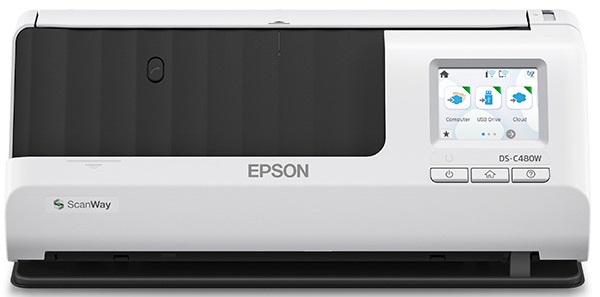
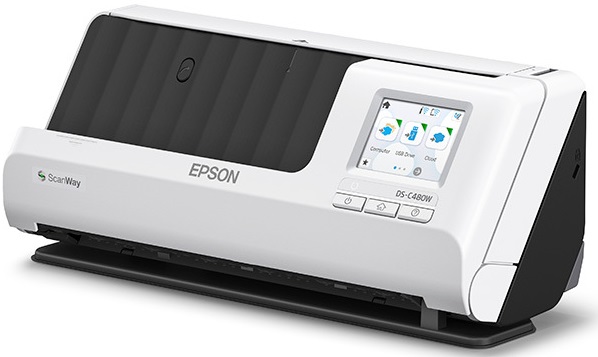
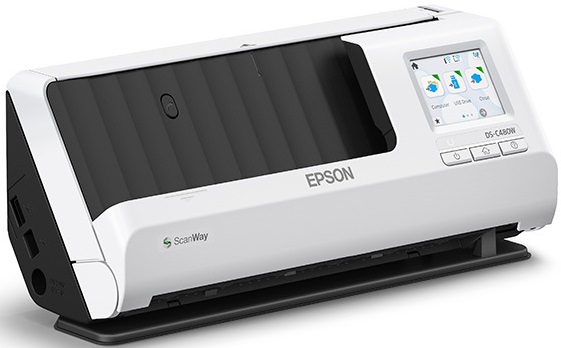
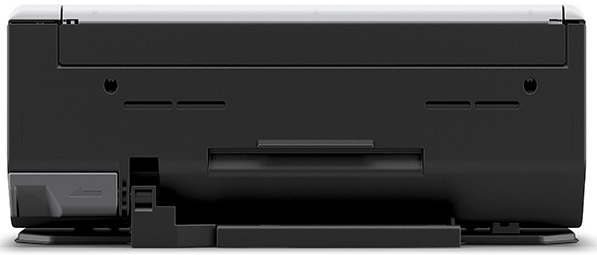
 Epson DS-C480W Wireless Color Document Scanner


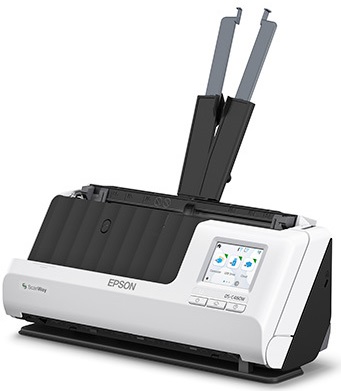
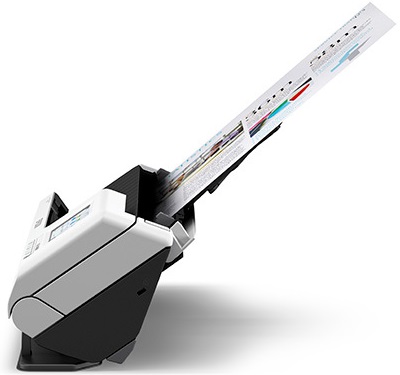


Images are for illustration purposes only and do not necessarily reflect the actual product.
Product Details
Specifications
Accessories
Reviews
Product Details
Main Specifications
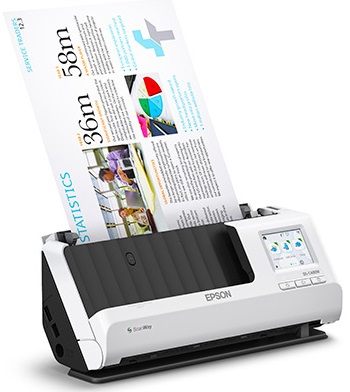
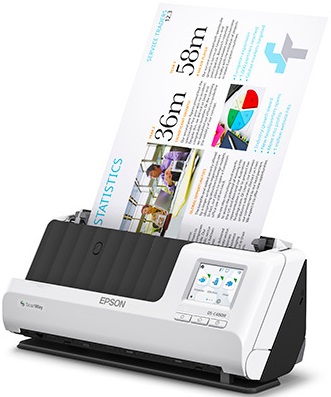
- Compact, desktop design
- Scan upto size 8.5 inches x 220 inches
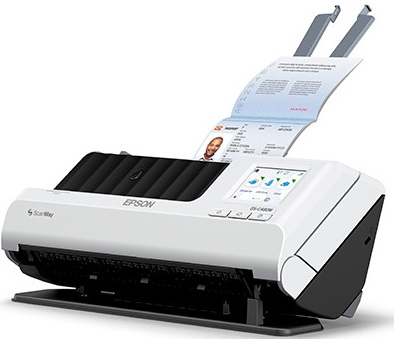
- Scan media types: Paper, cards and passports
- Duplex scanning
- 20 Sheet auto document feeder
- Wireless connectivity
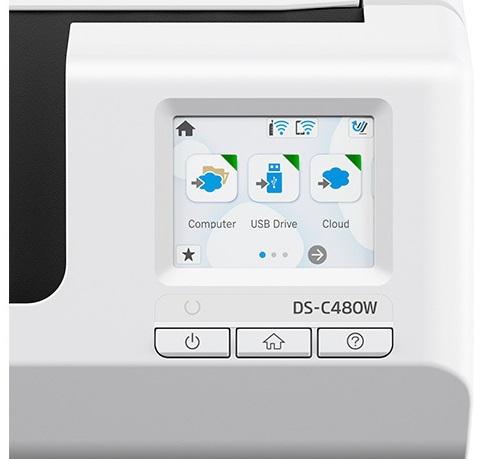
- 2.4 inch color LCD touchscreen
- 660 dpi optical resolution
- Save directly to a USB flash drive, email or upload to popular cloud storage
Specifications
General Specifications
| Scanner Type | |
| Scanner Maximum Resolution | |
| Scanner Color Depth | |
| Wireless | |
| Power Source |
Scanner
| Type | |
| Maximum Resolution | |
| Scan Modes | |
| Color Depth | |
| Light Source | |
| Image Sensor | |
| Duplex Scanning | |
| Single Pass Duplex | |
| Scan Speed | |
| Automatic Image Corrections |
Scanner Media Handling
| Scan Sizes | |
| Paper Capacity | |
| Media Weight | |
| Daily Duty Cycle | |
| Special Media Support |
Connectivity
| Data I/O | |
| Wireless | |
| Scanner Drivers | |
| OS Compatibility |
General
| Display Size | |
| Display Type | |
| Power Source | |
| Power Source | |
| Battery | |
| Input Power | |
| Power Consumption | |
| Operating Conditions | |
| Storage Conditions | |
| Certifications | |
| Dimensions (W x H x D) | |
| Weight |
Packaging Info
| Package Weight | |
| Box Dimensions (LxWxH) |
 Download Manufacturer Specifications
Accessories

Reviews




Almost anything that speeds up scanning photos (other than buying a faster scanner) lowers the scan quality, so decide the level of quality you want, and then accept the amount of work that comes with it.
Bear in mind that the higher the resolution of a scan, the larger the file will be.
If your scanner gives a ‘Scanner Access failed’ or a ‘Scanner not found’ message it may be that the interface card is not installed properly.
MY ACCOUNT
INFO & POLICIES
SHOP EASY
PAYMENT OPTIONS



* Images are for illustration purposes only.