



 Shopping Cart
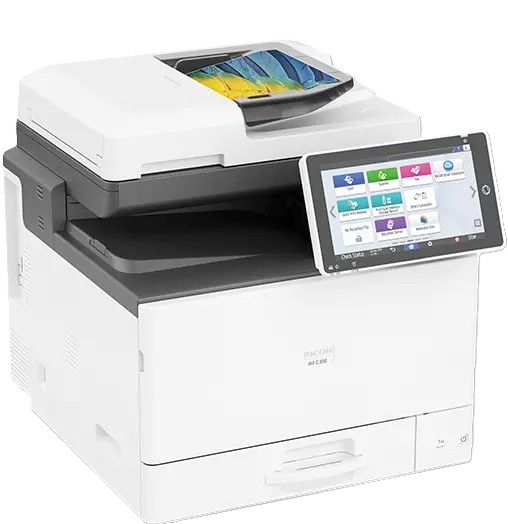
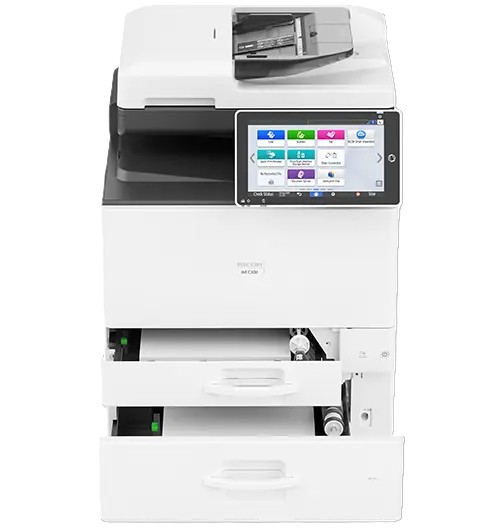
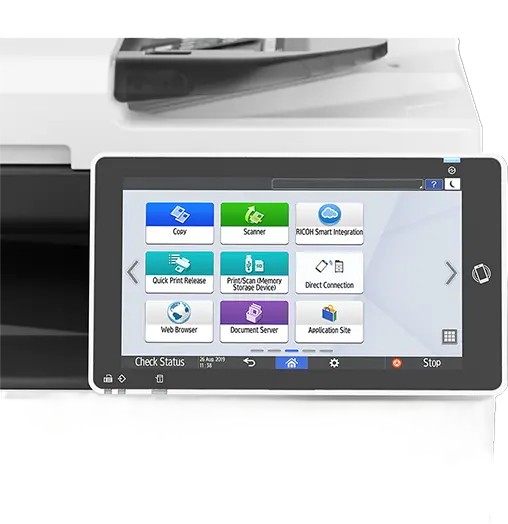
 Ricoh IM C300F Color Laser MultiFunction Copier



*** ALL TONERS AND SUPPLIES ARE IN STOCK AT DISCOUNTED PRICING , CALL +18882983095.
Images are for illustration purposes only and do not necessarily reflect the actual product.Product Details
Specifications
Accessories
Reviews
Product Details
Main Features:
- Color Copier
- Print, Copy, Scan, Fax
- Print Speed: up to 31 pages per minute
- Maximum Resolution: 1200 x 1200 dpi
- Paper Capacity: up to 2,000 pages
- USB 2.0, Ethernet Connectivity
Specifications
General Specifications:
| Color/Black & White | Color |
|---|---|
| Output Speed Copy/Print | 31 ppm B/W, color |
| First Page Out Time | Color: 8.6 seconds Black and White: 7.2 seconds |
| Warm-Up Time | 19 seconds |
| Resolution | 1200 x 1200 dpi |
| System Memory | 2 GB RAM/ 320 GB HDD |
| Maximum Copy Quantity | Up to 999 copies |
| Document Feeder Type | Single Pass Document Feeder (SPDF) |
| Single Pass Document Feeder (SPDF) | 50 sheets |
| Zoom Range | 25% to 400% in 1% increments |
| Supported Paper Sizes | Letter, Legal, HLT, A4, A5, B5 |
| Supported Paper Weights | Trays: 60 - 163 g/m2 Bypass: 60 - 220 g/m2 Duplex: 60 - 163 g/m2 |
| Supported Paper Types | Plain, Recycled, Special, Color, Letterhead, Cardstock, Preprinted, Bond, Coated, Envelope, Label, OHP |
| Standard Paper Capacity | 250 sheets + 100-Sheet Bypass Tray |
| Maximum Paper Capacity | 2,000 sheets |
| Standard Output Capacity | 100 sheets |
| Power Source | 120V - 127V, 60Hz |
| Typical Electricity Consumption (TEC) | 0.37 kWh/week TEC value is measured based on the ENERGY STAR Ver.3.0 test method. |
| Power Consumption | Less than 1,300 W; Sleep Mode: 0.65W |
| Dimensions W x D x H | 19.6" x 22.1" x 20.1" (498 x 561 x 510 mm) |
Accessories
*** ALL TONERS AND SUPPLIES ARE IN STOCK AT DISCOUNTED PRICING , CALL +18882983095
Reviews


Do not store paper which you will use in a copier or printer in a damp or moist atmosphere – such as a basement, or near a window or sink.
Is your copy image too light? Manually adjust the copy density to a darker setting.
CMYK – This stands for Cyan-Magenta-Yellow-Black which are the four colors of toner that can be used in a copier.
MY ACCOUNT
INFO & POLICIES
SHOP EASY
PAYMENT OPTIONS



* Images are for illustration purposes only.