



 Shopping Cart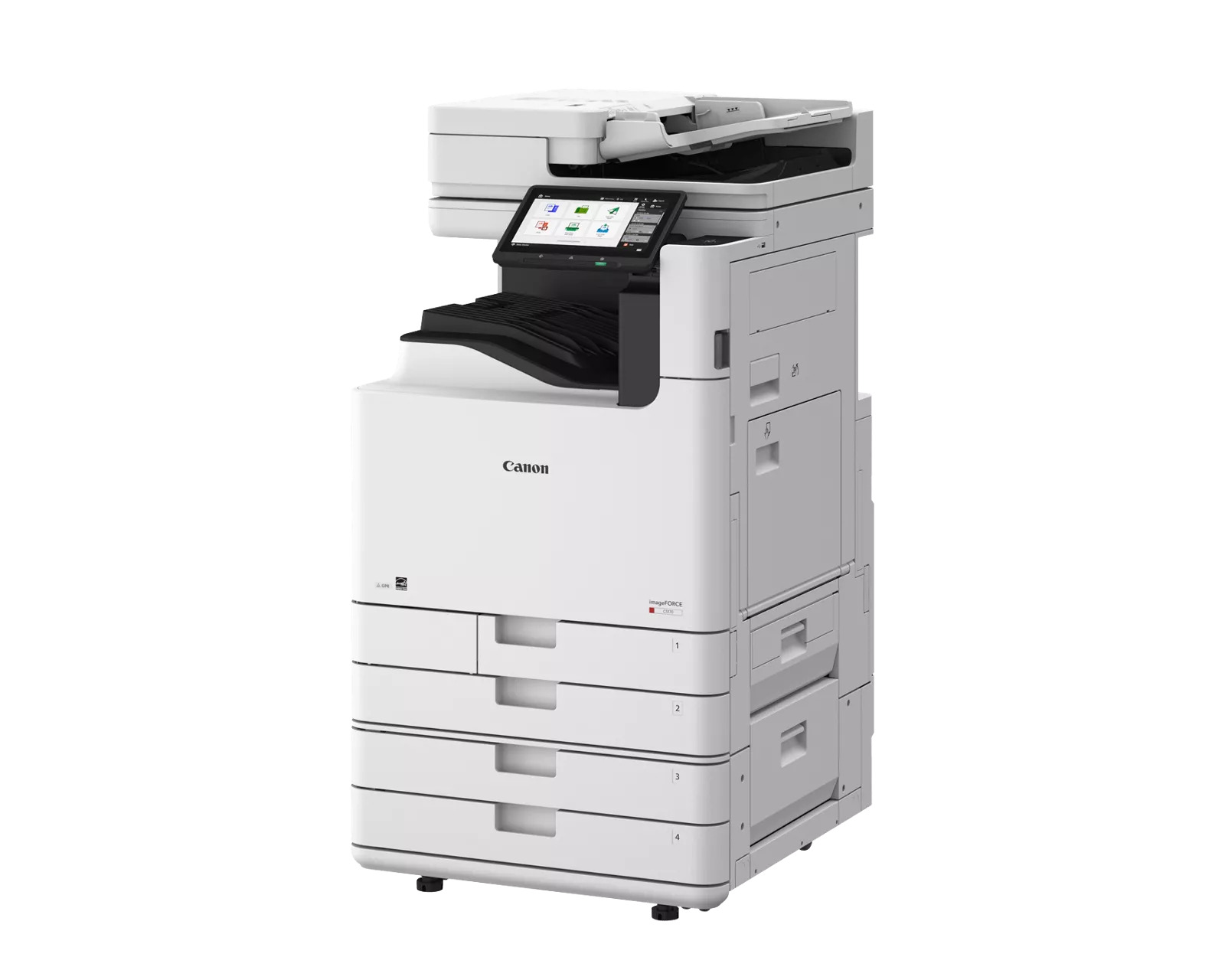

*** ALL TONERS AND SUPPLIES ARE IN STOCK AT DISCOUNTED PRICING , CALL +18882983095.
Printers do not include supplies - toners , drums (Imaging Units) (where applicable) , printer cables , manuals , consumables , trays (where applicable). Power cables are included. Drivers can be downloaded from the manufacturers website. Please verify that drivers available are compatible with your software on the manufacturers site.
Images are for illustration purposes only and do not necessarily reflect the actual product.Product Details
Specifications
Accessories
Reviews
Product Details
Main Features
- Color A3 Multifunction Printer
- Print Speed: 40 ppm
- Print Resolution: 4800 x 2400 dpi
- Memory: 6.0 GB
- Standard paper capacity: 1200 sheets
- Maximum paper capacity: 6350 sheets
- Color consistency
- Versatile Media Support
- Prints up to 12" x 18"
- 10.1” TFT LCD color touch panel
Specifications
 Download Manufacturer Specifications
Accessories

Reviews


Media settings on your printer determine how much ink will be used. Thinly coated glossy films require less ink, while plain paper soaks in more.
Printer not working? Be sure the paper is installed correctly and there is enough of it.
After installing a printer, go to the Windows dialog box and check the settings, so you won't be surprised by what happens the first time you print.
MY ACCOUNT
INFO & POLICIES
SHOP EASY
PAYMENT OPTIONS



