



 Shopping Cart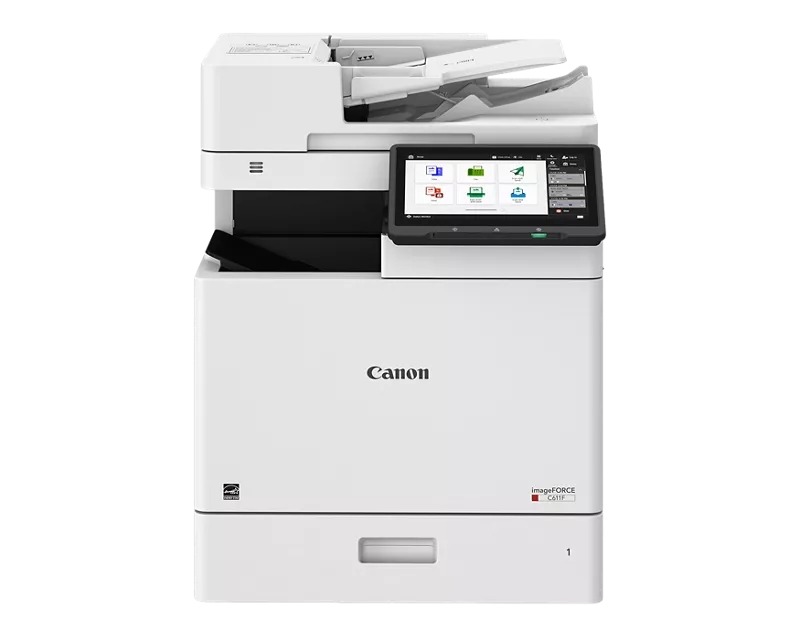



*** ALL TONERS AND SUPPLIES ARE IN STOCK AT DISCOUNTED PRICING , CALL +18882983095.
Printers do not include supplies - toners , drums (Imaging Units) (where applicable) , printer cables , manuals , consumables , trays (where applicable). Power cables are included. Drivers can be downloaded from the manufacturers website. Please verify that drivers available are compatible with your software on the manufacturers site.
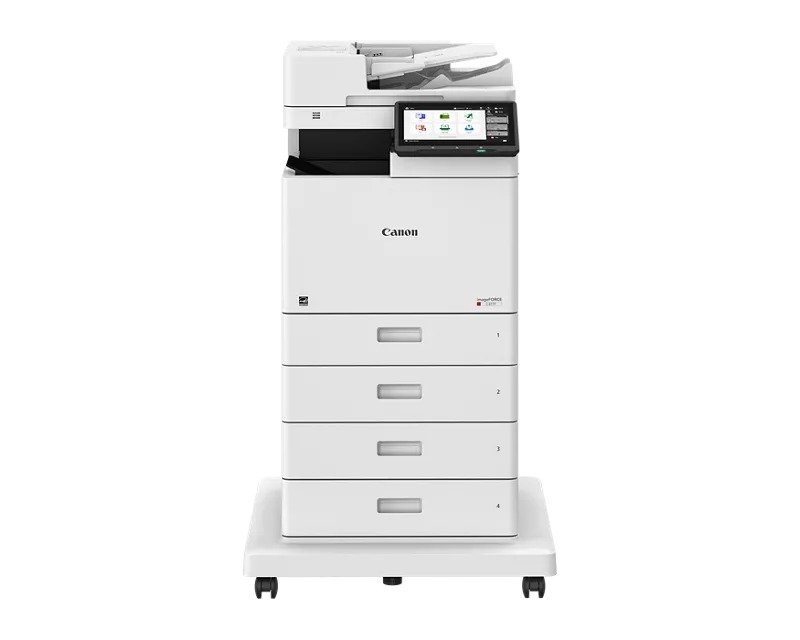
Images are for illustration purposes only and do not necessarily reflect the actual product.Product Details
Specifications
Accessories
Reviews
Product Details
Main Features
- Print, Copy, Fax, Send, Store, Fax (optional)
- Print Speed: up to 65 pages per minute
- Maximum Resolution: 1200 x 600 dpi
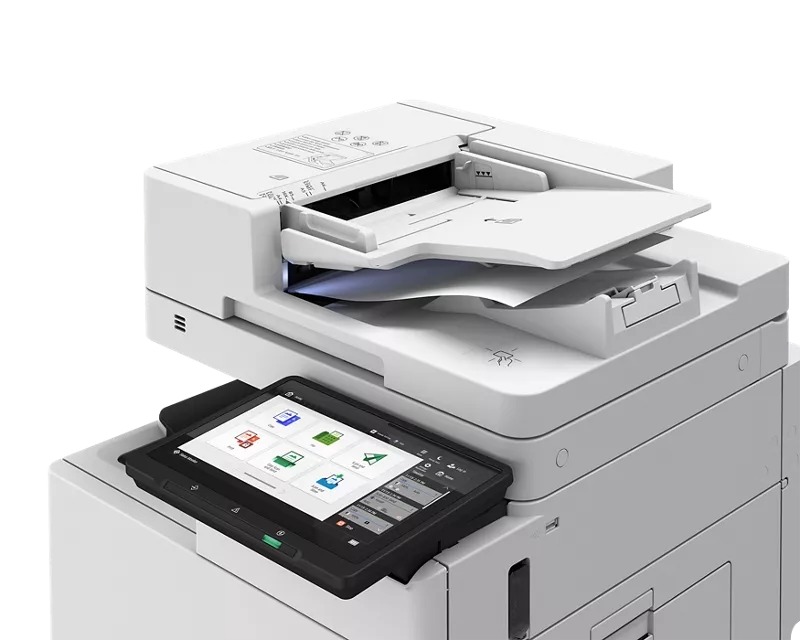
- Duplex Scanning
- 10.1 Inch Color Touchscreen
- Advanced Security Features
Specifications
General Specifications
| Functions | Print, Copy, Scan, Send, Store, Fax |
| Print Speed | Up to 65 ppm (Letter) |
| Copy Speed | Up to 61 ppm (A4) |
| First Copy Time (A4) | ~4.7 s (color), ~4.3 s (black) |
| Print Resolution | 1,200 × 600 dpi |
| Scan Resolution | 600 × 600 dpi |
| Scan Speed | Send: 1-sided 95 ipm / 2-sided 190 ipm Copy: 1-sided 50 ipm / 2-sided 100 ipm |
| ADF Capacity | 100 sheets |
| Paper Capacity | 550-sheet cassette + 100-sheet multipurpose tray |
| Paper Weight Supported | Cassette: 60–163 g/m²; Multipurpose tray: up to 216 g/m² |
| Zoom / Copy Ratio | 25% to 400% (1% increments) |
| Memory | 4.5 GB RAM |
| Storage | 256 GB SSD |
| Warm-up Time | ~30 seconds from power-on; ~10 seconds from sleep |
| Mobile / Cloud Printing | AirPrint, Mopria, IPP Everywhere, Canon PRINT, uniFLOW Online, Cloud Connector |
Accessories

Reviews


Printing photos? Make sure that they are of print quality - meaning 300dpi. Anything lower than this will appear pixelated and lower than photo quality.
Paper jam? The best way to remove jammed paper is to gently pull the paper in the direction of the paper path - with power off, of course. Do not pull the paper backwards - you could damage your printer forever by doing so.
Pages per minute (ppm) is the average print speed for black and white pages only. Actual speed may be different based on the amount of graphics on each page.
MY ACCOUNT
INFO & POLICIES
SHOP EASY
PAYMENT OPTIONS



