



 Shopping Cart
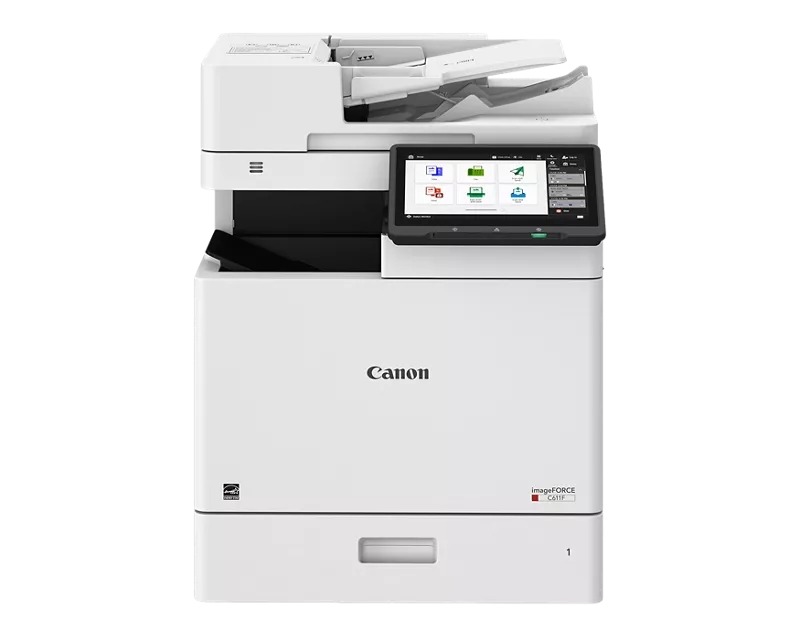
 Canon ImageFORCE C611F MultiFunction Copier



*** ALL TONERS AND SUPPLIES ARE IN STOCK AT DISCOUNTED PRICING , CALL +18882983095.
Images are for illustration purposes only and do not necessarily reflect the actual product.Product Details
Specifications
Accessories
Reviews
Product Details
Main Features
- Print, Copy, Fax, Send, Store, Fax (optional)
- Print Speed: up to 65 pages per minute
- Maximum Resolution: 1200 x 600 dpi
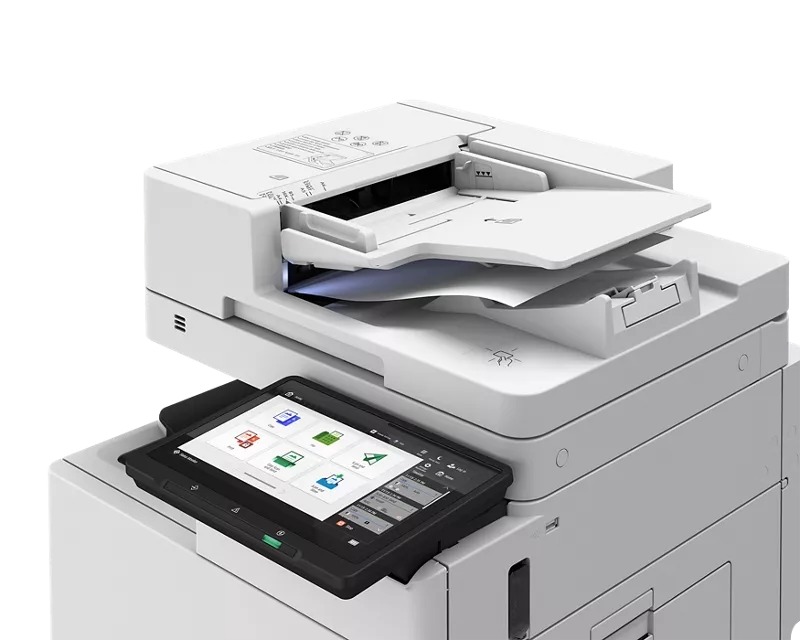
- Duplex Scanning
- 10.1 Inch Color Touchscreen
- Advanced Security Features
Specifications
General Specifications
| Functions | Print, Copy, Scan, Send, Store, Fax |
| Print Speed | Up to 65 ppm (Letter) |
| Copy Speed | Up to 61 ppm (A4) |
| First Copy Time (A4) | ~4.7 s (color), ~4.3 s (black) |
| Print Resolution | 1,200 × 600 dpi |
| Scan Resolution | 600 × 600 dpi |
| Scan Speed | Send: 1-sided 95 ipm / 2-sided 190 ipm Copy: 1-sided 50 ipm / 2-sided 100 ipm |
| ADF Capacity | 100 sheets |
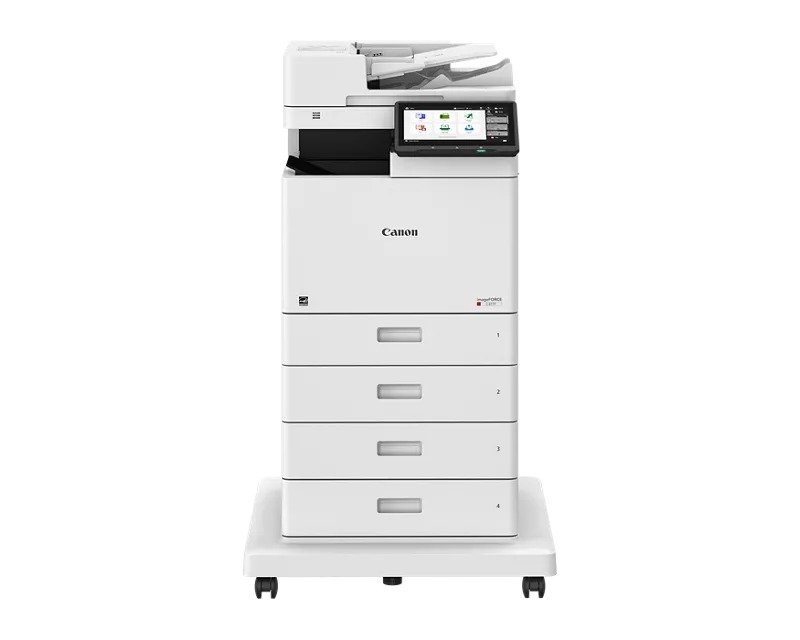
| Paper Capacity | 550-sheet cassette + 100-sheet multipurpose tray |
| Paper Weight Supported | Cassette: 60–163 g/m²; Multipurpose tray: up to 216 g/m² |
| Zoom / Copy Ratio | 25% to 400% (1% increments) |
| Memory | 4.5 GB RAM |
| Storage | 256 GB SSD |
| Warm-up Time | ~30 seconds from power-on; ~10 seconds from sleep |
| Mobile / Cloud Printing | AirPrint, Mopria, IPP Everywhere, Canon PRINT, uniFLOW Online, Cloud Connector |
Accessories

Reviews


The Monthly Duty Cycle or Maximum Monthly Volume is the largest number of copies that your machine can handle in one month.
The number of trays a copier has to hold paper inside and the amount of paper each tray can hold is referred to as "the paper capacity".
Before purchasing your copier think about the finishing options you want to include such as collating, stapling or hole punching.
MY ACCOUNT
INFO & POLICIES
SHOP EASY
PAYMENT OPTIONS



* Images are for illustration purposes only.