



 Shopping Cart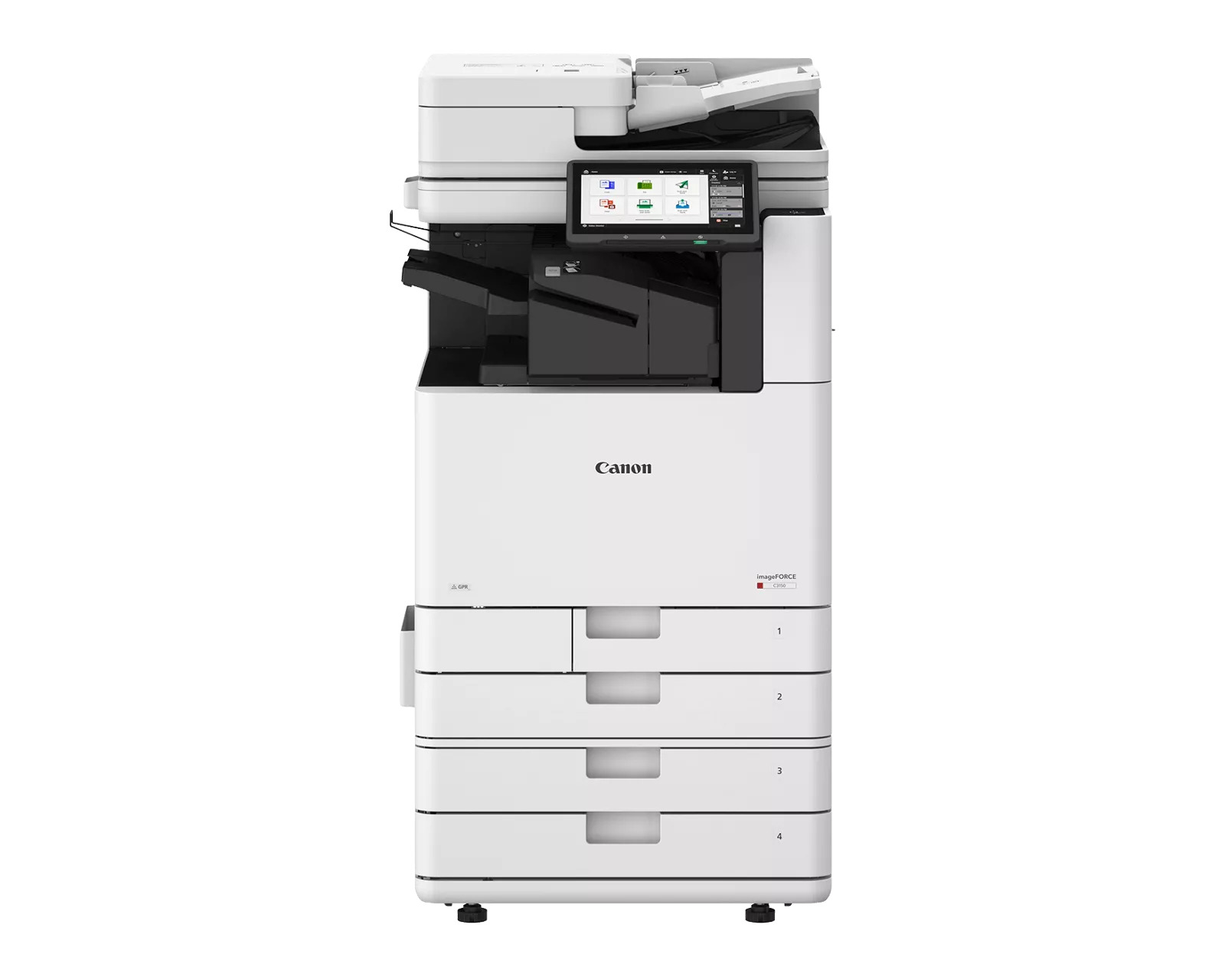




*** ALL TONERS AND SUPPLIES ARE IN STOCK AT DISCOUNTED PRICING , CALL +18882983095.
Printers do not include supplies - toners , drums (Imaging Units) (where applicable) , printer cables , manuals , consumables , trays (where applicable). Power cables are included. Drivers can be downloaded from the manufacturers website. Please verify that drivers available are compatible with your software on the manufacturers site.
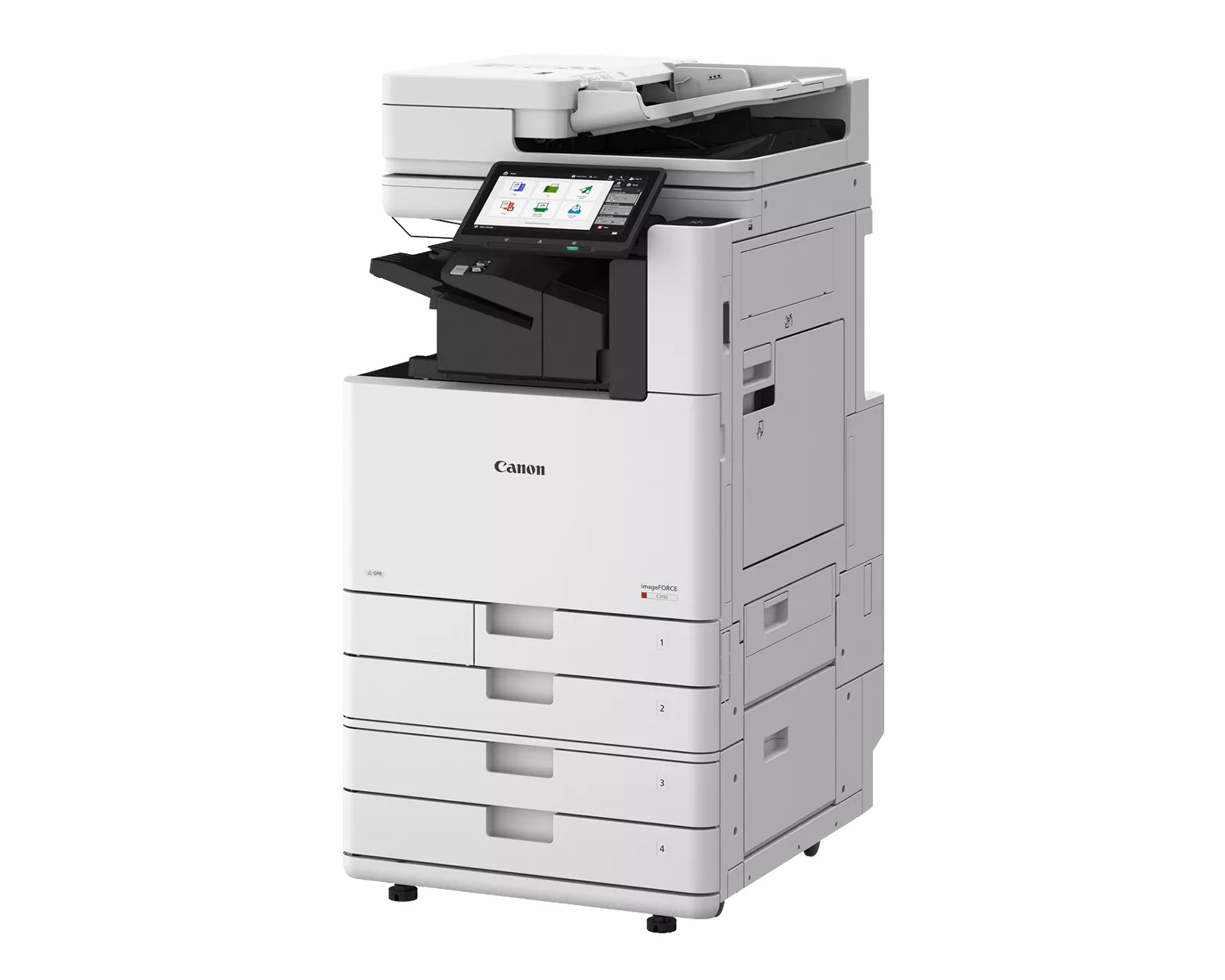
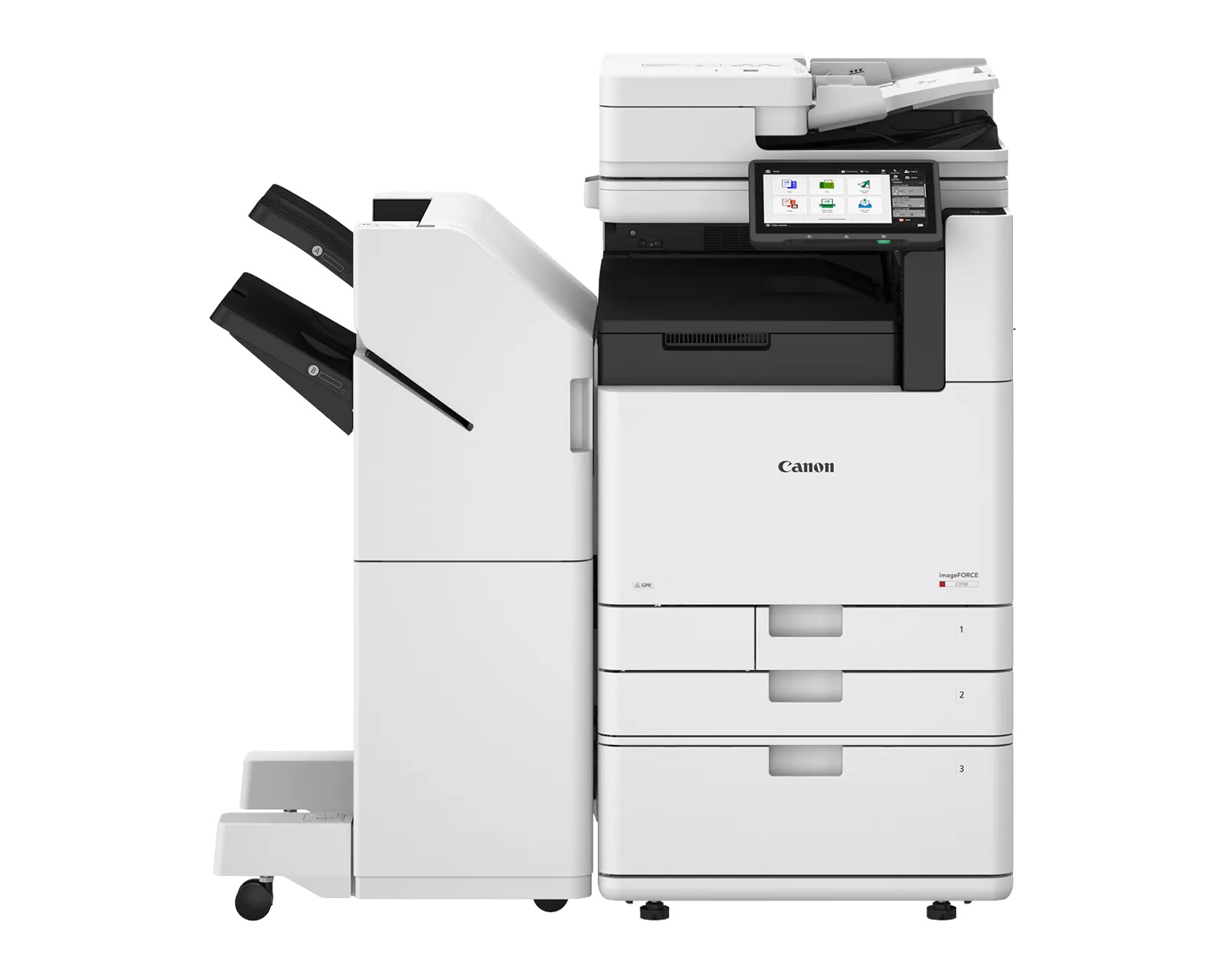
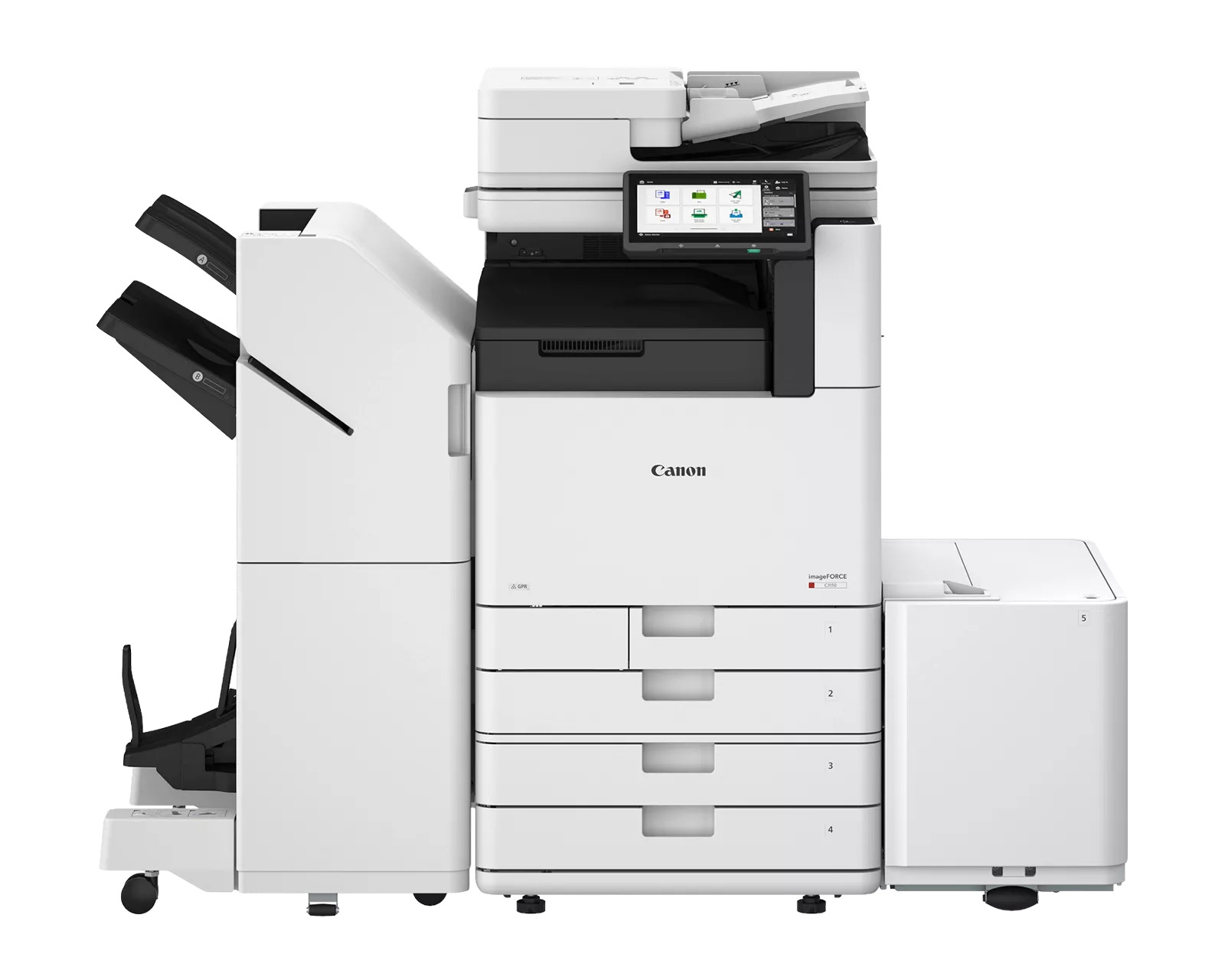
Images are for illustration purposes only and do not necessarily reflect the actual product.Product Details
Specifications
Accessories
Reviews
Product Details
Main Features
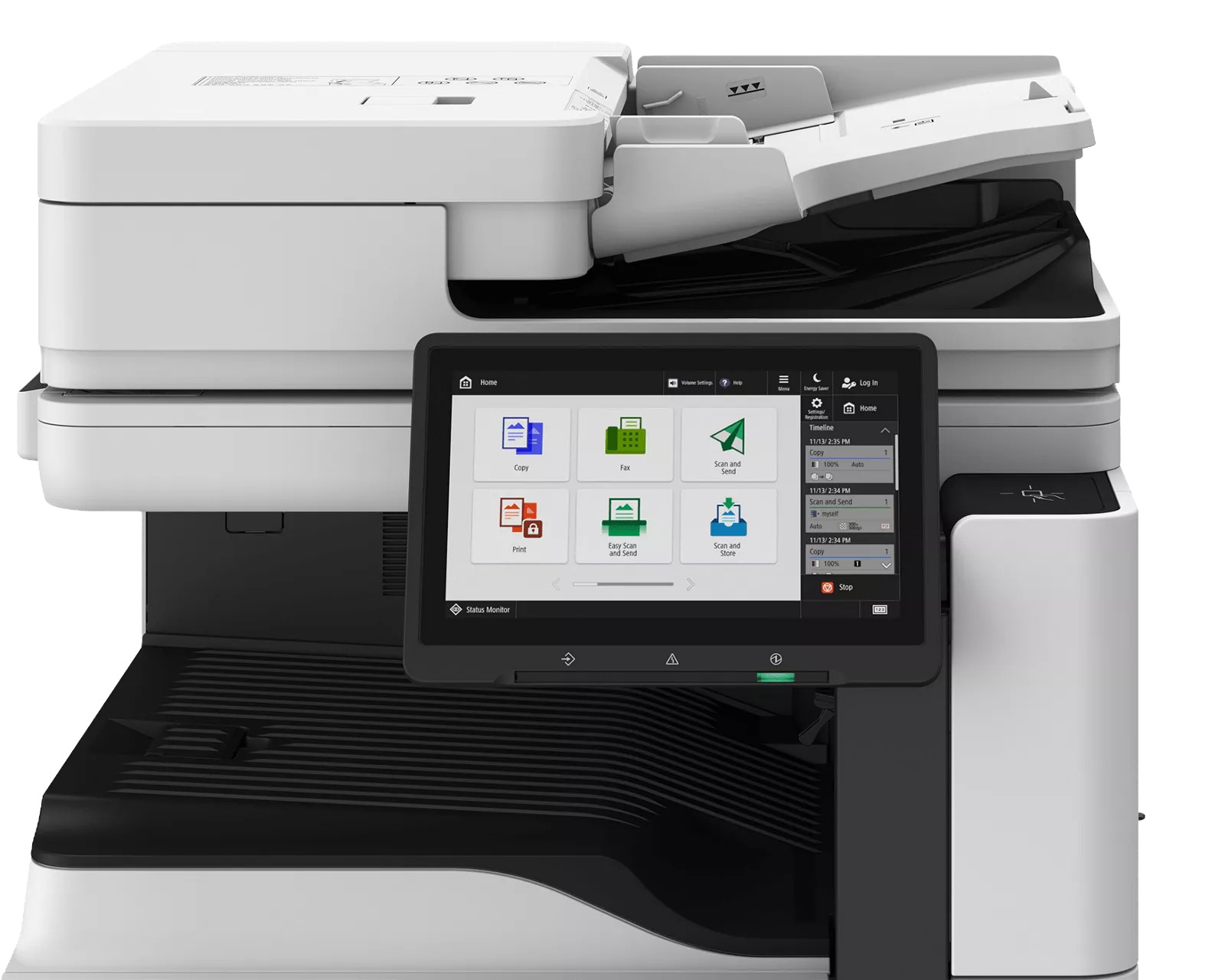
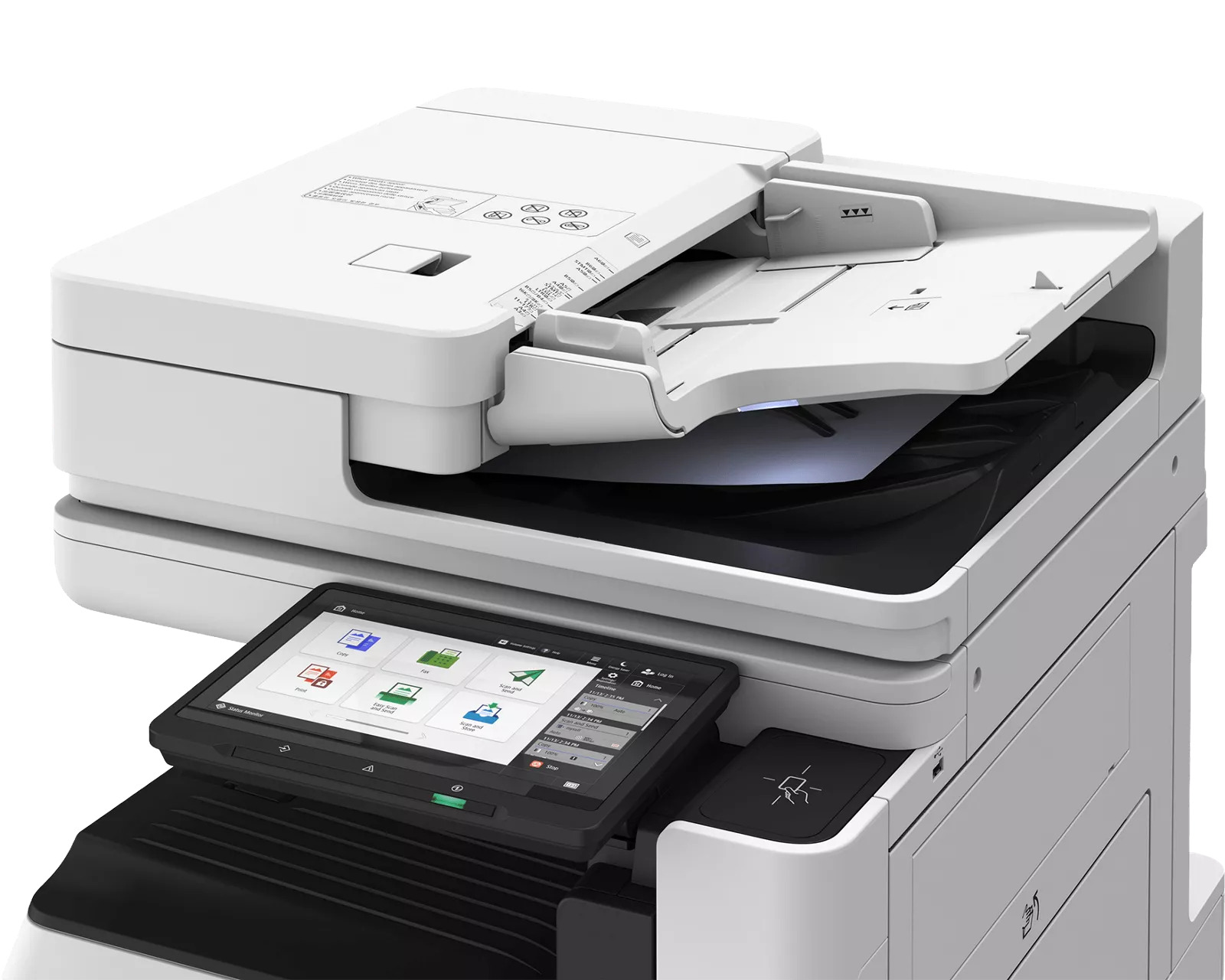
- Color Multifunction Printer
- Print speed: 50 ppm (BW/Color)
- Print Resolution: Up to 4800 x 2400 dpi
- Scan Speed: up to 270 ipm (300 dpi) (BW/Color, Duplex)
- Standard paper capacity: 1200 sheets
- Maximum paper capacity: 6,350 sheets
- Simple user interface
Specifications
 Download Manufacturer Specifications
Accessories

Reviews


Printer not working? Check if the heads of the toners are clean or not. They must be cleaned periodically.
Getting blank pages after you installed a new cartridge? Check that the sticker from the cartridge was properly removed. Alternatively, run the clean print head function to make sure all air bubbles are removed. Do not remove the cartridge once it has been installed.
Most printers have a built-in diagnostics program which can be very useful for troubleshooting problems and test-printing without a computer. They are usually initiated by pressing a button or two while turning on the printer.
MY ACCOUNT
INFO & POLICIES
SHOP EASY
PAYMENT OPTIONS



