



 Shopping Cart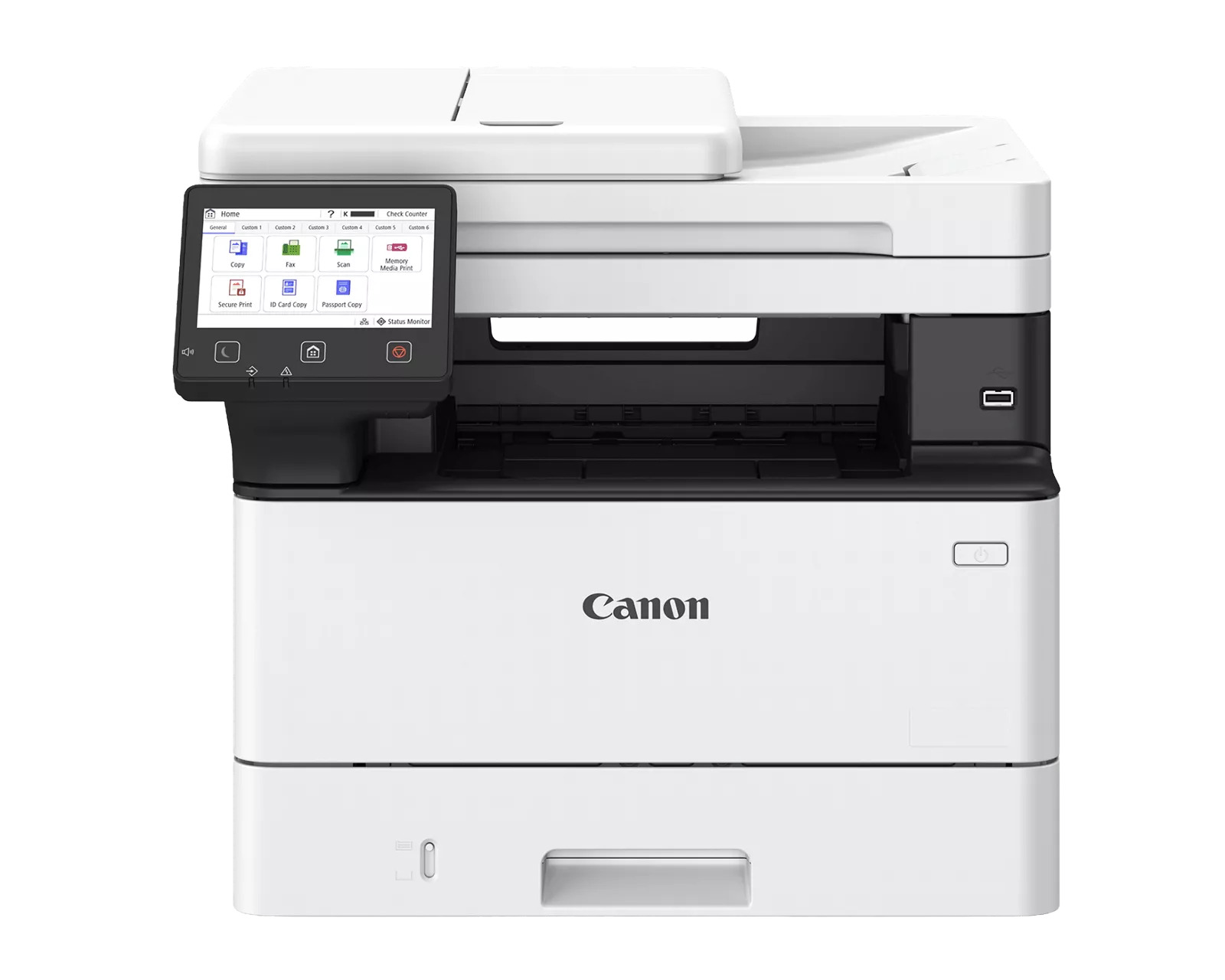



*** ALL TONERS AND SUPPLIES ARE IN STOCK AT DISCOUNTED PRICING , CALL +18882983095.
Printers do not include supplies - toners , drums (Imaging Units) (where applicable) , printer cables , manuals , consumables , trays (where applicable). Power cables are included. Drivers can be downloaded from the manufacturers website. Please verify that drivers available are compatible with your software on the manufacturers site.
Product Details
Specifications
Accessories
Reviews
Product Details
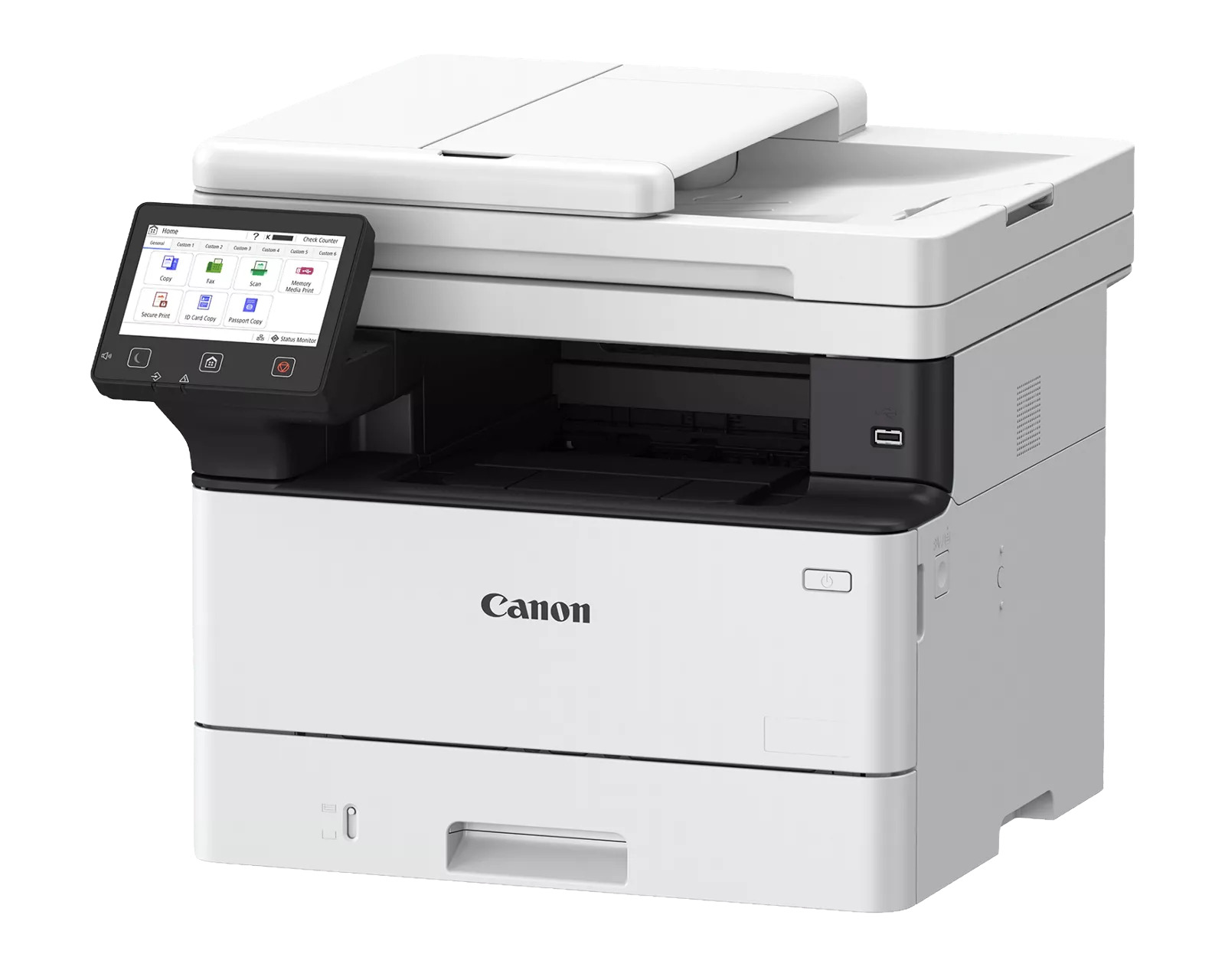
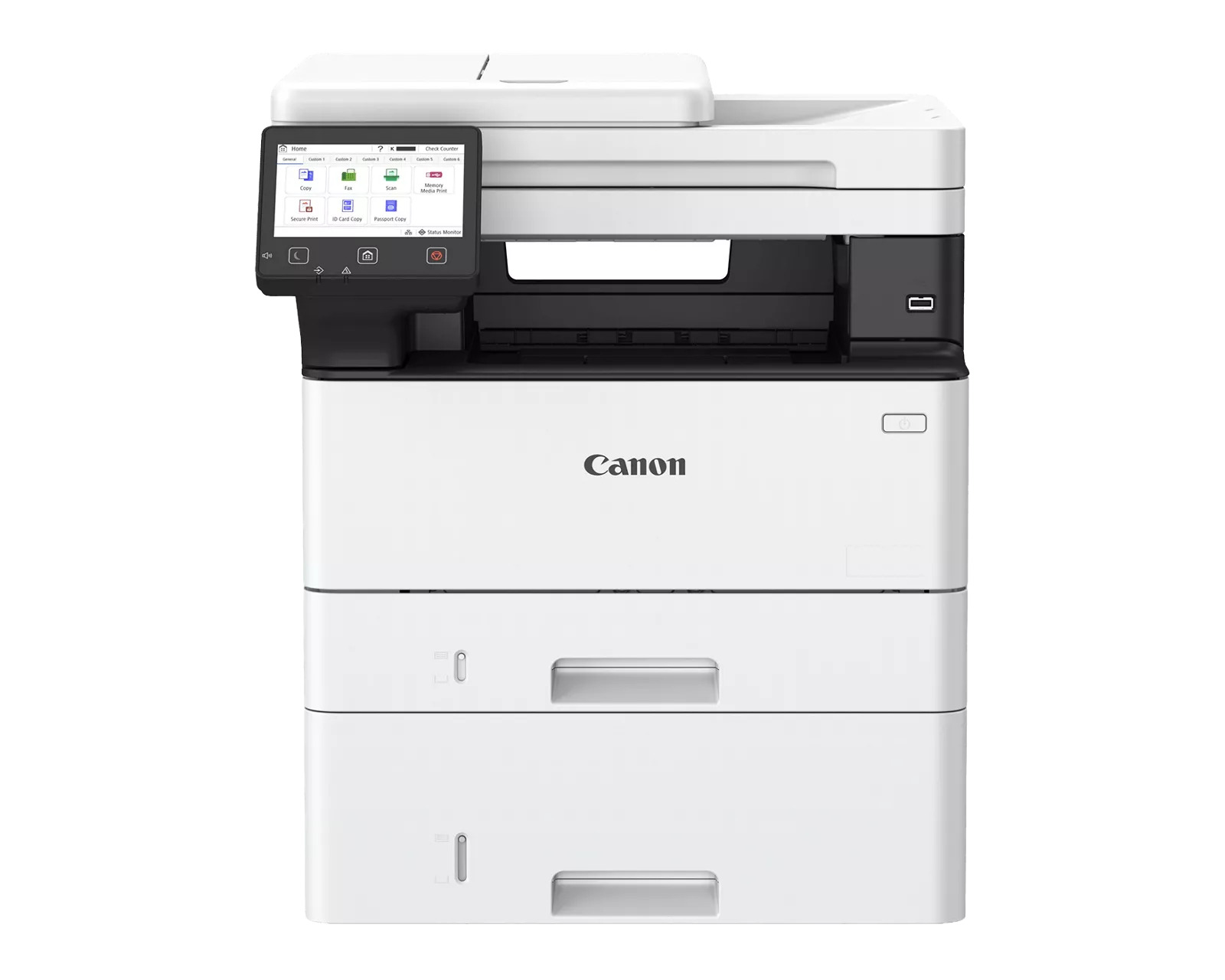
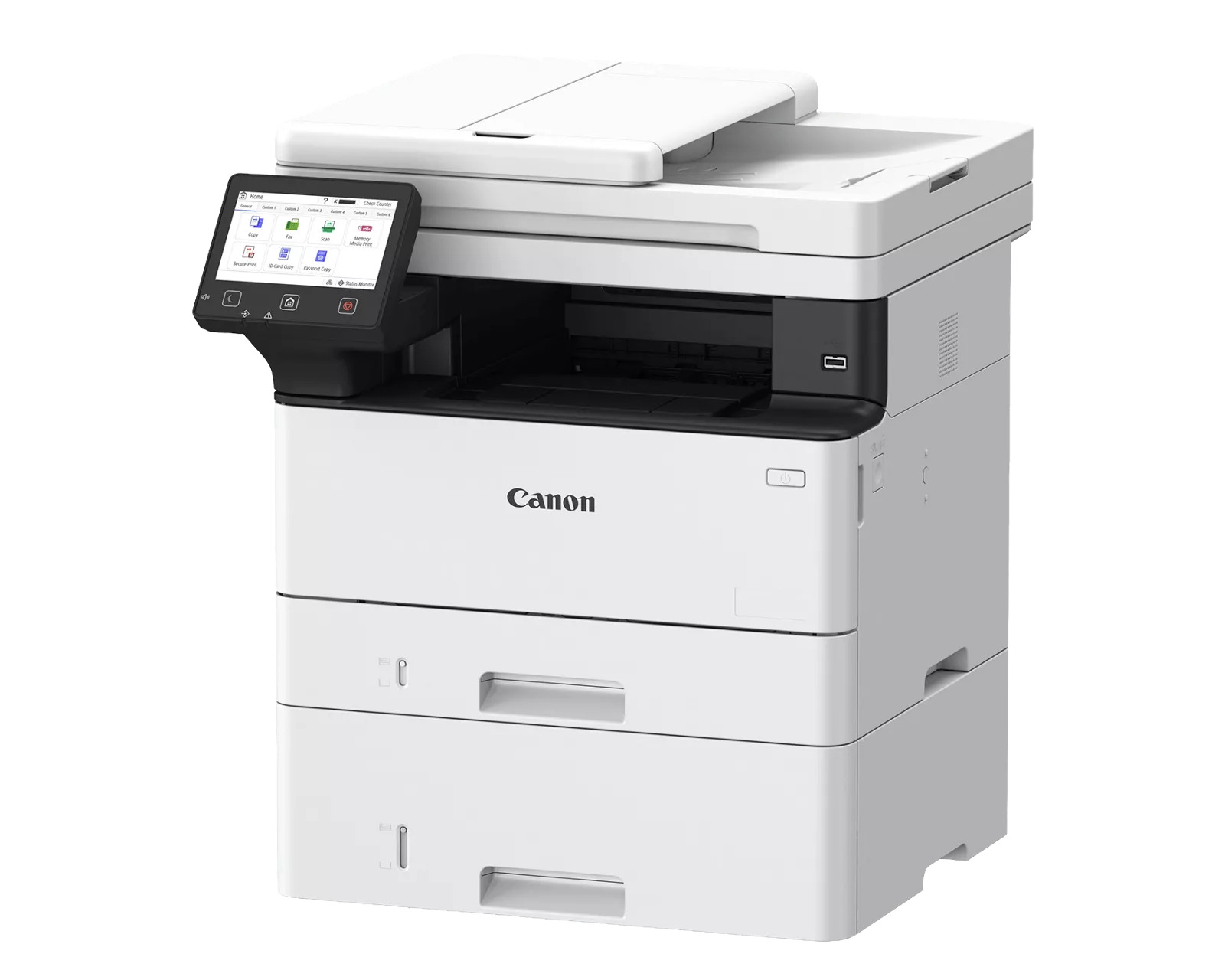
Main Features
- Black-and-white Multifunction Printer
- 42 ppm print speed
- Scan up to 100/80 Ipm (300 dpi) (BW/Color, duplex)
- Prints up to 8-1/2" x 14"
- 900- sheet maximum paper capacity
- Cloud ready solutions
- Hassle-free setup and maintenance
Specifications
 Download Manufacturer Specifications
Accessories

Reviews


Make sure to keep your printer up to date by downloading drivers and patches from the manufacturer's site. Most manufacturers provide driver updates for their units which include patches that add fonts or fix incompatibilities.
Allow ink to dry completely to avoid smudging. The time will vary based on the ink and paper quality used as well as the temperature and humidity conditions.
All other things being equal, whiter, brighter paper makes text and line graphics crisper and colors more vibrant.
MY ACCOUNT
INFO & POLICIES
SHOP EASY
PAYMENT OPTIONS



