



 Shopping Cart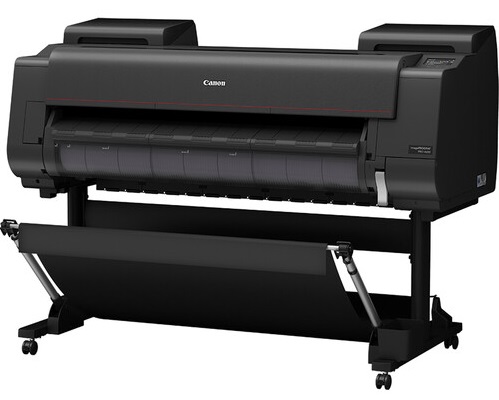




*** ALL TONERS AND SUPPLIES ARE IN STOCK AT DISCOUNTED PRICING , CALL +18882983095.
Printers do not include supplies - toners , drums (Imaging Units) (where applicable) , printer cables , manuals , consumables , trays (where applicable). Power cables are included. Drivers can be downloaded from the manufacturers website. Please verify that drivers available are compatible with your software on the manufacturers site.
Images are for illustration purposes only and do not necessarily reflect the actual product.Product Details
Specifications
Accessories
Reviews
Product Details
Main Features
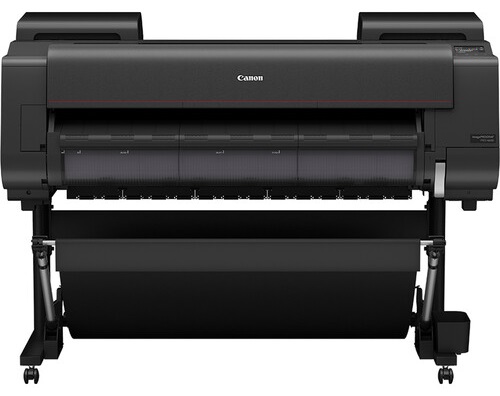
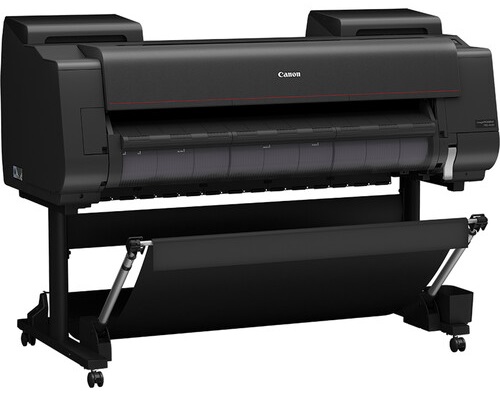
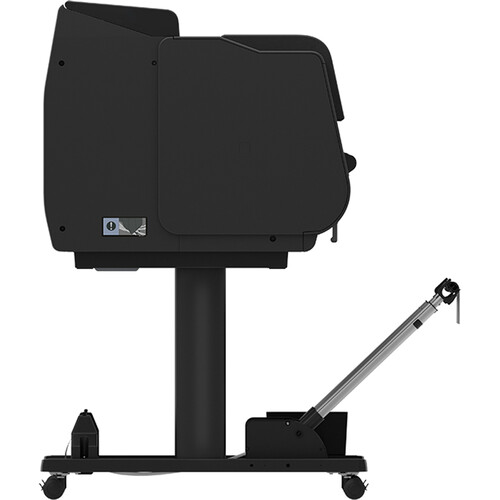
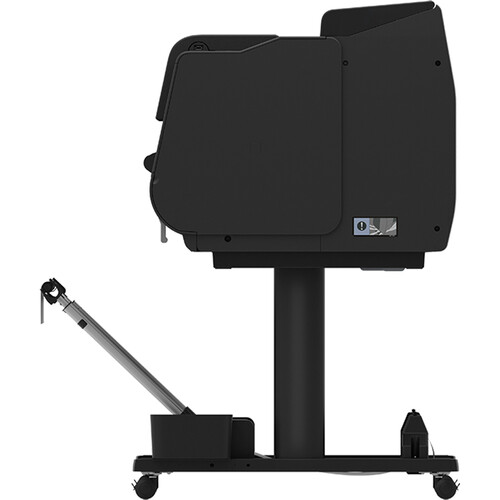
- 44 inch large format printer
- LUCIA PRO II Ink System
- USB port
- 7 inch color system
- Resolution of up to 2,400 × 1,200 dpi
- Media Handling: Accepts both roll feed and cut sheet media
- Energy efficient
- 500GB Hard Drive
Specifications
General Specifications
| Functions | |
| Printing Technology | |
| Color Type | |
| Wireless |
| Printing Technology | |
| Color Type | |
| Number of Nozzles | |
| Borderless Printing | |
| Printer Language | |
| Minimum Ink Droplet Size |
| Media Handling | |
| Media Sizes | |
| Media Thickness | |
| Media Roll Diameter |
| Data I/O | |
| Wireless | |
| Direct Printing | |
| Hard Drive | |
| Internal Memory | |
| OS Compatibility |
General
| Battery | |
| Input Power | |
| Power Consumption | |
| Operating Conditions | |
| Certifications | |
| Dimensions (W x H x D) | |
| Weight |
| Package Weight | |
| Box Dimensions (LxWxH) |
Accessories

Reviews


Are your printer nozzles getting clogged? Try adding a humidifier to the room where you keep your printer.
Make sure to select the correct paper type for your print job. In general, for more important documents, use thicker paper.
Using heavy or stiff paper? Feed the paper one sheet at a time or try placing a sheet of plain copier or bond paper behind a heavy sheet.
MY ACCOUNT
INFO & POLICIES
SHOP EASY
PAYMENT OPTIONS



