



 Shopping Cart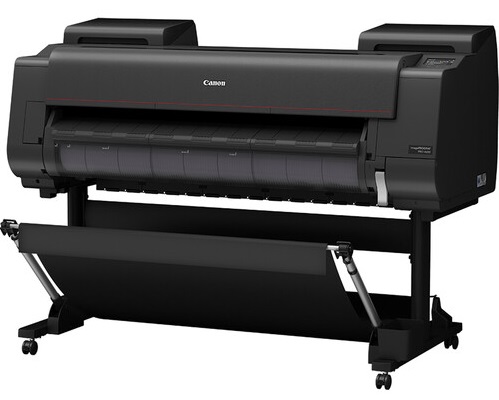




*** ALL TONERS AND SUPPLIES ARE IN STOCK AT DISCOUNTED PRICING , CALL +18882983095.
Printers do not include supplies - toners , drums (Imaging Units) (where applicable) , printer cables , manuals , consumables , trays (where applicable). Power cables are included. Drivers can be downloaded from the manufacturers website. Please verify that drivers available are compatible with your software on the manufacturers site.
Images are for illustration purposes only and do not necessarily reflect the actual product.Product Details
Specifications
Accessories
Reviews
Product Details
Main Features
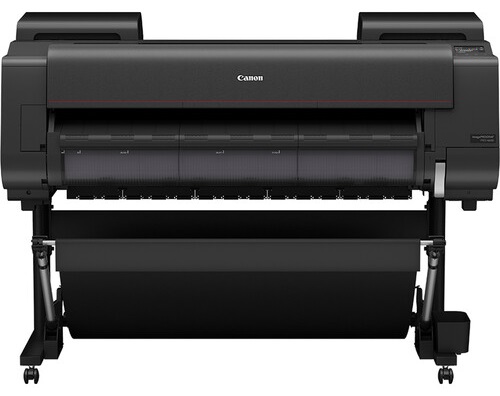
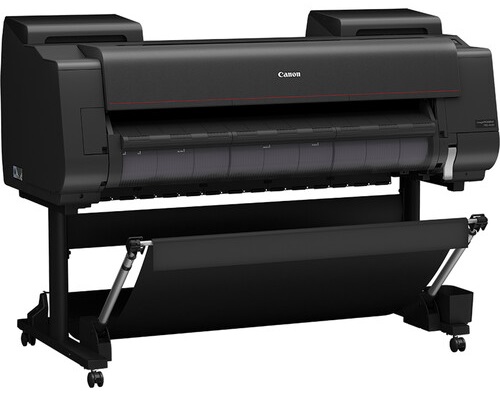
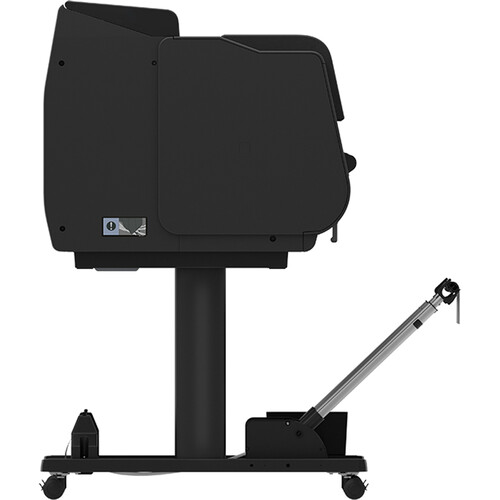
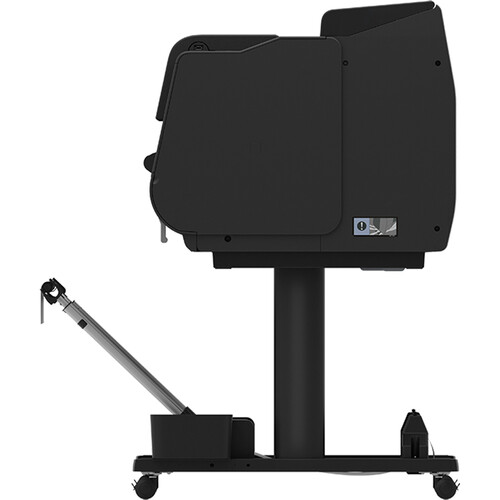
- 44 inch large format printer
- LUCIA PRO II Ink System
- USB port
- 7 inch color system
- Resolution of up to 2,400 × 1,200 dpi
- Media Handling: Accepts both roll feed and cut sheet media
- Energy efficient
- 500GB Hard Drive
Specifications
General Specifications
| Functions | |
| Printing Technology | |
| Color Type | |
| Wireless |
| Printing Technology | |
| Color Type | |
| Number of Nozzles | |
| Borderless Printing | |
| Printer Language | |
| Minimum Ink Droplet Size |
| Media Handling | |
| Media Sizes | |
| Media Thickness | |
| Media Roll Diameter |
| Data I/O | |
| Wireless | |
| Direct Printing | |
| Hard Drive | |
| Internal Memory | |
| OS Compatibility |
General
| Battery | |
| Input Power | |
| Power Consumption | |
| Operating Conditions | |
| Certifications | |
| Dimensions (W x H x D) | |
| Weight |
| Package Weight | |
| Box Dimensions (LxWxH) |
Accessories

Reviews



Handle inkjet papers like photographic papers - hold them by the edges to avoid oil deposits and fingerprints.
After installing a printer, go to the Windows dialog box and check the settings, so you won't be surprised by what happens the first time you print.
Is your printer feeding in the whole paper stack rather than just one piece at a time? Fan the paper before putting it in the tray to help separate the sheets. Also, store your paper in a cool, dry place as humidity can contribute to this problem.
MY ACCOUNT
INFO & POLICIES
SHOP EASY
PAYMENT OPTIONS



