



 Shopping Cart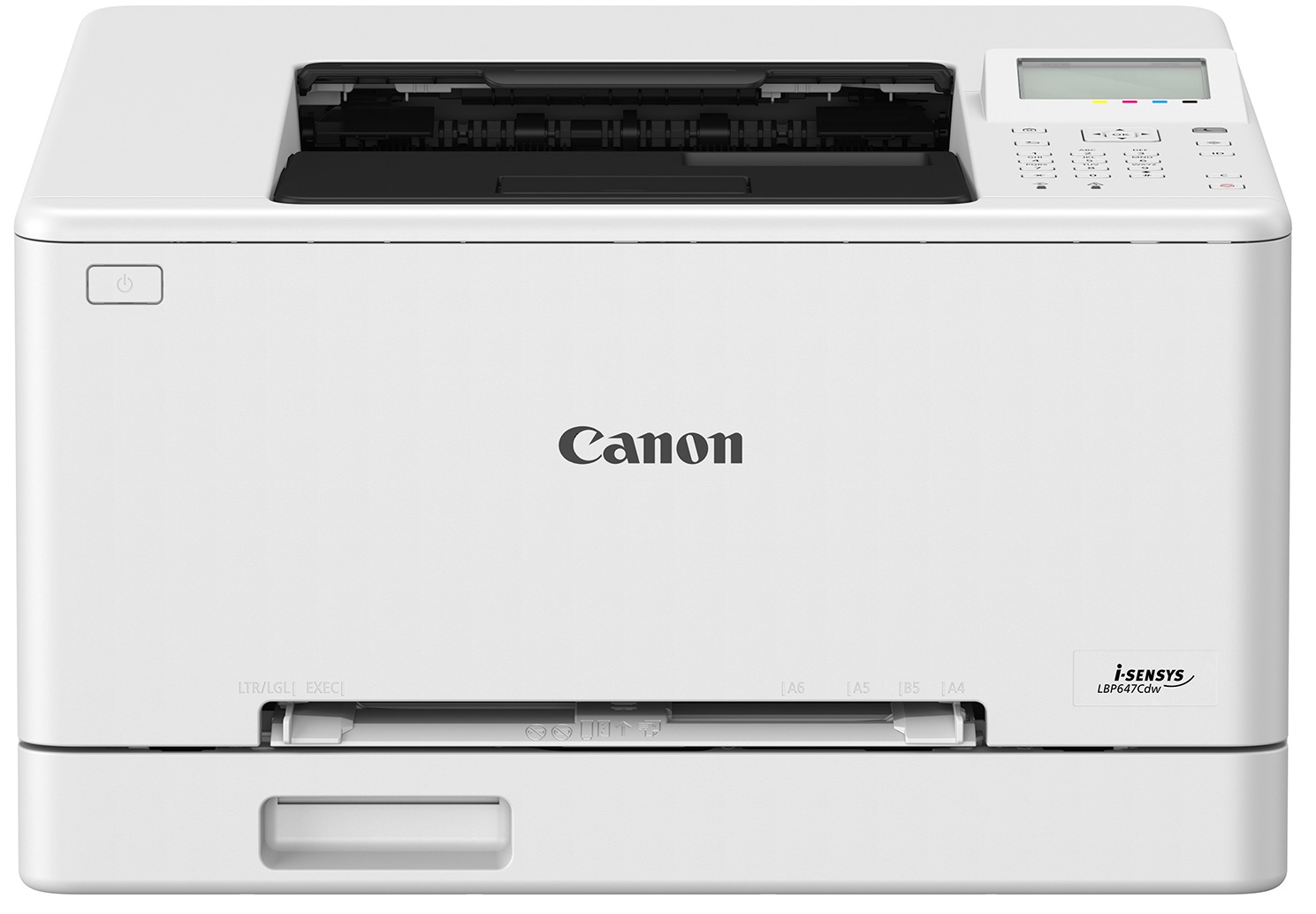


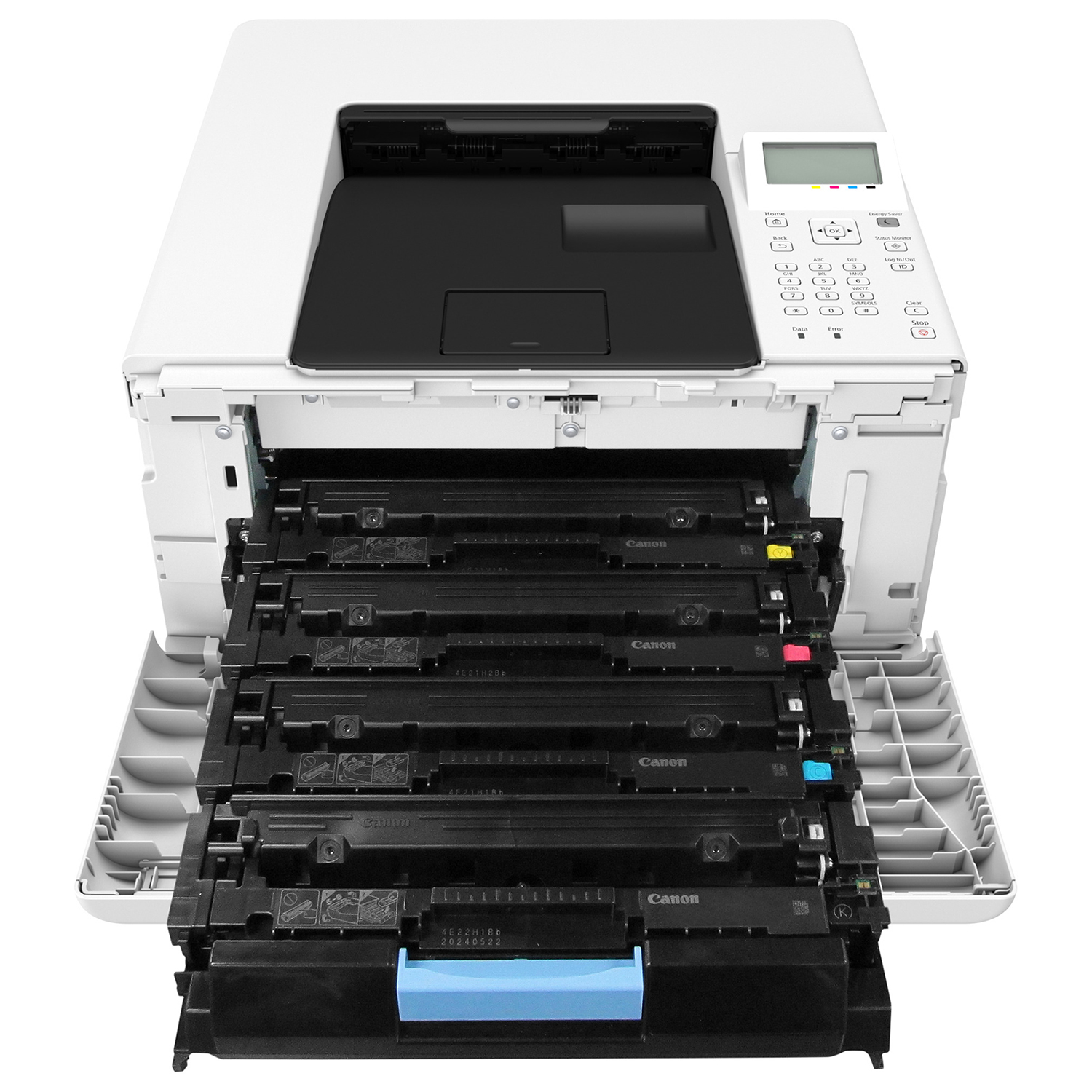
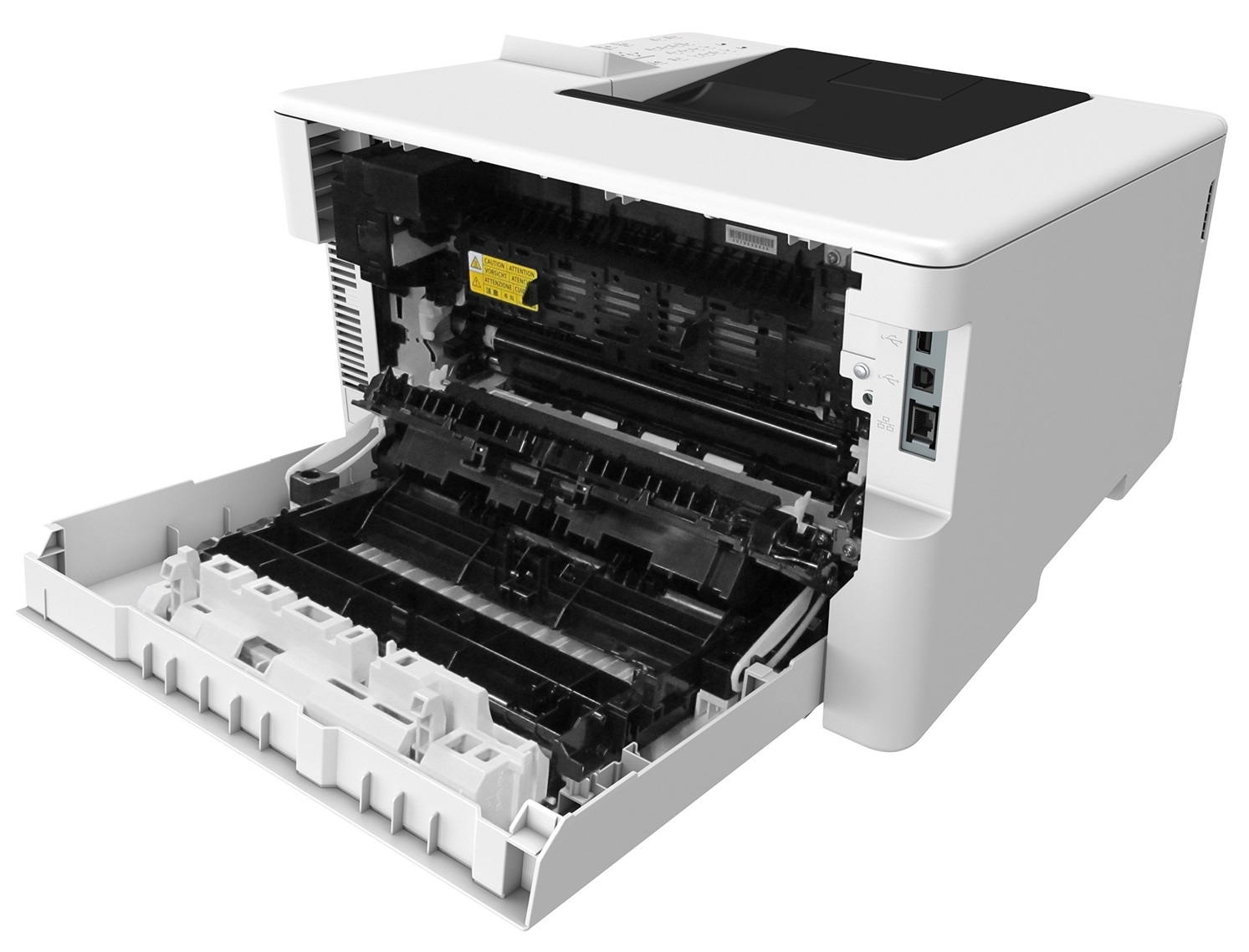
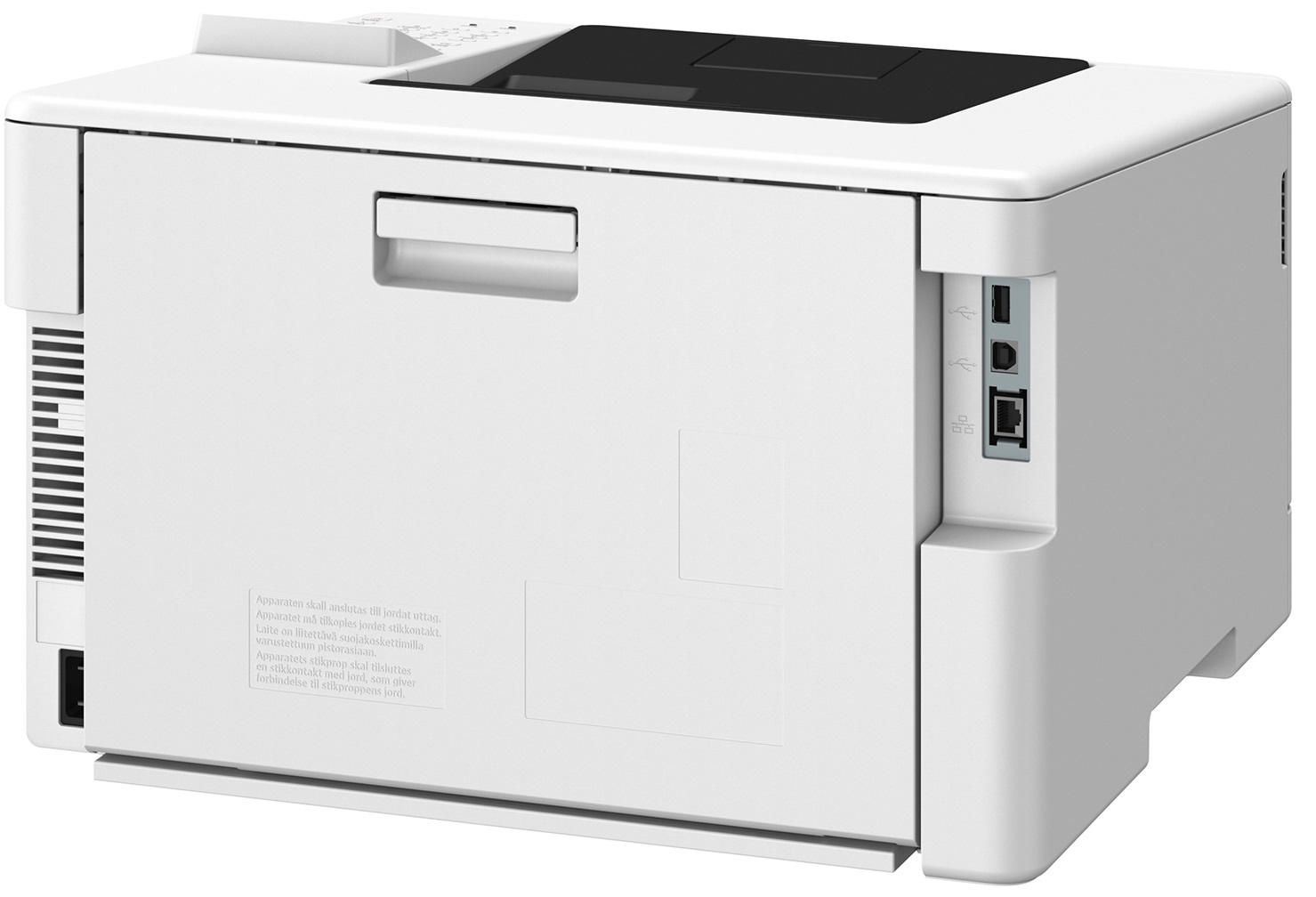

*** ALL TONERS AND SUPPLIES ARE IN STOCK AT DISCOUNTED PRICING , CALL +18882983095.
Printers do not include supplies - toners , drums (Imaging Units) (where applicable) , printer cables , manuals , consumables , trays (where applicable). Power cables are included. Drivers can be downloaded from the manufacturers website. Please verify that drivers available are compatible with your software on the manufacturers site.
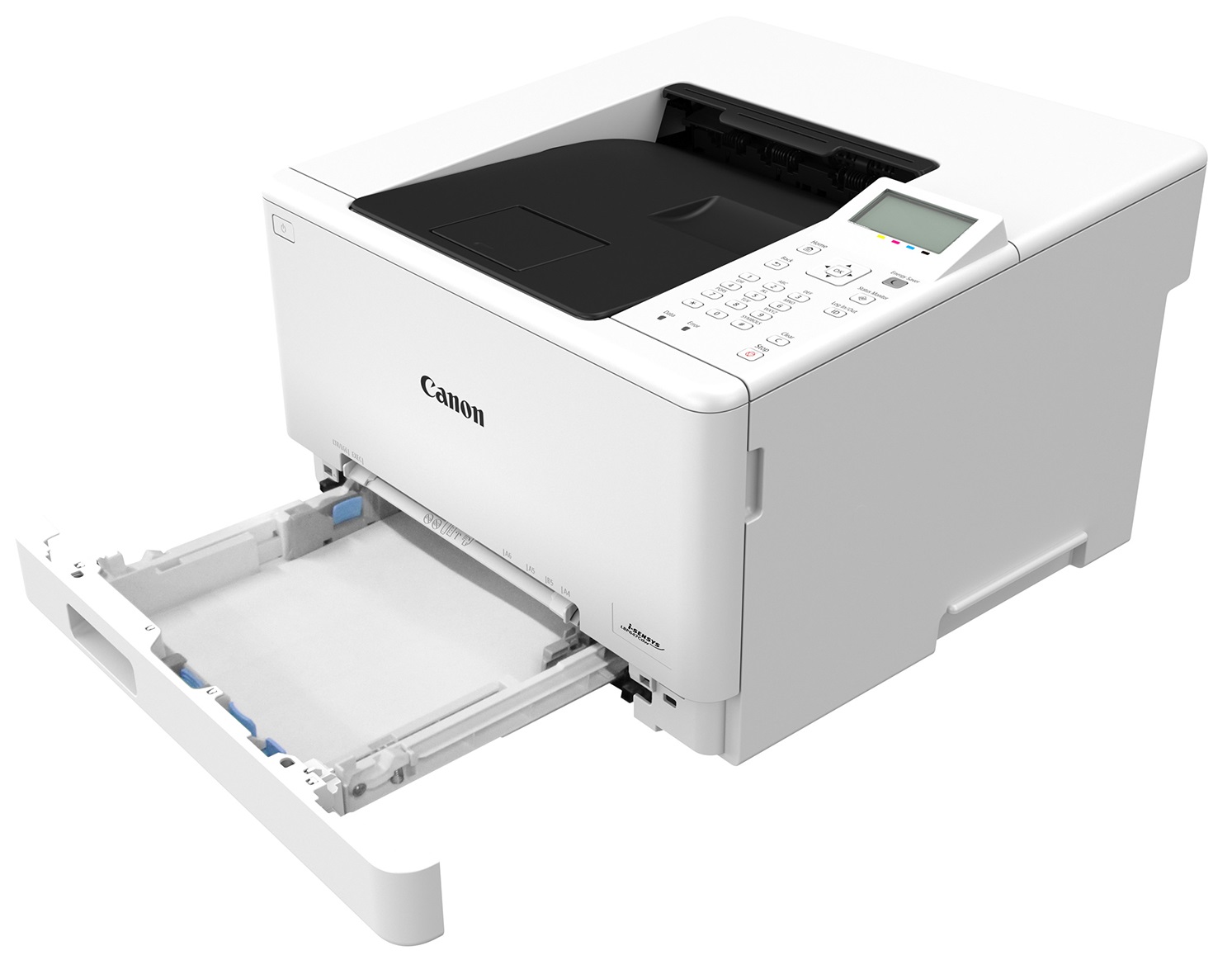
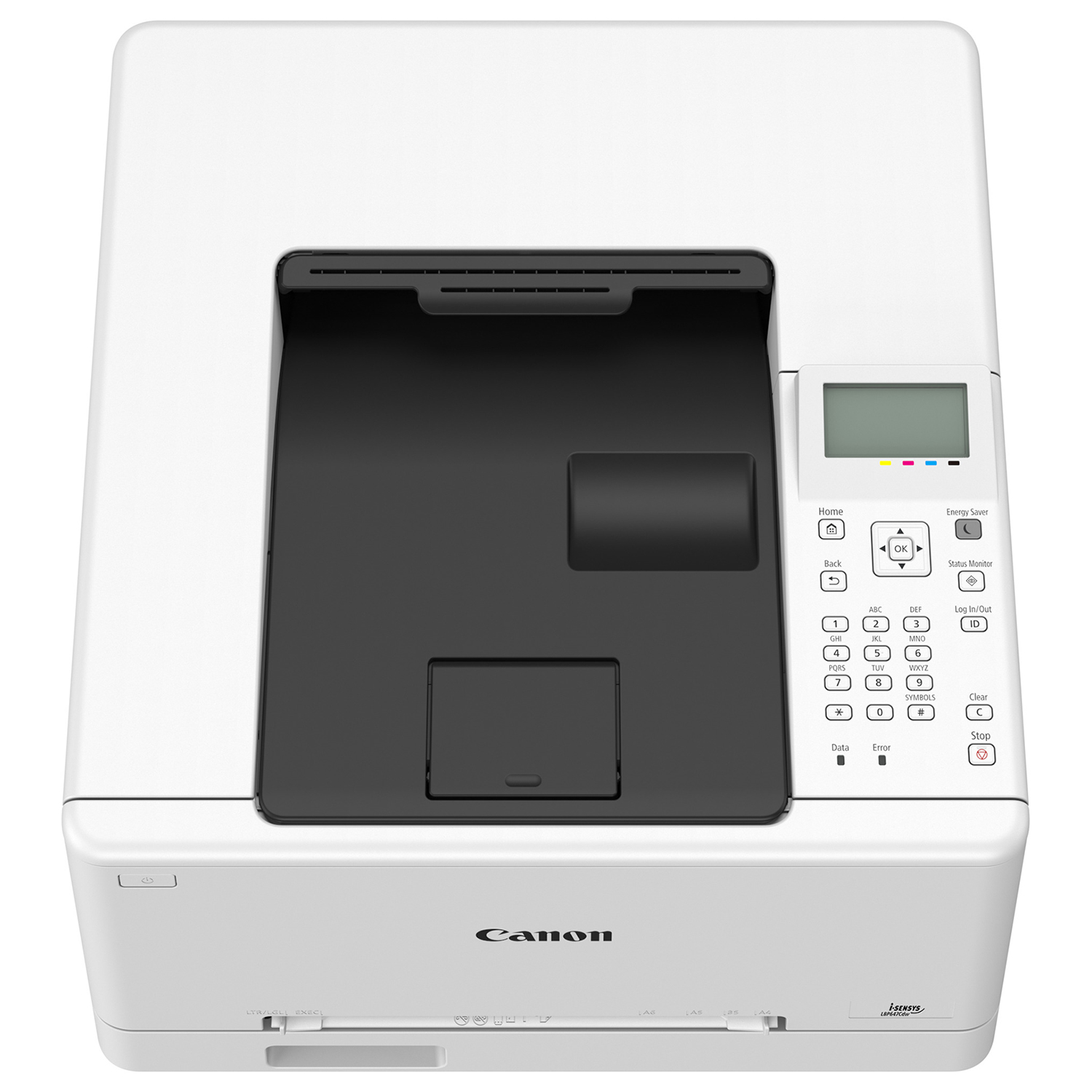
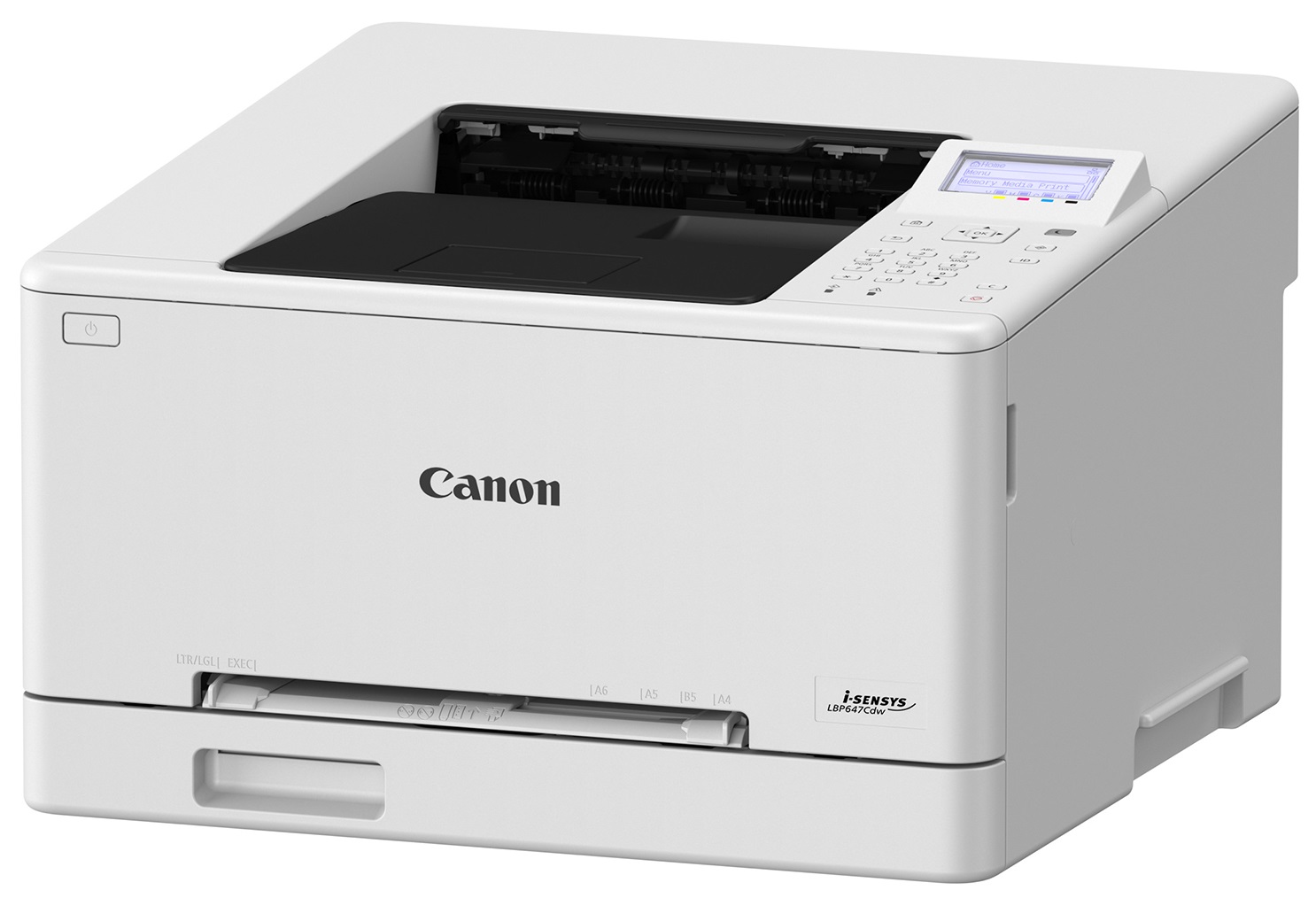
Images are for illustration purposes only and do not necessarily reflect the actual product.Product Details
Specifications
Accessories
Reviews
Product Details
Main Features
- Print Speed: 26 pages per minute
- Color printouts
- Monthly Duty Cycle: 2500 pages
- Maximum Monthly Volume: 30,000 pages
- Resolution: 1200 x 1200 dpi
- Automatic double sided printing
- Wifi enabled
- USB port
- 250 sheet standard paper tray
- Supports legal sized media
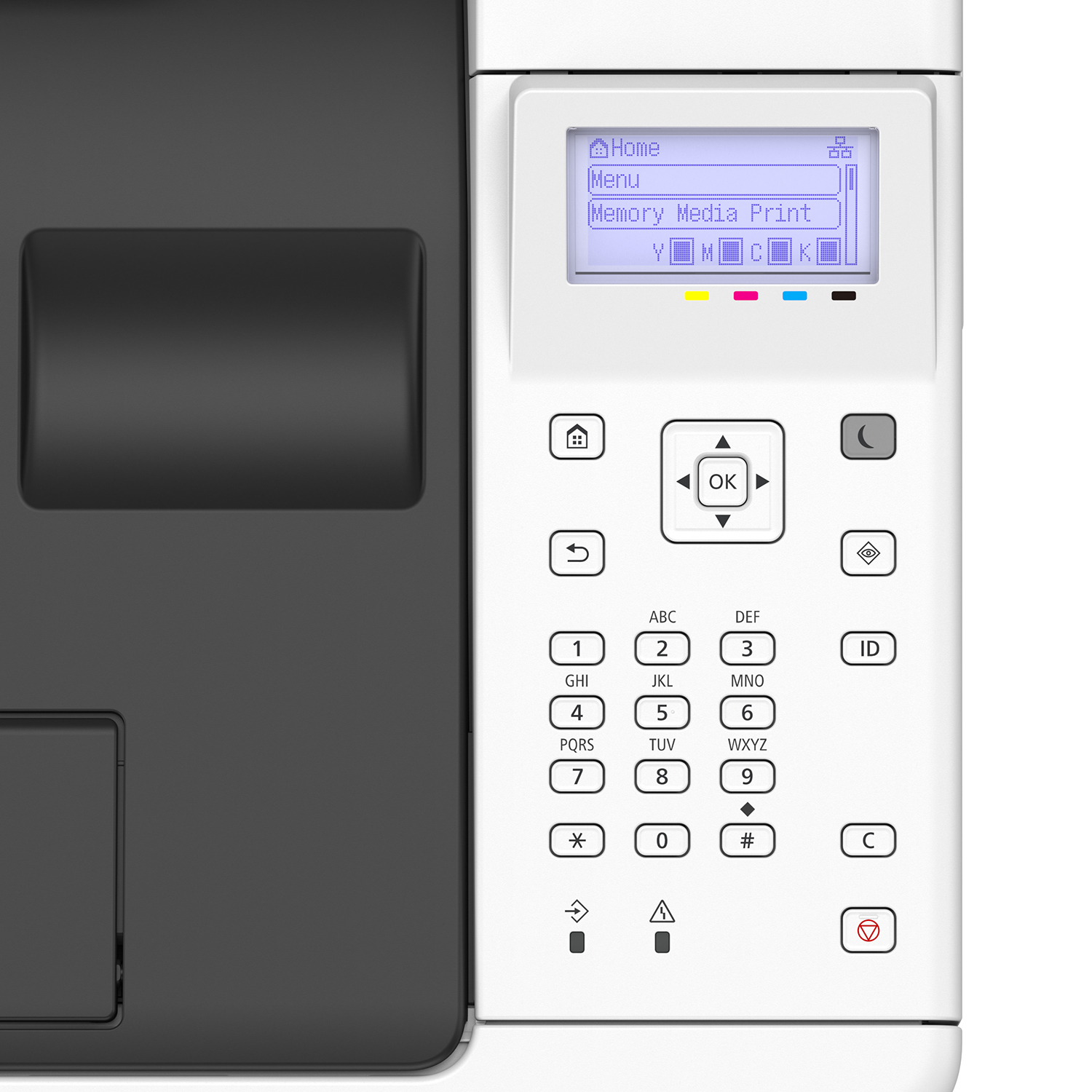
- LCD screen
- Dimensions: Width: 425 mm × Depth: 418 mm × Height: 265 mm
- Weight: approximately 14.5 kg
Specifications
General Specifications
| Functions | |
| Printing Technology | |
| Color Type | |
| Print Resolution | |
| Media Sizes | |
| Wireless |
| Printing Technology | |
| Color Type | |
| Print Resolution | |
| Borderless Printing | |
| Duplex Printing | |
| Printer Language | |
| Print Speed (By Time) | |
| First Print Out Time | |
| Monthly Duty Cycle |
| Media Handling | |
| Media Sizes | |
| Paper Capacity | |
| Special Media Support |
| Data I/O | |
| Wireless | |
| Direct Printing | |
| Internal Memory | |
| OS Compatibility |
| Display Type | |
| Battery | |
| Input Power | |
| Power Consumption | |
| Certifications | |
| Dimensions (W x H x D) | |
| Weight |
 Download Manufacturer Specifications
Accessories

Reviews


Using heavy or stiff paper? Feed the paper one sheet at a time or try placing a sheet of plain copier or bond paper behind a heavy sheet.
Not all drivers are pre-installed on all operating systems and as new operating systems are released, you will need to install drivers yourself. Make sure to consult your printer manual.
Don't move a print head unless the instructions direct it. You can damage the belt or other parts.
MY ACCOUNT
INFO & POLICIES
SHOP EASY
PAYMENT OPTIONS



