



 Shopping Cart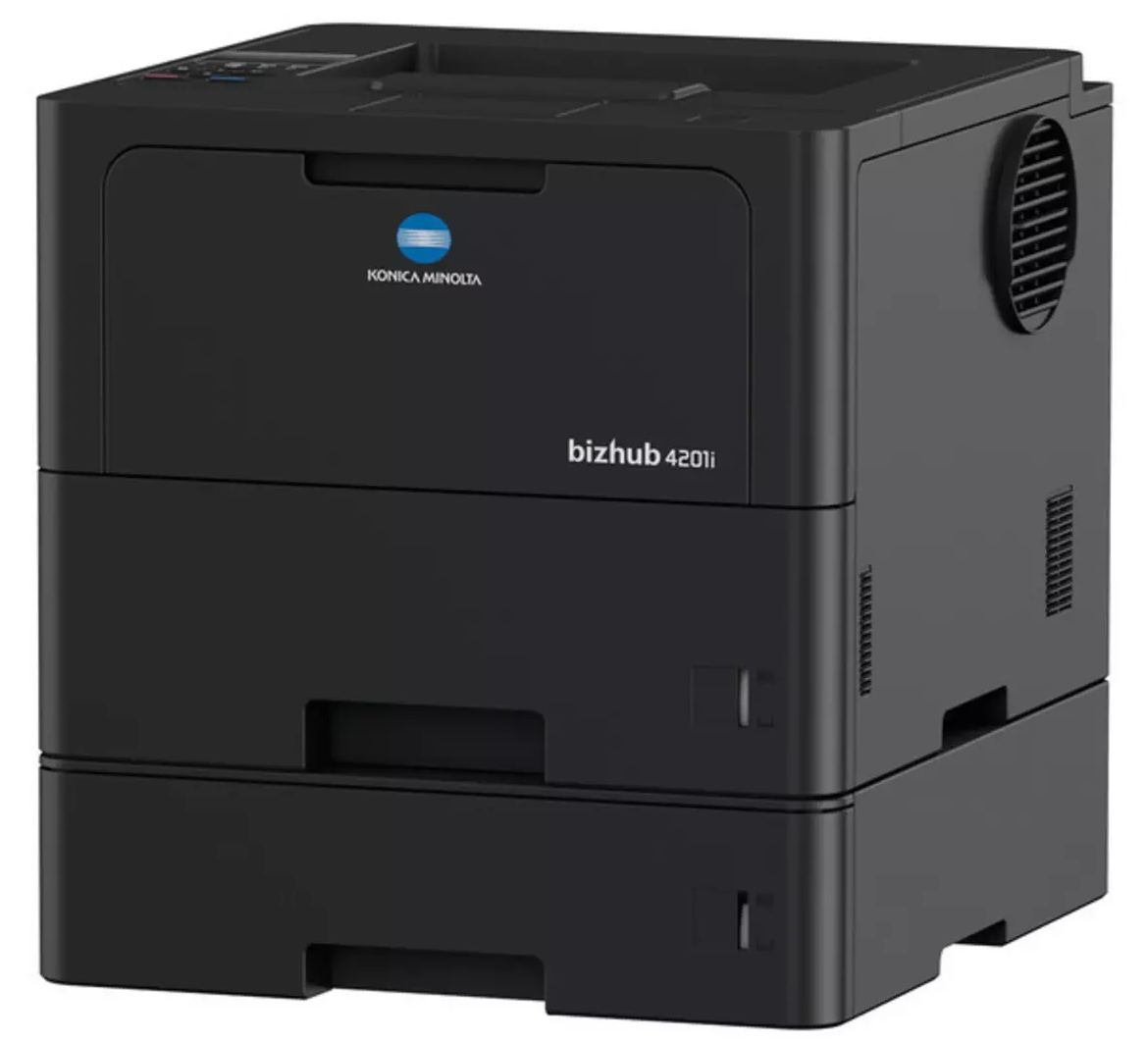

*** ALL TONERS AND SUPPLIES ARE IN STOCK AT DISCOUNTED PRICING , CALL +18882983095.
Printers do not include supplies - toners , drums (Imaging Units) (where applicable) , printer cables , manuals , consumables , trays (where applicable). Power cables are included. Drivers can be downloaded from the manufacturers website. Please verify that drivers available are compatible with your software on the manufacturers site.
Images are for illustration purposes only and do not necessarily reflect the actual product.Product Details
Specifications
Accessories
Reviews
Product Details
Main Features
- A4 Printer
- Black and white printouts
- Print speed of up to 42 pages per minute
- High print resolution of 1200 × 1200 dpi
- Mobile printing including AirPrint, Mopria, WiFi Direct
- Standard wireless connectivity and Gigabit Ethernet
- Standard Paper Capacity: 620 sheets
- Max Paper Capacity: 1,660 sheets
- Automatic duplex printing
- Compact footprint and relatively low weight
Specifications
General Specifications
|
System speed A4
|
Up to 42 ppm
|
|
System speed A4
|
Up to 42 ppm
|
|
Autoduplex speed A4
|
Up to 20 ppm
|
|
1st page out time A4
|
7.2 sec.
|
|
Warm-up time
|
Approx. 25 sec.
|
|
Imaging technology
|
Laser (Class 1 laser product)
|
|
Panel size/resolution
|
1 line LCD
|
|
System memory
|
256 MB (standard/max)
|
|
Interface
|
10/100/1,000-Base-T Ethernet; USB 2.0; Wi-Fi 802.11 a/b/g/n
|
|
Network protocols
|
TCP/IP (IPv4 / IPv6); LPD; IPP; SNMP; HTTP; HTTP(S)
|
|
Printable paper size
|
A6-A4; customized paper sizes
|
|
Printable paper weight
|
60-230 g/m
|
|
Paper input capacity
|
620 sheets / 1,660 sheets (standard/max)
|
|
Paper tray input (standard)
|
1x 520; A6-A4; 60-163 g/m²
|
|
Paper tray input (optional)
|
1x 250 sheets; A5-A4; 60-120 g/m² (up to 2x)
1x 520 sheets; A5-A4; 60-120 g/m² (up to 2x) |
|
Manual bypass
|
100 sheets; A6-A4; custom sizes; 60-230 g/m²
|
|
Finishing modes (optional)
|
Staple (offline)
|
|
Automatic duplexing
|
A4; 60-105 g/m²
|
|
Output capacity
|
Up to 150 sheets
|
|
Duty cycle (monthly)
|
Rec. 5,000 pages; Max.² 100,000 pages
|
|
Toner lifetime
|
Black up to 18,000 pages
|
|
Imaging unit lifetime
|
Black up to 75,000 pages (imaging unit)
|
|
Power consumption
|
220-240 V / 50/60 Hz; Less than 640 W
|
|
System dimension (W x D x H)
|
373 x 388 x 289 mm (without options)
|
|
System weight
|
Approx. 12.3 kg (without options)
|
|
Print resolution
|
1200 x 1200 dpi
|
|
Page description language
|
PCL 6 (XL3.0); PostScript 3; XPS; PDF 1.7
|
|
Operating systems
|
Windows 10 (32/64); Windows 11; Windows Server 2016; Windows Server 2019; Windows Server 2022; Windows Server 2025; macOS 12-15; Linux
|
|
Printer fonts
|
85 PCL Latin; 66 PostScript 3 Emulation Latin
Barcode fonts (standard) |
|
Mobile printing
|
AirPrint (iOS); Mopria (Android); Konica Minolta Mobile Print (iOS/Android); WiFi Direct
|
|
Security
|
SSL2; SSL3 and TLS1.1/1.2/1.3 network communication; IPsec support; IEEE 802.1x support; Secure print; Kerberos
|
|
Accounting
|
Active Directory support (user name + password + e-mail + smb folder); User function access definition
optional: ID card authentication (ID card reader) |
 Download Manufacturer Specifications
Accessories

Reviews


Printer not working? The printer memory could be full and not getting prints or the prints may be stuck in the print queue. Turn-off the printer, wait a few seconds and turn it back on.
After installing a printer, go to the Windows dialog box and check the settings, so you won't be surprised by what happens the first time you print.
Allow ink to dry completely to avoid smudging. The time will vary based on the ink and paper quality used as well as the temperature and humidity conditions.
MY ACCOUNT
INFO & POLICIES
SHOP EASY
PAYMENT OPTIONS



