



 Shopping Cart
 Ricoh ScanSnap iX2500 Scanner
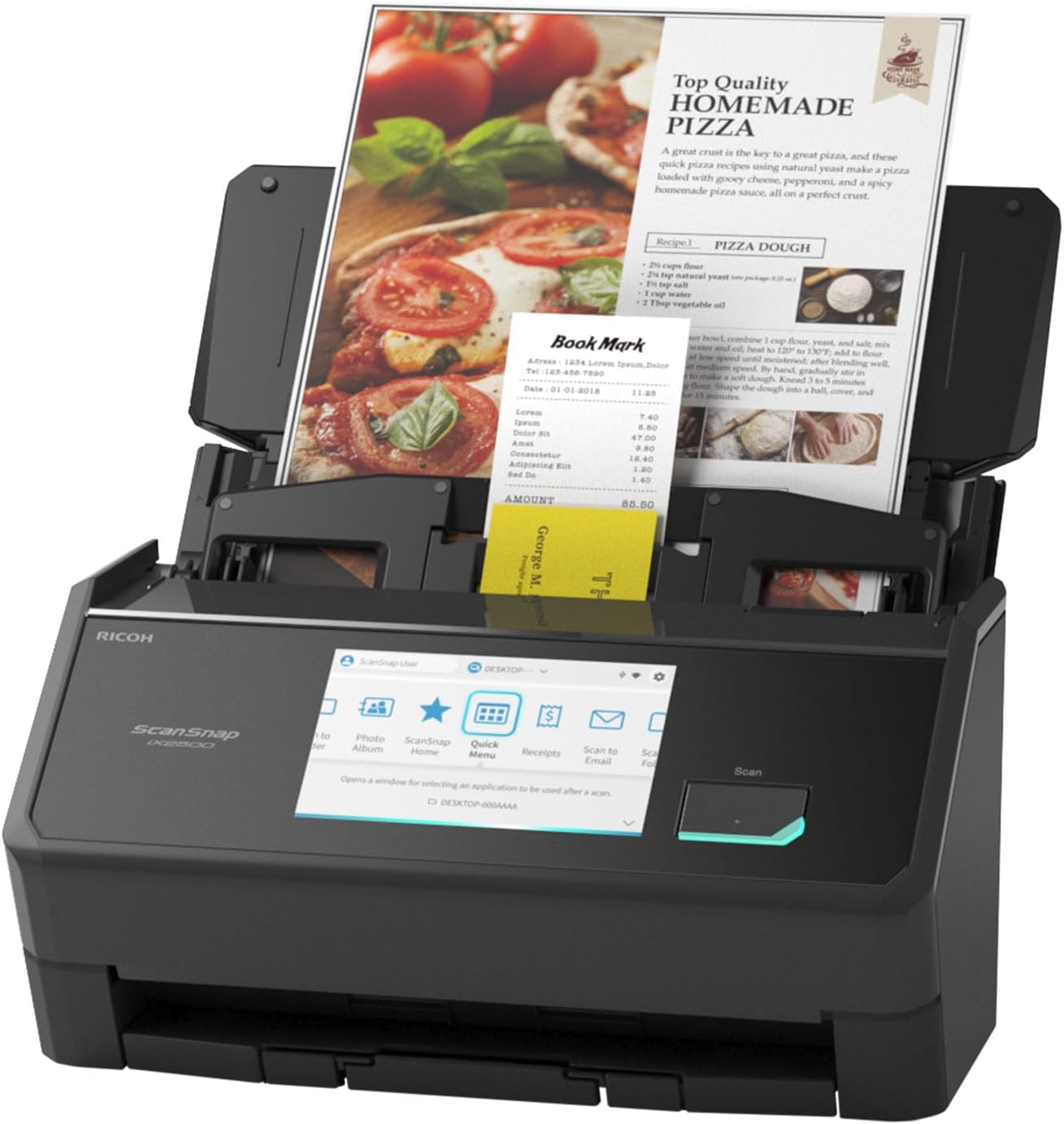

Images are for illustration purposes only and do not necessarily reflect the actual product.
Product Details
Specifications
Accessories
Reviews
Product Details
Main Features
- Available in black or white
- Scan speed: up to 45 pages per minute
- Optical Resolution: 600 dpi
- Double-sided scans
- 100 page document feeder
- 5" Color Touchscreen
- USB, WiFi Connectivity
Specifications
General Specifications
| Scanner Type | ADF (Automatic Document Feeder) / Manual Feed, Duplex | ||
|---|---|---|---|
| Scanning color mode | Color, Grayscale, Monochrome, Automatic (Color/Grayscale/Monochrome*1 detection) | ||
| Image sensor | CIS x 2 (Front x 1, Back x 1) | ||
| Light source | 3 Color LED (Red/Green/Blue) | ||
| Optical resolution | 600 dpi | ||
| Paper Weight (Thickness) | 40 to 209 g/m2 (11 to 56 lb) A8 or less: 128 to 209 g/m2 (34 to 56 lb) Cards: 0.76 mm or less (Compliant with the ISO7810 ID-1 type) (Includes embossed cards in landscape orientation) |
||
| ADF Capacity*10 | 100 sheets (A4, 80 g/m2 or 20 lb) | ||
| Interface | USB | USB 3.2 Gen1 / USB 3.1 / USB 3.0 / USB 2.0 / USB 1.1 (Connector Type: Type-C) | |
| Wi-Fi | IEEE802.11a/b/g/n/ac/ax Frequency band: 2.4 GHz / 5 GHz*11 |
||
| Wi-Fi Connection Mode | Access Point Connect Mode (Infrastructure mode)*12 Direct Connect Mode (Ad-hoc mode)*13 |
||
| LCD | 5 in. color IPS touch screen | ||
| Power Requirements | AC 100 to 240 V, 50/60 Hz | ||
| Operating Environment | Temperature: 5 to 35 °C (41 to 95 °F) Relative humidity: 20 to 80% (Non-condensing) |
||
| Dimensions (W x D x H) | Min.: 292 x 161 x 159 mm (11.50 x 6.34 x 6.26 in.) (storage size) Max.: 292 x 477 x 286 mm (11.50 x 18.78 x 11.26 in.) (when the extension and the stacker are extended) |
||
| Device Weight | 3.5 kg (7.7 lb) | ||
| Multifeed detection | Overlap detection (Ultrasonic sensor), Length detection | ||
 Download Manufacturer Specifications
Accessories

Reviews


To get the best scan possible, make sure your scanner settings are set correctly for that particular image type e.g. colour or b/w.
Single sheet scanners are designed for single sheets of paper that are inserted into a slot and the scanner passes it out of the other side.
A scanner may cost more due to a lower noise CCD array that delivers cleaner dark colors.
MY ACCOUNT
INFO & POLICIES
SHOP EASY
PAYMENT OPTIONS



* Images are for illustration purposes only.