



 Shopping Cart
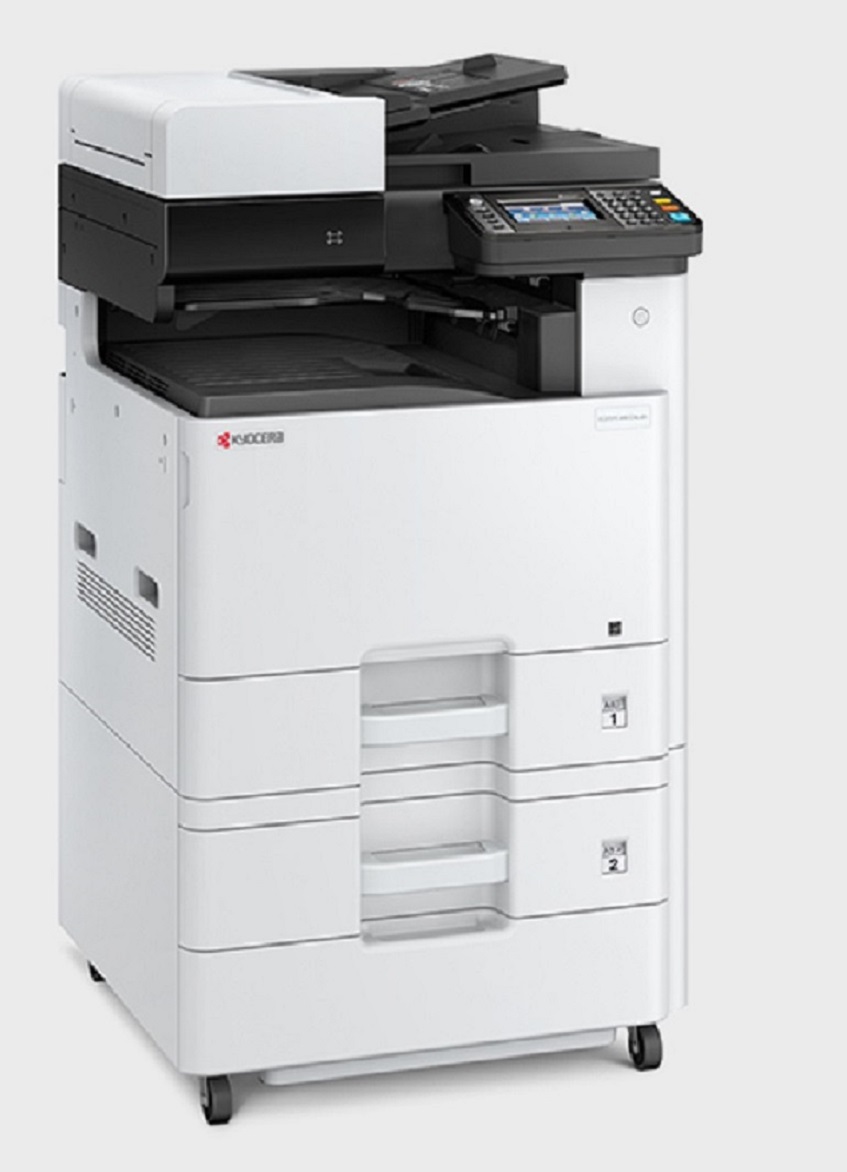
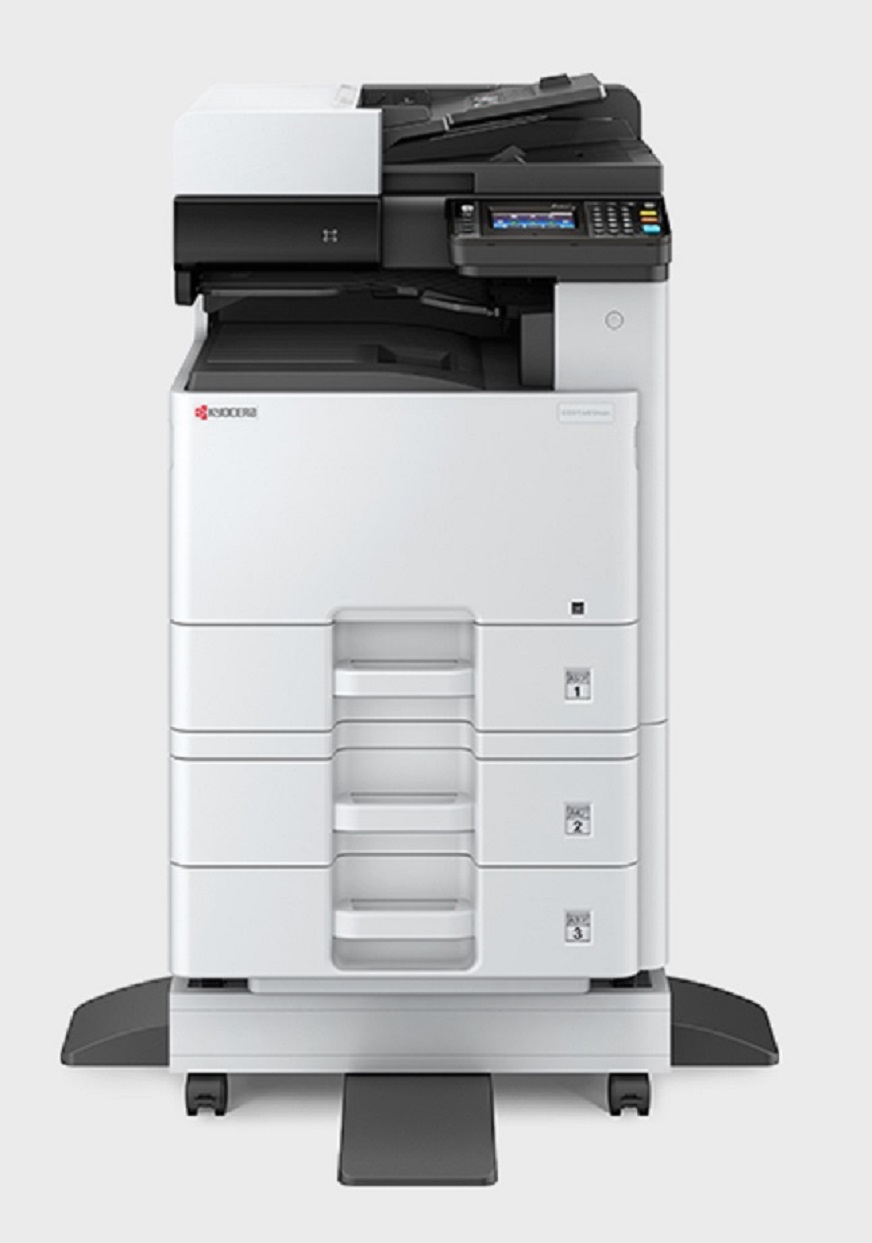
 Kyocera ECOSYS M8124cidn MultiFunction Color Copier



*** ALL TONERS AND SUPPLIES ARE IN STOCK AT DISCOUNTED PRICING , CALL +18882983095.
Images are for illustration purposes only and do not necessarily reflect the actual product.Product Details
Specifications
Accessories
Reviews
Product Details
Main Features
- A3 Color MFC
- Print, copy, scan and fax
- Print Speed: 24 ppm
- Print Resolution: Up to 1200 x 1200 dpi
- Scan Speed: 50 ipm simplex / 16 ipm duplex
- Input Capacity: 600 Sheets
- Maximum Input Capacity: 1600 Sheets
- 50 Sheet Reverse Automatic Document Processor
- Versatile Mobile Options
- Scan-to/Print-from USB Drive
- Wireless LAN, Wi-Fi Direct
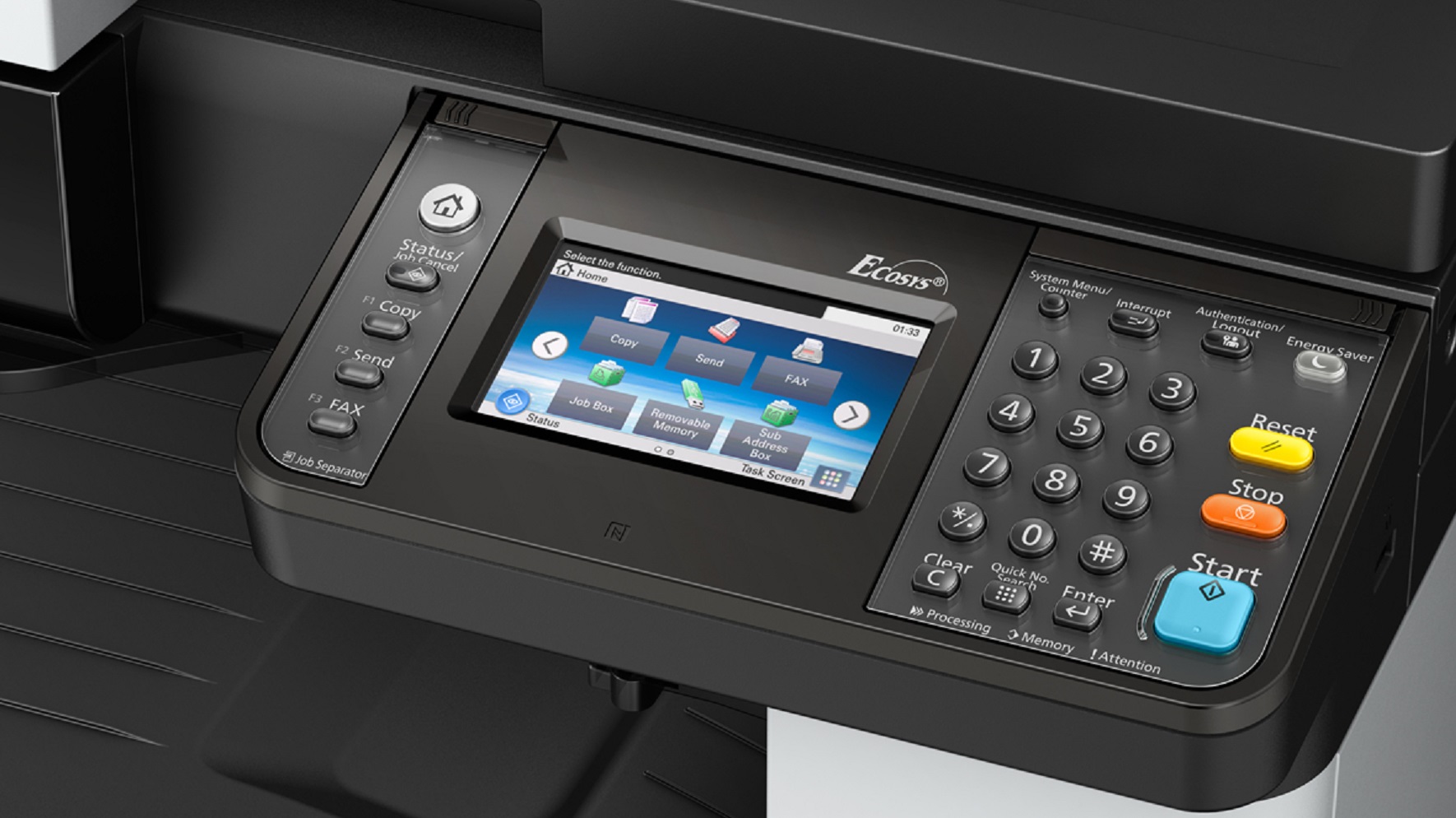
- 4.3" color TSI - intuitive user interface
Specifications
 Download Manufacturer Specifications
Accessories

Reviews


The Monthly Duty Cycle or Maximum Monthly Volume is the largest number of copies that your machine can handle in one month.
Copiers can take up a large amount of office space. Make sure you measure the room you intend to use the copier in and check it will fit properly.
Will you be making lots of copies? Consider looking out for a large capacity paper tray which should be able to hold approximately 1000 sheets of paper.
MY ACCOUNT
INFO & POLICIES
SHOP EASY
PAYMENT OPTIONS



* Images are for illustration purposes only.