



 Shopping Cart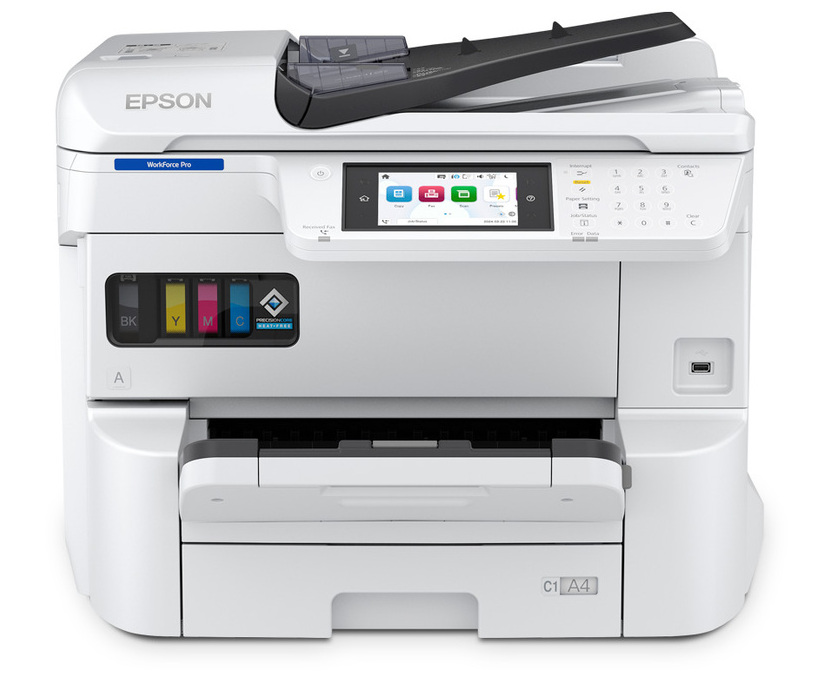




*** ALL TONERS AND SUPPLIES ARE IN STOCK AT DISCOUNTED PRICING , CALL +18882983095.
Printers do not include supplies - toners , drums (Imaging Units) (where applicable) , printer cables , manuals , consumables , trays (where applicable). Power cables are included. Drivers can be downloaded from the manufacturers website. Please verify that drivers available are compatible with your software on the manufacturers site.
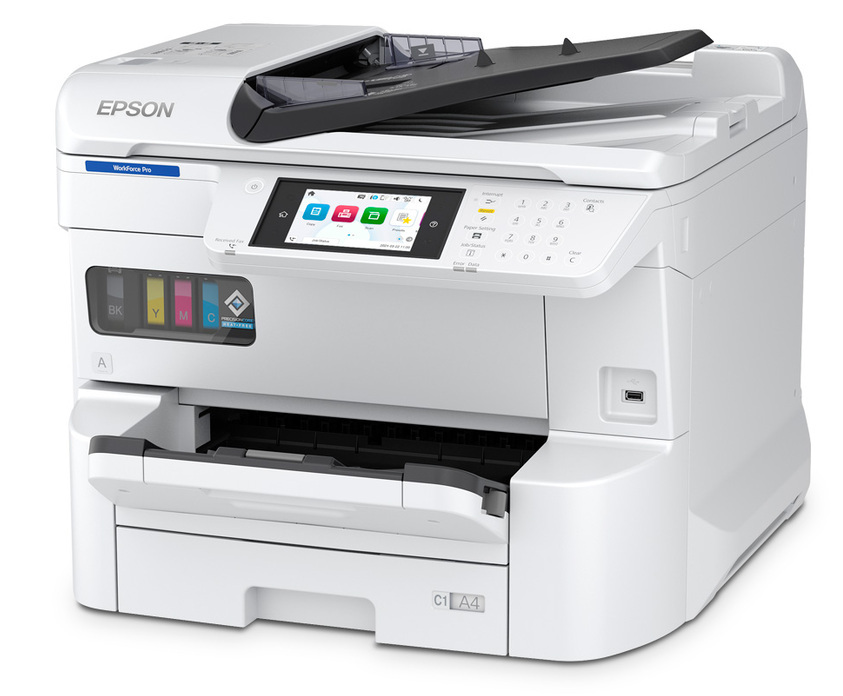
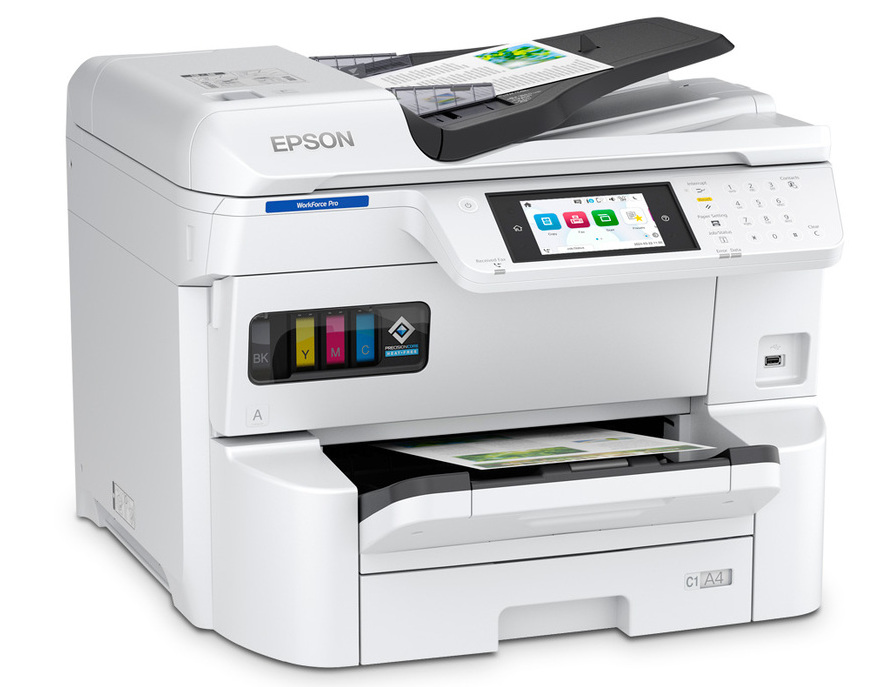
Images are for illustration purposes only and do not necessarily reflect the actual product.Product Details
Specifications
Accessories
Reviews
Product Details
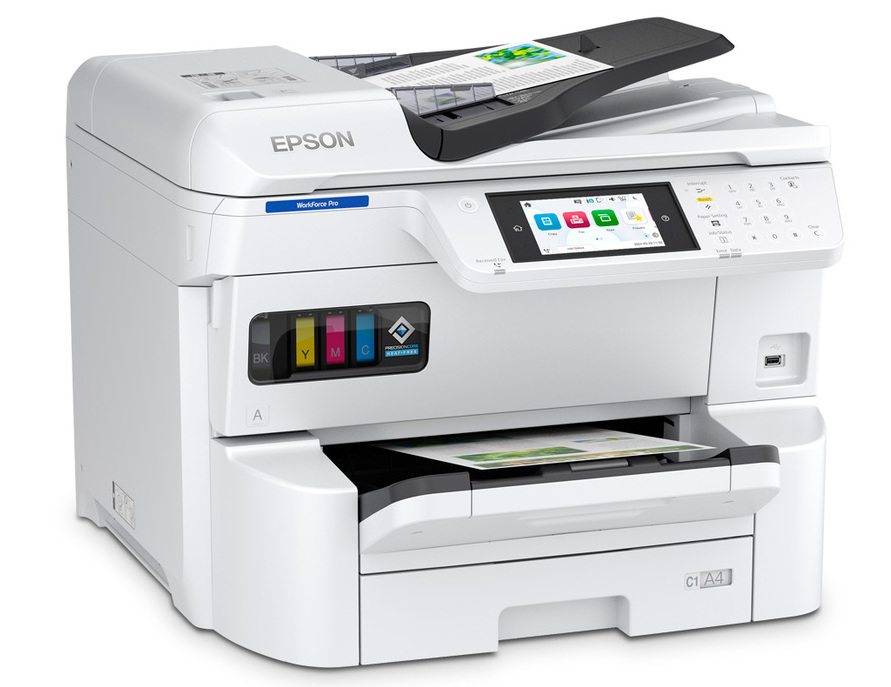
Main Features:
- Colored Prints
- A3 Prints
- Print, fax, scan, copy
- Low power consumption
- PrecisionCore Heat-Free technology
- Robust Security Features
- Print Speed: up to 25 pages per minute
- Copy Speed: up to 23 pages per minute
- Auto 2-sided printing, copying
- Duplex Scanning
- Gigabit LAN, Wi-Fi(n), USB 3.0 Connectivity
Specifications
General Specifications:
| Copying / Automatic Duplexing | Yes |
| Dimensions & Weight / Depth | 65 cm |
| Dimensions & Weight / Height | 49.3 cm |
| Dimensions & Weight / Weight | 46.1 kg |
| Dimensions & Weight / Width | 61.2 cm |
| Document & Media Handling / Max Media Capacity | 1835 sheets |
| Document & Media Handling / Standard Media Capacity | 335 sheets |
| Fax Machine / Compatibility | Super G3 |
| Fax Machine / PC Faxing | Yes |
| Header / Brand | Epson |
| Miscellaneous / Product Color |
|
| Office Machine / Fax Type | Plain paper |
| Office Machine / Functions |
|
| Office Machine / Printing Output Type | Color |
| Office Machine / Printing Technology | Ink-jet |
| Office Machine / Type | Fax / copier / printer / scanner |
| Packaged Quantity | 1 |
| PC Connectivity / PC Connection |
|
| PC Connectivity / PC Connection Availability | Yes |
 Download Manufacturer Specifications
Accessories

Reviews


Are you getting diminished color and print quality? If all your images start to look a bit purple, blue or orange, one of your ink wells may be running low. Replace the whole printer ink cartridge, unless you can refill the individual ink wells.
What is dpi? Dpi is used to describe the resolution number of dots per inch in a digital print. The higher the numbers, the more detailed the print image is.
Is your printer smearing immediately after changing a cartridge? Check that the protective tape over the nozzles is completely removed.
MY ACCOUNT
INFO & POLICIES
SHOP EASY
PAYMENT OPTIONS



