



 Shopping Cart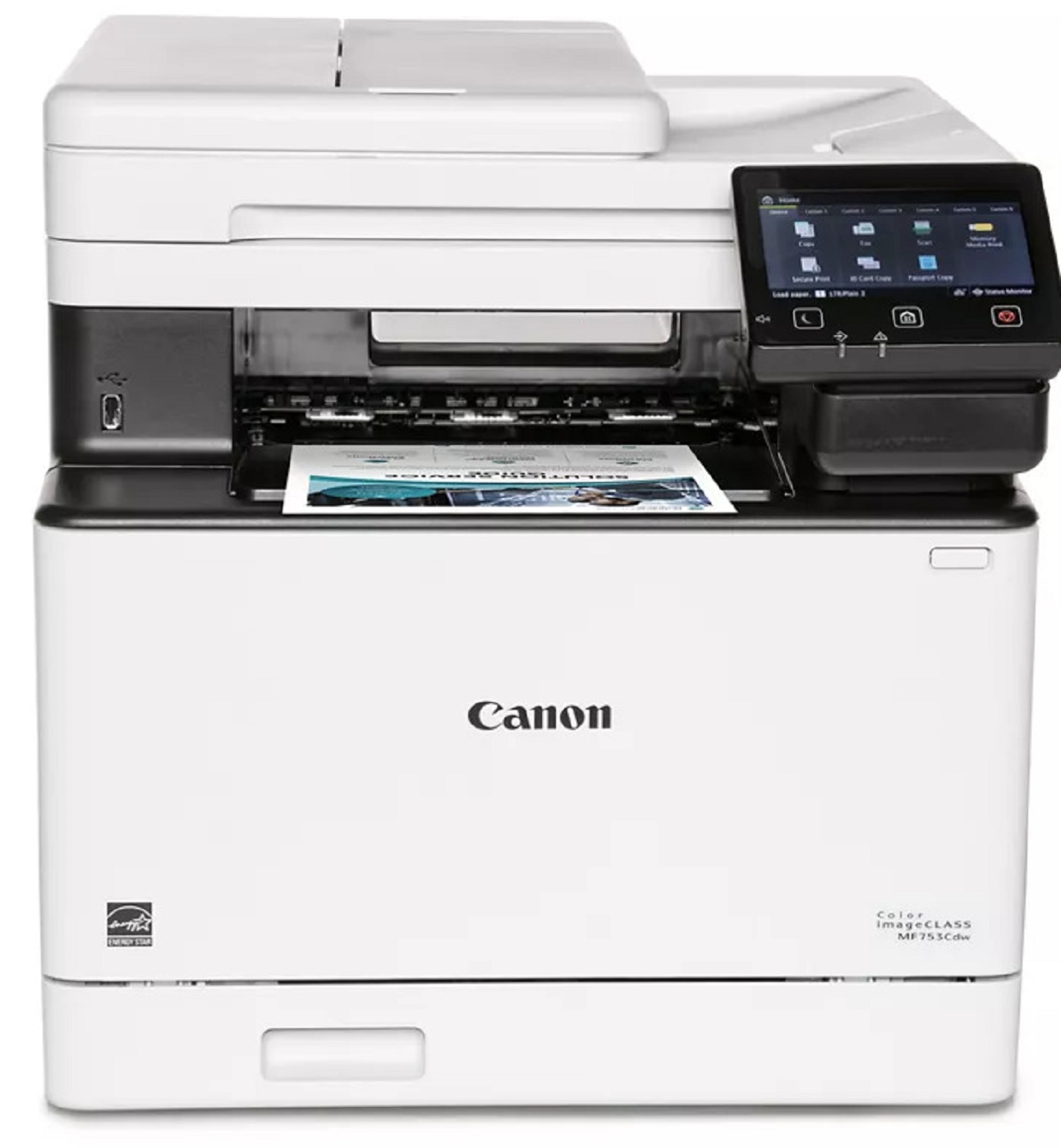

Product Details
Specifications
Accessories
Reviews
Product Details
Main Features
- Color output
- 4 Functions: Print, Copy, Scan and Fax
- First Print Out: 7 seconds
- Print speed: 35 pages per minute
- Automatic double sided print outs
- Compact design
- 850 sheet maximum paper capacity
- Built in Wi-Fi
- USB connection
- 5 inch color touchscreen
Specifications
General Specifications
|
Functions |
Print, Copy, Scan, Fax |
|
Print Speed |
35 ppm |
|
Print Resolution |
up to 1200 x 1200 dpidpi |
|
Time to First Print |
7 Seconds |
|
Standard Paper Capacity |
300 Sheets |
|
Maximum Paper Capacity |
850 Sheets |
|
Document Feeder |
50 Sheet ADF, Simplex Scan |
|
Print Memory |
1 GB |
|
Connectivity |
USB 2.0 High‐Speed, 10/100/1000Base‐T/TX Ethernet (Network), Wi‐Fi 802.11b/g/n, Wi‐Fi® Direct Connection |
|
Dimensions |
16.8" (W) x 18.2" (D) x 17" (H) |
|
Weight |
Approximately 48.5 lbs. |
Accessories

Reviews


Preview and proofread your documents on the screen before sending them to print. This will save you a lot of paper and re-printing.
Is your printer smearing immediately after changing a cartridge? Check that the protective tape over the nozzles is completely removed.
Flashing light on your printer? Each printer has a different reason for a blinking or orange light but in general it is due to a paper jam, an empty paper tray, a printer cartridge problem or a problem with the printer hardware.
MY ACCOUNT
INFO & POLICIES
SHOP EASY
PAYMENT OPTIONS



