



 Shopping Cart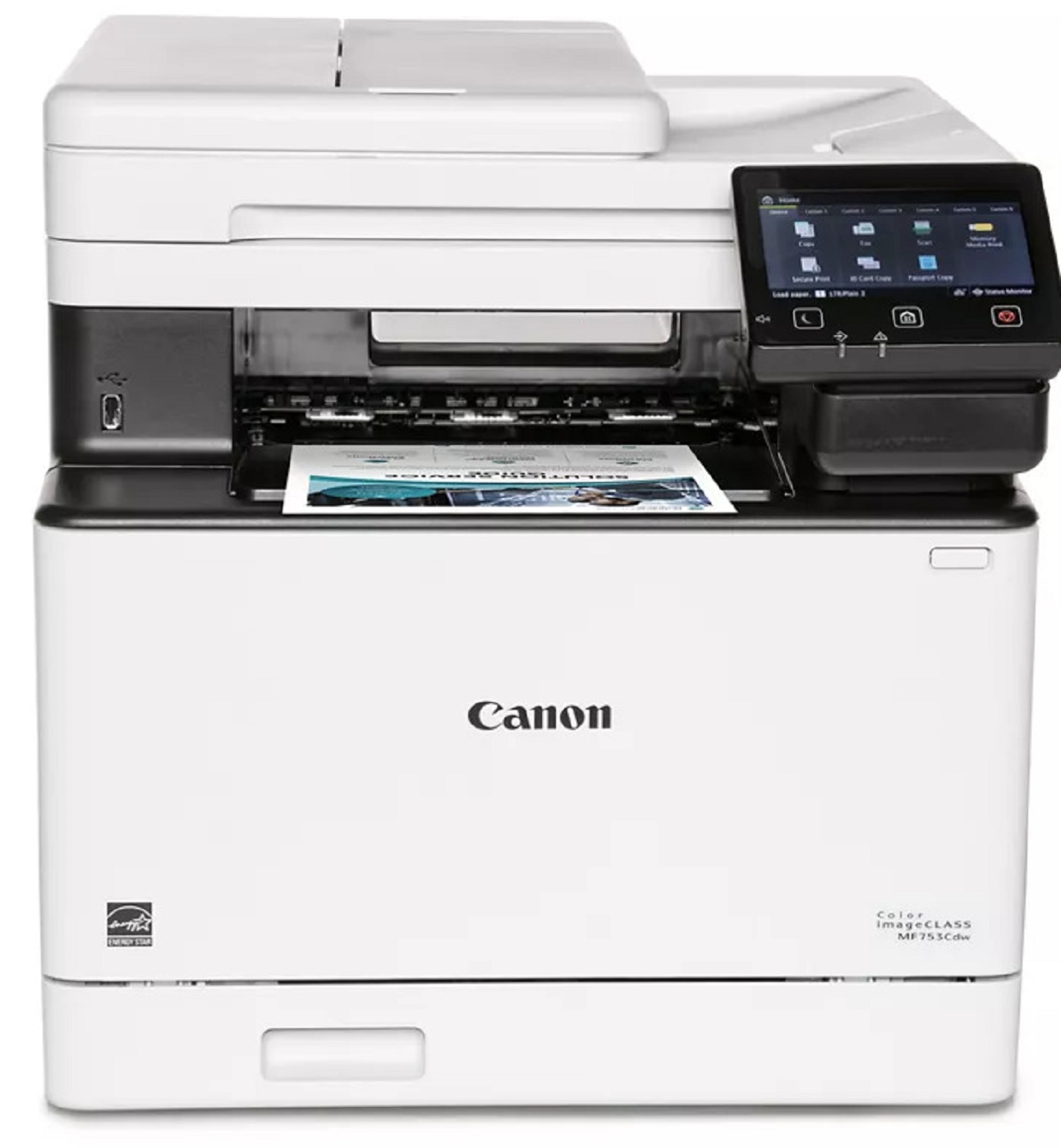

Product Details
Specifications
Accessories
Reviews
Product Details
Main Features
- Color output
- 4 Functions: Print, Copy, Scan and Fax
- First Print Out: 7 seconds
- Print speed: 35 pages per minute
- Automatic double sided print outs
- Compact design
- 850 sheet maximum paper capacity
- Built in Wi-Fi
- USB connection
- 5 inch color touchscreen
Specifications
General Specifications
|
Functions |
Print, Copy, Scan, Fax |
|
Print Speed |
35 ppm |
|
Print Resolution |
up to 1200 x 1200 dpidpi |
|
Time to First Print |
7 Seconds |
|
Standard Paper Capacity |
300 Sheets |
|
Maximum Paper Capacity |
850 Sheets |
|
Document Feeder |
50 Sheet ADF, Simplex Scan |
|
Print Memory |
1 GB |
|
Connectivity |
USB 2.0 High‐Speed, 10/100/1000Base‐T/TX Ethernet (Network), Wi‐Fi 802.11b/g/n, Wi‐Fi® Direct Connection |
|
Dimensions |
16.8" (W) x 18.2" (D) x 17" (H) |
|
Weight |
Approximately 48.5 lbs. |
Accessories

Reviews


If your print settings are too dark, it could be detrimental to the life of the cartridge in the long run. It’s important that the density control of the machine be properly set to prevent the machine from pulling too much toner into itself.
Is your printer smearing immediately after changing a cartridge? Check that the protective tape over the nozzles is completely removed.
Printer not working? Check if the heads of the toners are clean or not. They must be cleaned periodically.
MY ACCOUNT
INFO & POLICIES
SHOP EASY
PAYMENT OPTIONS



