



 Shopping Cart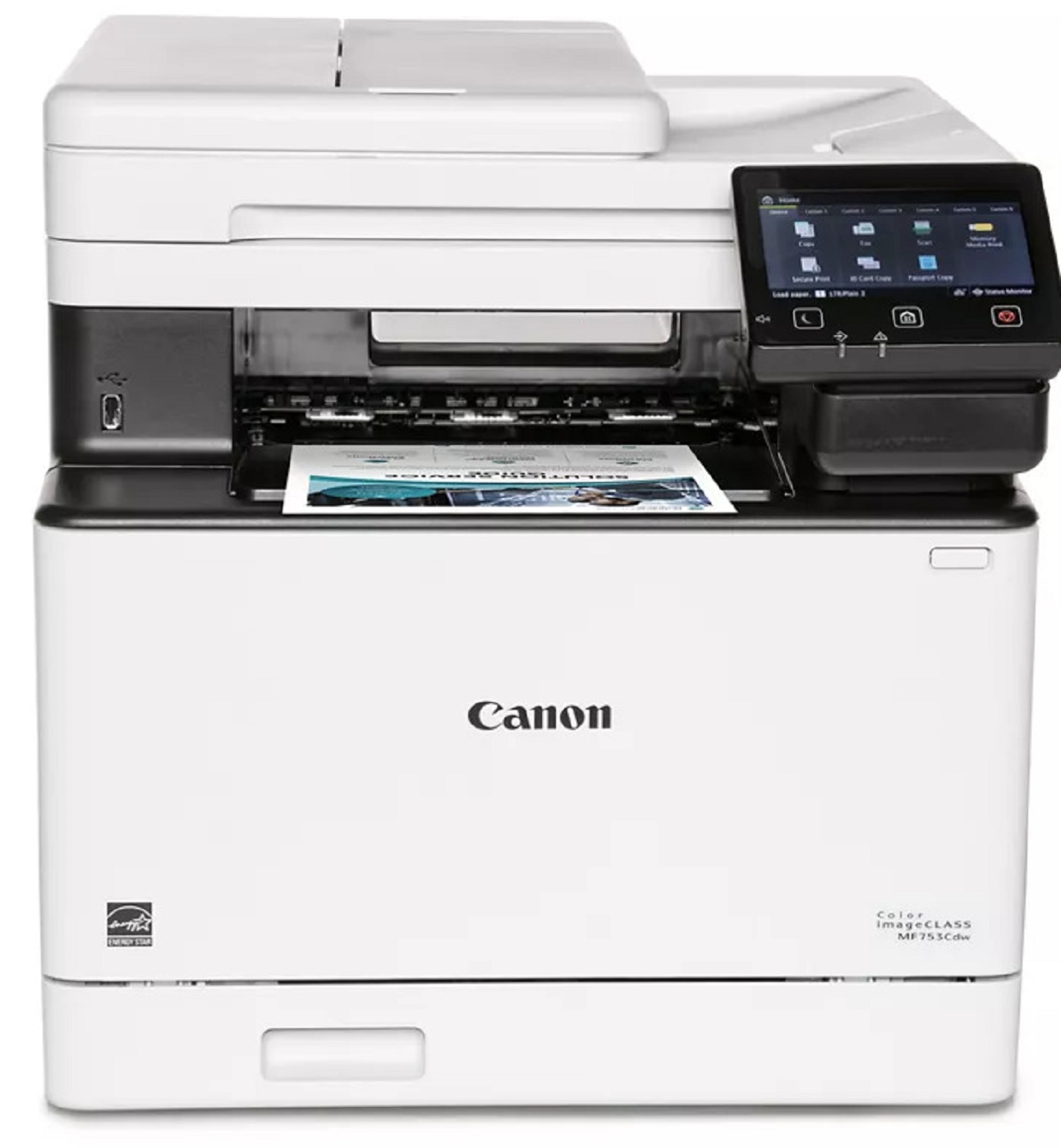

Product Details
Specifications
Accessories
Reviews
Product Details
Main Features
- Color output
- 4 Functions: Print, Copy, Scan and Fax
- First Print Out: 7 seconds
- Print speed: 35 pages per minute
- Automatic double sided print outs
- Compact design
- 850 sheet maximum paper capacity
- Built in Wi-Fi
- USB connection
- 5 inch color touchscreen
Specifications
General Specifications
|
Functions |
Print, Copy, Scan, Fax |
|
Print Speed |
35 ppm |
|
Print Resolution |
up to 1200 x 1200 dpidpi |
|
Time to First Print |
7 Seconds |
|
Standard Paper Capacity |
300 Sheets |
|
Maximum Paper Capacity |
850 Sheets |
|
Document Feeder |
50 Sheet ADF, Simplex Scan |
|
Print Memory |
1 GB |
|
Connectivity |
USB 2.0 High‐Speed, 10/100/1000Base‐T/TX Ethernet (Network), Wi‐Fi 802.11b/g/n, Wi‐Fi® Direct Connection |
|
Dimensions |
16.8" (W) x 18.2" (D) x 17" (H) |
|
Weight |
Approximately 48.5 lbs. |
Accessories

Reviews


Media settings on your printer determine how much ink will be used. Thinly coated glossy films require less ink, while plain paper soaks in more.
If you are not getting the results you expect, don't give up on your printer until you manually set the driver for the paper that you are using.
Not all drivers are pre-installed on all operating systems and as new operating systems are released, you will need to install drivers yourself. Make sure to consult your printer manual.
MY ACCOUNT
INFO & POLICIES
SHOP EASY
PAYMENT OPTIONS



