



 Shopping Cart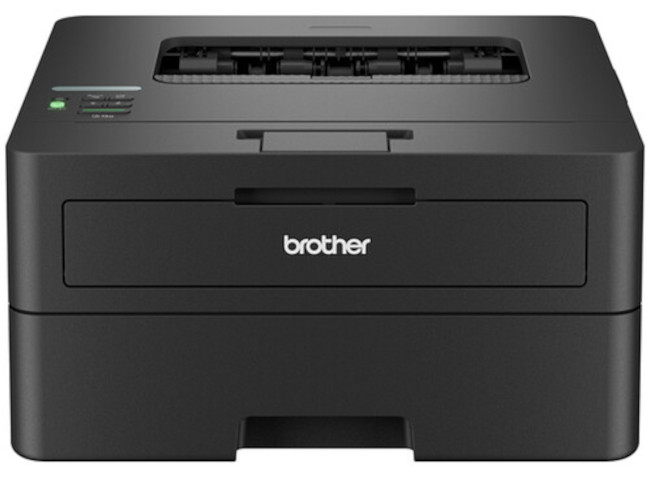



*** ALL TONERS AND SUPPLIES ARE IN STOCK AT DISCOUNTED PRICING , CALL +18882983095.
Printers do not include supplies - toners , drums (Imaging Units) (where applicable) , printer cables , manuals , consumables , trays (where applicable). Power cables are included. Drivers can be downloaded from the manufacturers website. Please verify that drivers available are compatible with your software on the manufacturers site.
Product Details
Specifications
Accessories
Reviews
Product Details
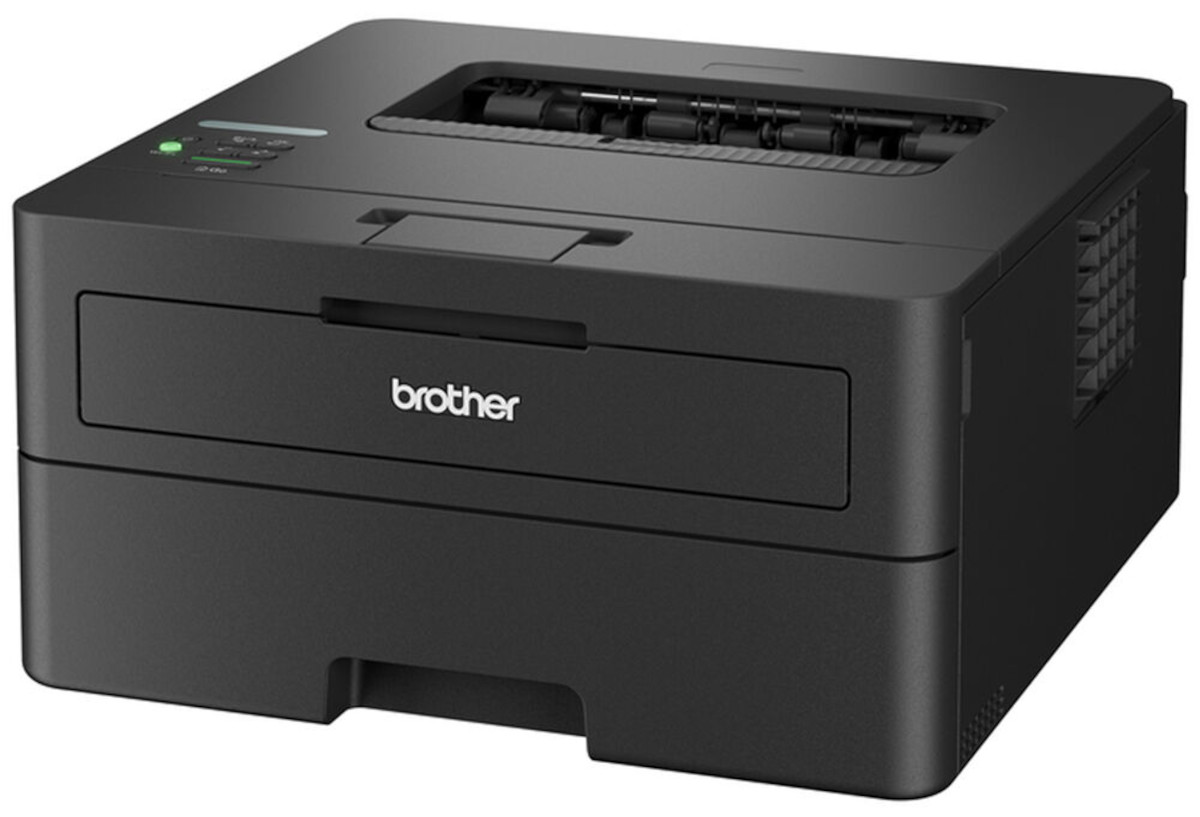
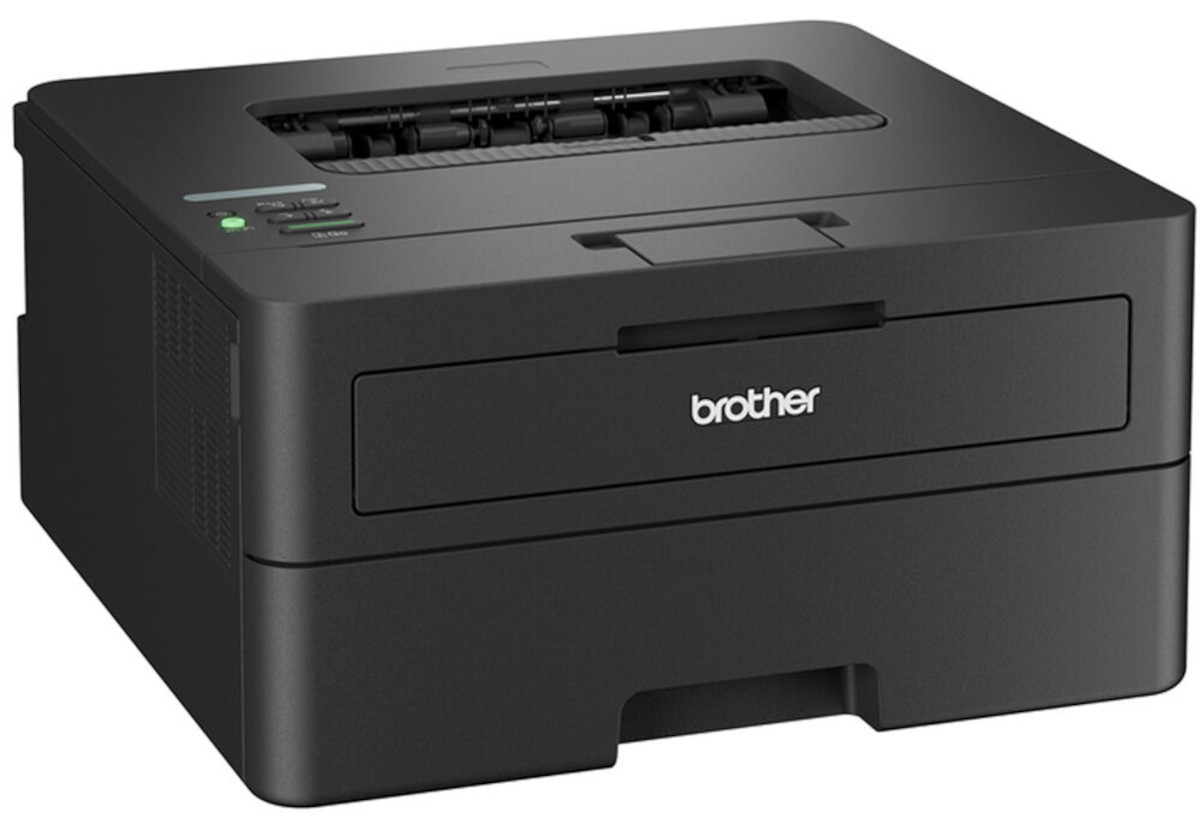
Main Features
- Black and white output
- Compact, durable design
- Print speed: 36 pages per minute
- Automatic two-sided printing
- Ethernet, Wireless, and USB connectivity
- 250 Sheet capacity paper tray
- Single sheet manual feed slot
- First printout in less than 8.5 seconds
- Mobile printing with AirPrint, Mopria, Brother Mobile Connect, and Wi-Fi Direct
- 1-line LCD Display
Specifications
General Specifications
| Printing Technology | |
| Color Type | |
| Print Resolution | |
| Borderless Printing | |
| Duplex Printing | |
| Printer Language | |
| Print Speed (By Time) | |
| First Print Out Time | |
| Monthly Duty Cycle |
| Media Handling | |
| Media Sizes | |
| Media Weight | |
| Paper Capacity | |
| Special Media Support |
| Inputs/Outputs | |
| Wireless | |
| Direct Printing | |
| Processor Speed | |
| Internal Memory | |
| OS Compatibility | |
| Mobile App Compatible | |
| OS Compatibility |
| Operating Conditions |
| Display Type | |
| Power Source | |
| Battery | |
| Input Power | |
| Power Consumption | |
| Max Acoustic Noise | |
| Certifications | |
| Dimensions (W x H x D) | |
| Weight |
 Download Manufacturer Specifications
Accessories

Reviews


Getting blank pages after you installed a new cartridge? Check that the sticker from the cartridge was properly removed. Alternatively, run the clean print head function to make sure all air bubbles are removed. Do not remove the cartridge once it has been installed.
When power is applied, you should hear the print mechanism initialize and most printers have at least one light which will be illuminated when it is on.
If you are not getting the results you expect, don't give up on your printer until you manually set the driver for the paper that you are using.
MY ACCOUNT
INFO & POLICIES
SHOP EASY
PAYMENT OPTIONS



