



 Shopping Cart
 Brother MFC-L5700DW MultiFunction Laser Printer
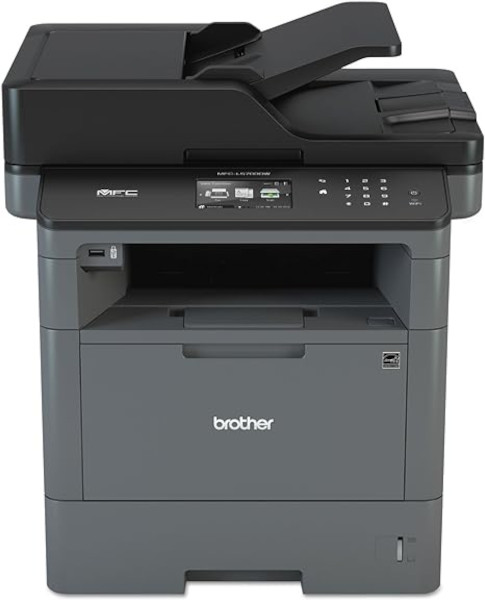


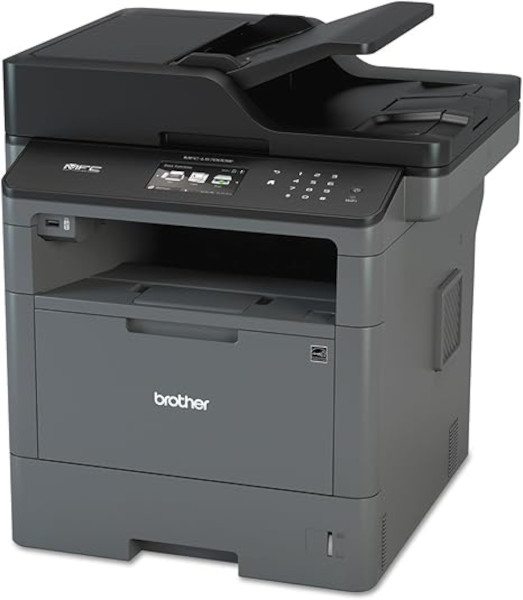
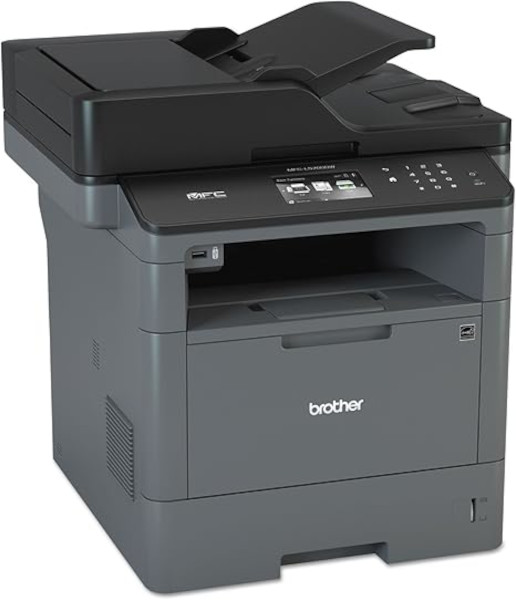

Images are for illustration purposes only and do not necessarily reflect the actual product.
Product Details
Specifications
Accessories
Reviews
Product Details
Main Features
- Functions: Print, scan, copy, and fax
- Expandable paper capacity up to 1,340 sheets
- 3.7" Color touchscreen display
- Triple layer security features
- Print resolution: Up to 1200 x 1200 dpi
- 50 Page Auto Document Feeder
- Front USB host
- Maximum document size: 8.5” x 11”
- Ethernet, & Wi-Fi Connectivity
- Two-sided printing
Specifications
General Specifications
| Product Dimensions | 16.8"D x 17.1"W x 19.1"H |
|---|---|
| Controller Type | Android |
| Printer Media Size Maximum | 8.5 x 14 inch |
| Included Components | Multi Function Laser Printers |
| Print media | Envelopes, Paper (plain), Card stock, Labels |
| Scanner Type | Sheetfed |
| Max Input Sheet Capacity | 250 |
| Max Copy Speed (Black & White) | 42 ppm |
| Display Type | LCD |
| Compatible Devices | Smartphones |
| Sheet Size | Letter, Legal, Executive, A4, A5, A6 |
| Dual-sided printing | Yes |
| Duplex | |
| Hardware Interface | USB, Ethernet |
| Ink Color | Black |
| Resolution | 1200 x 1200 |
| Control Method | Touch |
| Is Electric | Yes |
| Number of Trays | 2 |
| Number of USB 2 Ports | 1 |
| Model Series | L5700DW |
| Specific Uses For Product | Office, small to medium business |
| UPC | 012502642381 |
| Memory Storage Capacity | 64 MB |
| Item Weight | 21 pounds |
 Download Manufacturer Specifications
Accessories

Reviews


Paper jam? The best way to remove jammed paper is to gently pull the paper in the direction of the paper path - with power off, of course. Do not pull the paper backwards - you could damage your printer forever by doing so.
Your ink is not going onto the paper properly or you notice uneven coverage? Try aligning the print heads before you bring out the big guns.
After installing a printer, go to the Windows dialog box and check the settings, so you won't be surprised by what happens the first time you print.
MY ACCOUNT
INFO & POLICIES
SHOP EASY
PAYMENT OPTIONS



* Images are for illustration purposes only.